
Kicad templates

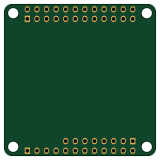
About the Kicad templates PCB
Kicad templates is an open source PCB design by Tonymac32, published on GitHub. It is a 2-layer board measuring 40 × 40 mm, with 3 components from 3 distinct parts.
From the project
Single Board Computer accessory templates for KiCad
This repository is for templates to make accessory boards or "hats" for single board computers.
Currently supported: - NanoPi NEO/NEO2/AIR/NEO Plus2
Partially Supported: - NanoPi NEO Core (by NanoPi NEO)
As always, I enjoy contributing to the community. If you like what I do and want to see more, [donate Here][paypal]
[paypal]: https://www.paypal.com/cgi-bin/webscr?cmd=s-xclick&hostedbutton_id=6JRRCSB28828Y&source=url
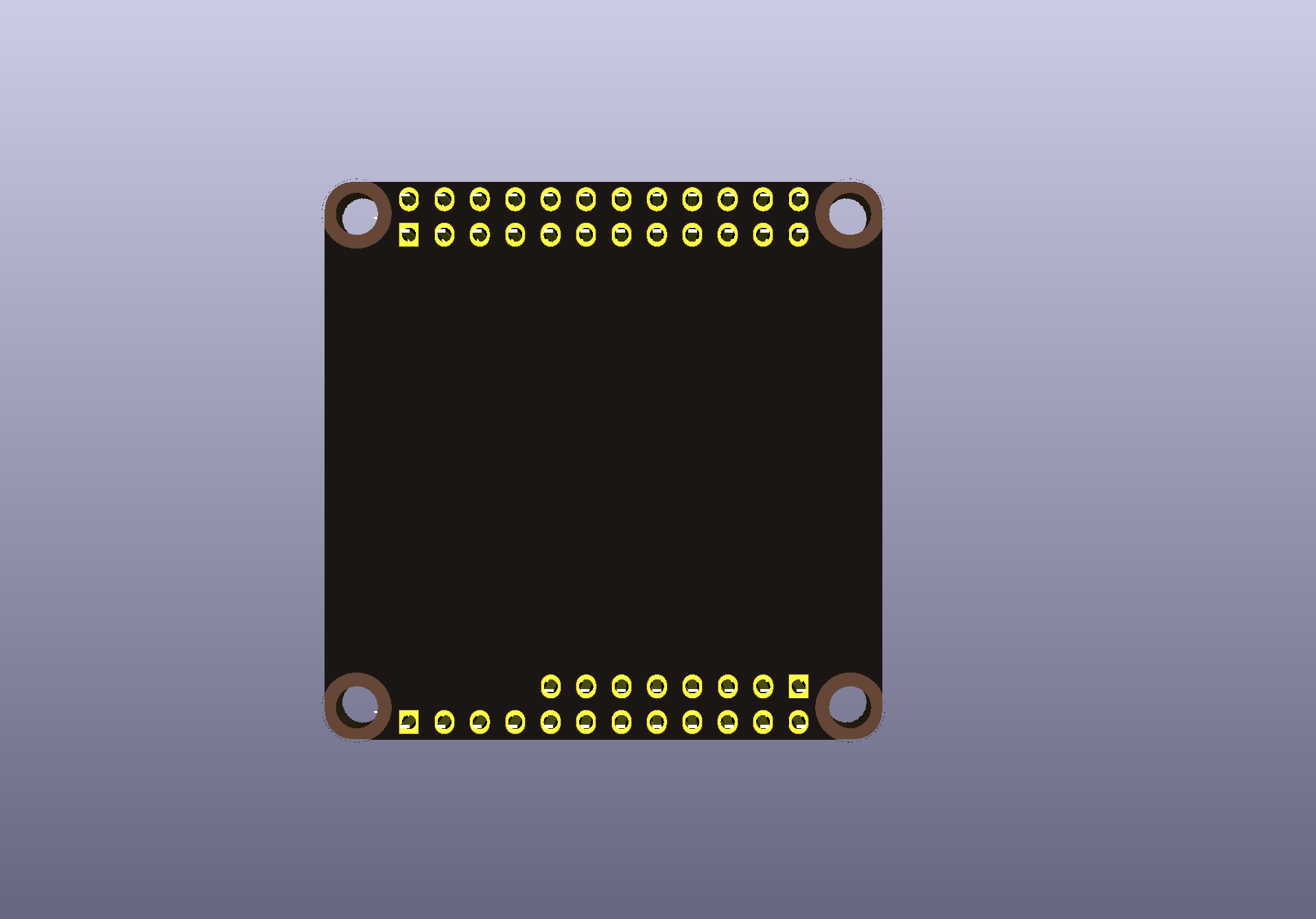
Kicad templates bill of materials (BOM)
3 components, 3 distinct parts.
| Qty | Part | Footprint | Refs |
|---|---|---|---|
| 1 | GPIO | Socket_Strip_Straight_2x12_Pitch2.54mm | J1 |
| 1 | USB-Audio-IR | Socket_Strip_Straight_1x12_Pitch2.54mm | J2 |
| 1 | Audio-UART | Socket_Strip_Straight_1x08_Pitch2.54mm | J3 |
Kicad templates design files
The KiCad project lives in the Tonymac32/kicad-templates repository on GitHub; these links point at the commit this page was built from.
Kicad templates: common questions
How big is the Kicad templates PCB?
The Kicad templates measures 40 × 40 mm, has 2 copper layers and is 1.6 mm thick.
How many components are on the Kicad templates?
3 components, from 3 distinct parts. The full bill of materials is listed on this page.
Where can I download the Kicad templates design files?
From the Tonymac32/kicad-templates repository on GitHub, which has the KiCad layout; the links under Design files point to each one.
Can I use the Kicad templates design in my own project?
The repository has no license, so all rights stay with Tonymac32. Use it as a reference, and ask the author before reusing the design.