
Top

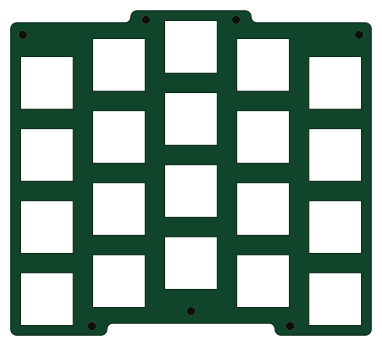
About the Top PCB
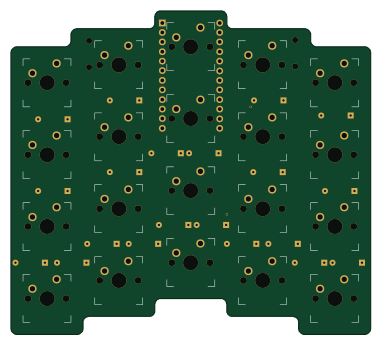
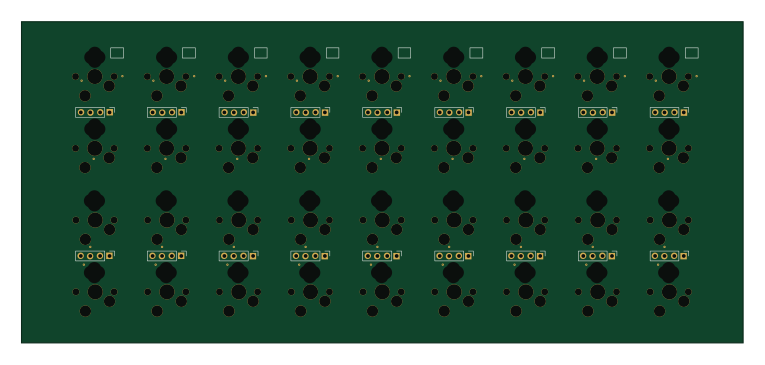
Top is an open source PCB design by 94k, published on GitHub under the WTFPL license. It is a 2-layer board measuring 95.3 × 85.7 mm, with 20 components from 1 distinct parts.
It belongs with the keyboards designs in this gallery.
From the project
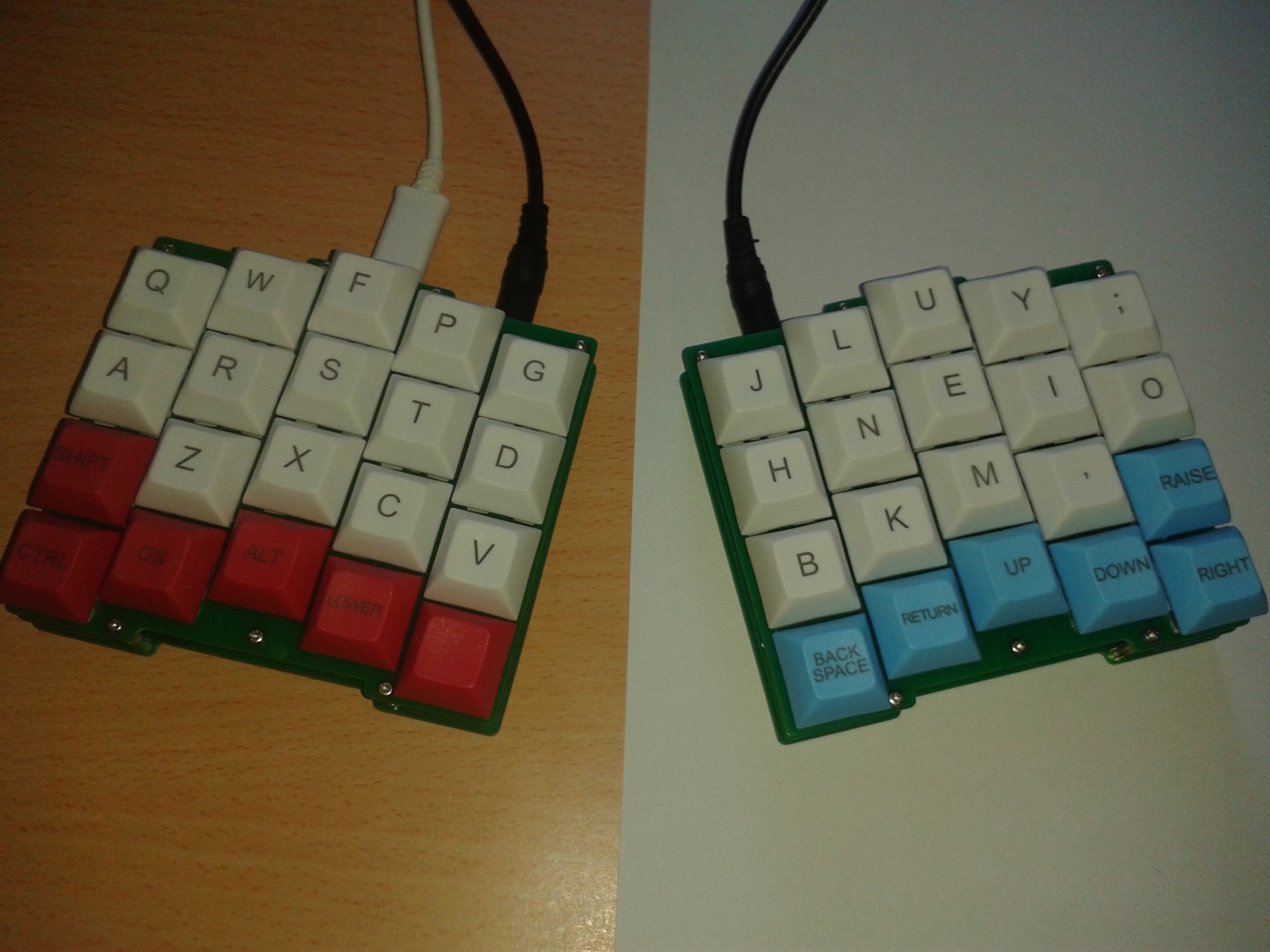
stroem PCB and plates
The PCB supports through hole diodes as well as 0805 diodes.
1. Solder all the diodes, you can solder them on the top or bottom side of the PCB. 2. Solder the pins/socket for the ProMicro 3. Put all the switches into the top plate. The holes are tight so make sure all the switches are level with the plate. 4. Put the switches with top plate on the PCB, it should be a snug fit. 5. Make sure no switch pins are bent, they should all go through the PCB. 6. Solder the two switches above the ProMicro. 7. Put tape over the ProMicro's USB port and solder or socket the ProMicro. 8. Flash the ProMicro…
Top bill of materials (BOM)
20 components, 1 distinct parts.
| Qty | Part | Footprint | Refs |
|---|---|---|---|
| 20 | KEYSW | CHERRY_CUTOUT_100H | K1, K2, K3, K4, K5, K6, K7, K8 +12 |
Top design files
The KiCad project lives in the 94k/stroem_hardware repository on GitHub; these links point at the commit this page was built from.
- Layoutkicad/top.kicad_pcb
Top: common questions
How big is the Top PCB?
The Top measures 95.3 × 85.7 mm, has 2 copper layers and is 1.6 mm thick.
How many components are on the Top?
20 components, from 1 distinct parts. The full bill of materials is listed on this page.
Where can I download the Top design files?
From the 94k/stroem_hardware repository on GitHub, which has the KiCad layout; the links under Design files point to each one.
Can I use the Top design in my own project?
Yes, under the terms of its WTFPL license, which 94k chose for the repository.
 byrantech

 google