
Tutorial

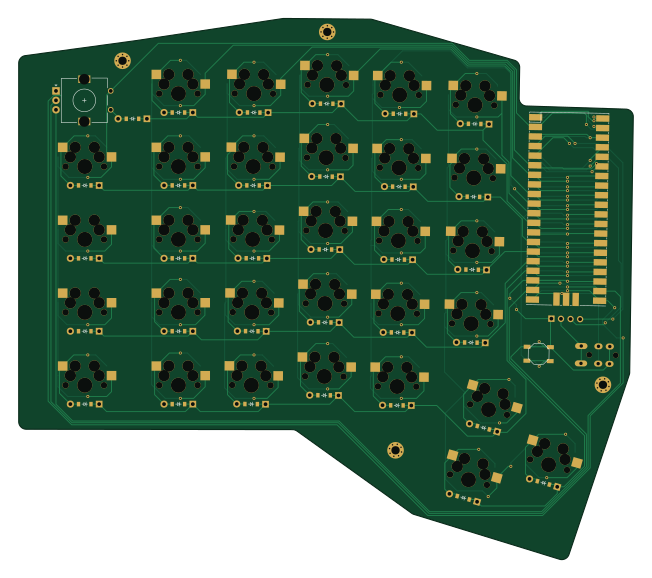
About the Tutorial PCB
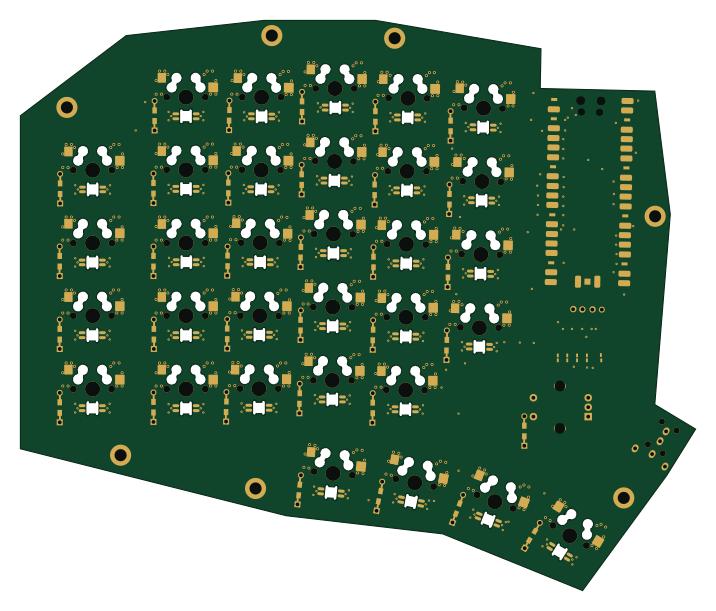
Tutorial is an open source PCB design by GearBoxFox, published on GitHub. It is a 2-layer board measuring 162.7 × 143.3 mm, with 68 components from 8 distinct parts.
By type, the board carries 31 switches, 31 diodes and 1 LED.
It belongs with the keyboards designs in this gallery.
From the project
Kicad, Ergogen, and QMK files for Hackclub's Hackpad V2
Tutorial bill of materials (BOM)
68 components, 8 distinct parts — part numbers from the project's BOM.
| Qty | Part | Footprint | Refs |
|---|---|---|---|
| 2 | — | SW_TACT_ALPS_SKQGABE010 | B1, B2 |
| 1 | — | rotary_encoder | ROT1 |
| 31 | — | MX | S1, S2, S3, S4, S5, S6, S7, S8 +23 |
| 1 | — | trrs_pj320a (reversible, symmetric) | TRRS1 |
| 1 | RPi_Pico_SMD_TH | RPi_Pico_SMD_TH | _1 |
| 1 | OLED | OLED_headers | OLED1 |
| 1 | MBR120VLSFT1G ON Semiconductor | ComboDiode | D1 |
| 30 | — | ComboDiode | D2, D3, D4, D5, D6, D7, D8, D9 +22 |
Tutorial design files
The KiCad project lives in the GearBoxFox/foxxboard repository on GitHub; these links point at the commit this page was built from.
Tutorial: common questions
How big is the Tutorial PCB?
The Tutorial measures 162.7 × 143.3 mm, has 2 copper layers and is 1.6 mm thick.
How many components are on the Tutorial?
68 components, from 8 distinct parts, with part numbers taken from the project's own BOM. The full bill of materials is listed on this page.
Where can I download the Tutorial design files?
From the GearBoxFox/foxxboard repository on GitHub, which has the KiCad layout and the BOM; the links under Design files point to each one.
Can I use the Tutorial design in my own project?
The repository has no license, so all rights stay with GearBoxFox. Use it as a reference, and ask the author before reusing the design.
More boards in foxxboard
Similar boards
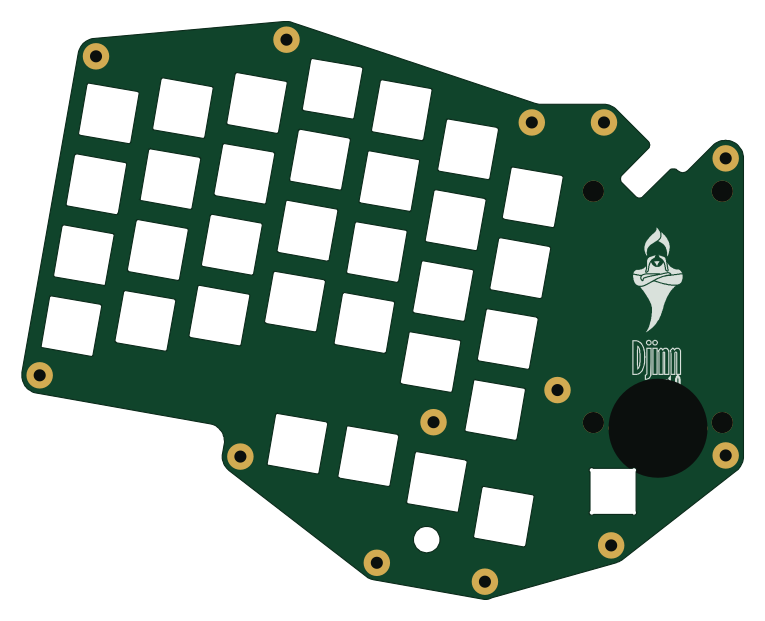
Board-DjinnPlate
tzarc
191 × 152.9 mm4 parts2LCERN-OHL-S-2.0988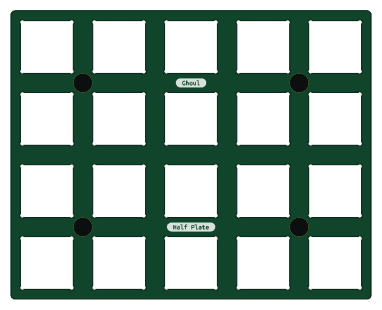
Half plate
95.3 × 76.2 mm24 parts2LCERN-OHL-S-2.0988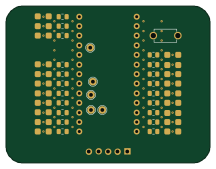
Mikoto flashbed
zhiayang
54 × 41.5 mm48 parts2LApache-2.0355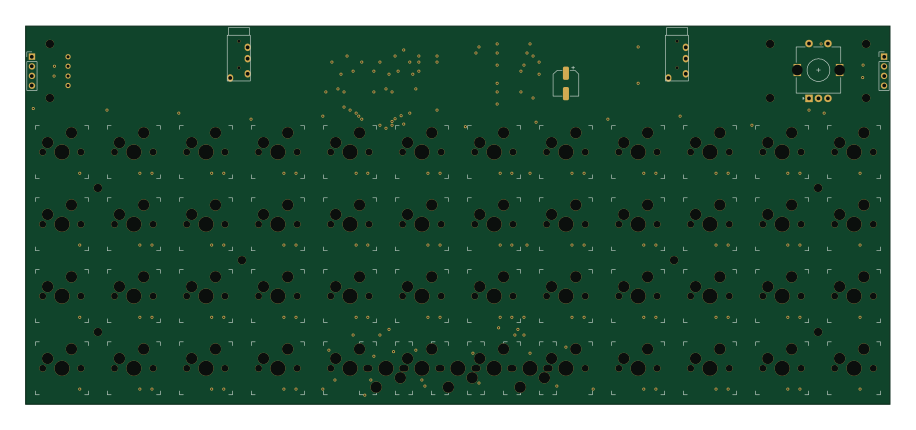
Mongus48
ChrisChrisLoLo
228.6 × 100 mm111 parts2LGPL-3.0334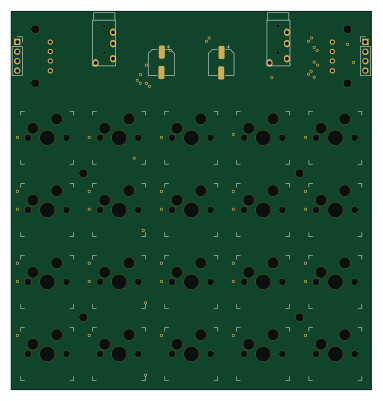
Beyblock20
95.3 × 100 mm51 parts2LGPL-3.0334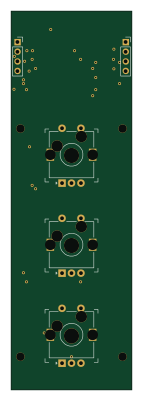
Knoblin3
31.8 × 100 mm11 parts2LGPL-3.0334