
Accessory

About the Accessory PCB
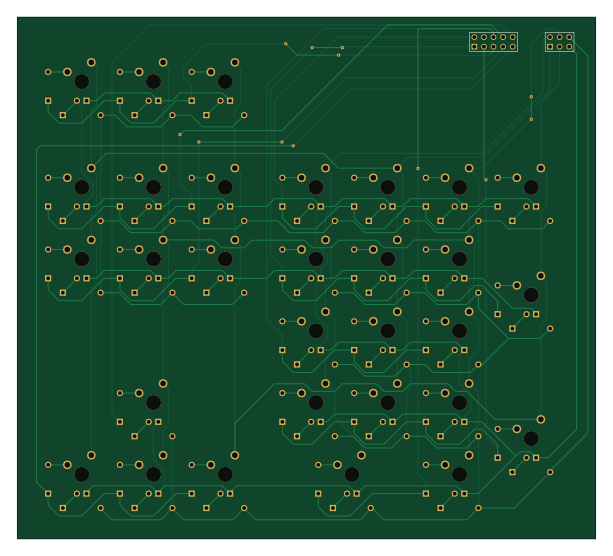
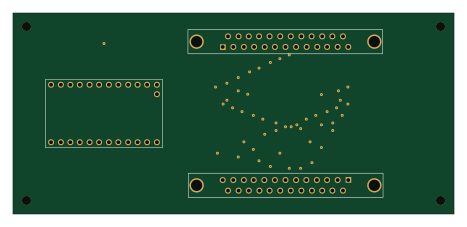
Accessory is an open source PCB design by jmfb, published on GitHub. It is a 2-layer board measuring 153 × 138 mm, with 32 components from 3 distinct parts.
By type, the board carries 30 switches and 2 connectors.
It belongs with the keyboards designs in this gallery.
From the project
Custom Keyboard Files
I took a prefabricated tenkeyless PCB and used a dremel to cut it into 3 pieces: - Left hand board (jagged cut at F5, 6, T, G, B) - Right hand board (jagged cut at F6, 7, Y, H, N) - Arrow keys
I proceeded to use the dremel to sever all PCB traces for the keys but left the diode traces. Cherry MX brown switches were then directly mounted to the PCB. Note that these switches were the ones designed to be plate mounted (did not include the extra two plastic pegs for direct PCB mounting) so the keys ended up looking crooked.
Accessory bill of materials (BOM)
32 components, 3 distinct parts.
| Qty | Part | Footprint | Refs |
|---|---|---|---|
| 1 | CONN_10 | PIN_ARRAY_5x2_INVERTED | P1 |
| 1 | CONN_6 | pin_array_3x2_inverted | P2 |
| 30 | SW_DIODE | SW_DIODE | SW1, SW2, SW3, SW4, SW5, SW6, SW7, SW8 +22 |
Accessory design files
The KiCad project lives in the jmfb/CustomKeyboard repository on GitHub; these links point at the commit this page was built from.
Accessory: common questions
How big is the Accessory PCB?
The Accessory measures 153 × 138 mm, has 2 copper layers and is 1.6 mm thick.
How many components are on the Accessory?
32 components, from 3 distinct parts. The full bill of materials is listed on this page.
Where can I download the Accessory design files?
From the jmfb/CustomKeyboard repository on GitHub, which has the KiCad layout; the links under Design files point to each one.
Can I use the Accessory design in my own project?
The repository has no license, so all rights stay with jmfb. Use it as a reference, and ask the author before reusing the design.
More boards in CustomKeyboard
Similar boards
Lily58 Lite Rev3 TOP Case
kata0510
142.5 × 106.4 mm34 parts2LMIT2.3k
Lily58 Pro BOTTOM
142.5 × 106.3 mm5 parts2LMIT2.3k
Lily58
142.5 × 106.3 mm83 parts2LMIT2.3k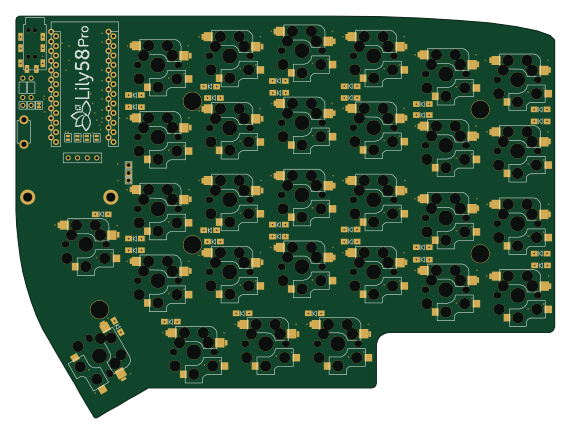
Lily58 Pro
142.5 × 106.3 mm83 parts2LMIT2.3k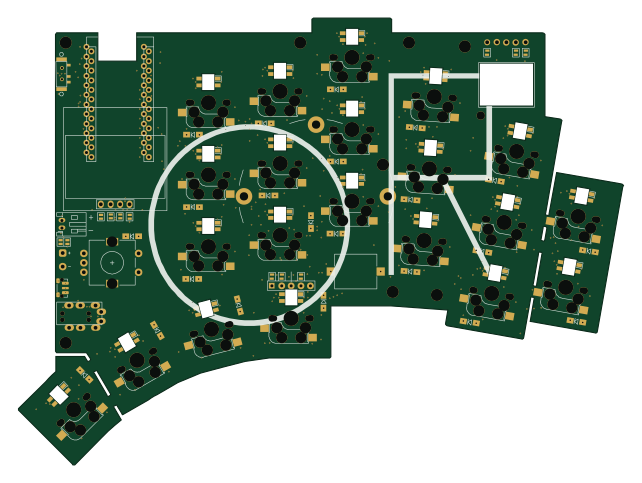
KLOR
GEIGEIGEIST
160.2 × 118.3 mm79 parts2LGPL-3.01.2k
Pcb top
tompi
132.5 × 95.1 mm18 parts2LCC-BY-4.01.2k