
Rw piggyback

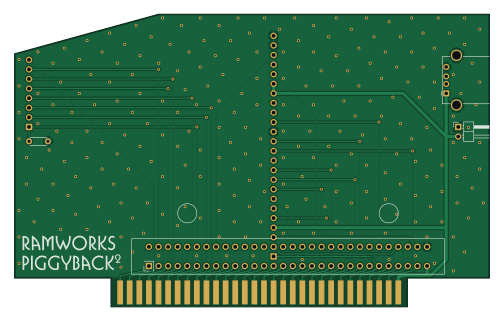
About the Rw piggyback PCB
Rw piggyback is an open source PCB design by rharke, published on GitHub under the MIT license. It is a 2-layer board measuring 125.7 × 77.5 mm, with 7 components from 7 distinct parts.
By type, the board carries 6 connectors and 1 capacitor.
From the project
Use a modern Apple IIe RAM card with a RamWorks-style RGB piggyback
This card provides a way to use a modern Apple IIe RAM card (such as the GW4203B from Garret's Workshop) with a RamWorks-style RGB piggyback card.
For the RGB piggyback, it is compatible with classic piggyback cards like the Applied Engineering RGB Card, Digital Prism, and Color Link, as well as the a2heaven VGA piggyback card.
For the RAM, the GW4203B is recommended, but you could also use one of the older GW 2MB cards, or one of the "small" Apple 80-column cards. (But why?) It just needs to be 2" tall or less.
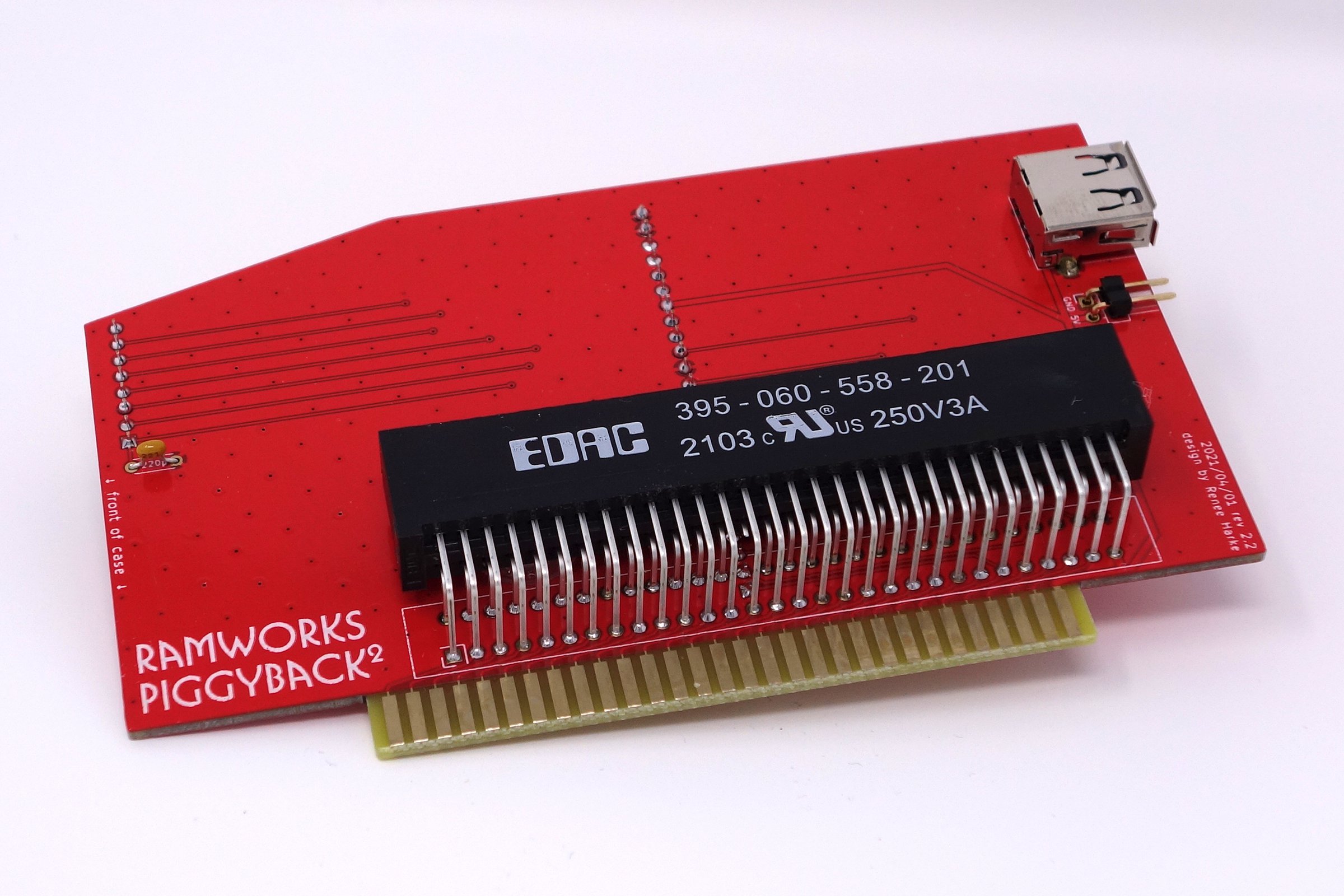
Rw piggyback bill of materials (BOM)
7 components, 7 distinct parts.
| Qty | Part | Footprint | Refs |
|---|---|---|---|
| 1 | Logic Board | AppleIIeAux | J1 |
| 1 | RAM Card | CardEdge_EDAC_3x5-060_2x30_P2.54mm_CCW_No47 | J2 |
| 1 | Piggyback A | PinSocket_1x08_P2.54mm_Vertical | J3 |
| 1 | Piggyback B | PinSocket_1x24_P2.54mm_Vertical | J4 |
| 1 | Power | PinHeader_1x02_P2.54mm_Horizontal | J5 |
| 1 | USB A | USB_A_Stewart_SS-52100-001_Horizontal | J6 |
| 1 | 220p | C_Disc_D4.3mm_W1.9mm_P5.00mm | C1 |
Rw piggyback design files
The KiCad project lives in the rharke/rw-piggyback repository on GitHub; these links point at the commit this page was built from.
- Layoutrw-piggyback.kicad_pcb
Rw piggyback: common questions
How big is the Rw piggyback PCB?
The Rw piggyback measures 125.7 × 77.5 mm, has 2 copper layers and is 1.6 mm thick.
How many components are on the Rw piggyback?
7 components, from 7 distinct parts. The full bill of materials is listed on this page.
Where can I download the Rw piggyback design files?
From the rharke/rw-piggyback repository on GitHub, which has the KiCad layout; the links under Design files point to each one.
Can I use the Rw piggyback design in my own project?
Yes, under the terms of its MIT license, which rharke chose for the repository.