
Flags

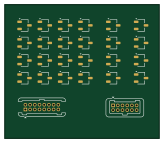
About the Flags PCB
Flags is an open source PCB design by tmarhguy, published on GitHub under the MIT license. It is a 2-layer board measuring 41 × 35.5 mm, with 26 components from 4 distinct parts.
By type, the board carries 24 transistors and 2 connectors.
From the project
8-bit combinational ALU built from scratch with 3,488 CMOS transistors (KiCad + SPICE + Logisim + 1.24M tests
Generate 4 flags for ALU status and comparison: - LESS: A 0 (positive result) - COUT: Carry out (from adder)
Implementation: - 8× XOR gates (96T) - 8-input NOR gate (16T)
Logic: Cascaded priority comparison (MSB first)
Inputs: - A[7:0], B[7:0] - For comparison - OUT[7:0] - For POSITIVE detection - COUT_IN - From adder
Flags bill of materials (BOM)
26 components, 4 distinct parts.
| Qty | Part | Footprint | Refs |
|---|---|---|---|
| 12 | NMOS | TSOT-23 | Q201, Q210, Q211, Q212, Q213, Q214, Q215, Q216 +4 |
| 12 | PMOS | TSOT-23 | Q202, Q203, Q204, Q205, Q206, Q207, Q208, Q209 +4 |
| 1 | Conn_01x12_Pin | Harwin_Gecko-G125-FVX1205L0X_2x06_P1.25mm_Vertical | J101 |
| 1 | Conn_01x16_Pin | Harwin_Gecko-G125-MVX1605L0X_2x08_P1.25mm_Vertical | J102 |
Flags design files
The KiCad project lives in the tmarhguy/alu repository on GitHub; these links point at the commit this page was built from.
Flags: common questions
How big is the Flags PCB?
The Flags measures 41 × 35.5 mm, has 2 copper layers and is 1.6 mm thick.
How many components are on the Flags?
26 components, from 4 distinct parts. The full bill of materials is listed on this page.
Where can I download the Flags design files?
From the tmarhguy/alu repository on GitHub, which has the KiCad layout and the schematic; the links under Design files point to each one.
Can I use the Flags design in my own project?
Yes, under the terms of its MIT license, which tmarhguy chose for the repository.
More boards in alu
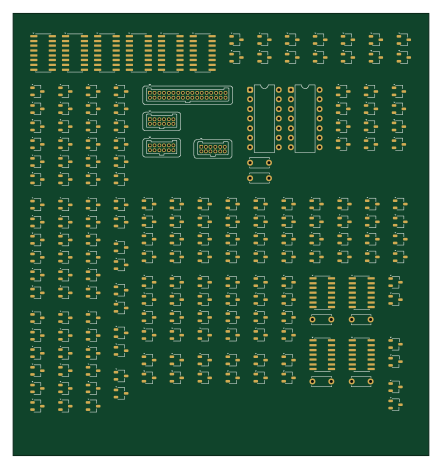
Add sub
110 × 117 mm200 parts2LMIT47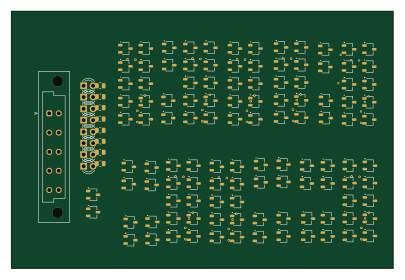
Led panel 1
101 × 68 mm131 parts2LMIT47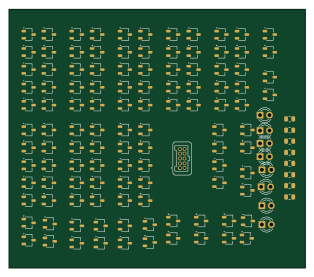
Led panel 2
78.5 × 68.5 mm129 parts2LMIT47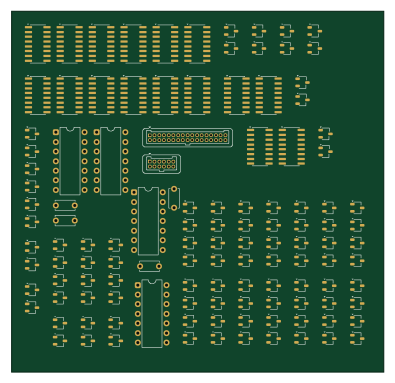
Main logic
98.5 × 95.5 mm122 parts2LMIT47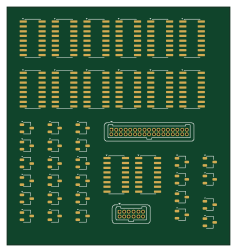
Main control
59 × 63 mm42 parts2LMIT47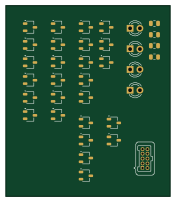
Led panel 3
43.5 × 50.5 mm35 parts2LMIT47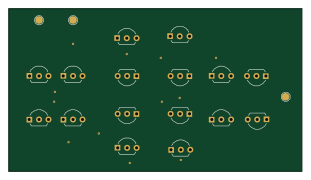
Gate xnor 2in
77.5 × 43 mm16 parts2LMIT47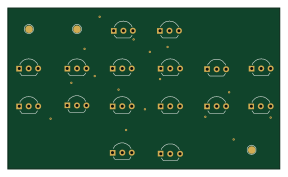
Gate xor 2in
72 × 42.5 mm16 parts2LMIT47
Gate and 4in
5.4 × 18.7 mm10 parts2LMIT47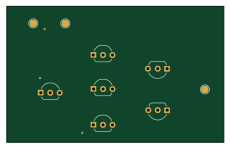
Gate or 2in
57.5 × 36 mm6 parts2LMIT47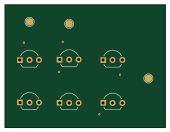
Gate and 2in
42.5 × 32.5 mm6 parts2LMIT47