
Thumb

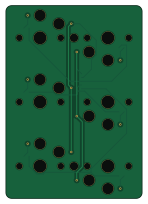
About the Thumb PCB
Thumb is an open source PCB design by yangit, published on GitHub under the MIT license. It is a 2-layer board measuring 36 × 51 mm, with 13 components from 3 distinct parts.
By type, the board carries 6 switches and 6 diodes.
It belongs with the keyboards designs in this gallery.
From the project
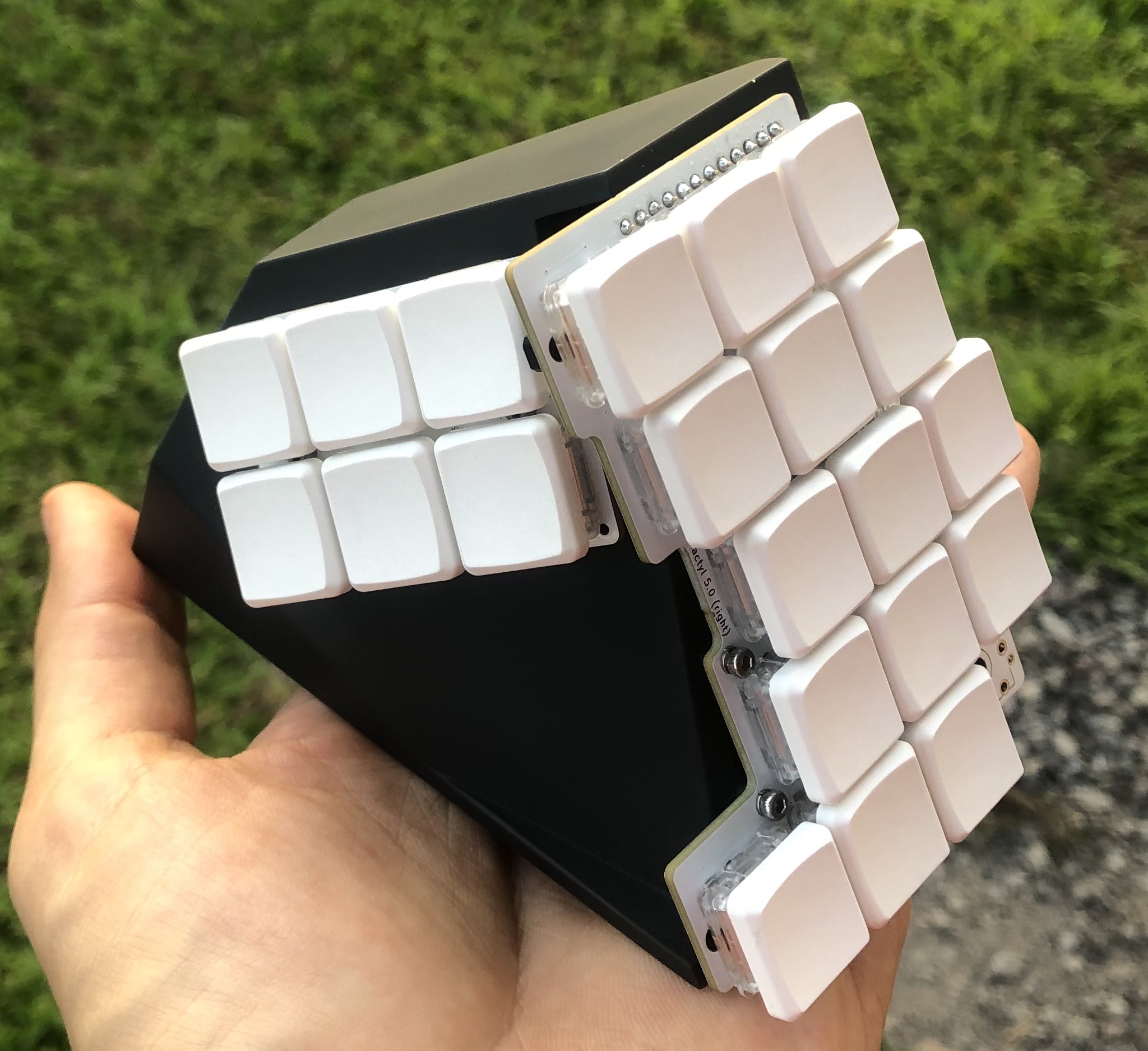
Flactyl keyboard
If you need help building this keyboard or have any questions you can drop me a line at yan@yan.my
- Fix routes too close to mounting screw holes can be stripped if screw is overtightened
- PCBs v4 are not compatible with case v5, connector cutout location have been changed - Moved thumb JST connector so that it is not necessary to trim JST cable - Moved JST connectors, reset button, power switch on main PCBs such that it it easier make parametric case - Added .scad for Iceberg/Clay cases
Thumb bill of materials (BOM)
13 components, 3 distinct parts — part numbers from the project's BOM.
| Qty | Part | Footprint | Refs |
|---|---|---|---|
| 1 | C136657 JC | JST_SH_SM05B-SRSS-TB_1x05-1MP_P1.00mm_Horizontal | JC1 |
| 6 | — | Kailh_socket_PG1350_no_silk | S1, S2, S3, S4, S5, S6 |
| 6 | C511874 D_SOD-523 | D_SOD-523 | D1, D2, D3, D4, D5, D6 |
Thumb design files
The KiCad project lives in the yangit/flactyl repository on GitHub; these links point at the commit this page was built from.
Thumb: common questions
How big is the Thumb PCB?
The Thumb measures 36 × 51 mm, has 2 copper layers and is 1.6 mm thick.
How many components are on the Thumb?
13 components, from 3 distinct parts, with part numbers taken from the project's own BOM. The full bill of materials is listed on this page.
Where can I download the Thumb design files?
From the yangit/flactyl repository on GitHub, which has the KiCad layout and the BOM; the links under Design files point to each one.
Can I use the Thumb design in my own project?
Yes, under the terms of its MIT license, which yangit chose for the repository.
More boards in flactyl
Similar boards
Board-DjinnPlate
tzarc
191 × 152.9 mm4 parts2LCERN-OHL-S-2.0988
Half plate
95.3 × 76.2 mm24 parts2LCERN-OHL-S-2.0988
Mikoto flashbed
zhiayang
54 × 41.5 mm48 parts2LApache-2.0355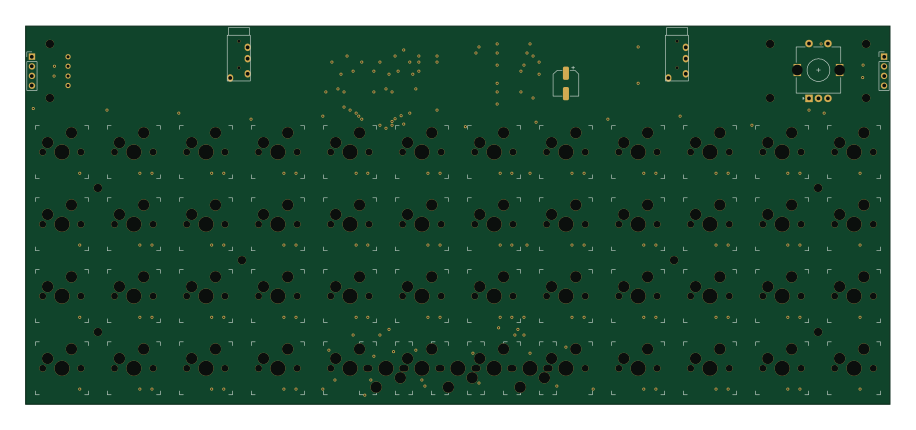
Mongus48
ChrisChrisLoLo
228.6 × 100 mm111 parts2LGPL-3.0334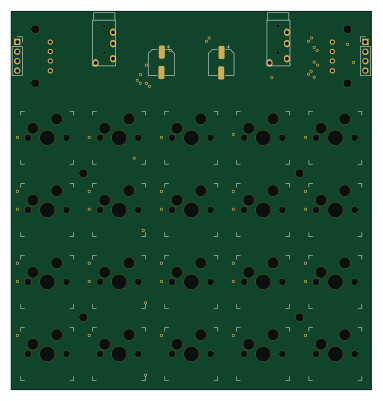
Beyblock20
95.3 × 100 mm51 parts2LGPL-3.0334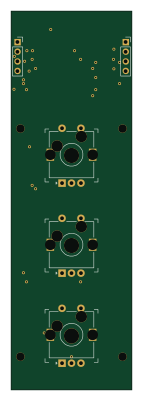
Knoblin3
31.8 × 100 mm11 parts2LGPL-3.0334