
Ucap

About the Ucap PCB
Ucap is an open source STM32 PCB design by alexDickhans, published on GitHub. It is a 6-layer board measuring 24.9 × 24.4 mm, with 48 components from 23 distinct parts.
Its main chip is the STM32G474CEUX, from the STM32 family. Other key parts include the USBLC6-2SC6 and TPS563208. By type, the board carries 24 capacitors, 11 resistors, 6 connectors, 3 ICs, 2 diodes and 2 inductors.
From the project
uCap v1 is a USB-powered board for capacitive sensing. An STM32G474 reads a sense pad on one mounting hole, and four JST SH sockets carry I2C. The name is the one printed on the back of the board. Open the project in KiCad 10 (ucap/ucap.kicadpro`).
uCap v1 is a USB-powered board for capacitive sensing. An STM32G474 reads a sense pad on one mounting hole, and four JST SH sockets carry I2C. The name is the one printed on the back of the board. Open the project in KiCad 10 (ucap/ucap.kicadpro`).
Top of the board, USB edge up. The four white housings are the JST SH sockets. J1, along the top edge, is the USB-C footprint: the yellow slots are its plated shell holes, and the connector body is not drawn. U1 is the QFN footprint: the yellow grid is the exposed pad, and the chip body is not drawn. The silk dot at the lower-left corner of that…
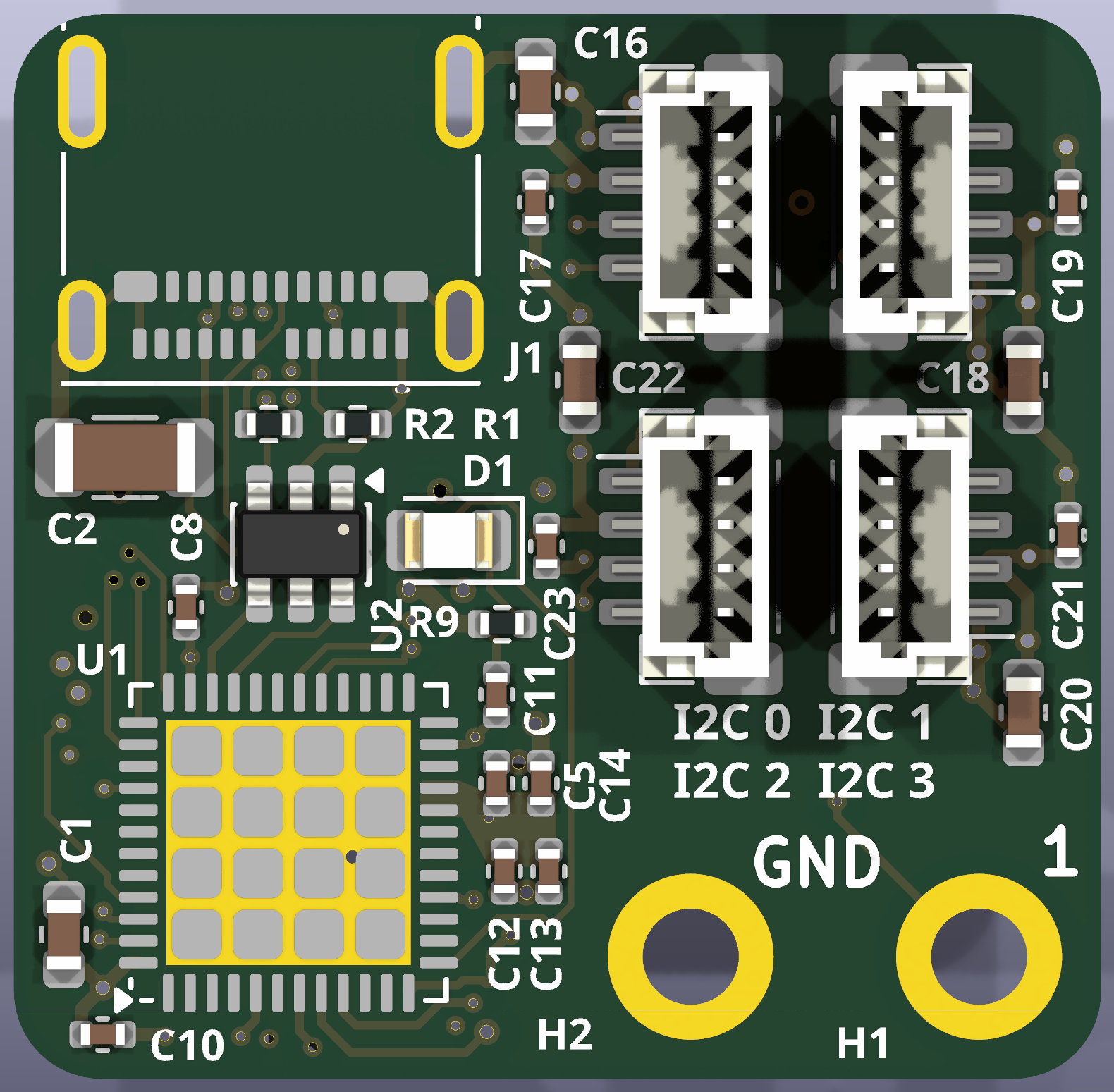
Main components on the Ucap
Ucap bill of materials (BOM)
48 components, 23 distinct parts — part numbers from the project's BOM.
| Qty | Part | Footprint | Refs |
|---|---|---|---|
| 1 | STM32G474CEUX STM32G474CEUx | QFN-48-1EP_7x7mm_P0.5mm_EP5.6x5.6mm | U1 |
| 1 | USBLC6-2SC6 | SOT-23-6 | U2 |
| 1 | TPS563208 | SOT-23-6 | U3 |
| 1 | USB_C_RECEPTACLE_USB2.0_14P USB_C_Receptacle_USB2.0_14P | USB_C_Receptacle_Molex_105450-0101 | J1 |
| 1 | CONN_01X03_PIN Conn_01x03_Pin | JST_SH_BM03B-SRSS-TB_1x03-1MP_P1.00mm_Vertical | J2 |
| 4 | CONN_01X04_SOCKET Conn_01x04_Socket | JST_SH_BM04B-SRSS-TB_1x04-1MP_P1.00mm_Vertical | J3, J4, J5, J6 |
| 1 | C2297 STAT | LED_0805_2012Metric | D1 |
| 1 | SD05C-01FTG | D_SOD-323 | D2 |
| 1 | C1002 600 @ 100MHz | L_0603_1608Metric | FB1 |
| 1 | 2U2 2u2 | L_APV_ANR4020 | L1 |
| 5 | 4U7 4u7 | C_0603_1608Metric | C1, C16, C18, C20, C22 |
| 1 | 22U 22u | C_1206_3216Metric | C2 |
| 1 | 10U 10u | C_0805_2012Metric | C3 |
| 2 | 22U 22u | C_0805_2012Metric | C4, C6 |
| 1 | 10N 10n | C_0402_1005Metric | C5 |
| 11 | 100N 100n | C_0402_1005Metric | C7, C8, C10, C11, C12, C15, C17, C19 +3 |
| 3 | 1u | C_0402_1005Metric | C9, C13, C14 |
| 2 | 5K1 5k1 | R_0402_1005Metric | R1, R2 |
| 1 | 33.2K 33.2k | R_0402_1005Metric | R3 |
| 5 | 10K 10k | R_0402_1005Metric | R4, R7, R8, R10, R11 |
Show 3 more
| Qty | Part | Footprint | Refs |
|---|---|---|---|
| 1 | 1M | R_0402_1005Metric | R5 |
| 1 | 220 | R_0402_1005Metric | R6 |
| 1 | 470 | R_0402_1005Metric | R9 |
Ucap design files
The KiCad project lives in the alexDickhans/ucap repository on GitHub; these links point at the commit this page was built from.
- Layoutucap/ucap.kicad_pcb
- Schematicucap/ucap.kicad_sch
- BOMucap/production/ucap-bom.csv
Ucap: common questions
What microcontroller does the Ucap use?
The Ucap is built around the STM32G474CEUX, from the STM32 family.
How big is the Ucap PCB?
The Ucap measures 24.9 × 24.4 mm, has 6 copper layers and is 1.6 mm thick.
How many components are on the Ucap?
48 components, from 23 distinct parts, with part numbers taken from the project's own BOM. The full bill of materials is listed on this page.
Where can I download the Ucap design files?
From the alexDickhans/ucap repository on GitHub, which has the KiCad layout, the schematic and the BOM; the links under Design files point to each one.
Can I use the Ucap design in my own project?
The repository has no license, so all rights stay with alexDickhans. Use it as a reference, and ask the author before reusing the design.
Can I test firmware for the Ucap without the hardware?
Yes. HardLabs builds a simulation of the board from its netlist and BOM, so you can run and debug STM32 firmware against it before you order a PCB.
Similar boards
 STM32
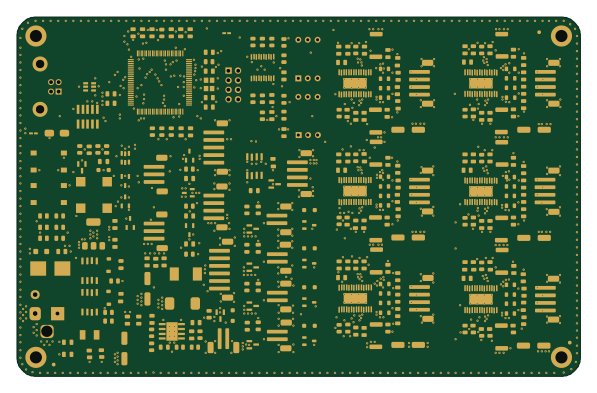
LumenPnP Motherboard
opulo-inc
149 × 95 mm296 parts4LCC-BY-SA-4.03.7k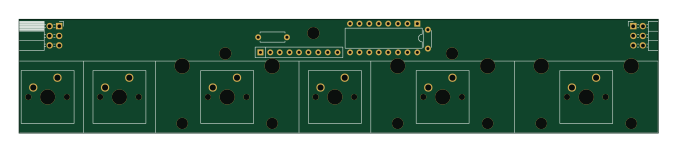 STM32
Type g
google
169 × 30 mm24 parts2LApache-2.02.9k STM32
Main panel
234 × 84 mm26 parts4LApache-2.02.9k STM32
Base
52.3 × 52.3 mm36 parts2LApache-2.02.9k STM32
Type a
150 × 30 mm14 parts2LApache-2.02.9k STM32
Type c
188 × 30 mm17 parts2LApache-2.02.9k