
WifiPowerbutton

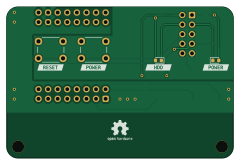
About the WifiPowerbutton PCB
WifiPowerbutton is an open source PCB design by Bouni, published on GitHub under the MIT license. It is a 2-layer board measuring 60 × 40 mm, with 14 components from 8 distinct parts.
Other key parts include the WeMos_S2_mini and EL817. By type, the board carries 5 resistors, 4 ICs, 2 switches, 2 diodes and 1 connector.
It belongs with the iot & wireless designs in this gallery.
From the project
A WifiPowerButton for my home server
This small PCB let me control my home server remotly over WiFi.
My home server in my basement consists of a Asrock J3455-ITX which runs all my stuff and consumes relatively little power. Unfortunately it dies every 2 months or so which requires me to go to the basement and reboot it. That happen normally at the most inconvinient times and I hope that this little board lets me rebot it from everywhere in the world given my Internet connection works. The brains of this project will be a WEMOS S2 mini because I have a dozen or so laying around ...
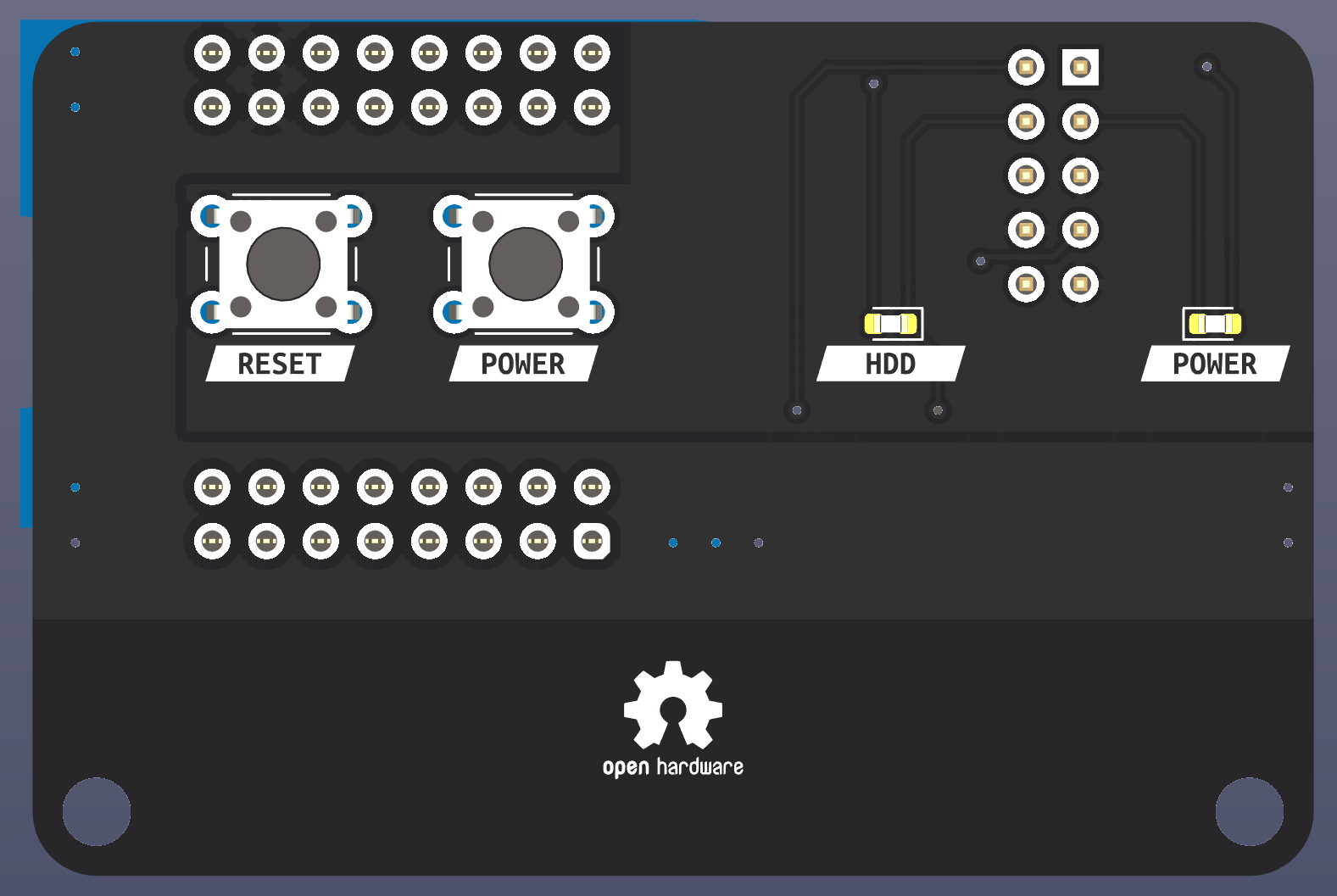
Main components on the WifiPowerbutton
WifiPowerbutton bill of materials (BOM)
14 components, 8 distinct parts.
| Qty | Part | Footprint | Refs |
|---|---|---|---|
| 1 | WeMos_S2_mini | WEMOS_S2_mini | U1 |
| 3 | EL817 | DIP-4_W7.62mm_SMDSocket_SmallPads | U2, U3, U4 |
| 1 | System Panel Header | PinHeader_2x05_P2.54mm_Vertical | J1 |
| 1 | POWER | SW_PUSH_6mm_H5mm | SW1 |
| 1 | RESET | SW_PUSH_6mm_H5mm | SW2 |
| 1 | PWRLED | LED_0603_1608Metric | D1 |
| 1 | HDDLED | LED_0603_1608Metric | D2 |
| 5 | 150 | R_0603_1608Metric | R1, R2, R3, R4, R5 |
WifiPowerbutton design files
The KiCad project lives in the Bouni/WifiPowerbutton repository on GitHub; these links point at the commit this page was built from.
- LayoutWifiPowerButton.kicad_pcb
- SchematicWifiPowerButton.kicad_sch
WifiPowerbutton: common questions
How big is the WifiPowerbutton PCB?
The WifiPowerbutton measures 60 × 40 mm, has 2 copper layers and is 1.6 mm thick.
How many components are on the WifiPowerbutton?
14 components, from 8 distinct parts. The full bill of materials is listed on this page.
Where can I download the WifiPowerbutton design files?
From the Bouni/WifiPowerbutton repository on GitHub, which has the KiCad layout and the schematic; the links under Design files point to each one.
Can I use the WifiPowerbutton design in my own project?
Yes, under the terms of its MIT license, which Bouni chose for the repository.
Similar boards

RPi RM0 WiFi/Bluetooth Module
schlae
11.1 × 14 mm76 parts6LNo license1.0k
L0 IMU MPU9250
Luos-io
20.3 × 15.2 mm7 parts2LMIT547
L0 USBA
20.3 × 15.3 mm19 parts2LMIT547
L0 Controller motor
20.3 × 15.3 mm11 parts2LMIT547
L0 Dynamixel
20.3 × 15.2 mm15 parts2LMIT547
L0 stepper driver
20.3 × 15.2 mm18 parts2LMIT547