
Phantom

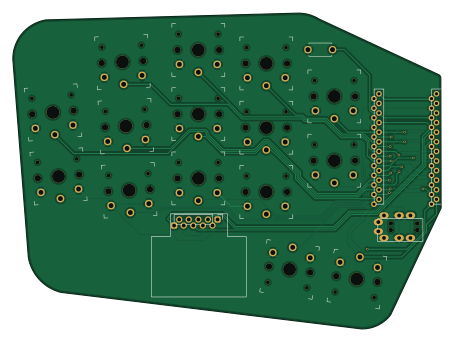
About the Phantom PCB
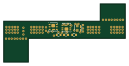
Phantom is an open source PCB design by davidphilipbarr, published on GitHub under the MIT license. It is a 2-layer board measuring 113.4 × 83.6 mm, with 18 components from 4 distinct parts.
Other key parts include the ProMicro. By type, the board carries 15 switches, 1 IC and 1 connector.
It belongs with the keyboards designs in this gallery.
From the project
30 key split keyboard
To build and use a Phantom you will need:
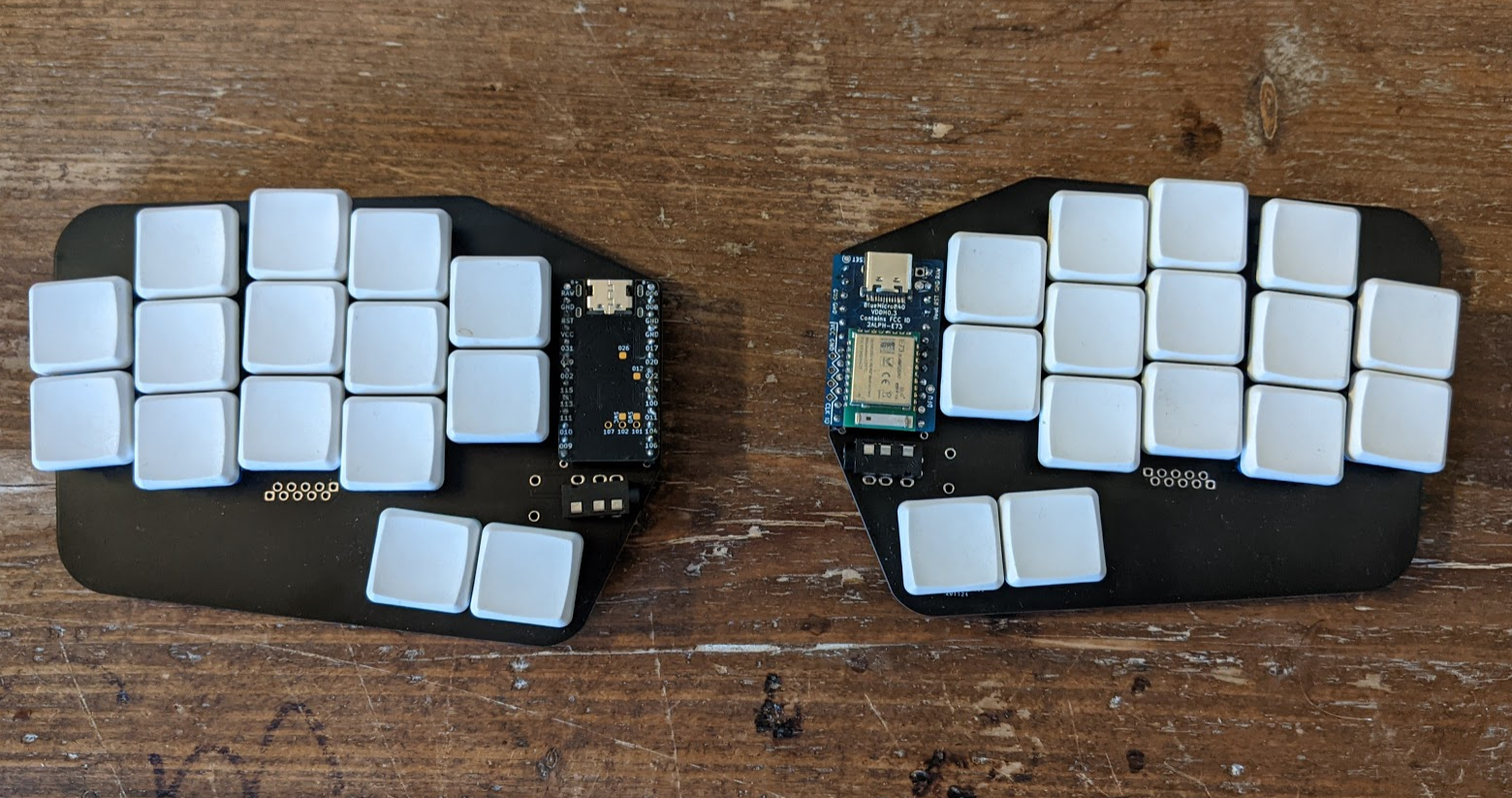
Main components on the Phantom
Phantom bill of materials (BOM)
18 components, 4 distinct parts.
| Qty | Part | Footprint | Refs |
|---|---|---|---|
| 1 | ProMicro | ProMicro_v2 | U1 |
| 1 | MJ-4PP-9 | MJ-4PP-9 | J1 |
| 1 | Val** | ResetSW | RSW1 |
| 15 | SW_PUSH | SW_PG1350_reversible_b2 | SW2, SW3, SW4, SW5, SW6, SW8, SW9, SW10 +7 |
Phantom design files
The KiCad project lives in the davidphilipbarr/Phantom repository on GitHub; these links point at the commit this page was built from.
- Layoutlephantom.kicad_pcb
Phantom: common questions
How big is the Phantom PCB?
The Phantom measures 113.4 × 83.6 mm, has 2 copper layers and is 1.6 mm thick.
How many components are on the Phantom?
18 components, from 4 distinct parts. The full bill of materials is listed on this page.
Where can I download the Phantom design files?
From the davidphilipbarr/Phantom repository on GitHub, which has the KiCad layout; the links under Design files point to each one.
Can I use the Phantom design in my own project?
Yes, under the terms of its MIT license, which davidphilipbarr chose for the repository.
 byrantech

 google