
PICO-Face

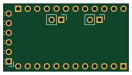
About the PICO-Face PCB
PICO-Face is an open source PCB design by manula5454, published on GitHub under the MIT license. It is a 2-layer board measuring 33 × 17.8 mm, with 5 components from 5 distinct parts.
It belongs with the displays & leds and sensors designs in this gallery.
From the project
This is my first stage in building my Pico BOT!!! First I have to start with the face
MAX7219 LED MATRIX Robot Face Arduino NAN)
2. Download and copy Arduino Code in Arduino.ino
3. Wire up Arduino NANO, LDR, DHT11, 4x MAX7219 Dot Matrix Display Module See Bom.csv for parts See the schematic
5. Upload the Arduino code onto the Arduino NANO
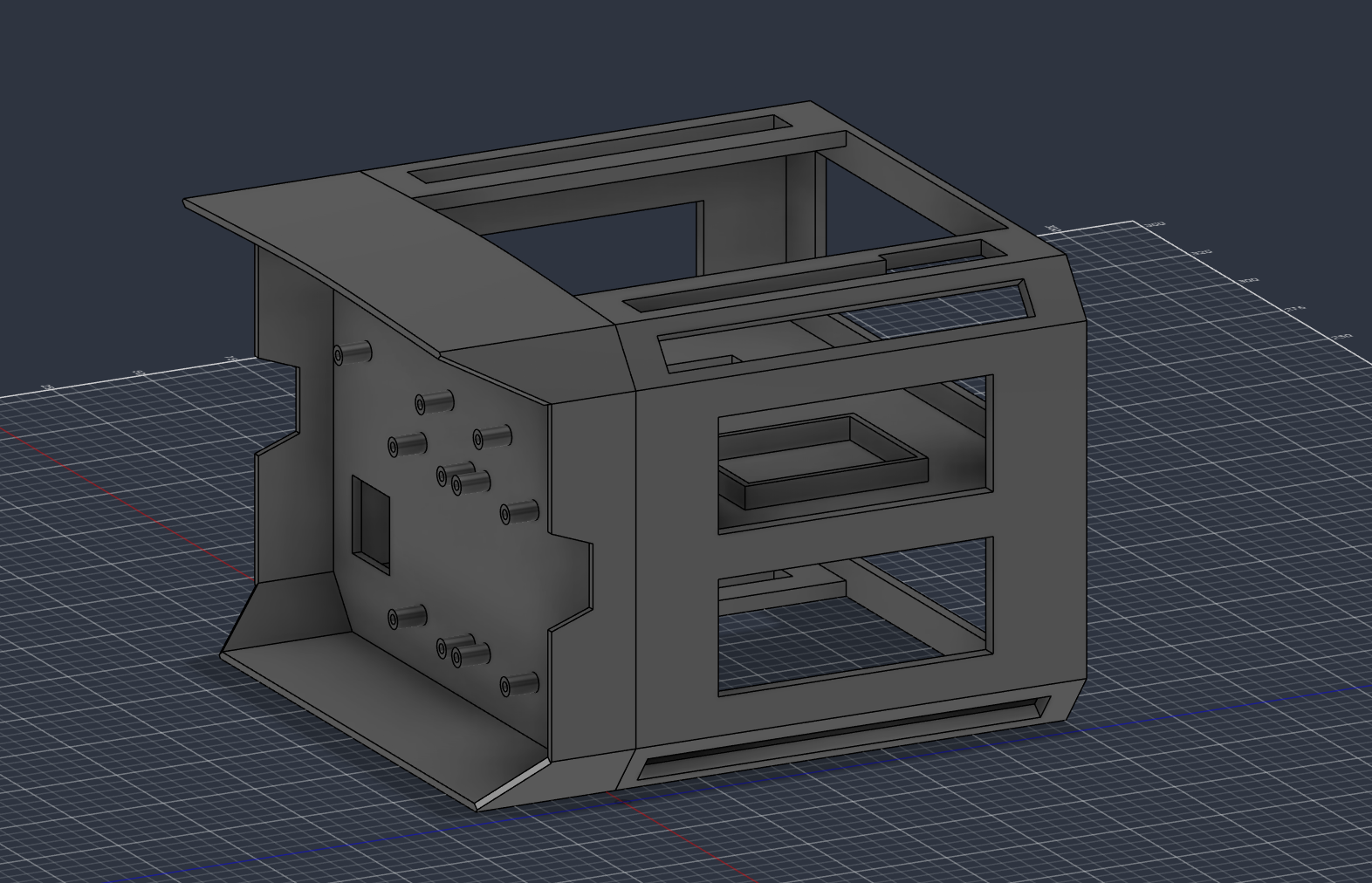
6. If you have a 3D printer download and print the CAD files
This is how I display each image based off the Matrix image.
PICO-Face bill of materials (BOM)
5 components, 5 distinct parts.
| Qty | Part | Footprint | Refs |
|---|---|---|---|
| 1 | FTDI | PinHeader_1x06_P2.54mm_Horizontal | J1 |
| 1 | I2C | PinHeader_1x02_P2.54mm_Vertical | J2 |
| 1 | Analog | PinHeader_1x02_P2.54mm_Vertical | J3 |
| 1 | Analog | PinHeader_1x12_P2.54mm_Vertical | J6 |
| 1 | Digital | PinHeader_1x12_P2.54mm_Vertical | J7 |
PICO-Face design files
The KiCad project lives in the manula5454/PICO-Face repository on GitHub; these links point at the commit this page was built from.
PICO-Face: common questions
How big is the PICO-Face PCB?
The PICO-Face measures 33 × 17.8 mm, has 2 copper layers and is 0.89 mm thick.
How many components are on the PICO-Face?
5 components, from 5 distinct parts. The full bill of materials is listed on this page.
Where can I download the PICO-Face design files?
From the manula5454/PICO-Face repository on GitHub, which has the KiCad layout and the schematic; the links under Design files point to each one.
Can I use the PICO-Face design in my own project?
Yes, under the terms of its MIT license, which manula5454 chose for the repository.
Similar boards
BM28B0.6-24DSBreakout
scottbez1
15.2 × 35.6 mm3 parts2LApache-2.022.2k
LevelShifterBreakout
15.2 × 20.3 mm5 parts2LApache-2.022.2k
View base
81.2 × 81.2 mm81 parts2LApache-2.022.2k
View screen
35 × 35 mm12 parts2LApache-2.022.2k
Display eval
byrantech
52.1 × 22.6 mm12 parts4LMIT4.3k
ChainlinkBase
98.4 × 190.5 mm119 parts2LApache-2.04.2k