
Micromouse kit

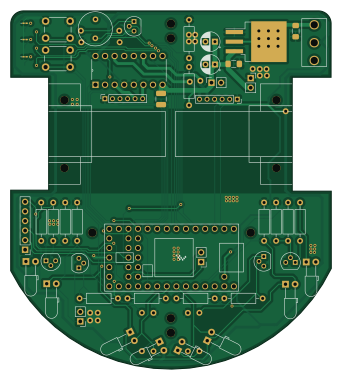
About the Micromouse kit PCB
Micromouse kit is an open source NXP PCB design by micromouseuci, published on GitHub. It is a 2-layer board measuring 84.9 × 94.9 mm, with 61 components from 28 distinct parts.
Its main chip is the Teensy4.0, from the NXP family. Other key parts include the SN754410NE (Half-Bridge), LM1085-5.0 and Encoder_3081. By type, the board carries 23 resistors, 7 diodes, 6 capacitors, 5 ICs, 5 transformers and 4 transistors.
It belongs with the power & battery designs in this gallery.
From the project
This is the official GitHub of Micromouse @ UCI. This repository is here to allow you to build your own mouse for competition.
This is the official GitHub of Micromouse @ UCI. This repository is here to allow you to build your own mouse for competition.
SN754410NE (U2) - Motor driver, used to control the speed and direction of the two motors. Teensy 3.2 (U1)- Processor, will run code. IR Emitters (D0-D3) - Send an IR signal, which will bounce off walls, allowing for the reciever to read. Each is connected to a digital pin on the Teensy, allowing them to individual turn on and off. IR Reciever (Q0-Q3) - Reads how strong the IR signal is, depending on the value it reads it is able to detect if there is a wall, and how…
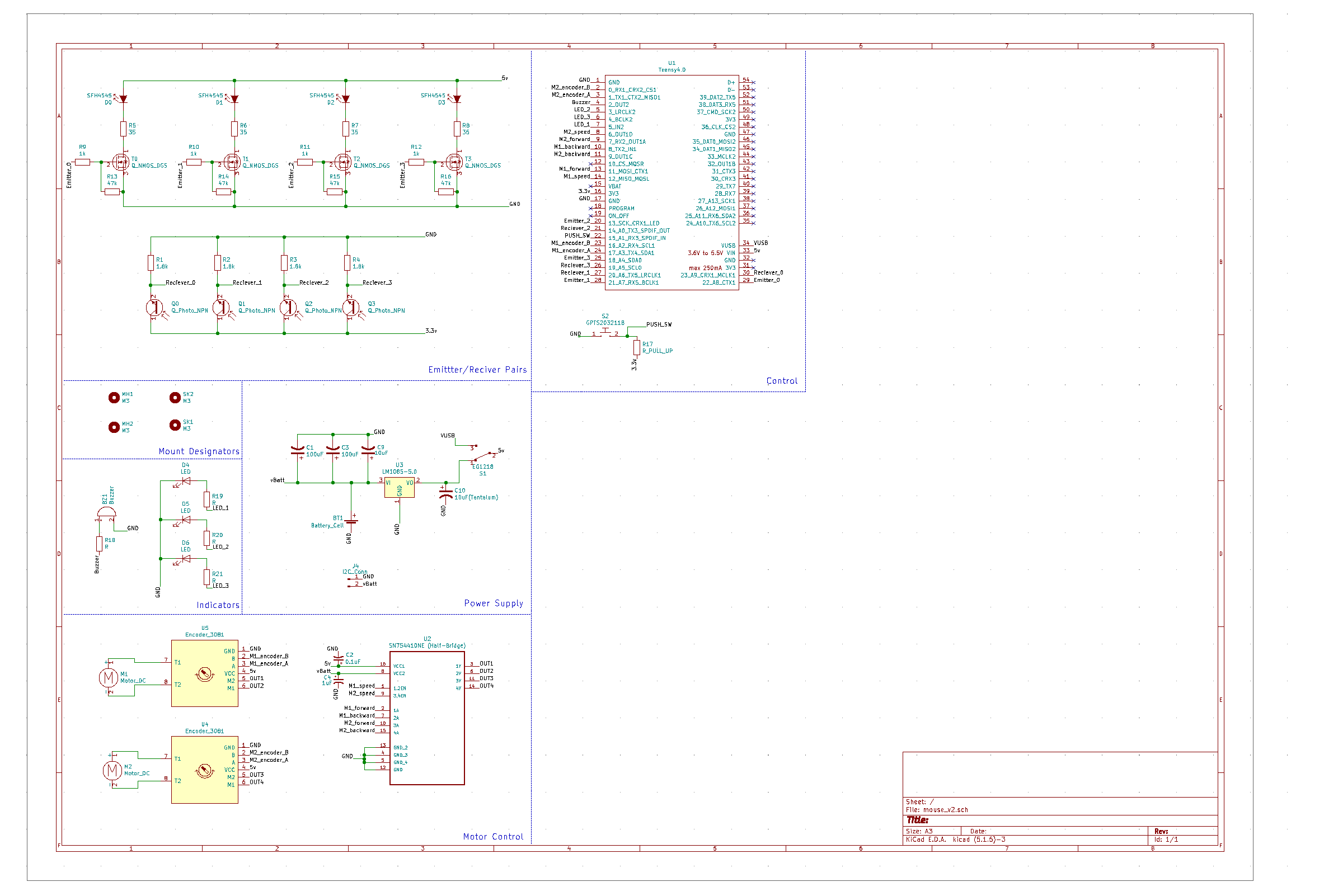
Main components on the Micromouse kit
Micromouse kit bill of materials (BOM)
61 components, 28 distinct parts.
| Qty | Part | Footprint | Refs |
|---|---|---|---|
| 1 | Teensy4.0 | Teensy40 | U1 |
| 1 | SN754410NE (Half-Bridge) | DIP254P762X508-16 | U2 |
| 1 | LM1085-5.0 | TO-263-3_TabPin2 | U3 |
| 2 | Encoder_3081 | PinSocket_1x06_P2.00mm_Vertical | U4, U5 |
| 2 | Motor_DC | Motor_mouse | M1, M2 |
| 4 | Q_Photo_NPN | LED_D3.0mm_Horizontal_O3.81mm_Z2.0mm | Q0, Q1, Q2, Q3 |
| 1 | Conn_01x06_Female | PinHeader_1x06_P2.54mm_Vertical | J1 |
| 1 | Conn_01x02_Female | PinHeader_1x02_P2.54mm_Vertical | J2 |
| 1 | Conn_01x02_Male | PinHeader_1x02_P2.54mm_Vertical | J3 |
| 1 | I2C_Conn | PinSocket_1x02_P2.54mm_Vertical | J4 |
| 1 | Battery_Cell | PinSocket_1x02_P2.54mm_Vertical | BT1 |
| 1 | Buzzer | 9x5.5mm Buzzer | BZ1 |
| 1 | EG1218 | SWITCH_SLIDE_500SSP1S2M2QEA | S1 |
| 2 | GPTS203211B | SW_PUSH_6mm | S2, S3 |
| 5 | Q_NMOS_DGS | TN0104(TO-92)v2 | T0, T1, T2, T3, T4 |
| 4 | SFH4545 | LED_D3.0mm_Horizontal_O3.81mm_Z2.0mm | D0, D1, D2, D3 |
| 3 | LED | LED_0201_0603Metric_Pad0.64x0.40mm_HandSolder | D4, D5, D6 |
| 2 | 100uF | CP_Radial_D5.0mm_P2.50mm | C1, C3 |
| 1 | 0.1uF | C_1206_3216Metric_Pad1.42x1.75mm_HandSolder | C2 |
| 1 | 1uF | C_1210_3225Metric_Pad1.42x2.65mm_HandSolder | C4 |
Show 8 more
| Qty | Part | Footprint | Refs |
|---|---|---|---|
| 1 | 10uF | C_1206_3216Metric_Pad1.42x1.75mm_HandSolder | C9 |
| 1 | 10uF(Tantalum) | C_1206_3216Metric_Pad1.42x1.75mm_HandSolder | C10 |
| 4 | 1.8k | R_Axial_DIN0207_L6.3mm_D2.5mm_P10.16mm_Horizontal | R1, R2, R3, R4 |
| 4 | 35 | R_Axial_DIN0207_L6.3mm_D2.5mm_P10.16mm_Horizontal | R5, R6, R7, R8 |
| 4 | 1k | R_Axial_DIN0207_L6.3mm_D2.5mm_P10.16mm_Horizontal | R9, R10, R11, R12 |
| 5 | 47k | R_Axial_DIN0207_L6.3mm_D2.5mm_P10.16mm_Horizontal | R13, R14, R15, R16, R17 |
| 3 | R | R_Axial_DIN0207_L6.3mm_D2.5mm_P10.16mm_Horizontal | R18, R22, R23 |
| 3 | R | R_1206_3216Metric_Pad1.30x1.75mm_HandSolder | R19, R20, R21 |
Micromouse kit design files
The KiCad project lives in the micromouseuci/micromouse-kit repository on GitHub; these links point at the commit this page was built from.
Micromouse kit: common questions
What microcontroller does the Micromouse kit use?
The Micromouse kit is built around the Teensy4.0, from the NXP family.
How big is the Micromouse kit PCB?
The Micromouse kit measures 84.9 × 94.9 mm, has 2 copper layers and is 1.6 mm thick.
How many components are on the Micromouse kit?
61 components, from 28 distinct parts. The full bill of materials is listed on this page.
Where can I download the Micromouse kit design files?
From the micromouseuci/micromouse-kit repository on GitHub, which has the KiCad layout; the links under Design files point to each one.
Can I use the Micromouse kit design in my own project?
The repository has no license, so all rights stay with micromouseuci. Use it as a reference, and ask the author before reusing the design.
Can I test firmware for the Micromouse kit without the hardware?
Yes. HardLabs builds a simulation of the board from its netlist and BOM, so you can run and debug NXP firmware against it before you order a PCB.
Similar boards
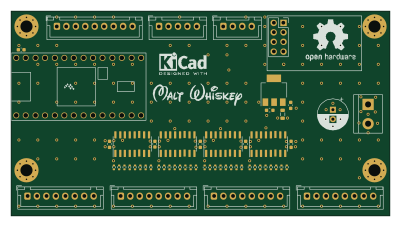 NXP
NXP32Bit shift register
MaltWhiskey
100 × 54 mm56 parts4LNo license763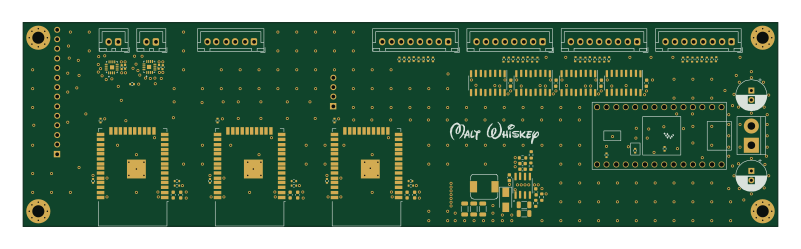 NXP
NXPMega-Cube-Board
200 × 54 mm100 parts4LNo license763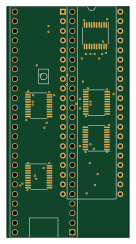 NXP
NXPMCL6809
MicroCoreLabs
32.3 × 61 mm7 parts4LNo license532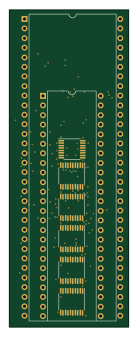 NXP
NXPMCL68
31.6 × 84.1 mm13 parts4LNo license532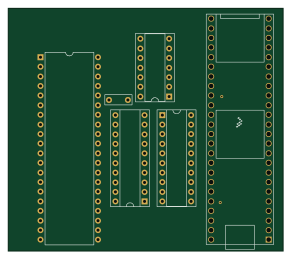 NXP
NXPMCL65+
72.6 × 64.1 mm6 parts2LNo license532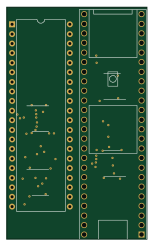 NXP
NXPMCLZ8
37.1 × 61.5 mm6 parts4LNo license532