
Le Capybara

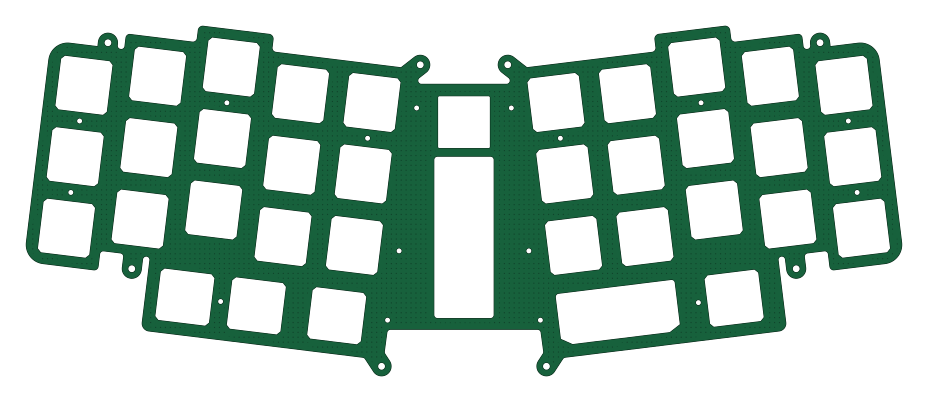
About the Le Capybara PCB
Le Capybara is an open source PCB design by sporkus, published on GitHub under the CERN-OHL-W-2.0 license. It is a 2-layer board measuring 231.6 × 92.5 mm, with 16 components from 1 distinct parts.
It belongs with the keyboards designs in this gallery.
From the project
Capactive sensing (EC) pcb for Le Chiffre keyboard
Capacitive sensing (aka Topre) keyboard in Le Chiffre layout
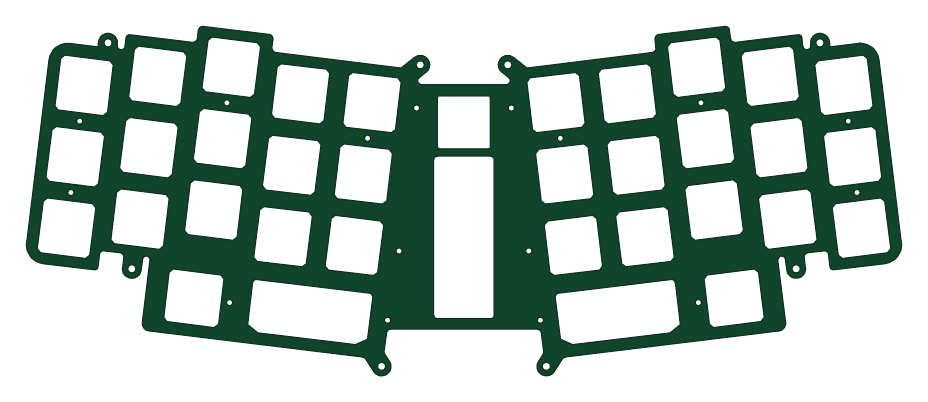
Recommended plate material is 1.2mm steel. Plate files are in the expected physical dimensions. No kerf adjustments have been applied. The dxf files have been used successfully with SendCutSend and LaserBoost. JLCPCB is not recommnded for the plates without further testing to adapt to their milling process.
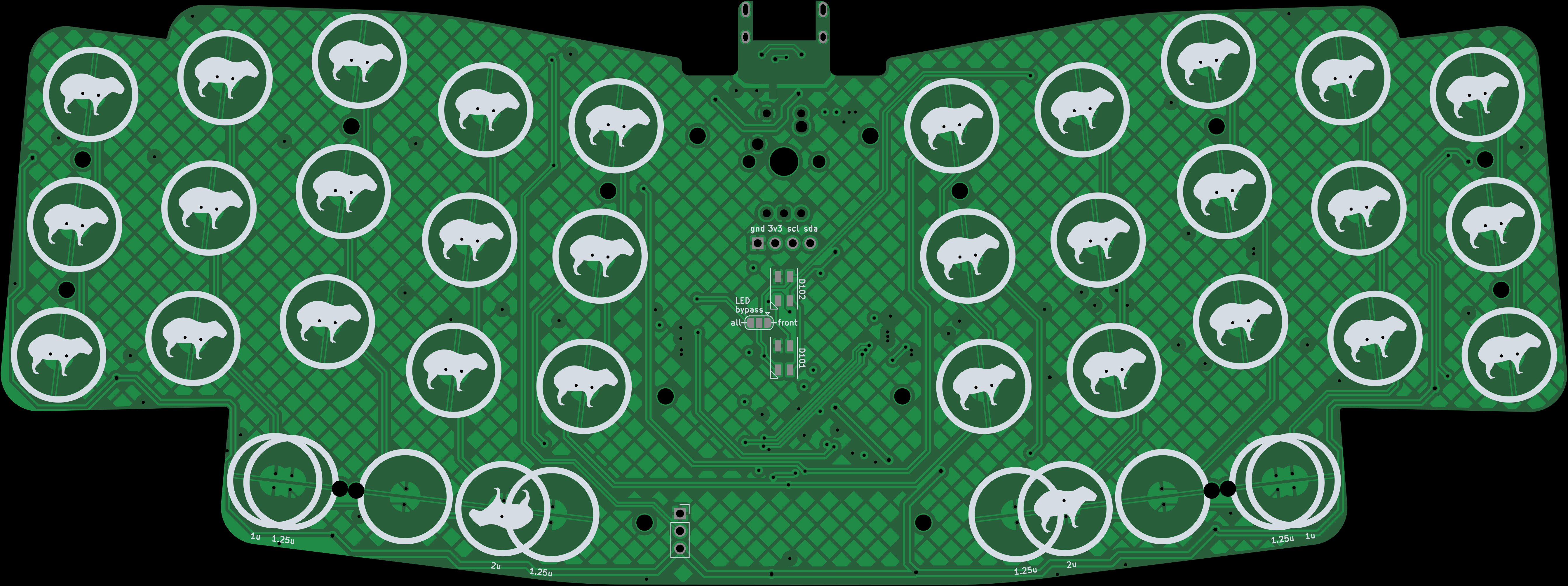
Le Capybara bill of materials (BOM)
16 components, 1 distinct parts — part numbers from the project's BOM.
| Qty | Part | Footprint | Refs |
|---|---|---|---|
| 16 | M2 Hole | MountingHole_1.6mm_M2_tapped | H1, H2, H3, H4, H5, H6, H7, H8 +8 |
Le Capybara design files
The KiCad project lives in the sporkus/le_capybara_keyboard repository on GitHub; these links point at the commit this page was built from.
Le Capybara: common questions
How big is the Le Capybara PCB?
The Le Capybara measures 231.6 × 92.5 mm, has 2 copper layers and is 1.2 mm thick.
How many components are on the Le Capybara?
16 components, from 1 distinct parts, with part numbers taken from the project's own BOM. The full bill of materials is listed on this page.
Where can I download the Le Capybara design files?
From the sporkus/le_capybara_keyboard repository on GitHub, which has the KiCad layout, the schematic and the BOM; the links under Design files point to each one.
Can I use the Le Capybara design in my own project?
Yes, under the terms of its CERN-OHL-W-2.0 license, which sporkus chose for the repository.
More boards in le_capybara_keyboard
Similar boards
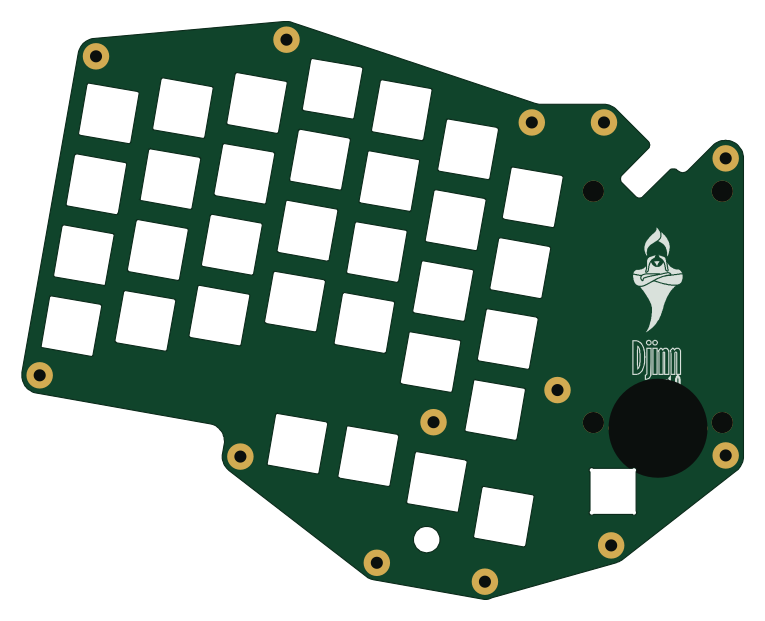
Board-DjinnPlate
tzarc
191 × 152.9 mm4 parts2LCERN-OHL-S-2.0988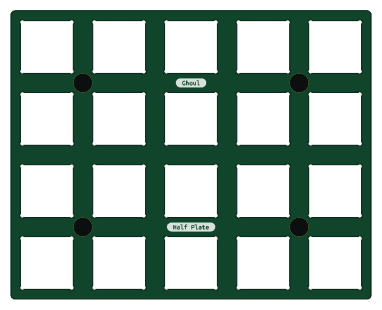
Half plate
95.3 × 76.2 mm24 parts2LCERN-OHL-S-2.0988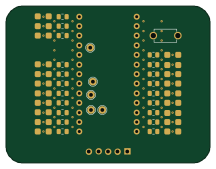
Mikoto flashbed
zhiayang
54 × 41.5 mm48 parts2LApache-2.0355
Mongus48
ChrisChrisLoLo
228.6 × 100 mm111 parts2LGPL-3.0334
Beyblock20
95.3 × 100 mm51 parts2LGPL-3.0334
Knoblin3
31.8 × 100 mm11 parts2LGPL-3.0334