
Button

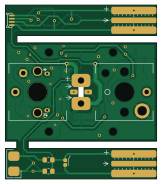
About the Button PCB
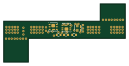
Button is an open source PCB design by whowechina, published on GitHub. It is a 2-layer board measuring 40 × 46 mm, with 32 components from 22 distinct parts.
Other key parts include the SS49E_SOT23. By type, the board carries 7 jumpers, 6 connectors, 6 switches, 5 resistors, 4 diodes and 2 capacitors.
It belongs with the keyboards designs in this gallery.
From the project
Arcade switch replacement
It's the successor to my sanwa_opt project. With it, you can use regular low-profile keyboard switches (or even optical sensors) on arcade buttons.
Special thanks to community projects and developers. And also these projects: RPSiliconKiCad: https://github.com/HeadBoffin/RPSilicon_KiCad
Popn Pico: https://github.com/whowechina/popnpico IIDX Pico: https://github.com/whowechina/iidxpico IIDX Teeny: https://github.com/whowechina/iidxteeny Chu Pico: https://github.com/whowechina/chupico Mai Pico: https://github.com/whowechina/maipico Diva Pico: https://github.com/whowechina/divapico AIC Pico…
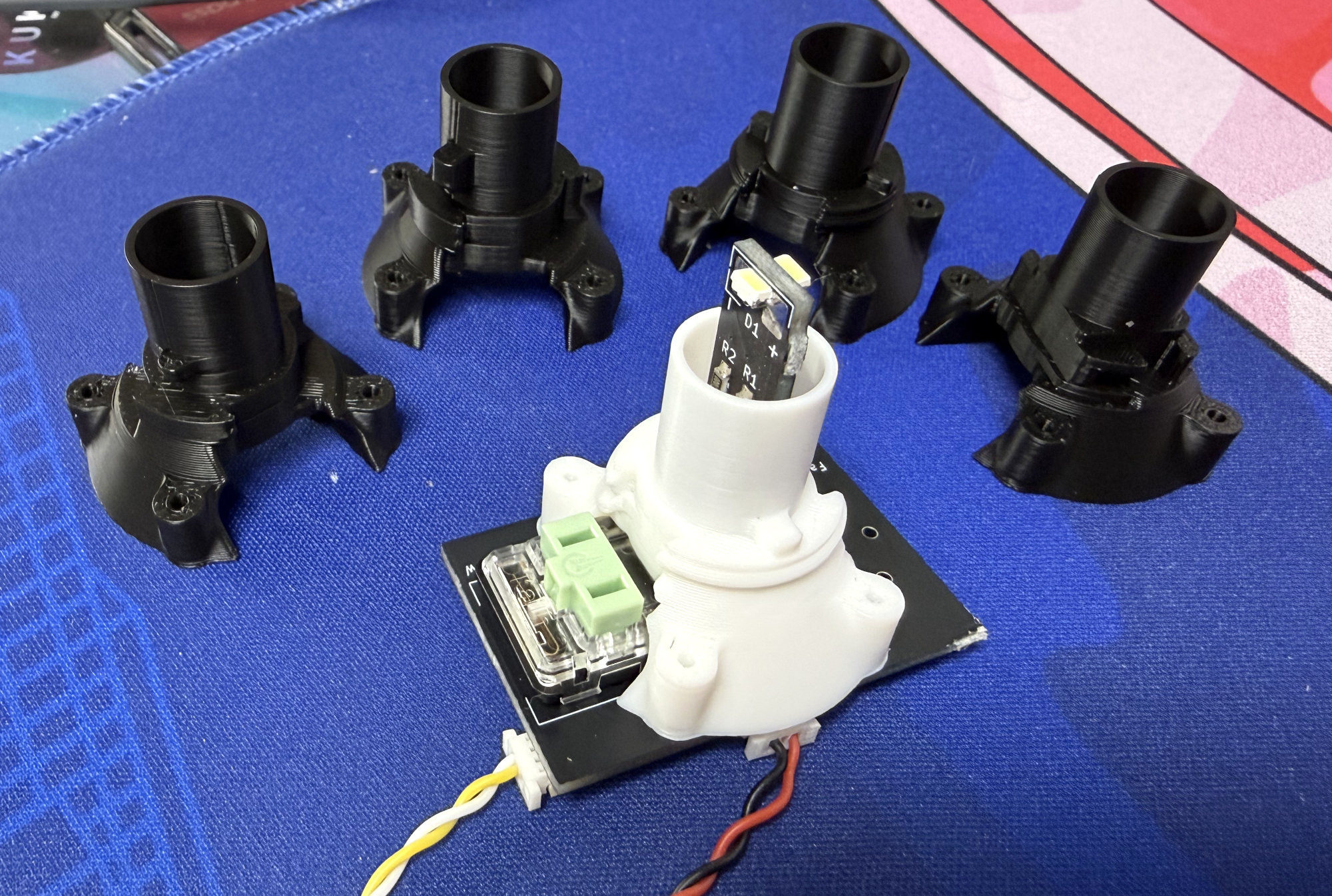
Main components on the Button
Button bill of materials (BOM)
32 components, 22 distinct parts.
| Qty | Part | Footprint | Refs |
|---|---|---|---|
| 1 | SS49E_SOT23 | SOT-23-FAT | U1 |
| 1 | Conn_01x03_Socket | SH1.0_3P_Solder_Combo | J2 |
| 1 | Lamp Seat | LampSeat | J3 |
| 1 | RGB In | SH1.0_3P_Solder_Combo | J4 |
| 1 | RGB Out | SH1.0_3P_Solder_Combo | J5 |
| 2 | Gold Finger | GoldFinger | J6, J7 |
| 2 | Jumper_2_Open | SolderJump | JP1, JP2 |
| 1 | c | SolderJump | JP3 |
| 1 | e | SolderJump | JP4 |
| 1 | sw1 | SolderJump | JP5 |
| 1 | LEDP-V | SolderJump | JP6 |
| 1 | sw2 | SolderJump | JP7 |
| 4 | ~ | M2_Screw | S1, S2, S3, S4 |
| 1 | ~ | Choc_HE | SW1 |
| 1 | Choc and IR Pair | SW_Kailh_Choc_IR_Combo | SW2 |
| 1 | 3.3V | D_SOD-123F | Z1 |
| 2 | LED | SideLED | D1, D2 |
| 2 | WS2812B_Unified | WS2812B-4020 | D3, D4 |
| 1 | 0.1uF | C_0603_1608Metric_Pad1.08x0.95mm_HandSolder | C1 |
| 1 | 0.1uF | C_0805_2012Metric_Pad1.18x1.45mm_HandSolder | C2 |
Show 2 more
| Qty | Part | Footprint | Refs |
|---|---|---|---|
| 3 | 200 | R_0805_2012Metric_Pad1.20x1.40mm_HandSolder | R1, R2, R3 |
| 2 | 200 | R_0805_2012Metric | R4, R5 |
Button design files
The KiCad project lives in the whowechina/arcade_pico repository on GitHub; these links point at the commit this page was built from.
- LayoutPCB/button/button.kicad_pcb
- SchematicPCB/button/button.kicad_sch
Button: common questions
How big is the Button PCB?
The Button measures 40 × 46 mm, has 2 copper layers and is 1.6 mm thick.
How many components are on the Button?
32 components, from 22 distinct parts. The full bill of materials is listed on this page.
Where can I download the Button design files?
From the whowechina/arcade_pico repository on GitHub, which has the KiCad layout and the schematic; the links under Design files point to each one.
Can I use the Button design in my own project?
The repository has no license, so all rights stay with whowechina. Use it as a reference, and ask the author before reusing the design.
 byrantech

 google