
CaelusPCBCopy

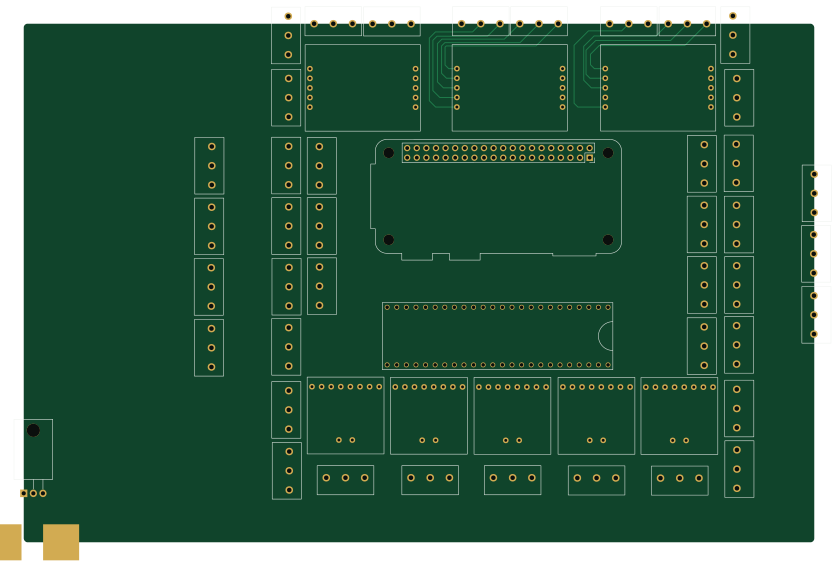
About the CaelusPCBCopy PCB
CaelusPCBCopy is an open source NXP PCB design by CaelusRocketry, published on GitHub. It is a 2-layer board measuring 209.1 × 137.2 mm, with 52 components from 6 distinct parts.
Its main chip is the Teensy3.6, from the NXP family. Other key parts include the MAX31850, SerialScrewTerminals, L7805 and LoadCellAmp. By type, the board carries 51 ICs and 1 battery holder.
From the project
Source code for our rocket's launch box.
1.) -.lib: Looks like CaelusPCB.lib or Launchbox.lib These are our stable global project libraries, meaning that they are like the framework for all components in all projects
2.) -cache.lib When you copy a project directory, its -cache.lib file is copied with it. If you make changes to the schematic, for example adding a new component, the local -cache.lib file will update. The -cache.lib of the copied project remains the same, and this is how we do version control. You don't need to really know how this process works or why its important. You just need to know that you add components to…
Main components on the CaelusPCBCopy
CaelusPCBCopy bill of materials (BOM)
52 components, 6 distinct parts.
| Qty | Part | Footprint | Refs |
|---|---|---|---|
| 5 | MAX31850 | MAX31850 | U1, U12, U21, U23, U25 |
| 41 | SerialScrewTerminals | ScrewTerminals | U2, U4, U5, U6, U7, U8, U9, U10 +33 |
| 1 | L7805 | TO-220-3_Horizontal_TabDown | U3 |
| 1 | Teensy3.6 | Teensy 3.6 | U27 |
| 3 | LoadCellAmp | LoadCellAmp | U29, U40, U50 |
| 1 | Battery_Cell | Lipo_Battery_Connector | BT1 |
CaelusPCBCopy design files
The KiCad project lives in the CaelusRocketry/launch-box repository on GitHub; these links point at the commit this page was built from.
CaelusPCBCopy: common questions
What microcontroller does the CaelusPCBCopy use?
The CaelusPCBCopy is built around the Teensy3.6, from the NXP family.
How big is the CaelusPCBCopy PCB?
The CaelusPCBCopy measures 209.1 × 137.2 mm, has 2 copper layers and is 1.6 mm thick.
How many components are on the CaelusPCBCopy?
52 components, from 6 distinct parts. The full bill of materials is listed on this page.
Where can I download the CaelusPCBCopy design files?
From the CaelusRocketry/launch-box repository on GitHub, which has the KiCad layout; the links under Design files point to each one.
Can I use the CaelusPCBCopy design in my own project?
The repository has no license, so all rights stay with CaelusRocketry. Use it as a reference, and ask the author before reusing the design.
Can I test firmware for the CaelusPCBCopy without the hardware?
Yes. HardLabs builds a simulation of the board from its netlist and BOM, so you can run and debug NXP firmware against it before you order a PCB.
More boards in launch-box
 NXP
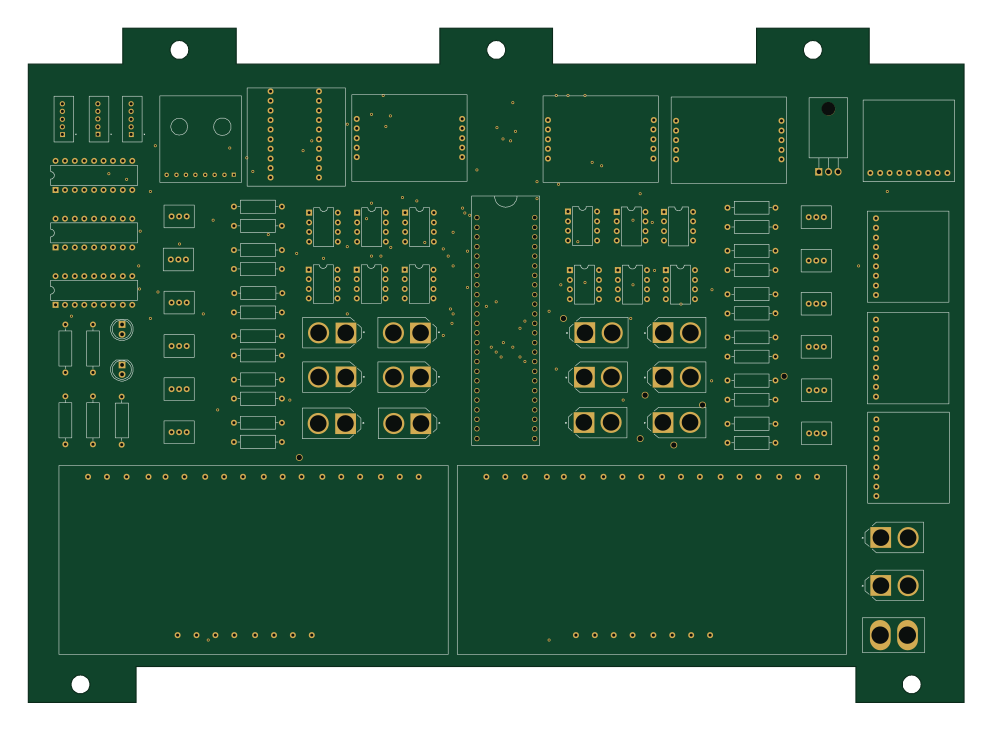
NXPCaelus
247.7 × 178.4 mm89 parts2LNo license1 NXP
NXPOld
9.1 × 65.5 mm85 parts2LNo license1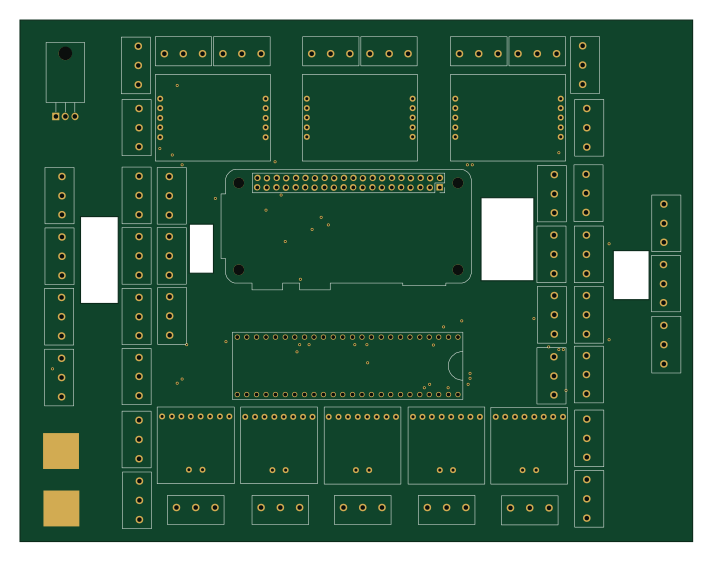 NXP
NXPCaelusPCB11-29
178 × 138 mm52 parts2LNo license1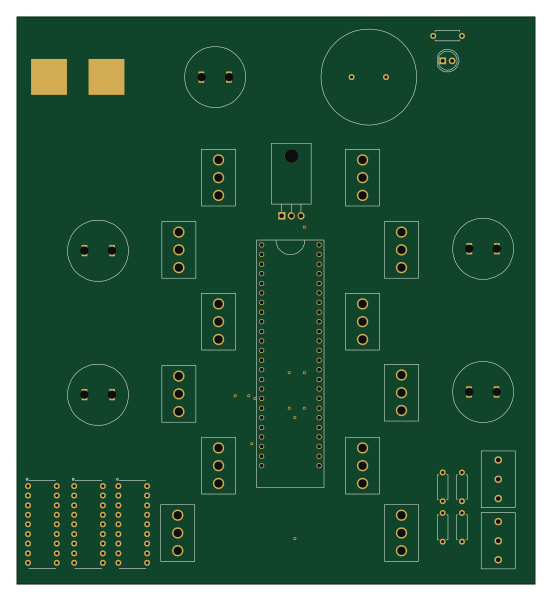
Launchbox
137 × 150 mm31 parts2LNo license1- schematic only · 20 partsRaspberry Pi
Launchbox V3
20 parts2LNo license1 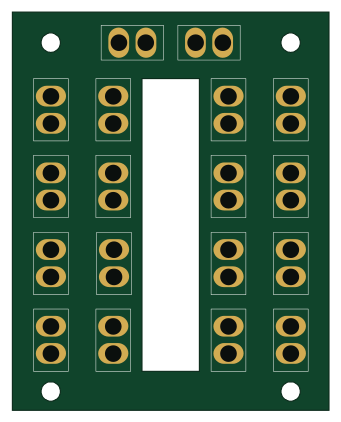
PDBV2
83.8 × 105.4 mm18 parts2LNo license1
Similar boards
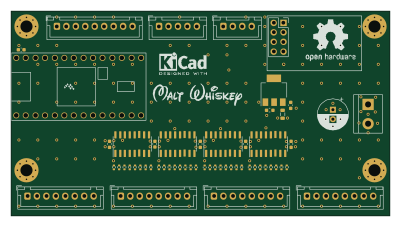 NXP
NXP32Bit shift register
MaltWhiskey
100 × 54 mm56 parts4LNo license763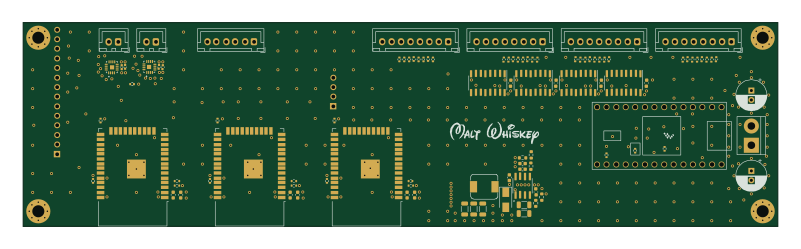 NXP
NXPMega-Cube-Board
200 × 54 mm100 parts4LNo license763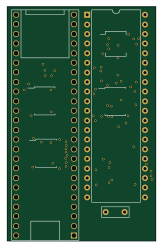 NXP
NXPMCL64
MicroCoreLabs
39.3 × 61.8 mm9 parts4LNo license532 NXP
NXPROM Emulator
21.5 × 37.1 mm5 parts2LNo license532 NXP
NXPMCLZ8
37.1 × 61.5 mm6 parts4LNo license532 NXP
NXPXTMAX
81 × 46 mm14 parts4LNo license532