
USB-C---MicroB


About the USB-C---MicroB PCB
USB-C---MicroB is an open source PCB design by luni64, published on GitHub under the MIT license. It is a 2-layer board measuring 13.1 × 17.8 mm, with 6 components from 4 distinct parts.
By type, the board carries 4 connectors and 2 resistors.
It belongs with the dev boards & breakouts designs in this gallery.
From the project
Simple adapter from USB-C to USB MicroB
See also https://forum.pjrc.com/threads/65654-USB-C-Adapter
BOM: https://octopart.com/bom-tool/3KlzNDGG
Solder pin header AFTER plugging the adapter & board in a breadboard. Aligning distances to account for tolerances before soldering pin header.
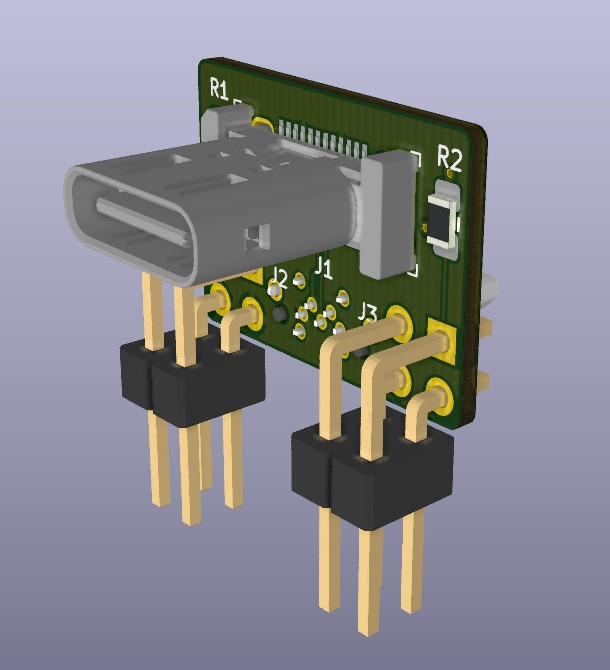
USB-C---MicroB bill of materials (BOM)
6 components, 4 distinct parts.
| Qty | Part | Footprint | Refs |
|---|---|---|---|
| 1 | DX07S024WJ3R400 | USB-C_Female_Vert_DX07S024WJ3R400 | J1 |
| 2 | Conn_02x02_Odd_Even | PinHeader_2x02_P2.54mm_Horizontal | J2, J3 |
| 1 | USB3150-30-130-A | GCT_USB3150-30-130-A | J4 |
| 2 | 5k1 | R_0805_2012Metric_Pad1.15x1.40mm_HandSolder | R1, R2 |
USB-C---MicroB design files
The KiCad project lives in the luni64/USB-C---MicroB repository on GitHub; these links point at the commit this page was built from.
USB-C---MicroB: common questions
How big is the USB-C---MicroB PCB?
The USB-C---MicroB measures 13.1 × 17.8 mm, has 2 copper layers and is 0.8 mm thick.
How many components are on the USB-C---MicroB?
6 components, from 4 distinct parts. The full bill of materials is listed on this page.
Where can I download the USB-C---MicroB design files?
From the luni64/USB-C---MicroB repository on GitHub, which has the KiCad layout; the links under Design files point to each one.
Can I use the USB-C---MicroB design in my own project?
Yes, under the terms of its MIT license, which luni64 chose for the repository.
Similar boards
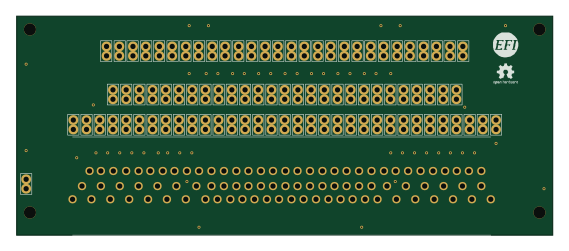
88 Pin Vag Breakout
rusefi
142 × 58 mm91 parts2LGPL-3.01.2k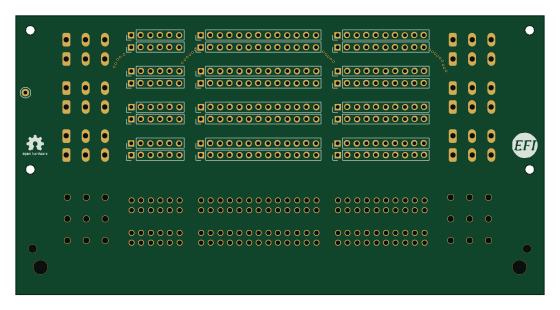
134pin 7-967288-1
139.7 × 73.7 mm38 parts2LGPL-3.01.2k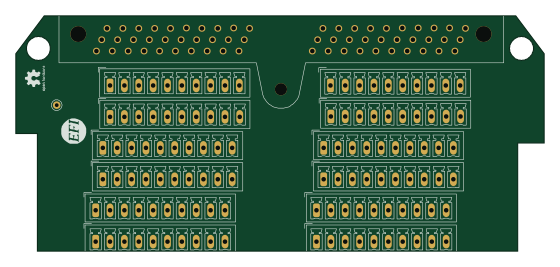
Breakout 60pin EEC-IV
139.7 × 62.2 mm15 parts2LGPL-3.01.2k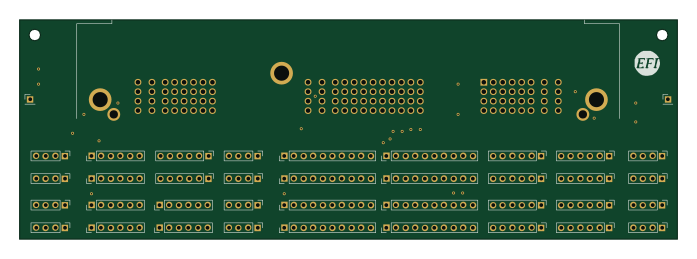
Breakout 112pin Connector
174 × 58 mm39 parts2LGPL-3.01.2k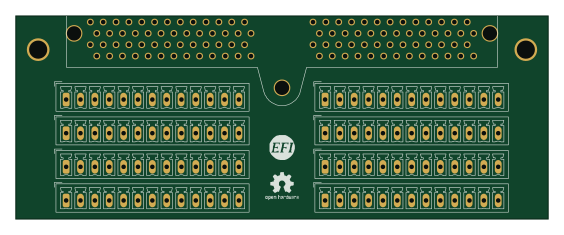
Eecv breakout
140.8 × 53.7 mm9 parts4LGPL-3.01.2k
Rj45 breakout
rene-dev
15.2 × 53.8 mm3 parts2LGPL-3.0979