
Tinyswr


About the Tinyswr PCB
Tinyswr is an open source PCB design by mfhepp, published on GitHub. It is a board measuring 20.8 × 14.2 mm, with 15 components from 12 distinct parts.
By type, the board carries 5 resistors, 4 LEDs, 3 diodes, 2 connectors and 1 inductor.
It belongs with the rf & radio designs in this gallery.
From the project
A tiny SWR and RF power indicator for QRP transceivers
Update 2022-10-31: Vojtech, OK1IAK pointed out that the circuit may increase the amount of harmonic content of your output signal. I did some preliminary analysis of this, see below for details.
Update 2018-05-14: Hamshop.cz is now offering a complete kit of TinySWR, i.e. a PCB and all required parts at a very fair price (ca. 5 EUR).
Note: If you ordered a PCB from OSH Park before October 24, 2017, you have to fix one minor bug in the layout by means of a short piece of wire, see below for details.
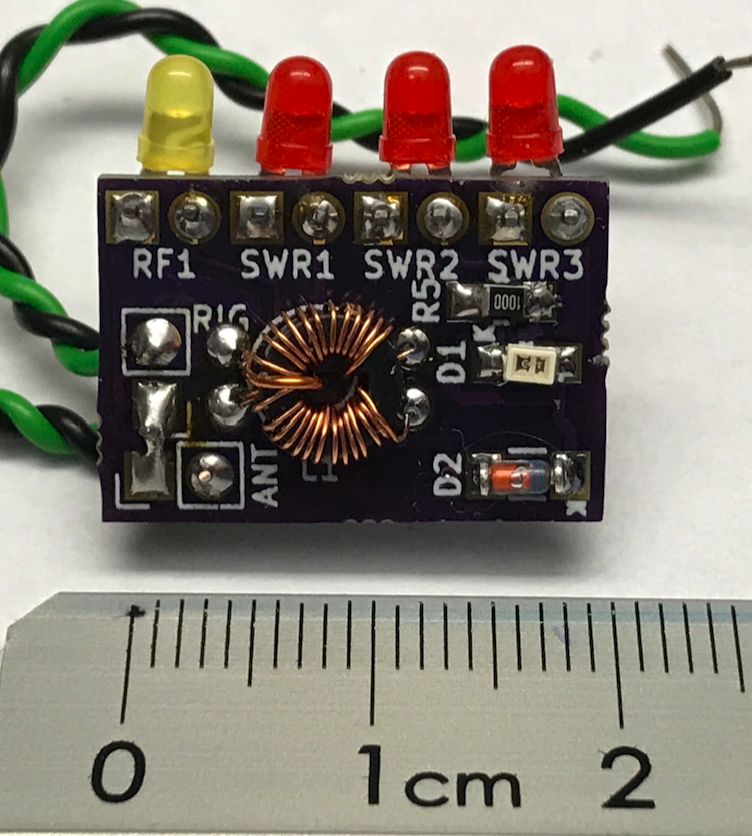
Tinyswr bill of materials (BOM)
15 components, 12 distinct parts.
| Qty | Part | Footprint | Refs |
|---|---|---|---|
| 1 | ANT | BNC | J1 |
| 1 | RIG | BNC | J2 |
| 1 | yellow | LED_D1.8mm_W1.8mm_H2.4mm_Horizontal_O1.27mm_Z1.6mm | RF1 |
| 3 | red | LED_D1.8mm_W1.8mm_H2.4mm_Horizontal_O1.27mm_Z1.6mm | SWR1, SWR2, SWR3 |
| 1 | red | LED_0805_HandSoldering | D1 |
| 1 | 3.3V | D_MiniMELF | D2 |
| 1 | BAT 46 | D_MiniMELF | D3 |
| 1 | FT23-43 | FT23_horizontal | L1 |
| 2 | 820 | R_0805_HandSoldering | R1, R4 |
| 1 | 1k | Potentiometer_Trimmer_Bourns_3314G | R2 |
| 1 | 4.7k | R_0805_HandSoldering | R3 |
| 1 | 100 | R_0805_HandSoldering | R5 |
Tinyswr design files
The KiCad project lives in the mfhepp/tinyswr repository on GitHub; these links point at the commit this page was built from.
- Layouttinyswr.kicad_pcb
Tinyswr: common questions
How big is the Tinyswr PCB?
The Tinyswr measures 20.8 × 14.2 mm and is 1.6002 mm thick.
How many components are on the Tinyswr?
15 components, from 12 distinct parts. The full bill of materials is listed on this page.
Where can I download the Tinyswr design files?
From the mfhepp/tinyswr repository on GitHub, which has the KiCad layout; the links under Design files point to each one.
Can I use the Tinyswr design in my own project?
The repository has no license, so all rights stay with mfhepp. Use it as a reference, and ask the author before reusing the design.
Similar boards
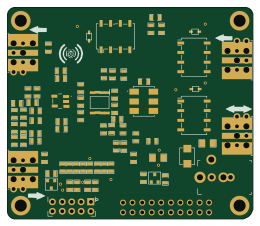
Hat
pa3gsb
65 × 56 mm81 parts2LNo license675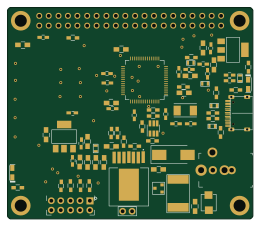
Radioberry juice
65 × 56 mm87 parts2LNo license675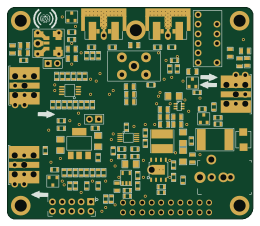
Radioberry preamp
65 × 56 mm137 parts2LNo license675
Hermes-Lite Small IO Expansion
softerhardware
18.4 × 12.5 mm6 parts2LNo license372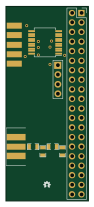
Hermes-Lite Jumper With IO
21.9 × 51.7 mm12 parts2LNo license372
Hermes-Lite PureSignal Feedback
17.1 × 15.4 mm6 parts2LNo license372