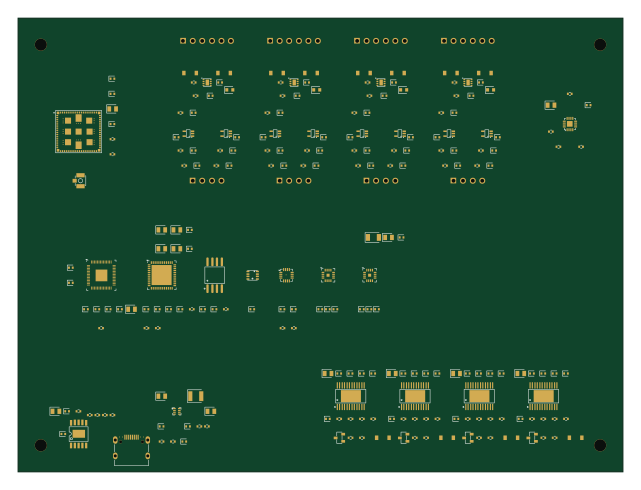
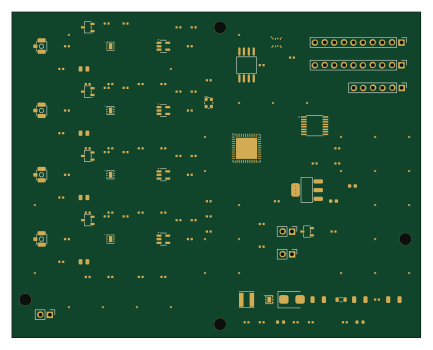
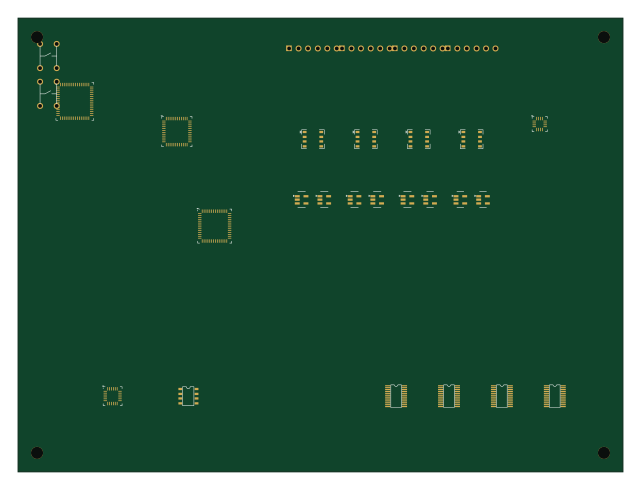
Muon3 autoroute demo

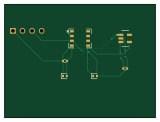
About the Muon3 autoroute demo PCB
Muon3 autoroute demo is an open source PCB design by muonTelescope, published on GitHub under the CERN-OHL-S-2.0 license. It is a 2-layer board measuring 40 × 30 mm, with 3 components from 3 distinct parts.
By type, the board carries 2 ICs and 1 connector.
From the project
Upadted clean sheet design
Generated by bun run export:kicad from muon3placement.tsx`.
1. Open this project to inspect recommended placement / keepouts. 2. Open ../../muon3.kicadpro (hierarchical production sheets). 3. Place production footprints using placementpositions.csv coordinates (KiCad columns), or run bun run sync:zones to stamp zone fences into the production board outline. 4. For autorouted demo nets → KiCad, run bun run autoroute then re-export.
Muon3 autoroute demo bill of materials (BOM)
3 components, 3 distinct parts — part numbers from the project's BOM.
| Qty | Part | Footprint | Refs |
|---|---|---|---|
| 1 | — | chip_dfn8 | U1 |
| 1 | — | chip_sot23_5 | U2 |
| 1 | — | chip_pinrow4 | J1 |
Muon3 autoroute demo design files
The KiCad project lives in the muonTelescope/muon3 repository on GitHub; these links point at the commit this page was built from.
Muon3 autoroute demo: common questions
How big is the Muon3 autoroute demo PCB?
The Muon3 autoroute demo measures 40 × 30 mm, has 2 copper layers and is 1.6 mm thick.
How many components are on the Muon3 autoroute demo?
3 components, from 3 distinct parts, with part numbers taken from the project's own BOM. The full bill of materials is listed on this page.
Where can I download the Muon3 autoroute demo design files?
From the muonTelescope/muon3 repository on GitHub, which has the KiCad layout, the schematic and the BOM; the links under Design files point to each one.
Can I use the Muon3 autoroute demo design in my own project?
Yes, under the terms of its CERN-OHL-S-2.0 license, which muonTelescope chose for the repository.