
16-Key-Macro-Pad

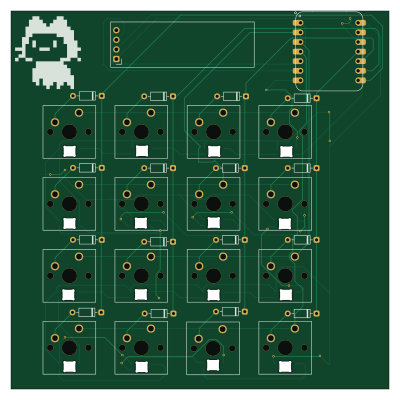
About the 16-Key-Macro-Pad PCB
16-Key-Macro-Pad is an open source RP2040/RP2350 PCB design by Sadrita404, published on GitHub under the MIT license. It is a 2-layer board measuring 99.9 × 99.9 mm, with 50 components from 5 distinct parts.
Its main chip is the XIAO-RP2040-DIP, from the RP2040/RP2350 family. Other key parts include the OLED_0.91_128x32. By type, the board carries 32 diodes, 16 switches and 2 ICs.
It belongs with the keyboards designs in this gallery.
From the project
This is a macro pad that has 16 customizable switches. the keys are 4 x4 Layout . I will be mainly using it for controlling music. like play, pause, skip and replay and adding macro for opening any application
Main components on the 16-Key-Macro-Pad
16-Key-Macro-Pad bill of materials (BOM)
50 components, 5 distinct parts — part numbers from the project's BOM.
| Qty | Part | Footprint | Refs |
|---|---|---|---|
| 1 | XIAO-RP2040-DIP | XIAO-RP2040-DIP | U1 |
| 1 | OLED_0.91_128x32 | OLED_0.91_128x32 | U2 |
| 16 | SW_Push | SW_Cherry_MX_1.00u_PCB | SW1, SW2, SW3, SW4, SW5, SW6, SW7, SW8 +8 |
| 16 | SK6812 | MX_SK6812MINI-E_REV | D1, D2, D3, D4, D5, D6, D7, D8 +8 |
| 16 | 1N4148 | D_DO-35_SOD27_P7.62mm_Horizontal | D17, D18, D19, D20, D21, D22, D23, D24 +8 |
16-Key-Macro-Pad design files
The KiCad project lives in the Sadrita404/16-Key-Macro-Pad repository on GitHub; these links point at the commit this page was built from.
16-Key-Macro-Pad: common questions
What microcontroller does the 16-Key-Macro-Pad use?
The 16-Key-Macro-Pad is built around the XIAO-RP2040-DIP, from the RP2040/RP2350 family.
How big is the 16-Key-Macro-Pad PCB?
The 16-Key-Macro-Pad measures 99.9 × 99.9 mm, has 2 copper layers and is 1.6 mm thick.
How many components are on the 16-Key-Macro-Pad?
50 components, from 5 distinct parts, with part numbers taken from the project's own BOM. The full bill of materials is listed on this page.
Where can I download the 16-Key-Macro-Pad design files?
From the Sadrita404/16-Key-Macro-Pad repository on GitHub, which has the KiCad layout, the schematic and the BOM; the links under Design files point to each one.
Can I use the 16-Key-Macro-Pad design in my own project?
Yes, under the terms of its MIT license, which Sadrita404 chose for the repository.
Can I test firmware for the 16-Key-Macro-Pad without the hardware?
Yes. HardLabs builds a simulation of the board from its netlist and BOM, so you can run and debug RP2040/RP2350 firmware against it before you order a PCB.
Similar boards
 RP2040/RP2350
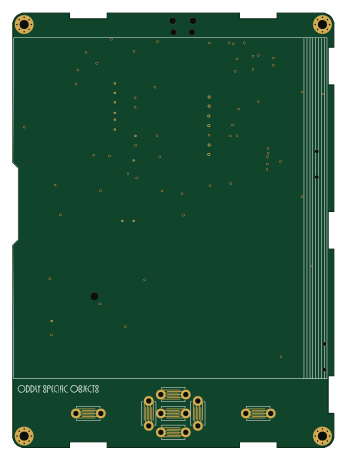
Open Book Abridged Edition
joeycastillo
85 × 115 mm29 parts2LCC-BY-SA-4.08.1k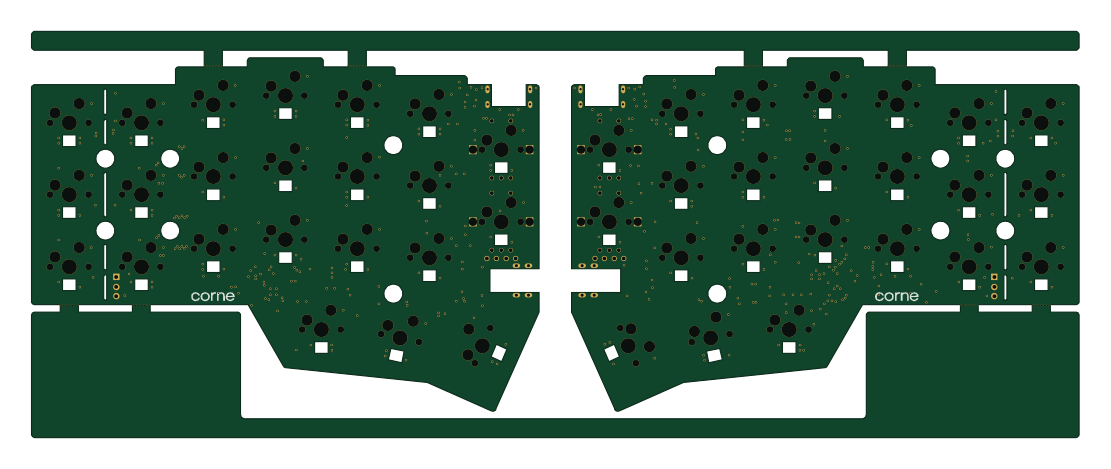 RP2040/RP2350
Corne
foostan
277.2 × 107.5 mm164 parts2LCC-BY-4.07.7k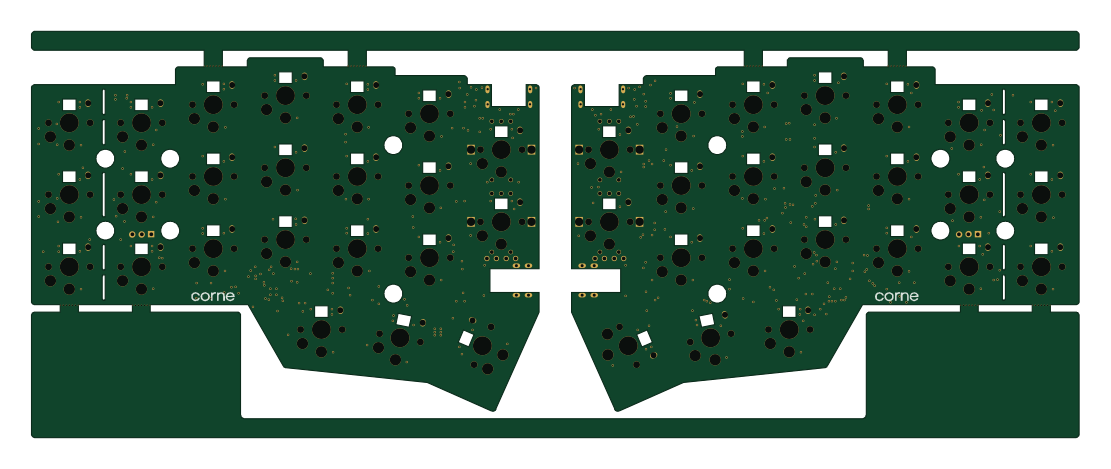 RP2040/RP2350
Corne
277.2 × 107.5 mm164 parts2LCC-BY-4.07.7k RP2040/RP2350
Jitx design
gusmanb
55.5 × 65 mm26 parts4LGPL-3.05.0k RP2040/RP2350
LogicAnalyzer
57 × 55.2 mm6 parts2LGPL-3.05.0k RP2040/RP2350
Main
google
98 × 71 mm102 parts2LApache-2.02.9k