
Micromouse

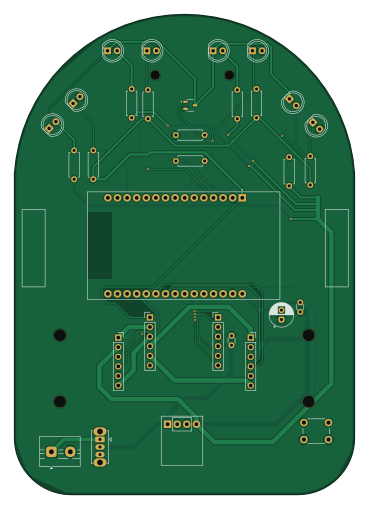
About the Micromouse PCB
Micromouse is an open source ESP32 PCB design by Serwindev, published on GitHub. It is a 2-layer board measuring 90 × 127.1 mm, with 25 components from 12 distinct parts.
Its main chip is the Esp32, from the ESP32 family. By type, the board carries 10 resistors, 4 transistors, 4 diodes, 3 connectors and 3 capacitors.
It belongs with the iot & wireless, robotics & motion and power & battery designs in this gallery.
From the project
A detailed view of making a micromouse -- absolutely from scratch and with no hardware experience prior.
Project Zacch is a full-size micromouse whose aim is to solve the maze autonomously.
The name of the mouse actually comes from Bible (Luke 19:1-10). There was a man called Zacchaeus -- who wanted to see Jesus but because he was short, he couldn't able to see Him. So he climbed a tree to see Jesus.
The dimension of Zacch is 90mm x 127mm (3.54 x 5.00 inches). Compared to other mice out there, it isn't that small. But this is my first-ever hardware project and i needed some more space to work properly.
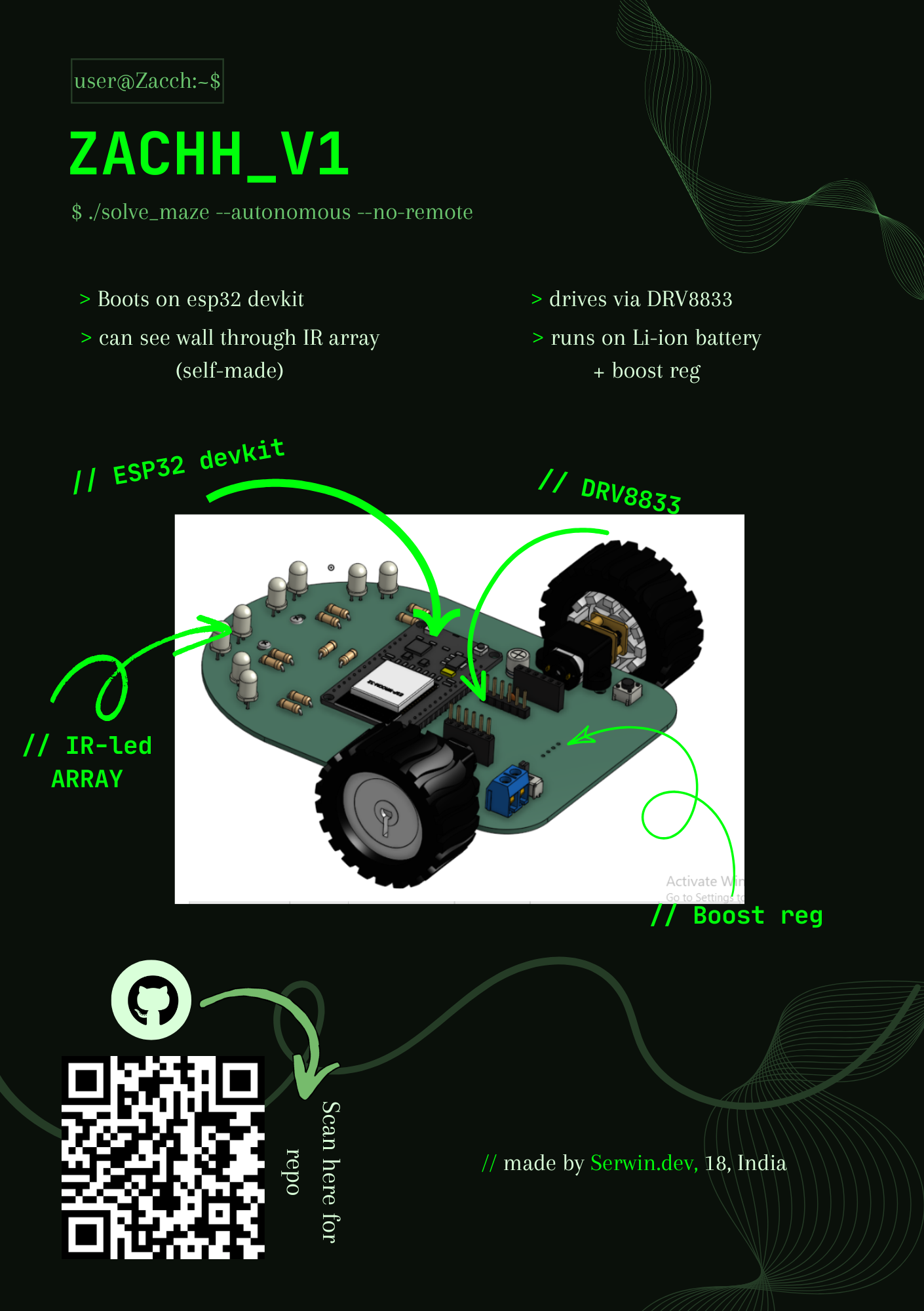
Micromouse bill of materials (BOM)
25 components, 12 distinct parts — part numbers from the project's BOM.
| Qty | Part | Footprint | Refs |
|---|---|---|---|
| 4 | Q_Photo_NPN | LED_D5.0mm_Clear | Q1, Q2, Q3, Q4 |
| 1 | DRV8833 | PinHeader_1x06_P2.54mm_Vertical | J1 |
| 1 | GND | PinHeader_1x06_P2.54mm_Vertical | J14 |
| 1 | MOSFET | SOT95P280X125-3N | J15 |
| 1 | Esp32 | MODULE_ESP32_DEVKIT_V1 | Esp32 |
| 4 | LED | LED_D5.0mm_Clear | D1, D2, D3, D4 |
| 2 | C 0.1 | C_Disc_D3.0mm_W1.6mm_P2.50mm | C1, C3 |
| 1 | C_Polarized 47 | CP_Radial_D6.3mm_P2.50mm | C2 |
| 4 | 120 ohm | R_Axial_DIN0207_L6.3mm_D2.5mm_P7.62mm_Horizontal | R1, R2, R3, R4 |
| 1 | 100 ohm | R_Axial_DIN0207_L6.3mm_D2.5mm_P7.62mm_Horizontal | R5 |
| 1 | 100k ohm | R_Axial_DIN0207_L6.3mm_D2.5mm_P7.62mm_Horizontal | R6 |
| 4 | 10k ohm | R_Axial_DIN0207_L6.3mm_D2.5mm_P7.62mm_Horizontal | R7, R8, R9, R10 |
Micromouse design files
The KiCad project lives in the Serwindev/micromouse repository on GitHub; these links point at the commit this page was built from.
Micromouse: common questions
What microcontroller does the Micromouse use?
The Micromouse is built around the Esp32, from the ESP32 family.
How big is the Micromouse PCB?
The Micromouse measures 90 × 127.1 mm, has 2 copper layers and is 1.6 mm thick.
How many components are on the Micromouse?
25 components, from 12 distinct parts, with part numbers taken from the project's own BOM. The full bill of materials is listed on this page.
Where can I download the Micromouse design files?
From the Serwindev/micromouse repository on GitHub, which has the KiCad layout, the schematic and the BOM; the links under Design files point to each one.
Can I use the Micromouse design in my own project?
The repository has no license, so all rights stay with Serwindev. Use it as a reference, and ask the author before reusing the design.
Can I test firmware for the Micromouse without the hardware?
Yes. HardLabs builds a simulation of the board from its netlist and BOM, so you can run and debug ESP32 firmware against it before you order a PCB.
Similar boards
 ESP32
ESP32Open Book Abridged Edition
joeycastillo
85 × 115 mm65 parts2LCC-BY-SA-4.08.1k ESP32
ESP32Powertrain
byrantech
64 × 45.4 mm171 parts4LMIT4.3k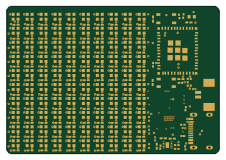 ESP32
ESP32Badge
atopile
56.3 × 39 mm239 parts4LMIT4.0k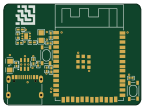 ESP32
ESP32Esp32 minimal
36.2 × 26.8 mm20 parts2LMIT4.0k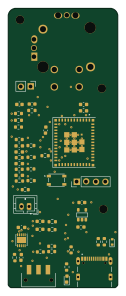 ESP32
ESP32Controller
StuckAtPrototype
29 × 74 mm58 parts4LApache-2.03.8k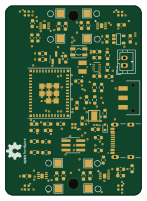 ESP32
ESP32Racer
36 × 50.2 mm70 parts4LApache-2.03.8k