QuiverAttach


About the QuiverAttach PCB
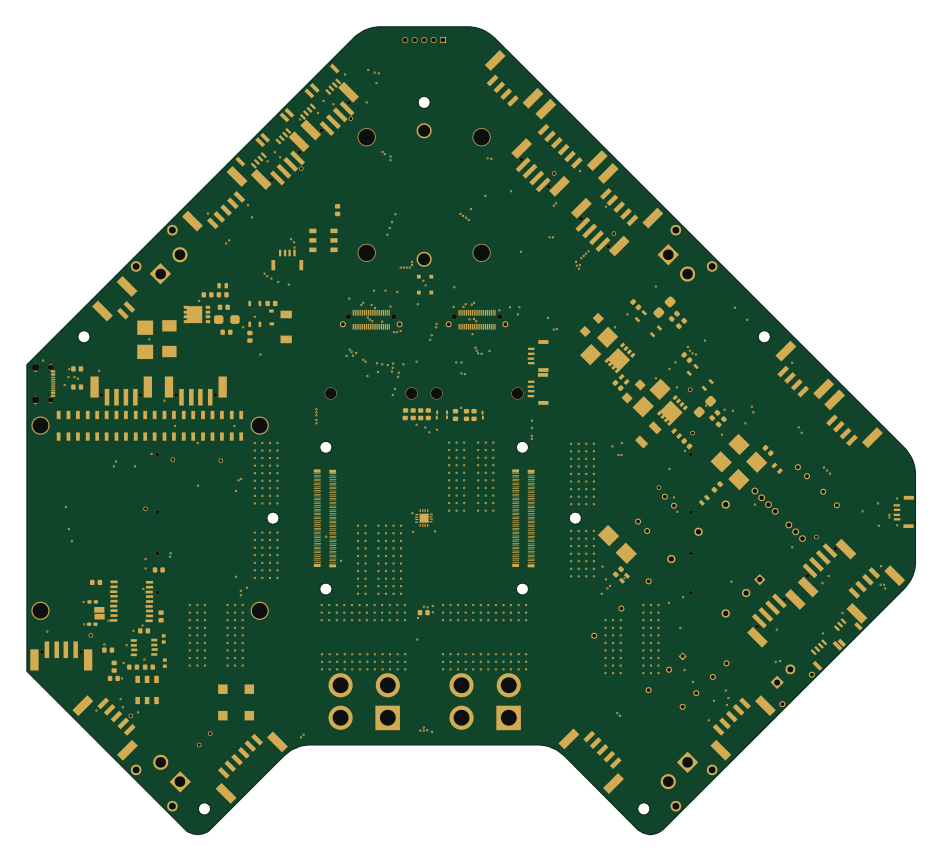
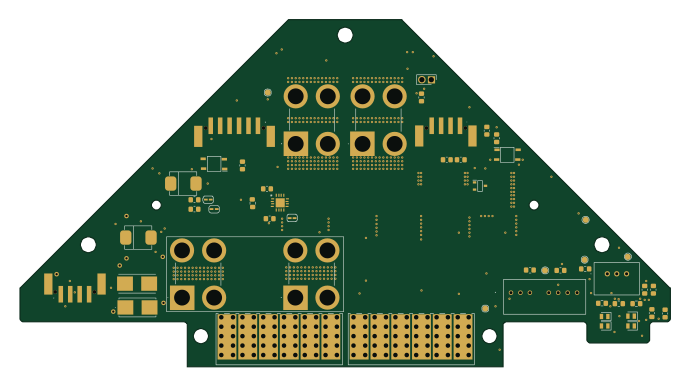
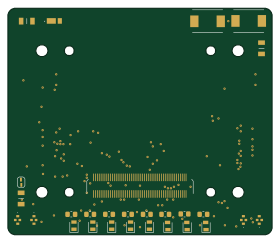
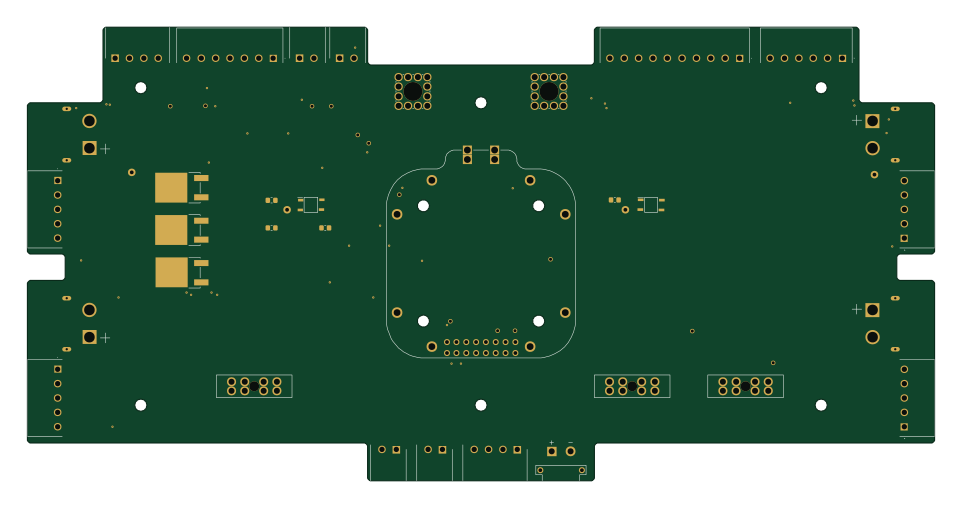
QuiverAttach is an open source PCB design by Arrow-air, published on GitHub under the CERN-OHL-S-2.0 license. It is a 2-layer board measuring 23.5 × 15.8 mm, with 21 components from 3 distinct parts.
By type, the board carries 20 ICs and 1 connector.
From the project
Project Quiver documentation, designs, and project artifacts.
KiCad projects for the Quiver's distributed PCB architecture.
Production gerbers live in each project's production/ folder. Design history, update notes, and superseded board revisions remain with the bounty tasks under task-grant-bounty/pt3/electronics/.
Each KiCad project can export a 3D STEP model of the assembled board. These STEP files go into the CAD assembly tree:
QuiverAttach bill of materials (BOM)
21 components, 3 distinct parts — part numbers from the project's BOM.
| Qty | Part | Footprint | Refs |
|---|---|---|---|
| 10 | ~ | C2826546-BWCD-L4.5W2.0H2.3 | U1, U2, U3, U4, U5, U6, U7, U8 +2 |
| 10 | ~ | C2826546-BWCD-L4.5W2.0H2.3_only_Pad_D2.0mm_1 | U11, U12, U13, U14, U15, U16, U17, U18 +2 |
| 1 | 2077601281 | CONN12_2077601281_MOL | J1 |
QuiverAttach design files
The KiCad project lives in the Arrow-air/project-quiver repository on GitHub; these links point at the commit this page was built from.
QuiverAttach: common questions
How big is the QuiverAttach PCB?
The QuiverAttach measures 23.5 × 15.8 mm, has 2 copper layers and is 1.2 mm thick.
How many components are on the QuiverAttach?
21 components, from 3 distinct parts, with part numbers taken from the project's own BOM. The full bill of materials is listed on this page.
Where can I download the QuiverAttach design files?
From the Arrow-air/project-quiver repository on GitHub, which has the KiCad layout, the schematic and the BOM; the links under Design files point to each one.
Can I use the QuiverAttach design in my own project?
Yes, under the terms of its CERN-OHL-S-2.0 license, which Arrow-air chose for the repository.