
Desktop 50 Pin TopConn

About the Desktop 50 Pin TopConn PCB
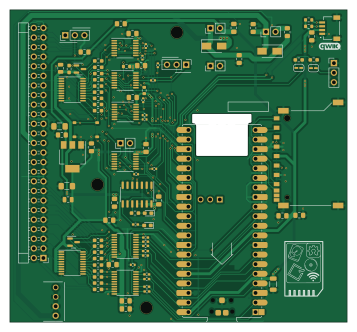
Desktop 50 Pin TopConn is an open source Raspberry Pi PCB design by BlueSCSI, published on GitHub under the GPL-3.0 license. It is a 2-layer board measuring 89.2 × 82.6 mm, with 103 components from 36 distinct parts.
Its main chip is the PicoWModule, from the Raspberry Pi family. Other key parts include the C14791, C2652121, C5605 and C7042. By type, the board carries 46 resistors, 24 capacitors, 10 ICs, 10 connectors, 4 diodes and 2 transistors.
From the project
BlueSCSI v2/Ultra - an open source, open hardware, SCSI emulator using the Pi Pico PR2040 and Pico 2 RP2350
Main components on the Desktop 50 Pin TopConn
Desktop 50 Pin TopConn bill of materials (BOM)
103 components, 36 distinct parts — part numbers from the project's BOM.
| Qty | Part | Footprint | Refs |
|---|---|---|---|
| 1 | C14791 AMS1117-2.85 | SOT-223-3_TabPin2 | U3 |
| 4 | C2652121 LVT245 | TSSOP-20_4.4x6.5mm_P0.65mm | U4, U5, U6, U9 |
| 1 | C5605 74HC14 | SO-14_3.9x8.65mm_P1.27mm | U8 |
| 4 | C7042 LVT125 | TSSOP-14_4.4x5mm_P0.65mm | U13, U14, U15, U16 |
| 2 | C15127 AO3401A | SOT-23 | Q1, Q2 |
| 3 | Conn_01x03_Male | PinHeader_1x03_P2.54mm_Vertical | J1, J5, J10 |
| 1 | Conn_02x25_Odd_Even | PinHeader_2x25_P2.54mm_Horizontal | J2 |
| 1 | BergFloppy | BergFloppy_RightAngle | J3 |
| 1 | C160404 SM04B-SRSS-TB(LF)(SN) | JST_SM04B-SRSS-TB(LF)(SN) | J6 |
| 1 | TERM_BCKF | PinHeader_1x02_P2.54mm_Vertical | J7 |
| 1 | EPWR | PinHeader_1x02_P2.54mm_Vertical | J8 |
| 1 | Conn_01x02_Male | PinHeader_1x02_P2.54mm_Vertical | J9 |
| 1 | ACK_En | PinHeader_1x02_P2.54mm_Vertical | J11 |
| 2 | C883111 Polyfuse | Fuse_0805_2012Metric_Pad1.15x1.40mm_HandSolder | F2, F3 |
| 2 | SolderJumper_2_Open | SolderJumper-2_P1.3mm_Open_RoundedPad1.0x1.5mm | JP1, JP2 |
| 1 | PicoWModule | Raspberry_Pi_PicoW_SMT_THT | RP1 |
| 1 | C428452 SOFNG_SD-001 | SOFNG_SD-001 | SD1 |
| 1 | C318884 SW_MEC_5E | TS-1187A-B-A-B | SW1 |
| 2 | C2480 D | D_SMA | D1, D2 |
| 1 | C72041 LED | LED_0603_1608Metric_Pad1.05x0.95mm_HandSolder | D3 |
Show 16 more
| Qty | Part | Footprint | Refs |
|---|---|---|---|
| 1 | C2290 LED | LED_0603_1608Metric_Pad1.05x0.95mm_HandSolder | D4 |
| 3 | C28233 0.1uF | C_0805_2012Metric_Pad1.15x1.40mm_HandSolder | C1, C2, C5 |
| 2 | C5672 20uF | C_1206_3216Metric_Pad1.42x1.75mm_HandSolder | C3, C4 |
| 3 | C1779 4.7uF | C_0805_2012Metric_Pad1.15x1.40mm_HandSolder | C6, C7, C12 |
| 9 | C28233 0.1uF | C_0805_2012Metric_Pad1.18x1.45mm_HandSolder | C8, C9, C11, C13, C14, C19, C20, C22 +1 |
| 4 | C1779 4.7uF | C_0805_2012Metric_Pad1.18x1.45mm_HandSolder | C10, C15, C16, C21 |
| 2 | C28233 0.1uF | C_0805_2012Metric | C17, C18 |
| 1 | C5672 20uF | C_1206_3216Metric | C23 |
| 18 | C141676 110 | R_0603_1608Metric_Pad0.98x0.95mm_HandSolder | R1, R2, R3, R4, R5, R6, R7, R8 +10 |
| 10 | C11702 1k | R_0402_1005Metric | R11, R25, R28, R29, R61, R65, R66, R67 +2 |
| 9 | C11702 1k | R_0402_1005Metric_Pad0.72x0.64mm_HandSolder | R12, R13, R14, R15, R16, R17, R18, R19 +1 |
| 4 | C23162 4.7k | R_0603_1608Metric | R22, R23, R24, R26 |
| 1 | C25117 470 | R_0402_1005Metric_Pad0.72x0.64mm_HandSolder | R30 |
| 2 | C23162 4.7k | R_0603_1608Metric_Pad0.98x0.95mm_HandSolder | R41, R56 |
| 1 | C22808 150 | R_0603_1608Metric_Pad0.98x0.95mm_HandSolder | R58 |
| 1 | C23138 330 | R_0603_1608Metric_Pad0.98x0.95mm_HandSolder | R59 |
Desktop 50 Pin TopConn design files
The KiCad project lives in the BlueSCSI/BlueSCSI-v2 repository on GitHub; these links point at the commit this page was built from.
Desktop 50 Pin TopConn: common questions
What microcontroller does the Desktop 50 Pin TopConn use?
The Desktop 50 Pin TopConn is built around the PicoWModule, from the Raspberry Pi family.
How big is the Desktop 50 Pin TopConn PCB?
The Desktop 50 Pin TopConn measures 89.2 × 82.6 mm, has 2 copper layers and is 1.6 mm thick.
How many components are on the Desktop 50 Pin TopConn?
103 components, from 36 distinct parts, with part numbers taken from the project's own BOM. The full bill of materials is listed on this page.
Where can I download the Desktop 50 Pin TopConn design files?
From the BlueSCSI/BlueSCSI-v2 repository on GitHub, which has the KiCad layout, the schematic and the BOM; the links under Design files point to each one.
Can I use the Desktop 50 Pin TopConn design in my own project?
Yes, under the terms of its GPL-3.0 license, which BlueSCSI chose for the repository.
Can I test firmware for the Desktop 50 Pin TopConn without the hardware?
Yes. HardLabs builds a simulation of the board from its netlist and BOM, so you can run and debug Raspberry Pi firmware against it before you order a PCB.
More boards in BlueSCSI-v2
Similar boards
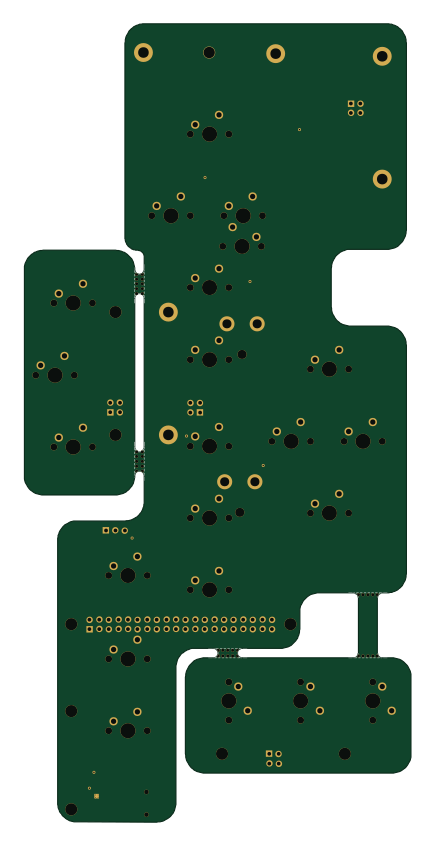 Raspberry Pi
Haxo hw
cardonabits
102.4 × 211.3 mm38 parts2LCustom license672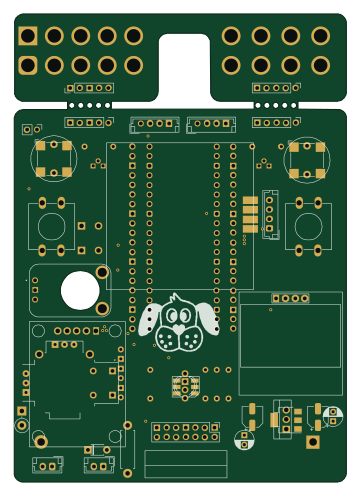 Raspberry Pi
BitDogLab 5.4
BitDogLab
87.9 × 123.9 mm56 parts2LCERN-OHL-S-2.0201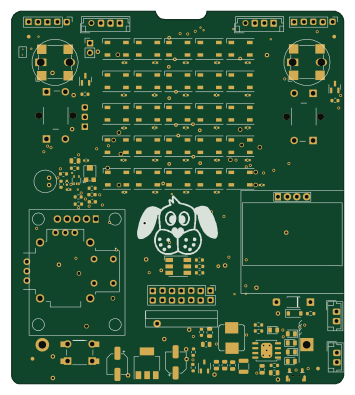 Raspberry Pi
BitDogLab Main SMD version
87.9 × 98.7 mm124 parts2LCERN-OHL-S-2.0201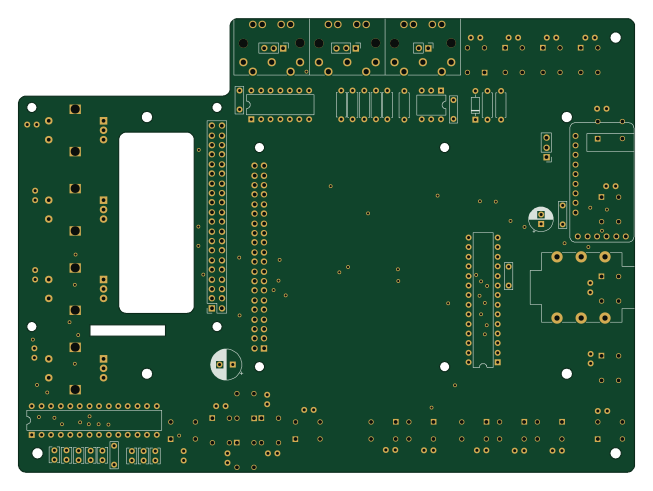 Raspberry Pi
Zynthian mini v2 20 buttons short
zynthian
163 × 120 mm87 parts2LNo license154 Raspberry Pi
RecurBOY
cyberboy666
100 × 100 mm33 parts2LGPL-3.0122 Raspberry Pi
MosaicHAT
septentrio-gnss
65 × 56.5 mm37 parts4LNo license63