
Red-Robot-2023

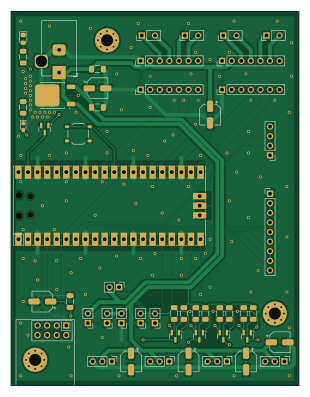
About the Red-Robot-2023 PCB
Red-Robot-2023 is an open source RP2040/RP2350 PCB design by CMU-Robotics-Club, published on GitHub. It is a 4-layer board measuring 76.2 × 99.1 mm, with 50 components from 19 distinct parts.
Its main chip is the Pico, from the RP2040/RP2350 family. Other key parts include the C92271 and C5336215. By type, the board carries 17 connectors, 10 capacitors, 10 resistors, 5 ICs, 4 transistors and 3 diodes.
It belongs with the robotics & motion designs in this gallery.
From the project
A repository for all of the resouces for the 2023 Red Robot Hackathon.
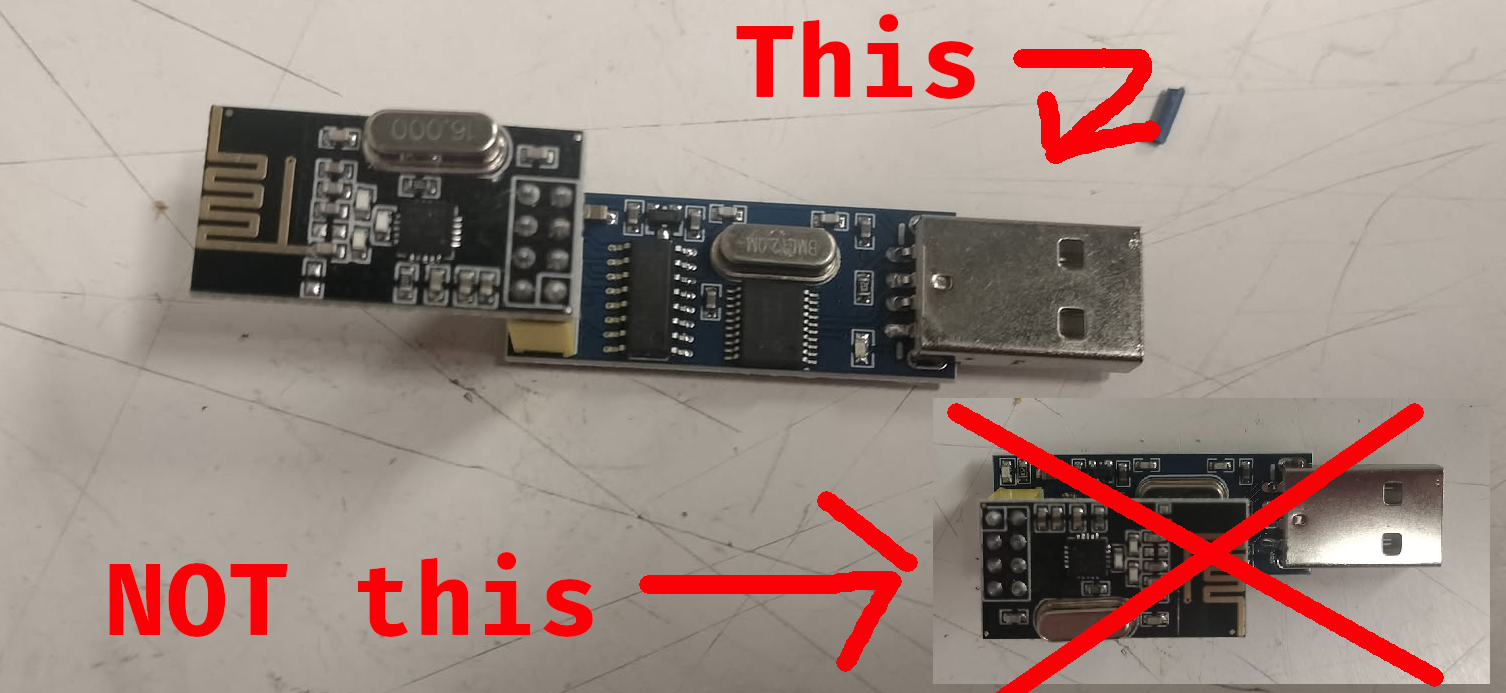
1. Install The Arduino IDE. 2. Install support for the Pi Pico. 3. Download the repository and unzip it to a convenient place on your computer. 4. Open Arduino-Starter.ino 5. Select the Raspberry Pi Pico (NOT Pico W and NOT the Mbed version) in the dropdown on the top left. You may need to plug in the Pico first. 6. Once you have selected the Pico, go to the library manager, and search for and install "RF24".
Main components on the Red-Robot-2023
Red-Robot-2023 bill of materials (BOM)
50 components, 19 distinct parts — part numbers from the project's BOM.
| Qty | Part | Footprint | Refs |
|---|---|---|---|
| 1 | Pico | RPi_Pico_SMD_TH | U1 |
| 2 | ~ | DRV8835 | U2, U3 |
| 1 | C92271 NRF24L01_Breakout | nRF24L01_Breakout | U4 |
| 1 | C5336215 LD29150DT50R | TO-252-2 | U5 |
| 4 | C112239 BSS138 | SOT-23 | Q1, Q2, Q3, Q4 |
| 4 | C5349543 Screw_Terminal_01x02 | ScrewTerminalP3.5mm | J1, J2, J3, J4 |
| 1 | C136744 Barrel_Jack_Switch | BarrelJack_Horizontal | J5 |
| 4 | C6332196 Conn_01x03_Pin | PinHeader_1x03_P2.54mm_Vertical | J6, J7, J8, J9 |
| 1 | C6332197 Conn_01x04_Pin | PinHeader_1x04_P2.54mm_Vertical | J10 |
| 1 | C492408 Conn_01x09_Pin | PinHeader_1x09_P2.54mm_Vertical | J11 |
| 6 | C2905434 Conn_01x02_Pin | PinHeader_1x02_P2.54mm_Vertical | J13, J14, J15, J16, J17, J18 |
| 1 | C318884 SW_Push | SW_Push_1P1T_XKB_TS-1187A | SW1 |
| 1 | C2297 PWR | LED_0805_2012Metric_Pad1.15x1.40mm_HandSolder | D1 |
| 1 | C22466368 D_Schottky | SOT-23 | D2 |
| 1 | C2286 LED | LED_0603_1608Metric_Pad1.05x0.95mm_HandSolder | D3 |
| 7 | C22387981 100u | CP_Elec_5x5.4 | C1, C4, C6, C7, C8, C9, C10 |
| 3 | C24497 0.1u | C_1206_3216Metric_Pad1.33x1.80mm_HandSolder | C2, C3, C5 |
| 9 | C17936 4.7k | R_1206_3216Metric_Pad1.30x1.75mm_HandSolder | R1, R3, R4, R5, R6, R7, R8, R9 +1 |
| 1 | C17924 180 | R_1206_3216Metric_Pad1.30x1.75mm_HandSolder | R2 |
Red-Robot-2023 design files
The KiCad project lives in the CMU-Robotics-Club/Red-Robot-2023 repository on GitHub; these links point at the commit this page was built from.
Red-Robot-2023: common questions
What microcontroller does the Red-Robot-2023 use?
The Red-Robot-2023 is built around the Pico, from the RP2040/RP2350 family.
How big is the Red-Robot-2023 PCB?
The Red-Robot-2023 measures 76.2 × 99.1 mm, has 4 copper layers and is 1.6 mm thick.
How many components are on the Red-Robot-2023?
50 components, from 19 distinct parts, with part numbers taken from the project's own BOM. The full bill of materials is listed on this page.
Where can I download the Red-Robot-2023 design files?
From the CMU-Robotics-Club/Red-Robot-2023 repository on GitHub, which has the KiCad layout, the schematic and the BOM; the links under Design files point to each one.
Can I use the Red-Robot-2023 design in my own project?
The repository has no license, so all rights stay with CMU-Robotics-Club. Use it as a reference, and ask the author before reusing the design.
Can I test firmware for the Red-Robot-2023 without the hardware?
Yes. HardLabs builds a simulation of the board from its netlist and BOM, so you can run and debug RP2040/RP2350 firmware against it before you order a PCB.
Similar boards
 RP2040/RP2350
Open Book Abridged Edition
joeycastillo
85 × 115 mm29 parts2LCC-BY-SA-4.08.1k RP2040/RP2350
Corne
foostan
277.2 × 107.5 mm164 parts2LCC-BY-4.07.7k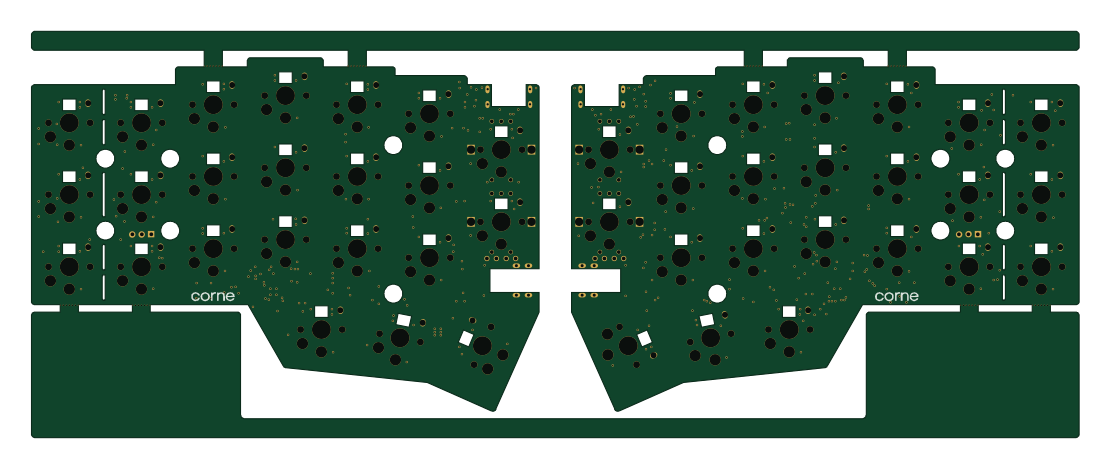 RP2040/RP2350
Corne
277.2 × 107.5 mm164 parts2LCC-BY-4.07.7k RP2040/RP2350
LogicAnalyzer
gusmanb
57 × 55.2 mm6 parts2LGPL-3.05.0k RP2040/RP2350
Jitx design
55.5 × 65 mm26 parts4LGPL-3.05.0k RP2040/RP2350
Main
google
98 × 71 mm102 parts2LApache-2.02.9k