
Single button rectangular optical USB mouse

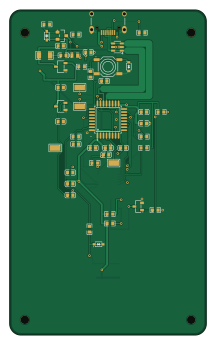
About the Single button rectangular optical USB mouse PCB
Single button rectangular optical USB mouse is an open source STM32 PCB design by CopperPilot, published on GitHub under the CERN-OHL-S-2.0 license. It is a 2-layer board measuring 52 × 86 mm, with 51 components from 28 distinct parts.
Its main chip is the STM32F042K6T6, from the STM32 family. Other key parts include the PMW3901MB-TXQT, ME6209A33M3G and XC6206P202MR-G. By type, the board carries 15 capacitors, 15 resistors, 6 diodes, 4 ICs, 4 test points and 2 transistors.
It belongs with the keyboards and retro computing designs in this gallery.
From the project
A 1980s-style all-in-one desktop around a Raspberry Pi CM5 with a 58-key mechanical keyboard and a one-button mouse: four KiCad boards across three modules, 15 V USB-C PD power. Designed end to end by CopperPilot, open for review.
Generated from rea/spec.yaml by rea-hardware (JLCPCB 2-layer 1.6 mm stackup, design rules, 52.0 x 86.0 mm board outline at the origin, and M2 mounting holes), and completed for the single-button rectangular optical USB-C mouse. Every placed symbol carries a verified in-stock LCSC part number, matches the structured rea/spec.yaml BOM and power-tree definitions, and uses its matching lcsc footprint and 3D STEP model.
Main components on the Single button rectangular optical USB mouse
Single button rectangular optical USB mouse bill of materials (BOM)
51 components, 28 distinct parts — part numbers from the project's BOM.
| Qty | Part | Footprint | Refs |
|---|---|---|---|
| 1 | STM32F042K6T6 | LQFP-32_L7.0-W7.0-P0.80-LS9.0-BL | U1 |
| 1 | PMW3901MB-TXQT | COB-28_L6.0-W6.0-P0.65-TL-EP | U2 |
| 1 | ME6209A33M3G | SOT-23-3_L2.9-W1.6-P1.90-LS2.8-BR | U3 |
| 1 | XC6206P202MR-G | SOT-23-3_L2.9-W1.6-P1.90-LS2.8-BR | U4 |
| 1 | AO3400A | SOT-23-3_L2.9-W1.3-P1.90-LS2.4-BR | Q1 |
| 1 | AO3401A | SOT-23_L2.9-W1.3-P1.90-LS2.4-BR | Q2 |
| 1 | TYPE-C-31-M-12 | USB-C_SMD-TYPE-C-31-M-12_1 | J1 |
| 1 | BSMD0603-025-24V | F0603 | F1 |
| 2 | PTS526SM15SMTR2LFS | SW-SMD_4P-L5.2-W5.2-P3.70-LS6.4 | SW1, SW2 |
| 1 | RH-5015 SWDIO | SMD_RH-5015 | TP1 |
| 1 | RH-5015 SWCLK | SMD_RH-5015 | TP2 |
| 1 | RH-5015 NRST | SMD_RH-5015 | TP3 |
| 1 | RH-5015 GND | SMD_RH-5015 | TP4 |
| 1 | USBLC6-2SC6 | SOT-23-6_L2.9-W1.6-P0.95-LS2.8-BL | D1 |
| 2 | KT-0603R | LED-SMD_L1.6-W0.8-R-RD | D2, D3 |
| 2 | PESD3V3L1BA | SOD-323_L1.7-W1.3-LS2.6-BI | D4, D5 |
| 1 | BZT52C8V2S | SOD-323_L1.7-W1.3-LS2.6-RD-1 | D6 |
| 1 | BLM18PG121SN1D | L0603 | FB1 |
| 3 | CC0603KRX7R9BB105 1uF | C0603 | C1, C11, C15 |
| 1 | CL10A475KA8NQNC 4.7uF | C0603 | C2 |
Show 8 more
| Qty | Part | Footprint | Refs |
|---|---|---|---|
| 2 | CL10A475KO8NNNC 4.7uF | C0603 | C3, C4 |
| 8 | CC0603KRX7R9BB104 100nF | C0603 | C5, C6, C7, C8, C9, C10, C12, C14 |
| 1 | CC0603KRX7R9BB103 10nF | C0603 | C13 |
| 2 | 0603WAF5101T5E 5.1k | R0603 | R1, R2 |
| 8 | 0603WAF1002T5E 10k | R0603 | R3, R4, R5, R9, R10, R13, R14, R15 |
| 2 | 0603WAF2200T5E 220R | R0603 | R6, R7 |
| 2 | 0603WAF1001T5E 1k | R0603 | R8, R12 |
| 1 | HP06W2F120KT5E 1.2R | R1206 | R11 |
Single button rectangular optical USB mouse design files
The KiCad project lives in the CopperPilot/desktop-computer-retro repository on GitHub; these links point at the commit this page was built from.
Single button rectangular optical USB mouse: common questions
What microcontroller does the Single button rectangular optical USB mouse use?
The Single button rectangular optical USB mouse is built around the STM32F042K6T6, from the STM32 family.
How big is the Single button rectangular optical USB mouse PCB?
The Single button rectangular optical USB mouse measures 52 × 86 mm, has 2 copper layers and is 1.6 mm thick.
How many components are on the Single button rectangular optical USB mouse?
51 components, from 28 distinct parts, with part numbers taken from the project's own BOM. The full bill of materials is listed on this page.
Where can I download the Single button rectangular optical USB mouse design files?
From the CopperPilot/desktop-computer-retro repository on GitHub, which has the KiCad layout, the schematic and the BOM; the links under Design files point to each one.
Can I use the Single button rectangular optical USB mouse design in my own project?
Yes, under the terms of its CERN-OHL-S-2.0 license, which CopperPilot chose for the repository.
Can I test firmware for the Single button rectangular optical USB mouse without the hardware?
Yes. HardLabs builds a simulation of the board from its netlist and BOM, so you can run and debug STM32 firmware against it before you order a PCB.
More boards in desktop-computer-retro
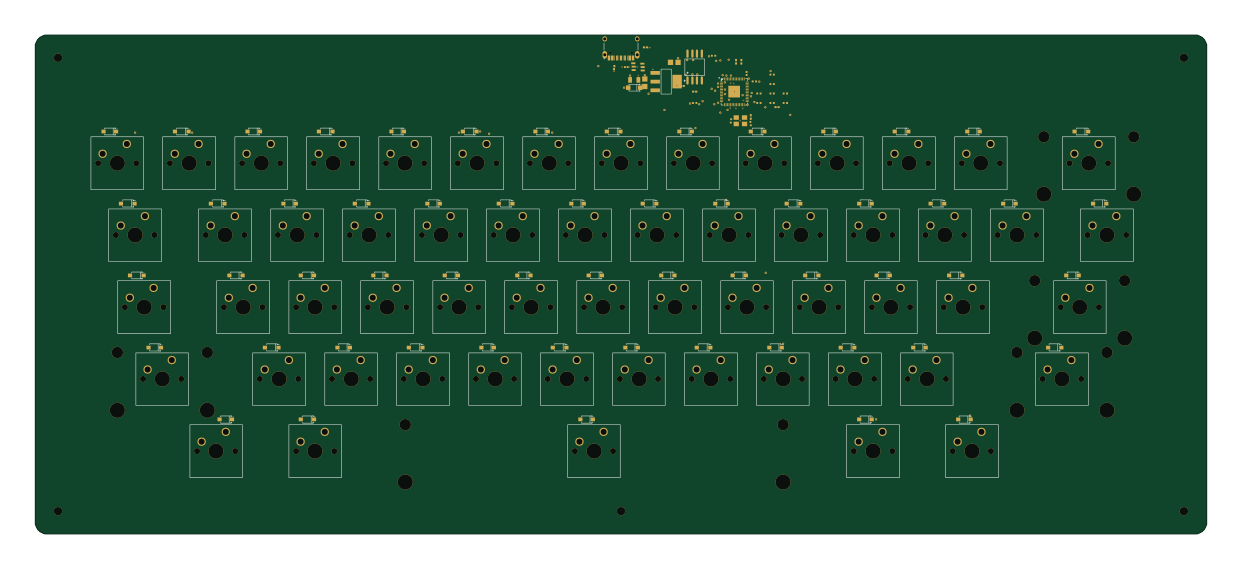
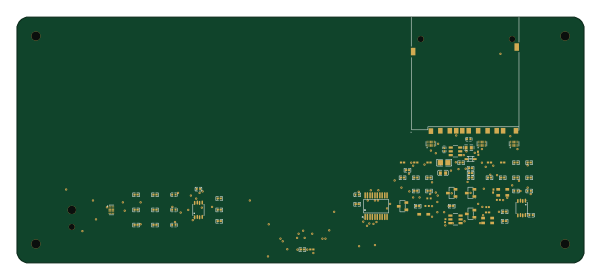
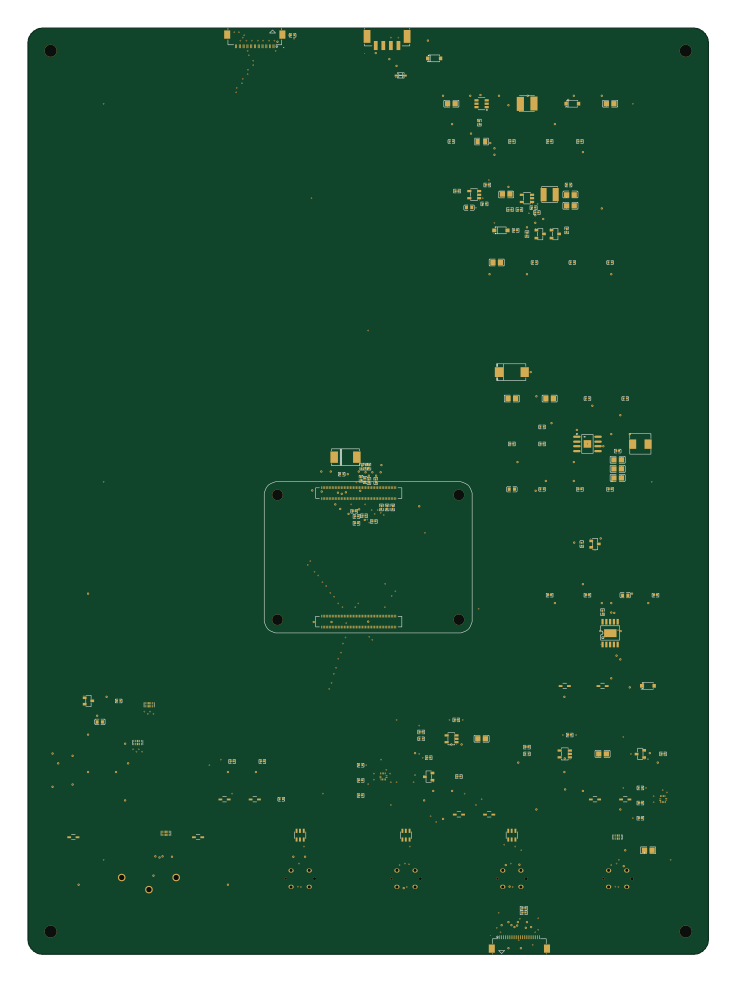
Similar boards
 STM32
LumenPnP Motherboard
opulo-inc
149 × 95 mm296 parts4LCC-BY-SA-4.03.7k STM32
Type g
google
169 × 30 mm24 parts2LApache-2.02.9k STM32
Base
52.3 × 52.3 mm36 parts2LApache-2.02.9k STM32
Main panel
234 × 84 mm26 parts4LApache-2.02.9k STM32
Type a
150 × 30 mm14 parts2LApache-2.02.9k STM32
Type c
188 × 30 mm17 parts2LApache-2.02.9k