
Picoclock

About the Picoclock PCB
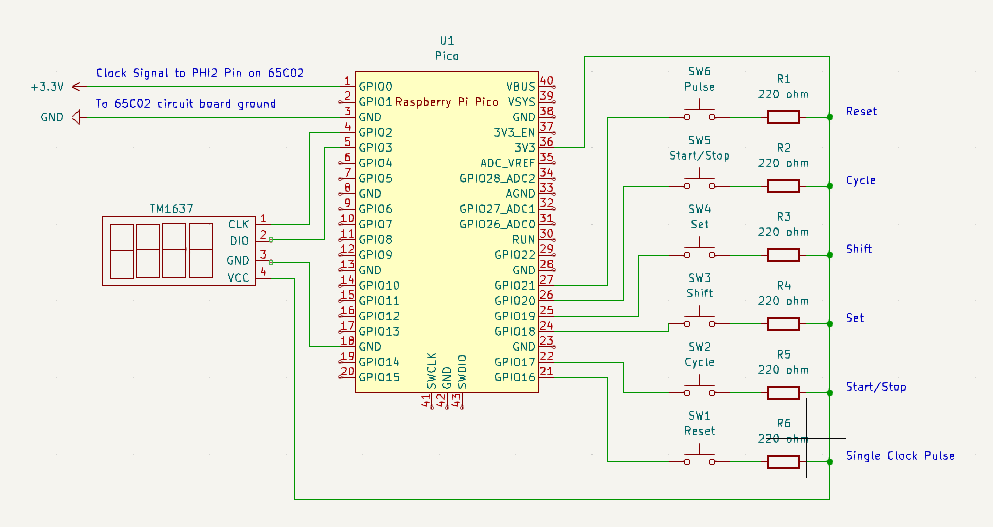
Picoclock is an open source RP2040/RP2350 PCB design by dotdust, published on GitHub under the MIT license. It is a board, with 14 components from 9 distinct parts.
Its main chip is the Pico, from the RP2040/RP2350 family. By type, the board carries 6 switches, 6 resistors and 1 IC.
From the project
The idea is to use a Raspberry Pico board to generate a clock signal that could be directly connected to the PHI2 pin of a 6502 microprocessor.
The idea is to use a Raspberry Pico board to generate a clock signal that could be directly connected to the PHI2 pin of a 6502 microprocessor.
It is a square wave generator that can generate frequency from 1 Hz to 127 Mhz, the maximum frequency you can get from a Raspberry Pico GPIO pin configured as PWM.
Picoclock will have a four-digit, seven-segment display to inform the user about the current frequency and operational messages.
Main components on the Picoclock
Picoclock bill of materials (BOM)
14 components, 9 distinct parts.
| Qty | Part | Footprint | Refs |
|---|---|---|---|
| 1 | Pico | RPi_Pico_SMD_TH | U1 |
| 1 | Reset | SW1 | |
| 1 | Cycle | SW2 | |
| 1 | Shift | SW3 | |
| 1 | Set | SW4 | |
| 1 | Start/Stop | SW5 | |
| 1 | Pulse | SW6 | |
| 1 | LOGO | TM1637 | |
| 6 | 220 ohm | R1, R2, R3, R4, R5, R6 |
Picoclock design files
The KiCad project lives in the dotdust/picoclock repository on GitHub; these links point at the commit this page was built from.
- Schematickicad/picoclock.kicad_sch
Picoclock: common questions
What microcontroller does the Picoclock use?
The Picoclock is built around the Pico, from the RP2040/RP2350 family.
How many components are on the Picoclock?
14 components, from 9 distinct parts. The full bill of materials is listed on this page.
Where can I download the Picoclock design files?
From the dotdust/picoclock repository on GitHub, which has the schematic; the links under Design files point to each one.
Can I use the Picoclock design in my own project?
Yes, under the terms of its MIT license, which dotdust chose for the repository.
Can I test firmware for the Picoclock without the hardware?
Yes. HardLabs builds a simulation of the board from its netlist and BOM, so you can run and debug RP2040/RP2350 firmware against it before you order a PCB.
Similar boards
 RP2040/RP2350
Open Book Abridged Edition
joeycastillo
85 × 115 mm29 parts2LCC-BY-SA-4.08.1k RP2040/RP2350
Corne
foostan
277.2 × 107.5 mm164 parts2LCC-BY-4.07.7k RP2040/RP2350
Corne
277.2 × 107.5 mm164 parts2LCC-BY-4.07.7k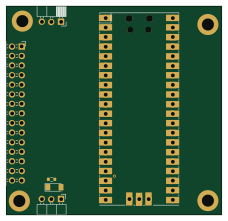 RP2040/RP2350
LogicAnalyzer
gusmanb
57 × 55.2 mm6 parts2LGPL-3.05.0k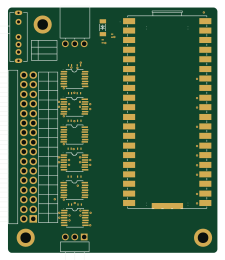 RP2040/RP2350
Jitx design
55.5 × 65 mm26 parts4LGPL-3.05.0k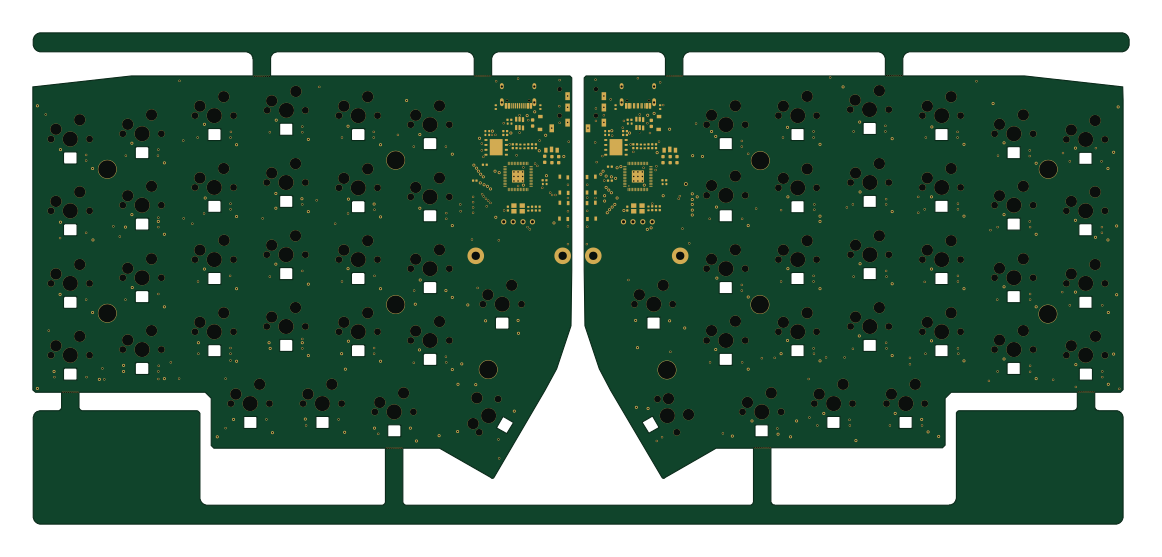 RP2040/RP2350
Pro V2
kata0510
290.1 × 130 mm270 parts2LMIT2.3k