
Qol56

About the Qol56 PCB
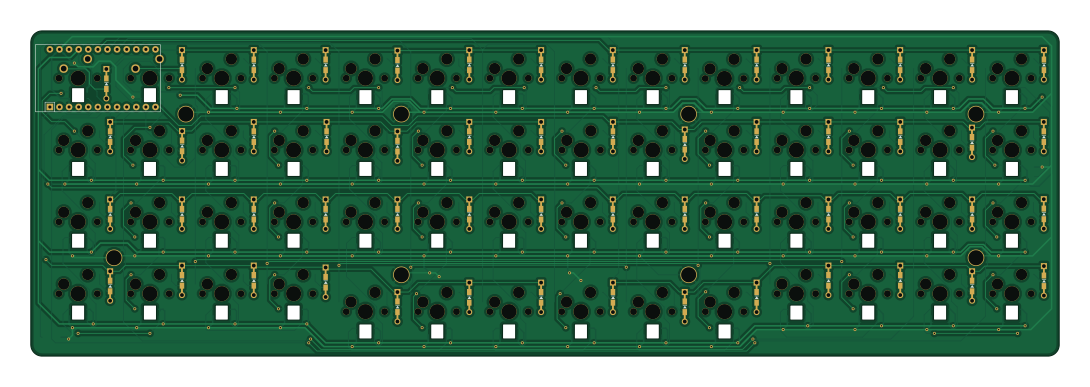
Qol56 is an open source AVR/Arduino PCB design by eswai, published on GitHub. It is a 2-layer board measuring 272 × 86 mm, with 171 components from 7 distinct parts.
Its main chip is the ProMicro, from the AVR/Arduino family. By type, the board carries 57 switches, 56 diodes, 56 inductors, 1 IC and 1 connector.
It belongs with the keyboards and displays & leds designs in this gallery.
From the project
56-key mechanical keyboard for Oyayubi-shift Japanese input
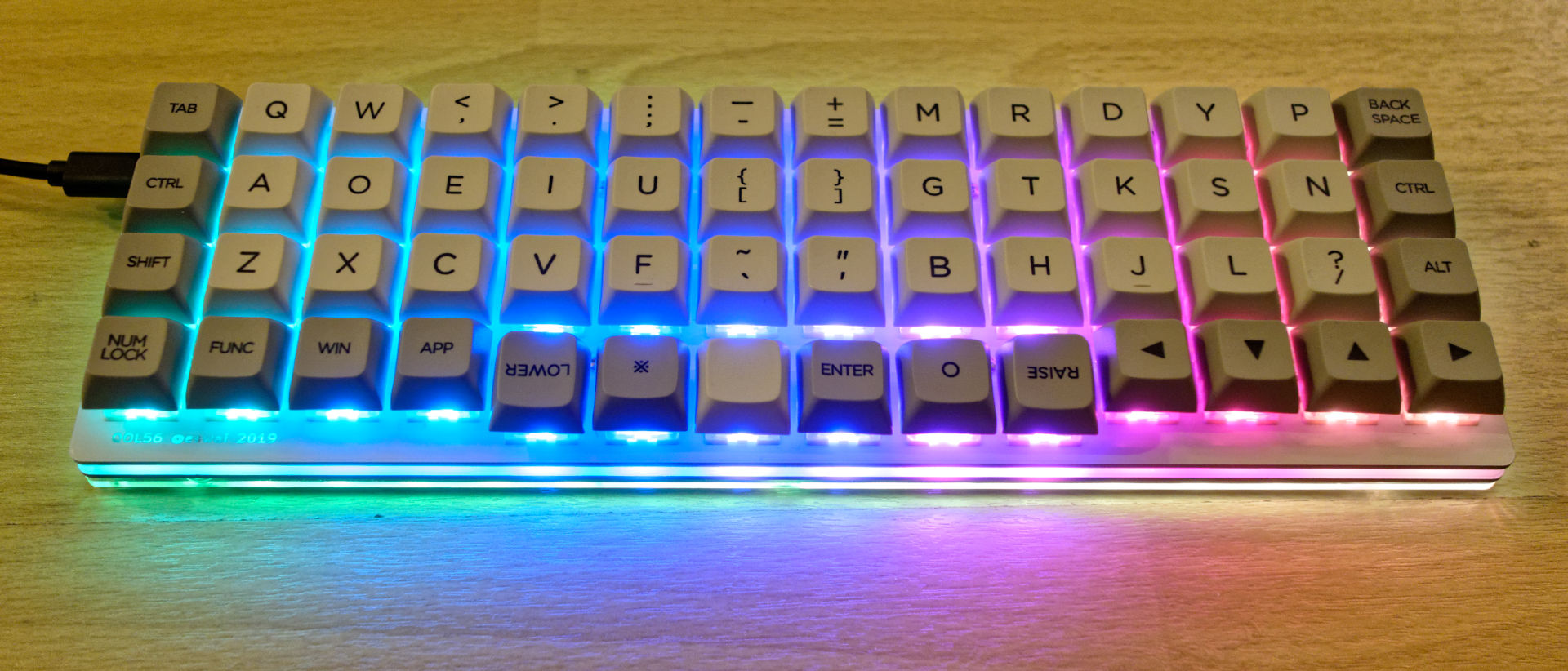
QOL56は、ほぼ直交格子配列(ortholinear)な56キーのキーボードです。 ortholinearキーボードはplanckが有名ですが、planckよりも2列、8キー多い配列です。 親指で自然に押せるキーを6キー配置すると必然的に14列必要になりました。 その結果、親指でシフト、スペース、エンター、レイヤー切り替えなど頻度の高いキー操作が可能です。 また、親指シフト入力での使用を念頭において設計しており、現在の親指シフト入力をする上での様々な課題を解決し、最新のキーボードトレンドを取り込んで、接続するだけで快適に親指シフト入力できることを目指すキーボードです。
親指シフト入力のユーザーは、高価な専用キーボードを購入したり、いわゆるB割れしているキーボードを探したり、orz配列という右手のキーを1列ずらすなどの努力をしていますが、自作することで親指シフトに最適なキーボードを実現することが目的です。 同時に旧来のrow staggeredの非対称キー配置から脱却し、より効率の良い配列へ移行することもめざしています。 親指シフトなどの同時押しでは特にキー配置が左右対称であるべきだと考えています。 もっとエルゴノミックなキー配列はたくさんあるのですが、まずはシンプルで扱いやすそうな直交格子配列にしてみました。…
Main components on the Qol56
Qol56 bill of materials (BOM)
171 components, 7 distinct parts.
| Qty | Part | Footprint | Refs |
|---|---|---|---|
| 1 | ProMicro | ArduinoProMicro | U1 |
| 1 | Conn_01x03 | StripLED_rev | J1 |
| 2 | SW_PUSH | MX_PCB_100H | SW1, SW2 |
| 54 | SW_PUSH | CherryMX_Hotswap | SW3, SW4, SW5, SW6, SW7, SW8, SW9, SW10 +46 |
| 1 | SW_PUSH | SMD 2Pin 3X4MM Tactile Tact Push Button | SW57 |
| 56 | D | Diode-dual | D1, D2, D3, D4, D5, D6, D7, D8 +48 |
| 56 | SK6812MINI | SK6812MINI_rev | L1, L2, L3, L4, L5, L6, L7, L8 +48 |
Qol56 design files
The KiCad project lives in the eswai/QOL56 repository on GitHub; these links point at the commit this page was built from.
Qol56: common questions
What microcontroller does the Qol56 use?
The Qol56 is built around the ProMicro, from the AVR/Arduino family.
How big is the Qol56 PCB?
The Qol56 measures 272 × 86 mm, has 2 copper layers and is 1.6 mm thick.
How many components are on the Qol56?
171 components, from 7 distinct parts. The full bill of materials is listed on this page.
Where can I download the Qol56 design files?
From the eswai/QOL56 repository on GitHub, which has the KiCad layout; the links under Design files point to each one.
Can I use the Qol56 design in my own project?
The repository has no license, so all rights stay with eswai. Use it as a reference, and ask the author before reusing the design.
Can I test firmware for the Qol56 without the hardware?
Yes. HardLabs builds a simulation of the board from its netlist and BOM, so you can run and debug AVR/Arduino firmware against it before you order a PCB.
Similar boards
 AVR/Arduino
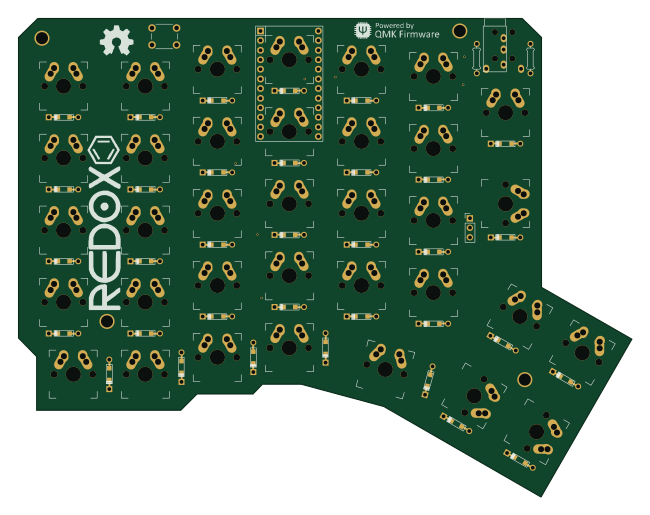
Redox keyboard
mattdibi
162.2 × 126.5 mm77 parts2LMIT2.0k AVR/Arduino
ModuleV450
stuartpittaway
30 × 61.4 mm39 parts2LCC-BY-NC-4.01.1k AVR/Arduino
V4
30 × 50 mm38 parts2LCC-BY-NC-4.01.1k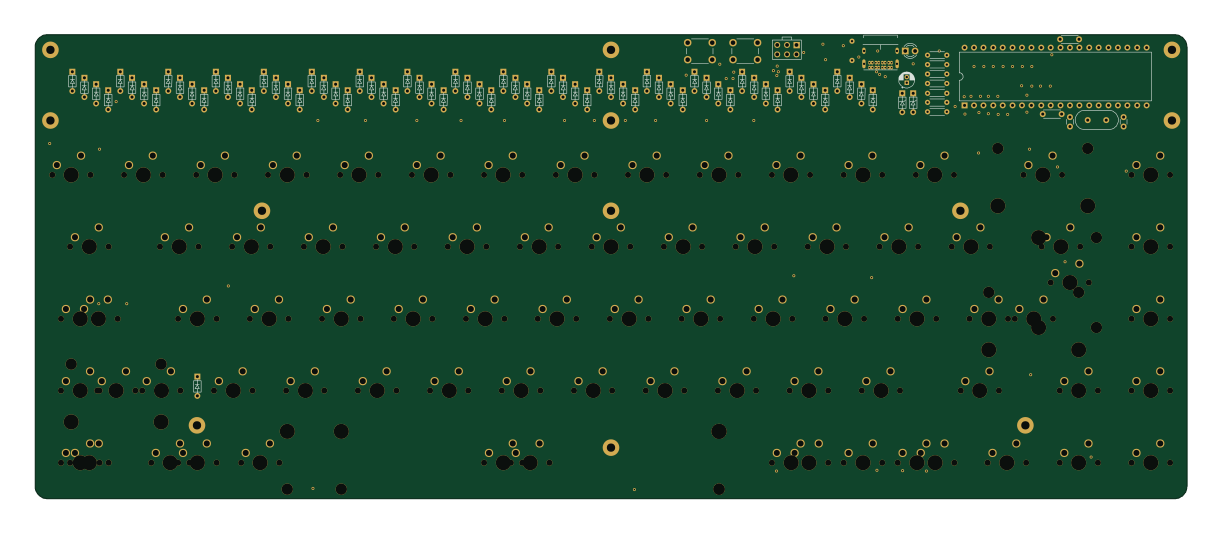 AVR/Arduino
Discipline
coseyfannitutti
304.9 × 122.8 mm170 parts2LCC-BY-NC-4.01.0k AVR/Arduino
Megadesk
gcormier
41.7 × 32.2 mm23 parts2LGPL-3.0818 AVR/Arduino
Easyduino Atmega Nano
Hanqaqa
43.4 × 18 mm30 parts4LCERN-OHL-P-2.0746