
Capstone Keyboard Design

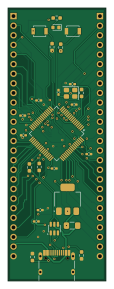
About the Capstone Keyboard Design PCB
Capstone Keyboard Design is an open source STM32 PCB design by livid05, published on GitHub. It is a 4-layer board measuring 25.8 × 72.1 mm, with 31 components from 19 distinct parts.
Its main chip is the STM32U595RITX, from the STM32 family. Other key parts include the AMS1117-3.3, USBLC6-2SC6 and W25Q128JVS. By type, the board carries 11 capacitors, 8 resistors, 4 ICs, 3 connectors, 2 switches and 1 crystal.
It belongs with the keyboards, iot & wireless and dev boards & breakouts designs in this gallery.
From the project
fcdgbsfgfdh
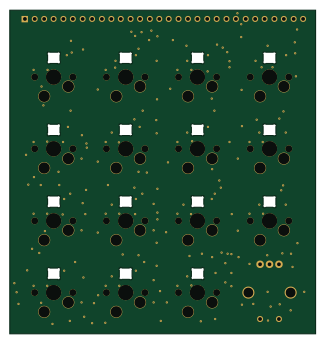
A custom 4×4 keypad with rotary encoder and per-key RGB, built on an RP2040, that transmits keystrokes wirelessly to a PC via either BLE (Bluetooth Low Energy) or a 2.4 GHz proprietary radio link using a Nordic nRF52840 bridge board.
Hardware path: RP2040 keypad → UART (GP0) → TENSTAR nRF52840 → BLE or 2.4 GHz → PC
1. Project Overview 2. Hardware 3. Repository Structure 4. System Architecture 5. Wireless Protocol 6. QMK Firmware (RP2040) 7. BLE Bridge (blebridge) 8. 2.4 GHz ESB Bridge + Dongle (esbbridge / esb_dongle) 9. Keymap & Layers 10. RGB Matrix 11. Rotary Encoder 12. HC4067 Analog…
Main components on the Capstone Keyboard Design
Capstone Keyboard Design bill of materials (BOM)
31 components, 19 distinct parts — part numbers from the project's BOM.
| Qty | Part | Footprint | Refs |
|---|---|---|---|
| 1 | STM32U595RITX STM32U595RITx | LQFP-64_10x10mm_P0.5mm | U1 |
| 1 | AMS1117-3.3 | SOT-223-3_TabPin2 | U2 |
| 1 | USBLC6-2SC6 | SOT-23-6 | U3 |
| 1 | W25Q128JVS | Winbond_USON-8-1EP_3x2mm_P0.5mm_EP0.2x1.6mm | U4 |
| 1 | 12-25MHZ 12-25MHz | Crystal_SMD_3225-4Pin_3.2x2.5mm | Y2 |
| 1 | USB_C_RECEPTACLE_USB2.0_16P USB_C_Receptacle_USB2.0_16P | USB_C_Receptacle_HRO_TYPE-C-31-M-12 | J1 |
| 2 | CONN_01X26_PIN Conn_01x26_Pin | PinHeader_1x26_P2.54mm_Vertical | J2, J3 |
| 1 | Polyfuse_Small | Fuse_1206_3216Metric_Pad1.42x1.75mm_HandSolder | F1 |
| 2 | SW_Push | SW_SPST_B3U-1000P | SW1, SW2 |
| 1 | LED_RED | LED_0603_1608Metric | D1 |
| 2 | 10UF 10uF | C_0402_1005Metric_Pad0.74x0.62mm_HandSolder | C1, C2 |
| 1 | 2.2UF 2.2uF | C_0402_1005Metric_Pad0.74x0.62mm_HandSolder | C3 |
| 5 | 100NF 100nF | C_0402_1005Metric_Pad0.74x0.62mm_HandSolder | C4, C7, C8, C9, C10 |
| 2 | 12PF 12pF | C_0402_1005Metric_Pad0.74x0.62mm_HandSolder | C5, C6 |
| 1 | 100NF 100nF | C_0402 | C21 |
| 2 | 5.1K 5.1k | R_0603_1608Metric_Pad0.98x0.95mm_HandSolder | R1, R2 |
| 2 | 27.4 | R_0603_1608Metric_Pad0.98x0.95mm_HandSolder | R3, R9 |
| 3 | 10K 10k | R_0603_1608Metric_Pad0.98x0.95mm_HandSolder | R5, R6, R7 |
| 1 | 1k | R_0603_1608Metric_Pad0.98x0.95mm_HandSolder | R8 |
Capstone Keyboard Design design files
The KiCad project lives in the livid05/ProofOfConcept repository on GitHub; these links point at the commit this page was built from.
Capstone Keyboard Design: common questions
What microcontroller does the Capstone Keyboard Design use?
The Capstone Keyboard Design is built around the STM32U595RITX, from the STM32 family.
How big is the Capstone Keyboard Design PCB?
The Capstone Keyboard Design measures 25.8 × 72.1 mm, has 4 copper layers and is 1.6 mm thick.
How many components are on the Capstone Keyboard Design?
31 components, from 19 distinct parts, with part numbers taken from the project's own BOM. The full bill of materials is listed on this page.
Where can I download the Capstone Keyboard Design design files?
From the livid05/ProofOfConcept repository on GitHub, which has the KiCad layout, the schematic and the BOM; the links under Design files point to each one.
Can I use the Capstone Keyboard Design design in my own project?
The repository has no license, so all rights stay with livid05. Use it as a reference, and ask the author before reusing the design.
Can I test firmware for the Capstone Keyboard Design without the hardware?
Yes. HardLabs builds a simulation of the board from its netlist and BOM, so you can run and debug STM32 firmware against it before you order a PCB.
More boards in ProofOfConcept

Similar boards
 STM32
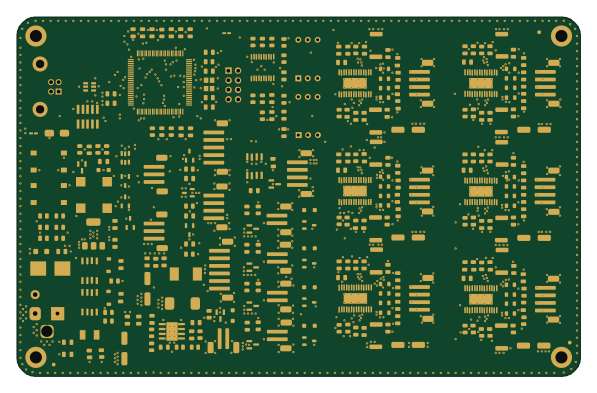
STM32LumenPnP Motherboard
opulo-inc
149 × 95 mm296 parts4LCC-BY-SA-4.03.7k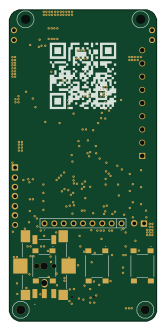 STM32
STM32AxxSolder
AxxAxx
39 × 82.5 mm122 parts2LGPL-3.01.7k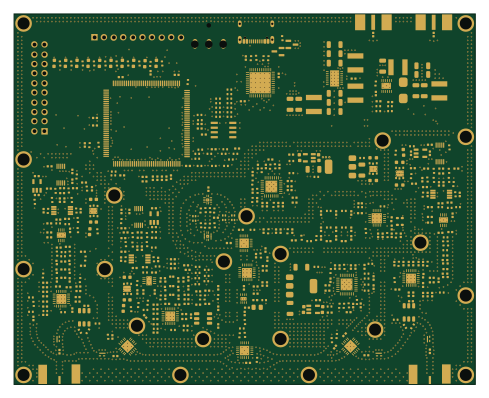 STM32
STM32LibreVNA
jankae
122 × 98 mm592 parts6LGPL-3.01.6k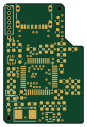 STM32
STM32AIOC
skuep
21 × 31.5 mm47 parts2LMIT1.4k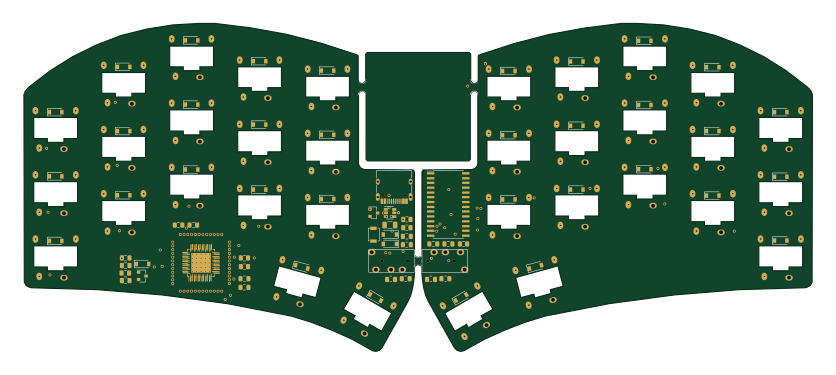 STM32
STM32Ferris
pierrechevalier83
208.8 × 86.8 mm102 parts2LSHL-2.11.3k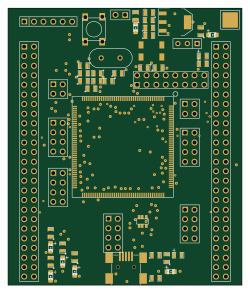 STM32
STM32176 pin board
rusefi
61.8 × 73.2 mm76 parts2LGPL-3.01.2k