
Macropad

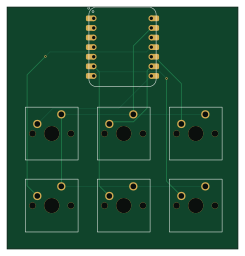
About the Macropad PCB
Macropad is an open source RP2040/RP2350 PCB design by praneelpa, published on GitHub. It is a 2-layer board measuring 61 × 63.9 mm, with 7 components from 2 distinct parts.
Its main chip is the XIAO-RP2040-DIP, from the RP2040/RP2350 family. By type, the board carries 6 switches and 1 IC.
It belongs with the keyboards designs in this gallery.
From the project
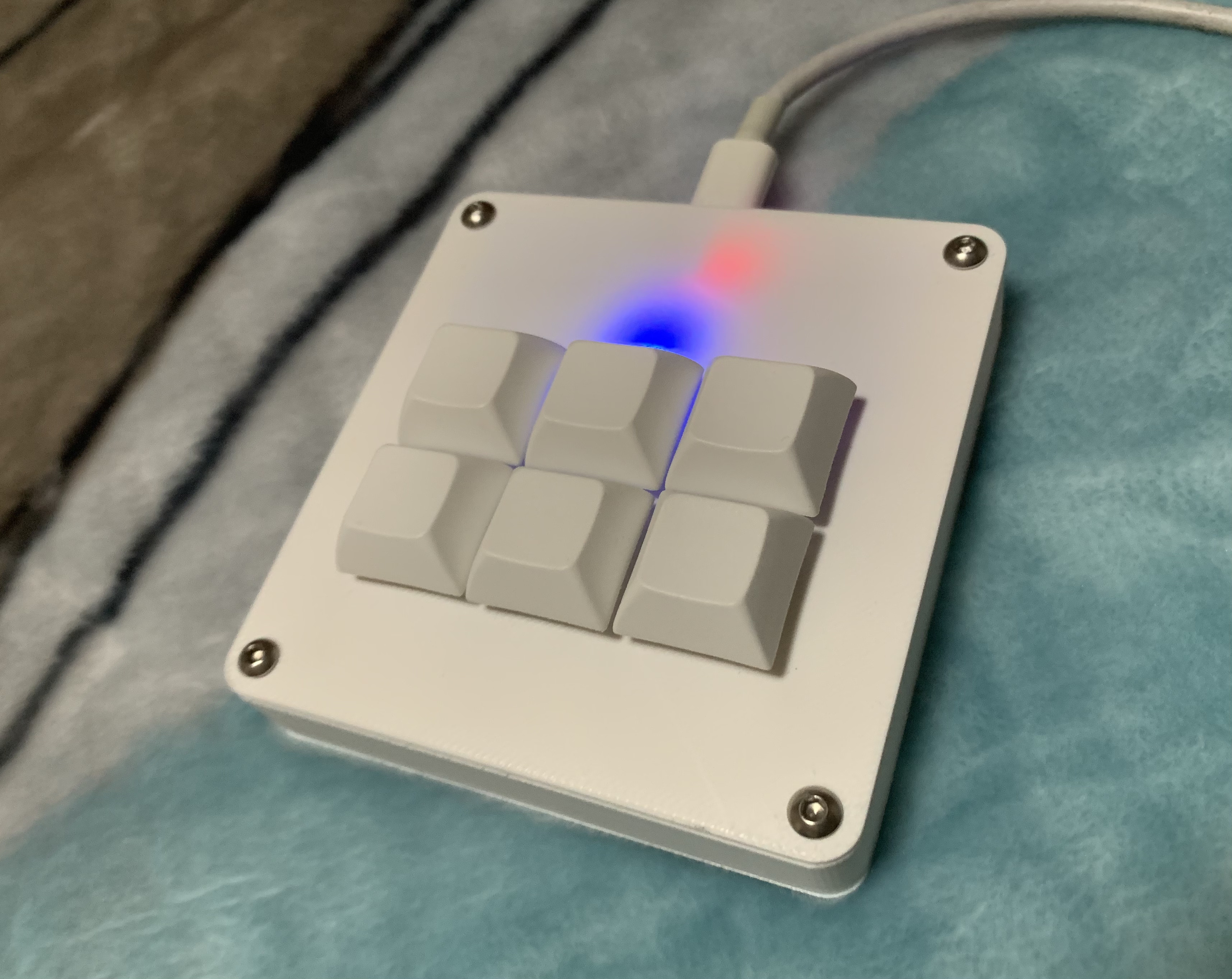
A personal macropad integrated with MacOS to make tasks such as screenshotting, switching between apps, and many more easier.
A compact 6-key macropad designed for macOS users, optimized for students. Features tap/hold combos for frequently used shortcuts like screenshots, clipboard, app switching, undo/redo, sleep, and quit.
Main components on the Macropad
Macropad bill of materials (BOM)
7 components, 2 distinct parts.
| Qty | Part | Footprint | Refs |
|---|---|---|---|
| 1 | XIAO-RP2040-DIP | XIAO-RP2040-DIP | U1 |
| 6 | SW_Push | SW_Cherry_MX_1.00u_PCB | SW1, SW2, SW3, SW4, SW5, SW6 |
Macropad design files
The KiCad project lives in the praneelpa/Macropad repository on GitHub; these links point at the commit this page was built from.
- LayoutPCB/Macropad.kicad_pcb
- SchematicPCB/Macropad.kicad_sch
Macropad: common questions
What microcontroller does the Macropad use?
The Macropad is built around the XIAO-RP2040-DIP, from the RP2040/RP2350 family.
How big is the Macropad PCB?
The Macropad measures 61 × 63.9 mm, has 2 copper layers and is 1.6 mm thick.
How many components are on the Macropad?
7 components, from 2 distinct parts. The full bill of materials is listed on this page.
Where can I download the Macropad design files?
From the praneelpa/Macropad repository on GitHub, which has the KiCad layout and the schematic; the links under Design files point to each one.
Can I use the Macropad design in my own project?
The repository has no license, so all rights stay with praneelpa. Use it as a reference, and ask the author before reusing the design.
Can I test firmware for the Macropad without the hardware?
Yes. HardLabs builds a simulation of the board from its netlist and BOM, so you can run and debug RP2040/RP2350 firmware against it before you order a PCB.
Similar boards
 RP2040/RP2350
Open Book Abridged Edition
joeycastillo
85 × 115 mm29 parts2LCC-BY-SA-4.08.1k RP2040/RP2350
Corne
foostan
277.2 × 107.5 mm164 parts2LCC-BY-4.07.7k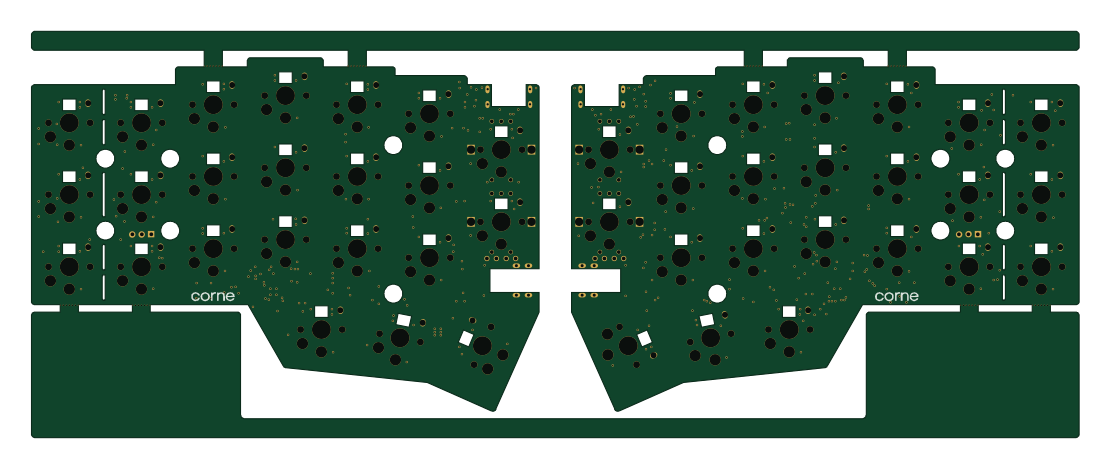 RP2040/RP2350
Corne
277.2 × 107.5 mm164 parts2LCC-BY-4.07.7k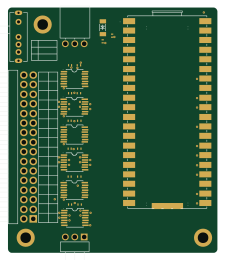 RP2040/RP2350
Jitx design
gusmanb
55.5 × 65 mm26 parts4LGPL-3.05.0k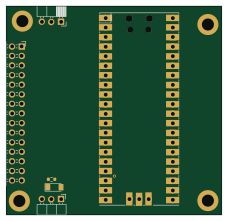 RP2040/RP2350
LogicAnalyzer
57 × 55.2 mm6 parts2LGPL-3.05.0k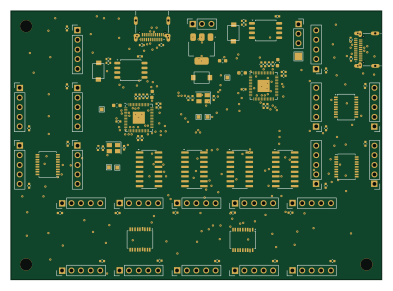 RP2040/RP2350
Main
google
98 × 71 mm102 parts2LApache-2.02.9k