SAO-BODGE

About the SAO-BODGE PCB
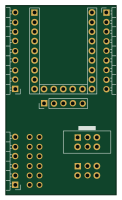
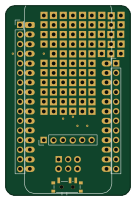
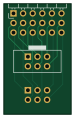
SAO-BODGE is an open source PCB design by sphereinabox, published on GitHub. It is a 2-layer board measuring 17.8 × 29.2 mm, with 3 components from 3 distinct parts.
From the project
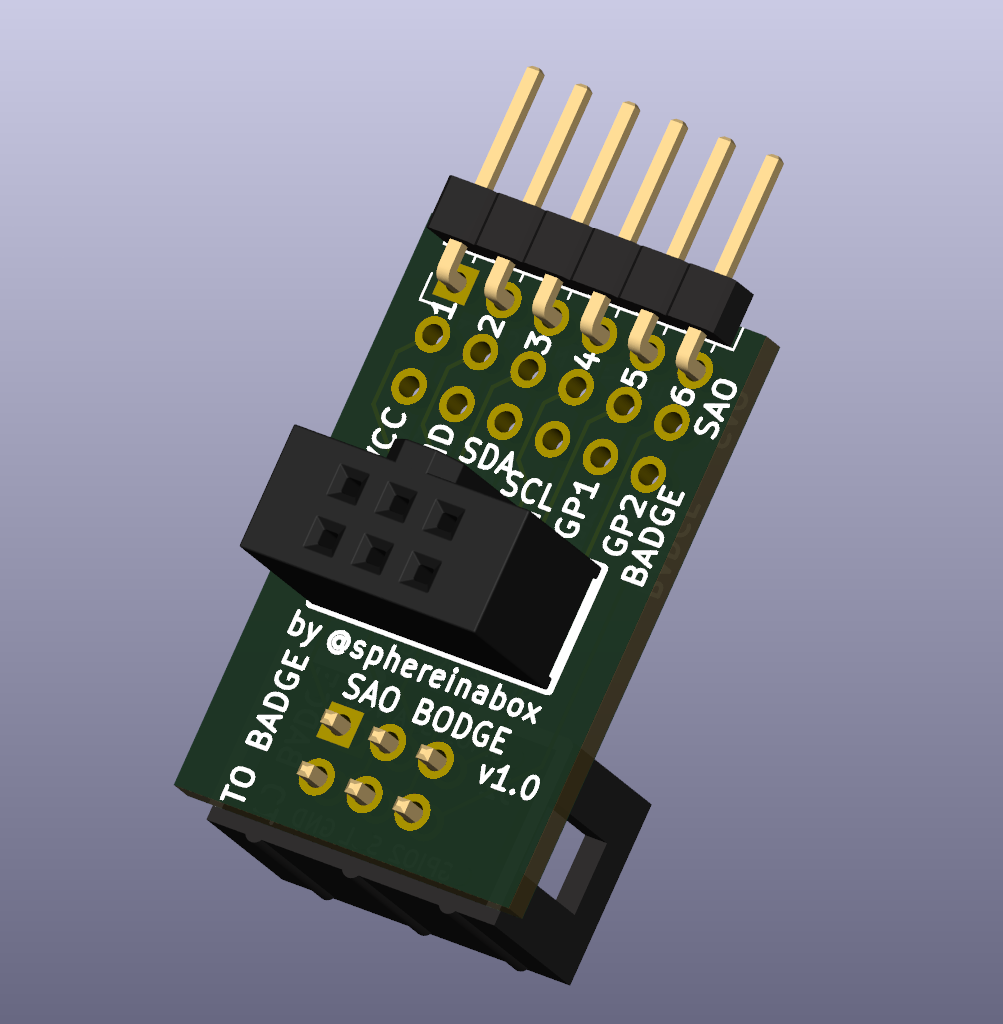
This SAO (SuperCon Add-On) shim goes between your badge and your SAO to break out the SAO pins, and shuffle or disconnect them if needed
This SAO (SuperCon Add-On) shim goes between your badge and your SAO to break out the SAO pins, and shuffle or disconnect them if needed
This was inspired by the DigiKey SAO which was built with the wrong connector on the SAO so pins were flipped, but also used the SAO pins as MCU programming pins. I've built another board for the DigiKey SAO that reverses the pins by default. See DK-SAO-BODGE
SAO-BODGE bill of materials (BOM)
3 components, 3 distinct parts.
| Qty | Part | Footprint | Refs |
|---|---|---|---|
| 1 | to SAO | Simple_Addon_v2-BADGE-2x3 | J1 |
| 1 | to BADGE | Simple_Addon_v2-SAO-2x3 | J2 |
| 1 | Conn_01x06_Pin | PinHeader_1x06_P2.54mm_Horizontal | J3 |
SAO-BODGE design files
The KiCad project lives in the sphereinabox/2024-SAO-Shims repository on GitHub; these links point at the commit this page was built from.
- LayoutSAO-BODGE/SAO-BODGE.kicad_pcb
- SchematicSAO-BODGE/SAO-BODGE.kicad_sch
SAO-BODGE: common questions
How big is the SAO-BODGE PCB?
The SAO-BODGE measures 17.8 × 29.2 mm, has 2 copper layers and is 1.6 mm thick.
How many components are on the SAO-BODGE?
3 components, from 3 distinct parts. The full bill of materials is listed on this page.
Where can I download the SAO-BODGE design files?
From the sphereinabox/2024-SAO-Shims repository on GitHub, which has the KiCad layout and the schematic; the links under Design files point to each one.
Can I use the SAO-BODGE design in my own project?
The repository has no license, so all rights stay with sphereinabox. Use it as a reference, and ask the author before reusing the design.