
ZEUS

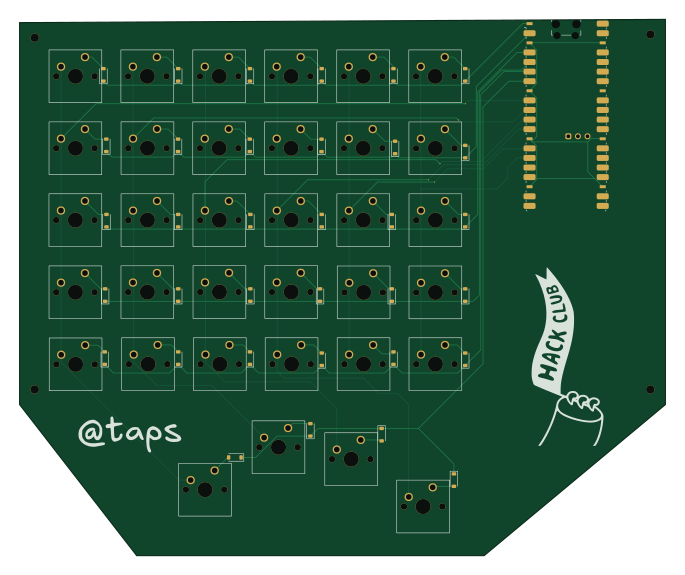
About the ZEUS PCB
ZEUS is an open source Raspberry Pi PCB design by sudo-apt-install-tap, published on GitHub. It is a 2-layer board measuring 171 × 142 mm, with 69 components from 3 distinct parts.
Its main chip is the RaspberryPi_Pico_W, from the Raspberry Pi family. By type, the board carries 34 switches, 34 diodes and 1 module.
It belongs with the keyboards designs in this gallery.
From the project
- Total (INR): ₹5,356.75 - Total (USD): ~$59.34 - Additional Cost [Case + Plate] (USD): $40 - Rounded: $100
Main components on the ZEUS
ZEUS bill of materials (BOM)
69 components, 3 distinct parts — part numbers from the project's BOM.
| Qty | Part | Footprint | Refs |
|---|---|---|---|
| 1 | RaspberryPi_Pico_W | RaspberryPi_Pico_W_SMD_HandSolder | A1 |
| 34 | SW_Push | SW_Cherry_MX_1.00u_PCB | SW1, SW2, SW3, SW4, SW5, SW6, SW7, SW8 +26 |
| 34 | 1N4148WT | D_SOD-123 | D1, D2, D3, D4, D5, D6, D7, D8 +26 |
ZEUS design files
The KiCad project lives in the sudo-apt-install-tap/ZEUS repository on GitHub; these links point at the commit this page was built from.
- Layoutpcb/pcb.kicad_pcb
- Schematicpcb/pcb.kicad_sch
- BOMBOM.xlsx
ZEUS: common questions
What microcontroller does the ZEUS use?
The ZEUS is built around the RaspberryPi_Pico_W, from the Raspberry Pi family.
How big is the ZEUS PCB?
The ZEUS measures 171 × 142 mm, has 2 copper layers and is 1.6 mm thick.
How many components are on the ZEUS?
69 components, from 3 distinct parts, with part numbers taken from the project's own BOM. The full bill of materials is listed on this page.
Where can I download the ZEUS design files?
From the sudo-apt-install-tap/ZEUS repository on GitHub, which has the KiCad layout, the schematic and the BOM; the links under Design files point to each one.
Can I use the ZEUS design in my own project?
The repository has no license, so all rights stay with sudo-apt-install-tap. Use it as a reference, and ask the author before reusing the design.
Can I test firmware for the ZEUS without the hardware?
Yes. HardLabs builds a simulation of the board from its netlist and BOM, so you can run and debug Raspberry Pi firmware against it before you order a PCB.
Similar boards
 Raspberry Pi
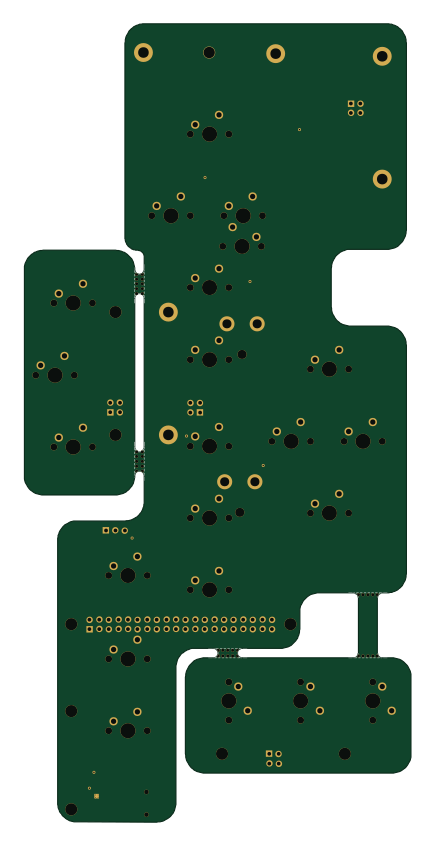
Haxo hw
cardonabits
102.4 × 211.3 mm38 parts2LCustom license672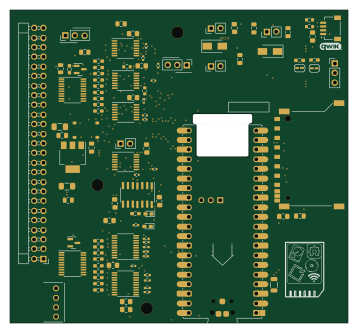 Raspberry Pi
Desktop 50 Pin TopConn
BlueSCSI
89.2 × 82.6 mm103 parts2LGPL-3.0449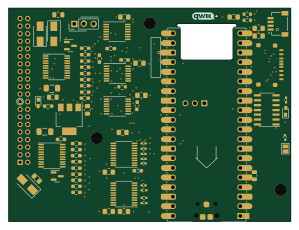 Raspberry Pi
PowerBook
74.5 × 56.3 mm78 parts2LGPL-3.0449 Raspberry Pi
BitDogLab 5.4
BitDogLab
87.9 × 123.9 mm56 parts2LCERN-OHL-S-2.0201 Raspberry Pi
BitDogLab Main SMD version
87.9 × 98.7 mm124 parts2LCERN-OHL-S-2.0201 Raspberry Pi
Zynthian mini v2 20 buttons short
zynthian
163 × 120 mm87 parts2LNo license154