
Pcb r

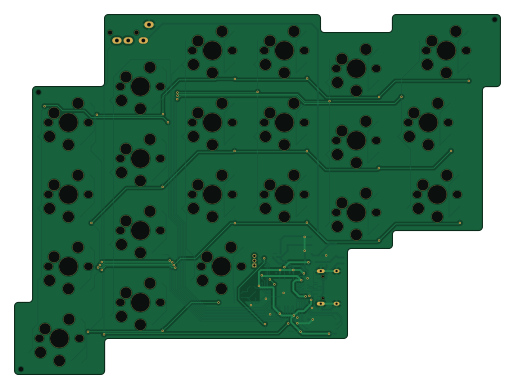
About the Pcb r
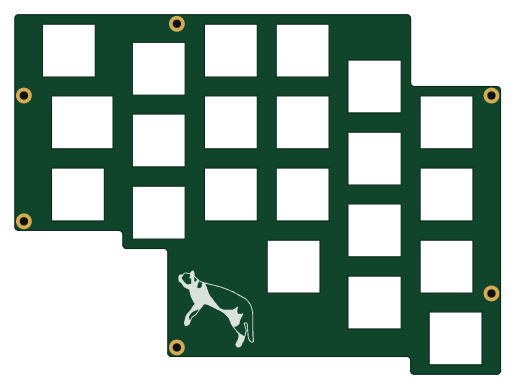
Pcb r is an open source RP2040/RP2350 PCB design by tamaroh, published on GitHub. It is a 2-layer board measuring 128.6 × 95.3 mm, with 80 components from 25 distinct parts.
Its main chip is the RP2040, from the RP2040/RP2350 family. Other key parts include the NCP1117-3.3_SOT223 and W25Q128JVSIQ. By type, the board carries 21 switches, 21 diodes, 16 capacitors, 10 resistors, 3 ICs and 3 connectors.
It belongs with the keyboards designs in this gallery.
From the project
- はんだ付け工具 - こて、こて台、こて先クリーナー、はんだ線など - 精密ドライバー
- はんだ付け工具 - こて、こて台、こて先クリーナー、はんだ線など - 精密ドライバー
- ピンセット - キースイッチプラー - キーキャッププラー - はんだ吸い取り線または吸い取り器 - 絶縁耐熱テープ - ## 製作手順
1. PCBのサポート部分を折り取ります。折った部分のデコボコが気になる場合はやすりなどで削ってください。 1. ソケットをはんだ付けします。 MXスイッチ用のソケットは上側、Chocスイッチ用のソケットは下側に設置します。 印刷に合わせて、スイッチの穴を塞がないようにします。 1. TRSコネクターをはんだ付けします。 ずれやすいのでテープなどで固定してください。 1. ファームウェアのファイル(.uf2)をダウンロードします。 https://github.com/tamaroh/maggie42cs/releases/tag/V2.0.2 1. (片側ずつ両方とも)USBケーブルを接続して、以下のいずれかの方法で RPI-RP2 リムーバブルドライブをマウントさせます。 1. BOOTSELボタンを押しながら、USBケーブルを接続します。 1. USBケーブルを接続してから、BOOTSELボタンを押しながらRESETボタンを押します。 1. 左側はTABキー、右側はYキーを押したままUSBケーブルを接続します(キースイッチ装着済みの場合)。…
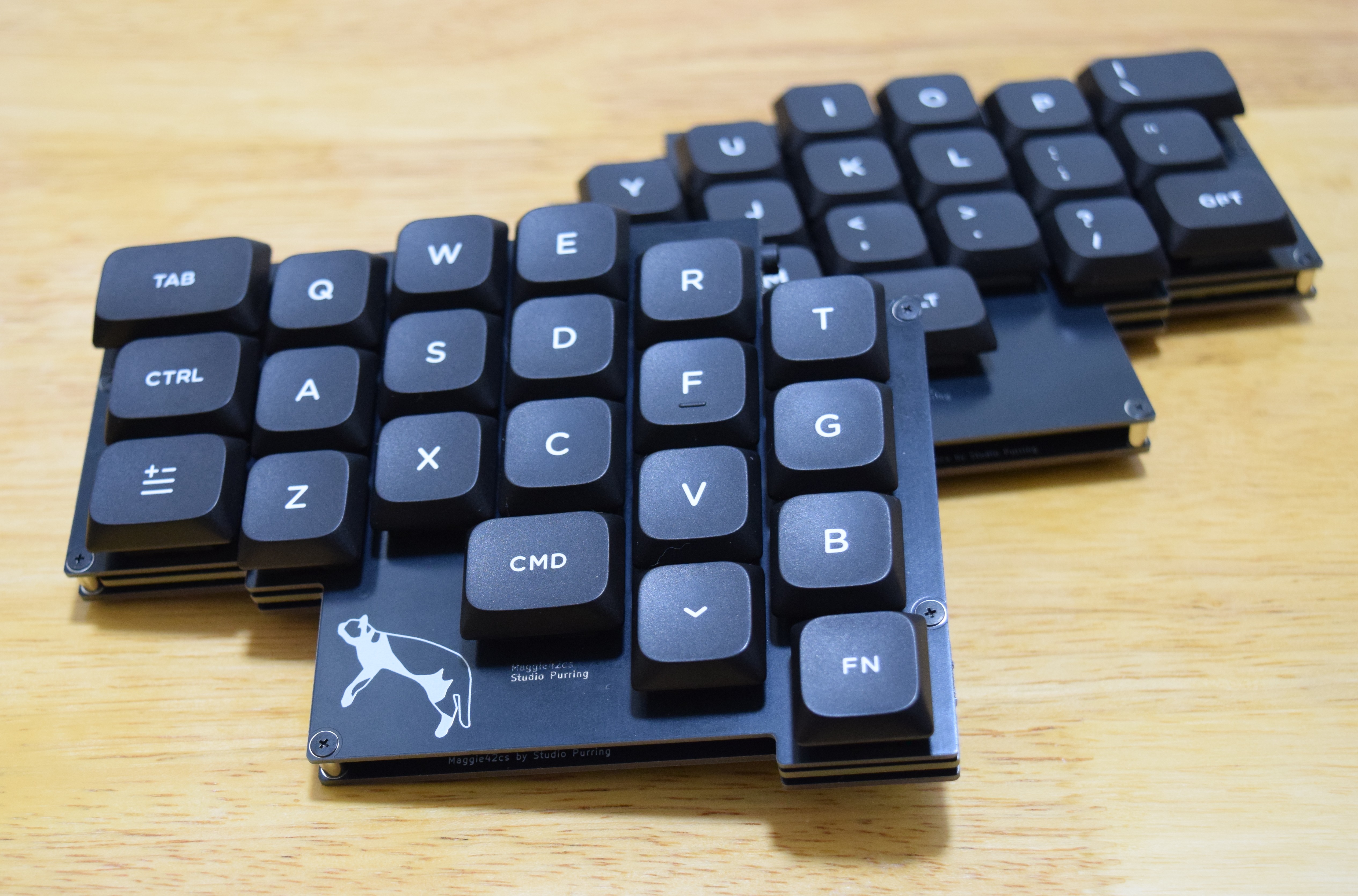
Main components on the Pcb r
Pcb r bill of materials (BOM)
80 components, 25 distinct parts.
| Qty | Part | Footprint | Refs |
|---|---|---|---|
| 1 | NCP1117-3.3_SOT223 | SOT-223-3_TabPin2 | U1 |
| 1 | W25Q128JVSIQ | SOIC-8W_5.3x5.3mm_P1.27mm | U2 |
| 1 | RP2040 | QFN-56-1EP_7x7mm_P0.4mm_EP3.2x3.2mm | U3 |
| 1 | 12MHz | Crystal_SMD_SeikoEpson_TSX3225-4Pin_3.2x2.5mm | Y1 |
| 1 | AudioJack3 | MJ-4PP-9_1side | J1 |
| 1 | USB_C_Receptacle_USB2.0_16P | USB_C_Receptacle_HRO_TYPE-C-31-M-12 | J2 |
| 1 | Conn_01x03_Pin | PinHeader_1x03_P1.27mm_Vertical | J3 |
| 1 | ~ | Fuse_0603_1608Metric | F1 |
| 1 | ~ | D_SOD-123 | SD1 |
| 1 | BOOT | TS-1088R-02026 | SMDSW1 |
| 1 | RESET | TS-1088R-02026 | SMDSW2 |
| 17 | SW_PUSH | keyswitch_cherrymx_choc12_hotswap_1u | SW1, SW2, SW3, SW4, SW5, SW7, SW8, SW9 +9 |
| 1 | SW_PUSH | keyswitch_cherrymx_choc12_hotswap_1.5u | SW6 |
| 3 | SW_PUSH | keyswitch_cherrymx_choc12_hotswap_1.25u | SW18, SW19, SW21 |
| 1 | GREEN | LED_0402_1005Metric | STLED1 |
| 21 | D | D_SOD-123 | D1, D2, D3, D4, D5, D6, D7, D8 +13 |
| 10 | 100n | C_0402_1005Metric | C1, C4, C5, C6, C7, C8, C9, C10 +2 |
| 2 | 10u | C_0402_1005Metric | C2, C3 |
| 2 | 1u | C_0402_1005Metric | C13, C14 |
| 2 | 27p | C_0402_1005Metric | C15, C16 |
Show 5 more
| Qty | Part | Footprint | Refs |
|---|---|---|---|
| 2 | 5.1k | R_0402_1005Metric | R1, R3 |
| 3 | 1k | R_0402_1005Metric | R2, R6, R10 |
| 1 | 5.6k | R_0402_1005Metric | R4 |
| 2 | 10k | R_0402_1005Metric | R5, R7 |
| 2 | 27 | R_0402_1005Metric | R8, R9 |
Pcb r design files
The KiCad project lives in the tamaroh/maggie42cs repository on GitHub; these links point at the commit this page was built from.
- Layoutbeta/pcb_r/pcb_r.kicad_pcb
- Schematicbeta/pcb_r/pcb_r.kicad_sch
Pcb r: common questions
What microcontroller does the Pcb r use?
The Pcb r is built around the RP2040, from the RP2040/RP2350 family.
How big is the Pcb r?
The Pcb r measures 128.6 × 95.3 mm, has 2 copper layers and is 1.6 mm thick.
How many components are on the Pcb r?
80 components, from 25 distinct parts. The full bill of materials is listed on this page.
Where can I download the Pcb r design files?
From the tamaroh/maggie42cs repository on GitHub, which has the KiCad layout and the schematic; the links under Design files point to each one.
Can I use the Pcb r design in my own project?
The repository has no license, so all rights stay with tamaroh. Use it as a reference, and ask the author before reusing the design.
Can I test firmware for the Pcb r without the hardware?
Yes. HardLabs builds a simulation of the board from its netlist and BOM, so you can run and debug RP2040/RP2350 firmware against it before you order a PCB.
More boards in maggie42cs
Similar boards
 RP2040/RP2350
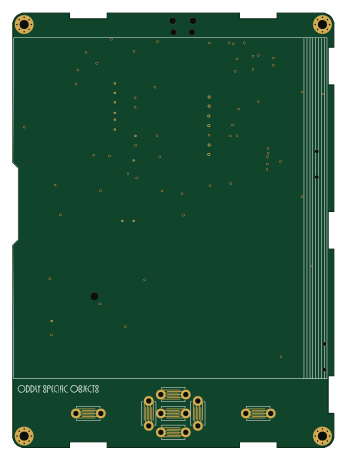
Open Book Abridged Edition
joeycastillo
85 × 115 mm29 parts2LCC-BY-SA-4.08.1k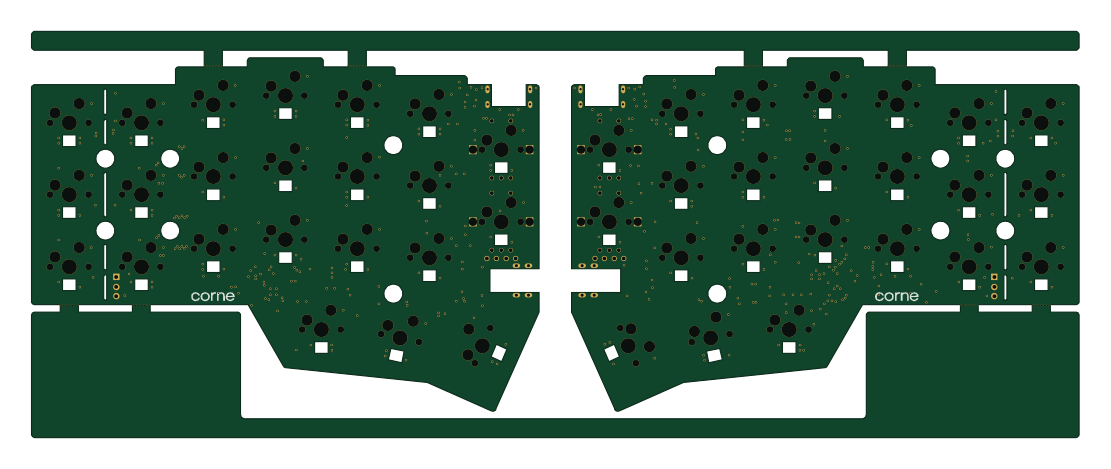 RP2040/RP2350
Corne
foostan
277.2 × 107.5 mm164 parts2LCC-BY-4.07.7k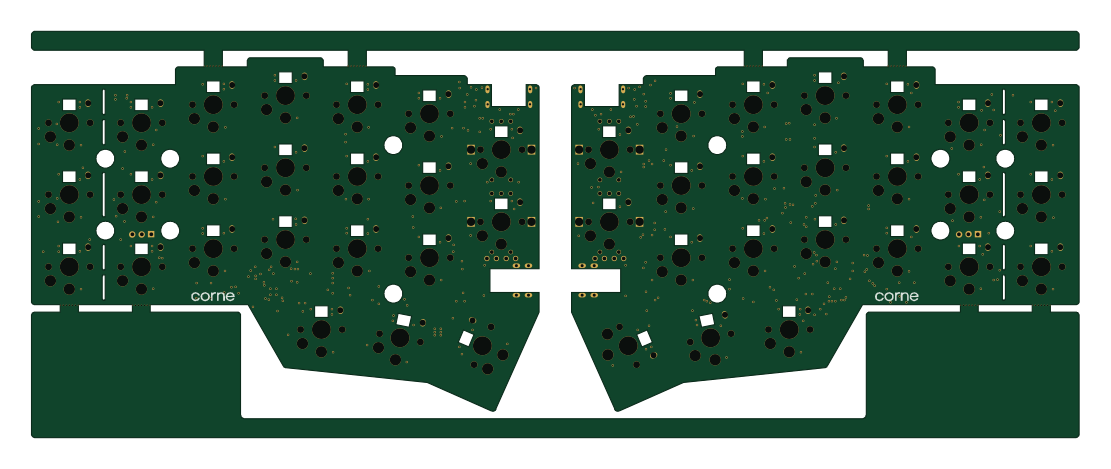 RP2040/RP2350
Corne
277.2 × 107.5 mm164 parts2LCC-BY-4.07.7k RP2040/RP2350
Jitx design
gusmanb
55.5 × 65 mm26 parts4LGPL-3.05.0k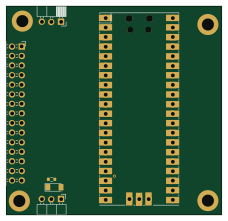 RP2040/RP2350
LogicAnalyzer
57 × 55.2 mm6 parts2LGPL-3.05.0k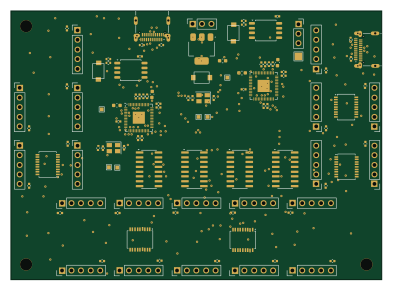 RP2040/RP2350
Main
google
98 × 71 mm102 parts2LApache-2.02.9k