
C64-XUM1541

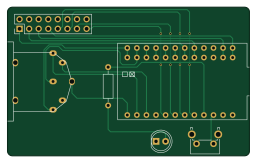
About the C64-XUM1541 PCB
C64-XUM1541 is an open source AVR/Arduino PCB design by tebl, published on GitHub. It is a 2-layer board measuring 64.1 × 39.4 mm, with 6 components from 6 distinct parts.
Its main chip is the Arduino_Pro_Micro, from the AVR/Arduino family. By type, the board carries 2 connectors, 1 module, 1 switch, 1 diode and 1 resistor.
It belongs with the retro computing designs in this gallery.
From the project
Simple PCB for building a XUM1541, a device for copying data to and from Commodore 1541 disk drives using a modern computer.
The thing about old 5 1/4 inch floppies is that no matter the way they are stored, they are inherently in a constant decay until they're all disolved into nostalgia and tears. Because of that I wanted to archive my private collection of less than original floppy disks (I didn't know any better and I had a hard time being able to even afford empty disks). Anyway, I came across an interesting blog-post where a dedicated superfan used an Arduino Pro Micro to connect the drive directly to a modern computer, allowing a disk to be copied to a D64-file within a minute!
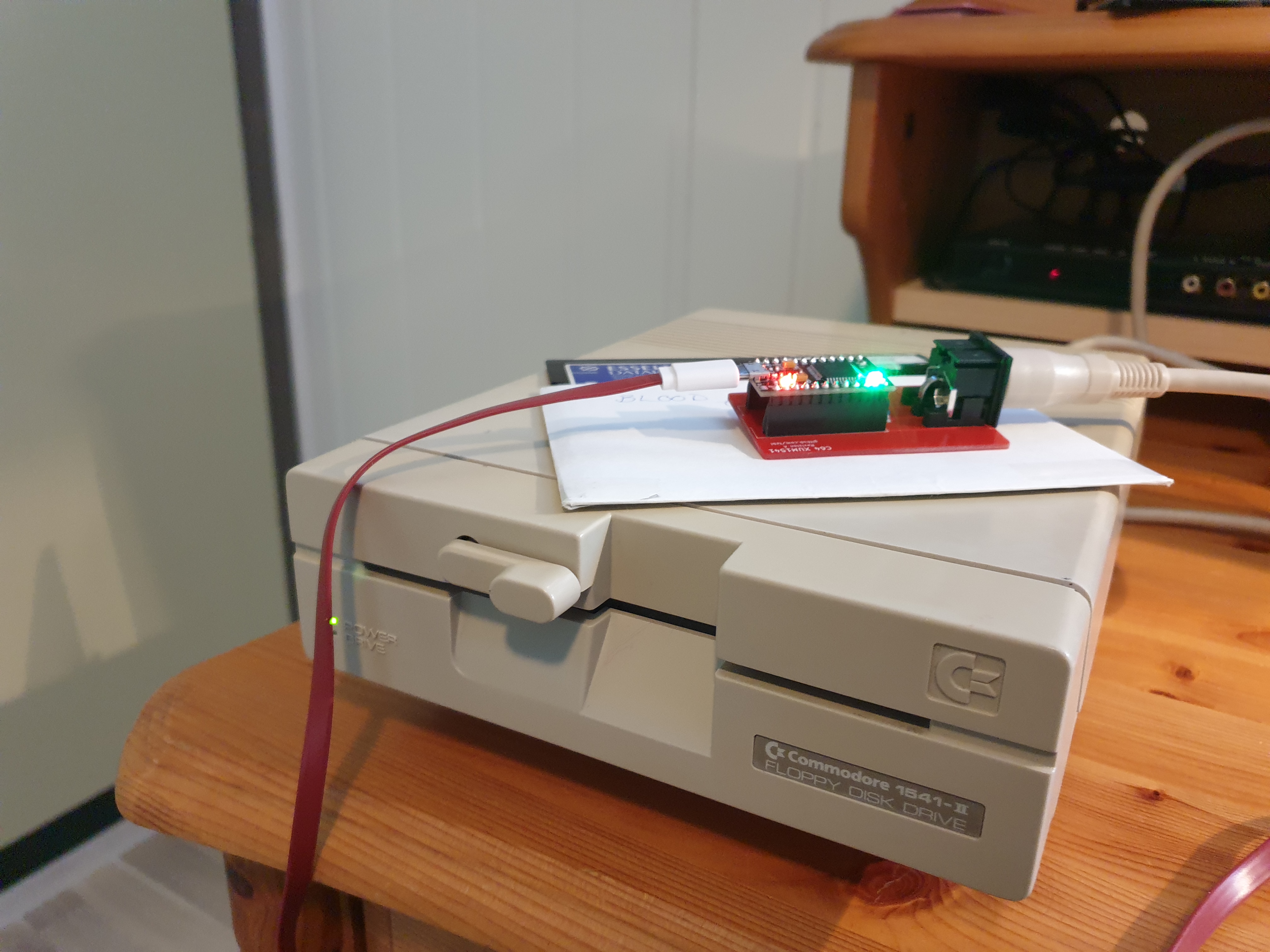
Main components on the C64-XUM1541
C64-XUM1541 bill of materials (BOM)
6 components, 6 distinct parts.
| Qty | Part | Footprint | Refs |
|---|---|---|---|
| 1 | Arduino_Pro_Micro | Arduino_Pro_Micro | A1 |
| 1 | C64_IEC | C64_IEC | J1 |
| 1 | PARALLEL | Pin_Header_Straight_2x08_Pitch2.54mm | J2 |
| 1 | RESET | SW_Tactile_SPST_Angled_PTS645Vx39-2LFS | SW1 |
| 1 | POWER | LED_D5.0mm | D1 |
| 1 | 330 | R_Axial_DIN0207_L6.3mm_D2.5mm_P10.16mm_Horizontal | R1 |
C64-XUM1541 design files
The KiCad project lives in the tebl/C64-XUM1541 repository on GitHub; these links point at the commit this page was built from.
C64-XUM1541: common questions
What microcontroller does the C64-XUM1541 use?
The C64-XUM1541 is built around the Arduino_Pro_Micro, from the AVR/Arduino family.
How big is the C64-XUM1541 PCB?
The C64-XUM1541 measures 64.1 × 39.4 mm, has 2 copper layers and is 1.6 mm thick.
How many components are on the C64-XUM1541?
6 components, from 6 distinct parts. The full bill of materials is listed on this page.
Where can I download the C64-XUM1541 design files?
From the tebl/C64-XUM1541 repository on GitHub, which has the KiCad layout; the links under Design files point to each one.
Can I use the C64-XUM1541 design in my own project?
The repository has no license, so all rights stay with tebl. Use it as a reference, and ask the author before reusing the design.
Can I test firmware for the C64-XUM1541 without the hardware?
Yes. HardLabs builds a simulation of the board from its netlist and BOM, so you can run and debug AVR/Arduino firmware against it before you order a PCB.
Similar boards
 AVR/Arduino
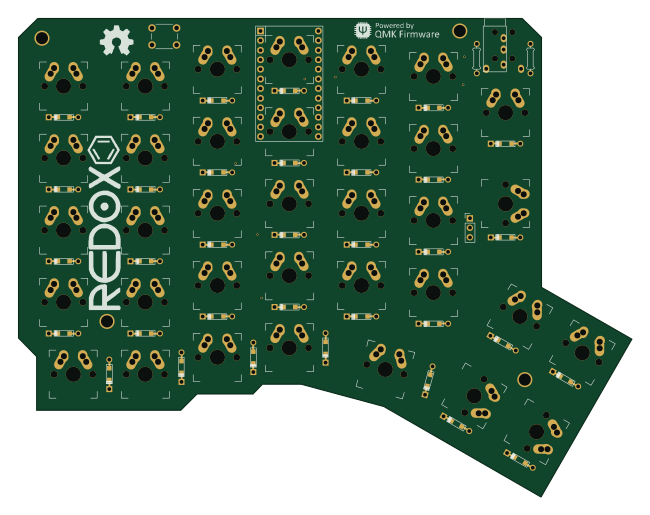
Redox keyboard
mattdibi
162.2 × 126.5 mm77 parts2LMIT2.0k AVR/Arduino
ModuleV450
stuartpittaway
30 × 61.4 mm39 parts2LCC-BY-NC-4.01.1k AVR/Arduino
V4
30 × 50 mm38 parts2LCC-BY-NC-4.01.1k AVR/Arduino
Discipline
coseyfannitutti
304.9 × 122.8 mm170 parts2LCC-BY-NC-4.01.0k AVR/Arduino
Megadesk
gcormier
41.7 × 32.2 mm23 parts2LGPL-3.0818 AVR/Arduino
Easyduino Atmega Nano
Hanqaqa
43.4 × 18 mm30 parts4LCERN-OHL-P-2.0746