
Micromouse

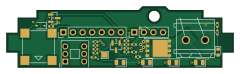
About the Micromouse PCB
Micromouse is an open source PCB design by bananasmoothii, published on GitHub under the Unlicense license. It is a 2-layer board measuring 60 × 16 mm, with 29 components from 16 distinct parts.
By type, the board carries 13 resistors, 6 diodes, 3 transistors, 3 connectors, 2 capacitors and 1 switch.
It belongs with the robotics & motion, sensors and power & battery designs in this gallery.
From the project
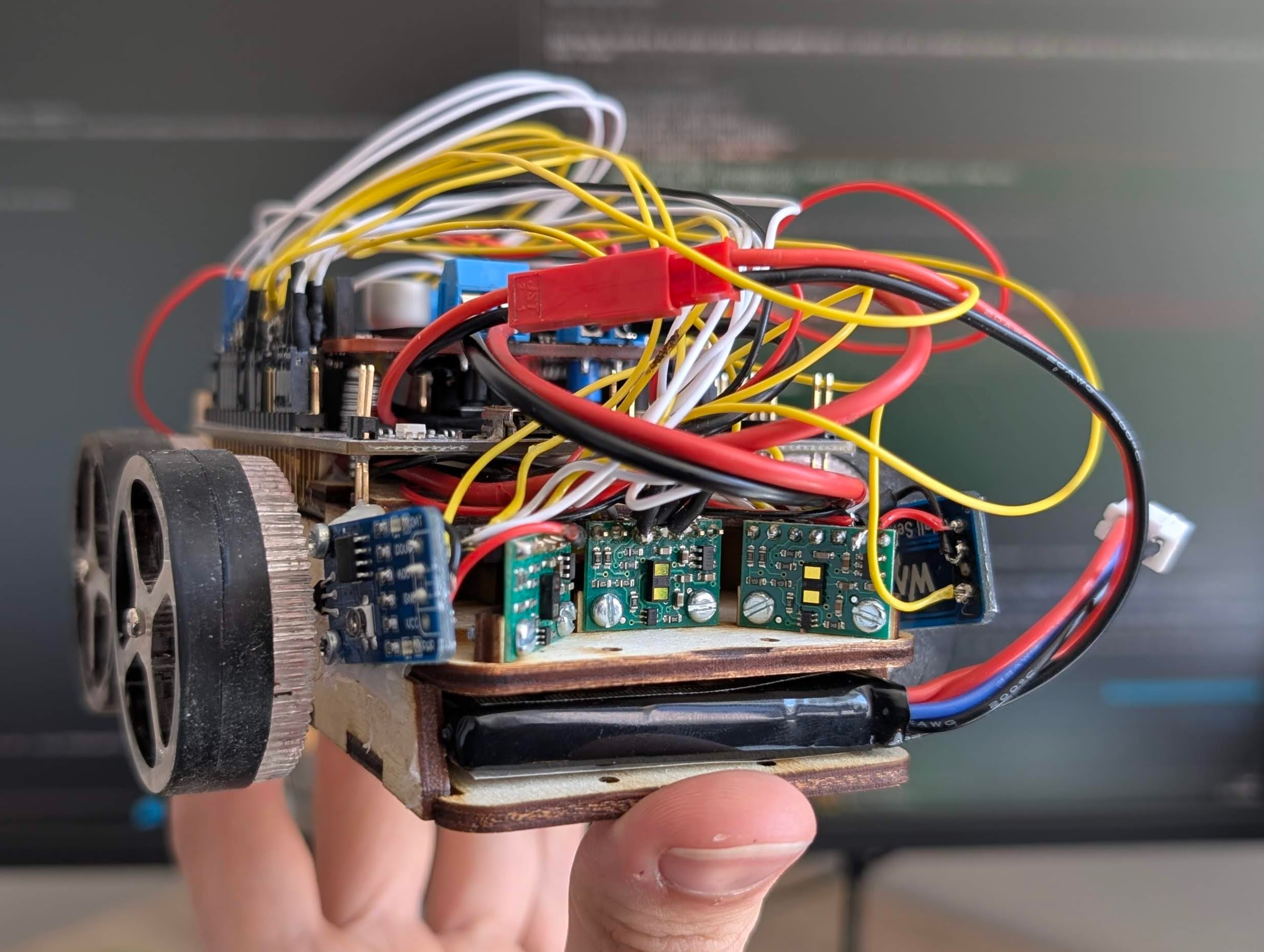
A school project aiming to make a Micromouse robot.
A school project aiming to make a Micromouse robot and make it solve a maze (with official-size cells: 18x18 cm).
Install Rust and probe-rs with one of the methods in their docs. Then plug the STM32F446RE Nucleo board via USB and flash and run with:
The robot has a power mechanism that cuts power when battery isn't charged enough, but this requires you to maintain the button (on the back custom PCB) pressed when flashing the MCU. I recommend having an IDE keyboard shortcut for this command. Flashing often fails on the first try, if it does just try again.
Micromouse bill of materials (BOM)
29 components, 16 distinct parts — part numbers from the project's BOM.
| Qty | Part | Footprint | Refs |
|---|---|---|---|
| 2 | AO3400A | SOT-23 | Q1, Q2 |
| 1 | E030P4P0HL1 Existar(毅芯达) | DFN-8_L5.8-W4.9-P1.27-LS6.1-BL-2 | Q4 |
| 1 | CONN_01X04_PIN Conn_01x04_Pin | PinHeader_1x04_P2.54mm_Vertical | J1 |
| 1 | SCREW_TERMINAL_01X02 Screw_Terminal_01x02 | CONN-TH_2P-P5.08_JL500-50002G01 | J2 |
| 1 | CONN_01X07_PIN Conn_01x07_Pin | PinHeader_1x07_P2.54mm_Vertical | J3 |
| 1 | MLT-8530 华能 | BUZ-SMD_4P-L8.5-W8.5-P8.50-BR | BUZZER1 |
| 1 | PS-7054DVB-6PN G-Switch(品赞) | SW-TH_6P-L7.0-W7.0-P2.00 | SW2 |
| 4 | KT-0805G | LED_0805_2012Metric | D1, D2, D3, D4 |
| 1 | 1N4148WS | D_SOD-323 | D5 |
| 1 | KT-0603R | LED_0603_1608Metric | D6 |
| 2 | 100NF 100nF | C_0402_1005Metric | C1, C2 |
| 4 | 100Ω | R_0402_1005Metric | R1, R2, R3, R4 |
| 1 | 10kΩ | R_0402_1005Metric | R5 |
| 4 | 100kΩ | R_0402_1005Metric | R6, R8, R10, R13 |
| 2 | 51kΩ | R_0402_1005Metric | R7, R9 |
| 2 | 330Ω | R_0402_1005Metric | R11, R12 |
Micromouse design files
The KiCad project lives in the bananasmoothii/micromouse repository on GitHub; these links point at the commit this page was built from.
- Layoutpcb/pcb.kicad_pcb
- Schematicpcb/pcb.kicad_sch
- BOMpcb/production/bom.csv
Micromouse: common questions
How big is the Micromouse PCB?
The Micromouse measures 60 × 16 mm, has 2 copper layers and is 1.600198 mm thick.
How many components are on the Micromouse?
29 components, from 16 distinct parts, with part numbers taken from the project's own BOM. The full bill of materials is listed on this page.
Where can I download the Micromouse design files?
From the bananasmoothii/micromouse repository on GitHub, which has the KiCad layout, the schematic and the BOM; the links under Design files point to each one.
Can I use the Micromouse design in my own project?
Yes, under the terms of its Unlicense license, which bananasmoothii chose for the repository.
Similar boards
Sensor smd
scottbez1
40 × 20 mm5 parts2LApache-2.04.2k
Sensors
StuckAtPrototype
15.2 × 9 mm14 parts4LApache-2.03.8k
EinkPDA screen
TalismanDesign
95 × 54 mm27 parts2LApache-2.02.0k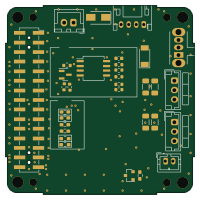
Stack chan
stack-chan
50 × 50 mm33 parts2LApache-2.01.7k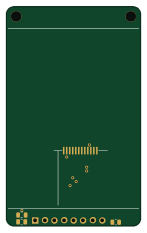
Display Carrier
AxxAxx
35.6 × 58.2 mm5 parts2LGPL-3.01.7k
Microphone
Mentra-Community
5.5 × 6.1 mm6 parts2LMIT1.2k