
Verifypad

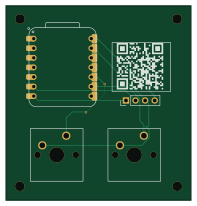
About the Verifypad PCB
Verifypad is an open source RP2040/RP2350 PCB design by Broseph9972, published on GitHub under the GPL-3.0 license. It is a 2-layer board measuring 49 × 51.5 mm, with 5 components from 4 distinct parts.
Its main chip is the MOUDLE-SEEEDUINO-XIAO, from the RP2040/RP2350 family. By type, the board carries 2 switches, 1 IC and 1 connector.
It belongs with the keyboards and displays & leds designs in this gallery.
From the project
macropad with email scanner and u press button to copy said code
(PDF FORMAT FOR HACK CLUB)579592197-c25e6422-f377-4141-9c7b-d6e0fb70b0fa.pdf
It uses a simple desktop app to check your email every 3 seconds and check for OTP codes/links. You press the left button to paste an OTP and the right button to paste a verification link. It uses a program you install on your computer to check your email and paste codes.
We decided to make it to save effort when pasting email codes because it can be very annoying and it's much easier to just press a button and have it done for you.
Main components on the Verifypad
Verifypad bill of materials (BOM)
5 components, 4 distinct parts — part numbers from the project's BOM.
| Qty | Part | Footprint | Refs |
|---|---|---|---|
| 1 | MOUDLE-SEEEDUINO-XIAO | XIAO-RP2040-DIP | U1 |
| 1 | Conn_01x04 | PinHeader_1x04_P2.54mm_Vertical | J1 |
| 2 | SW_Push | SW_Cherry_MX_1.00u_PCB | SW1, SW2 |
| 1 | 0.49Display | 0.49Display | Waveshare 0.49" Display |
Verifypad design files
The KiCad project lives in the Broseph9972/Verifypad repository on GitHub; these links point at the commit this page was built from.
- Layoutpcb/Verifypad.kicad_pcb
- Schematicpcb/Verifypad.kicad_sch
- BOMbom.csv
Verifypad: common questions
What microcontroller does the Verifypad use?
The Verifypad is built around the MOUDLE-SEEEDUINO-XIAO, from the RP2040/RP2350 family.
How big is the Verifypad PCB?
The Verifypad measures 49 × 51.5 mm, has 2 copper layers and is 1.6 mm thick.
How many components are on the Verifypad?
5 components, from 4 distinct parts, with part numbers taken from the project's own BOM. The full bill of materials is listed on this page.
Where can I download the Verifypad design files?
From the Broseph9972/Verifypad repository on GitHub, which has the KiCad layout, the schematic and the BOM; the links under Design files point to each one.
Can I use the Verifypad design in my own project?
Yes, under the terms of its GPL-3.0 license, which Broseph9972 chose for the repository.
Can I test firmware for the Verifypad without the hardware?
Yes. HardLabs builds a simulation of the board from its netlist and BOM, so you can run and debug RP2040/RP2350 firmware against it before you order a PCB.
Similar boards
 RP2040/RP2350
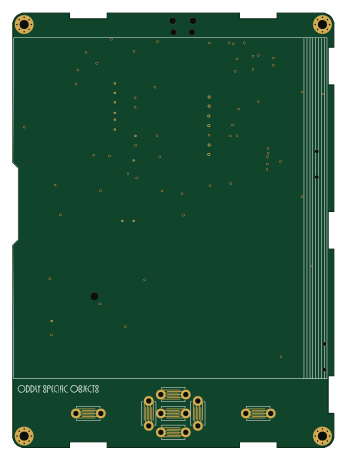
Open Book Abridged Edition
joeycastillo
85 × 115 mm29 parts2LCC-BY-SA-4.08.1k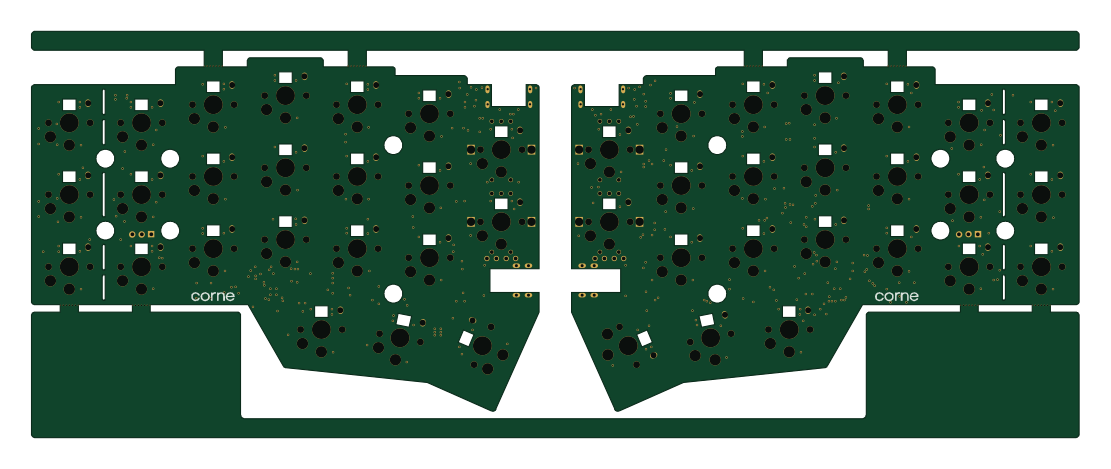 RP2040/RP2350
Corne
foostan
277.2 × 107.5 mm164 parts2LCC-BY-4.07.7k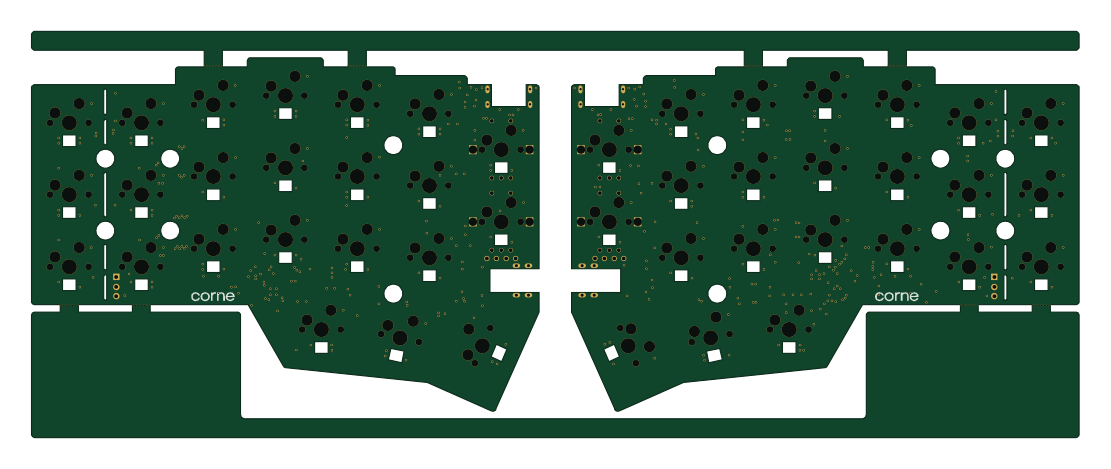 RP2040/RP2350
Corne
277.2 × 107.5 mm164 parts2LCC-BY-4.07.7k RP2040/RP2350
Open Source Smart Glasses
Mentra-Community
93 × 10.5 mm80 parts4LMIT1.2k RP2040/RP2350
MSA
30.5 × 138 mm61 parts2LMIT1.2k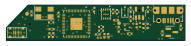 RP2040/RP2350
Msa
47.8 × 9.4 mm53 parts2LMIT1.2k