
CObra USB KB

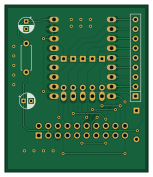
About the CObra USB KB PCB
CObra USB KB is an open source RP2040/RP2350 PCB design by ceteras, published on GitHub under the MIT license. It is a 2-layer board measuring 37.9 × 44.2 mm, with 12 components from 6 distinct parts.
Its main chip is the rp2040-zero, from the RP2040/RP2350 family. By type, the board carries 6 diodes, 2 capacitors, 2 resistors, 1 IC and 1 connector.
It belongs with the retro computing and test & measurement designs in this gallery.
From the project
A Z80 retro computer, ZX Spectrum compatible, can also run CP/M.
Based on RP2040 Zero, emulates the CoBra switch matrix keyboard.
The USB keyboard is connected to RP2040 USB port. Key codes are decoded and translated to an 8 byte array. RP2040 reads the matrix column bus (KC[8..15] connected to A[8..15] through diodes) and sends the data corresponding to each key pressedi, from the array to the KR[0..5] bus.
Inputs to RP2040 are pulled high to 3.3V, so in theory this should be safe, as the 5V A[8..15] bus is behind reverse polarized diodes. Outputs are pulled high to 5V on the CoBra mainboard, hence the schottky diodes, for protection. The keyboard input…
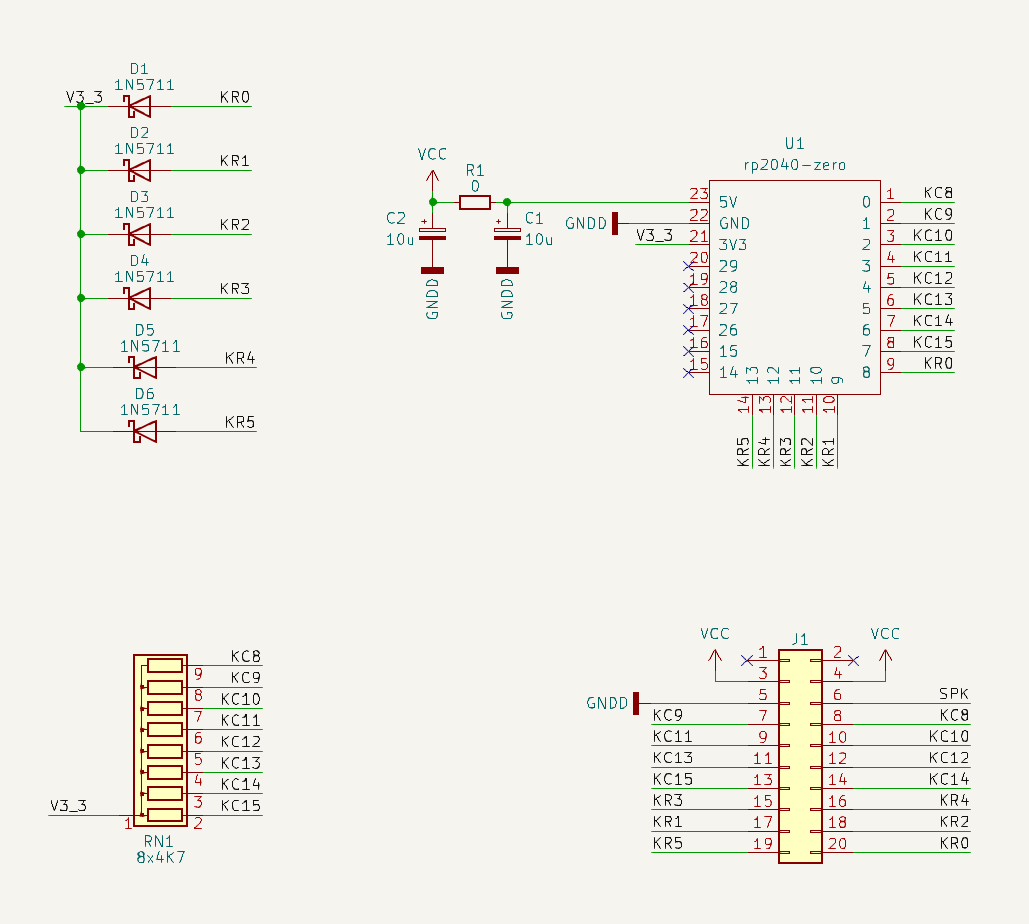
Main components on the CObra USB KB
CObra USB KB bill of materials (BOM)
12 components, 6 distinct parts.
| Qty | Part | Footprint | Refs |
|---|---|---|---|
| 1 | rp2040-zero | rp2040-zero-tht | U1 |
| 1 | Conn_02x10_Odd_Even | PinSocket_2x10_P2.54mm_Vertical | J1 |
| 6 | 1N5711 | D_DO-35_SOD27_P7.62mm_Horizontal | D1, D2, D3, D4, D5, D6 |
| 2 | 10u | CP_Radial_D4.0mm_P2.00mm | C1, C2 |
| 1 | 0 | R_Axial_DIN0207_L6.3mm_D2.5mm_P7.62mm_Horizontal | R1 |
| 1 | 8x4K7 | R_Array_SIP9 | RN1 |
CObra USB KB design files
The KiCad project lives in the ceteras/CoBra repository on GitHub; these links point at the commit this page was built from.
CObra USB KB: common questions
What microcontroller does the CObra USB KB use?
The CObra USB KB is built around the rp2040-zero, from the RP2040/RP2350 family.
How big is the CObra USB KB PCB?
The CObra USB KB measures 37.9 × 44.2 mm, has 2 copper layers and is 1.6 mm thick.
How many components are on the CObra USB KB?
12 components, from 6 distinct parts. The full bill of materials is listed on this page.
Where can I download the CObra USB KB design files?
From the ceteras/CoBra repository on GitHub, which has the KiCad layout and the schematic; the links under Design files point to each one.
Can I use the CObra USB KB design in my own project?
Yes, under the terms of its MIT license, which ceteras chose for the repository.
Can I test firmware for the CObra USB KB without the hardware?
Yes. HardLabs builds a simulation of the board from its netlist and BOM, so you can run and debug RP2040/RP2350 firmware against it before you order a PCB.
More boards in CoBra
Similar boards
 RP2040/RP2350
Open Book Abridged Edition
joeycastillo
85 × 115 mm29 parts2LCC-BY-SA-4.08.1k RP2040/RP2350
Corne
foostan
277.2 × 107.5 mm164 parts2LCC-BY-4.07.7k RP2040/RP2350
Corne
277.2 × 107.5 mm164 parts2LCC-BY-4.07.7k RP2040/RP2350
LogicAnalyzer
gusmanb
57 × 55.2 mm6 parts2LGPL-3.05.0k RP2040/RP2350
Jitx design
55.5 × 65 mm26 parts4LGPL-3.05.0k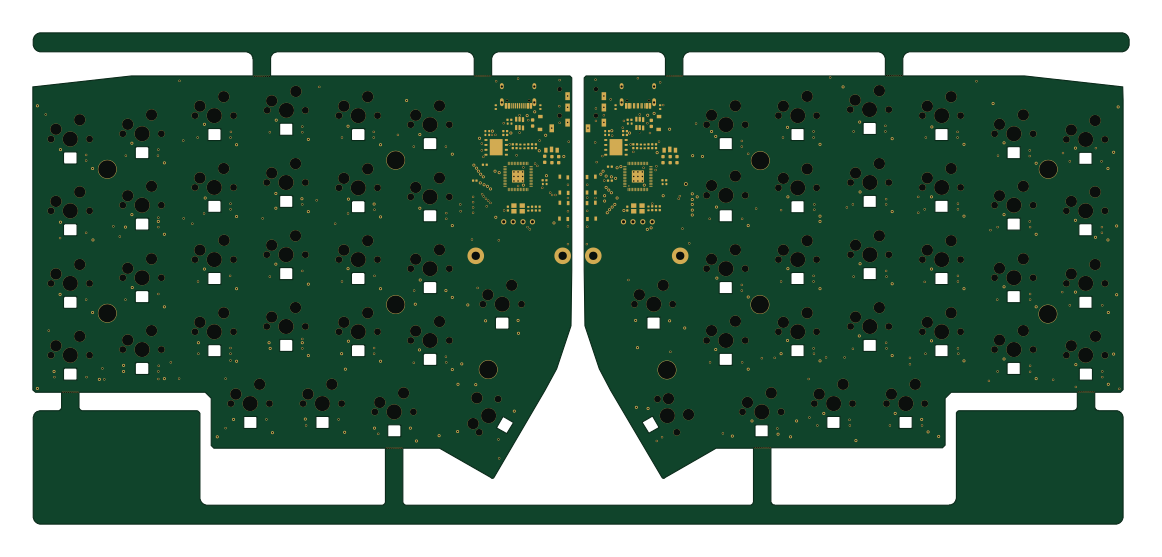 RP2040/RP2350
Pro V2
kata0510
290.1 × 130 mm270 parts2LMIT2.3k