
Reviung34-split-R

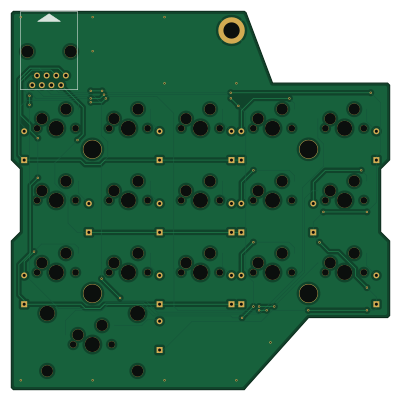
About the Reviung34-split-R PCB
Reviung34-split-R is an open source PCB design by gtips, published on GitHub under the MIT license. It is a 2-layer board measuring 100 × 100 mm, with 33 components from 5 distinct parts.
By type, the board carries 16 switches, 16 diodes and 1 connector.
It belongs with the keyboards designs in this gallery.
From the project
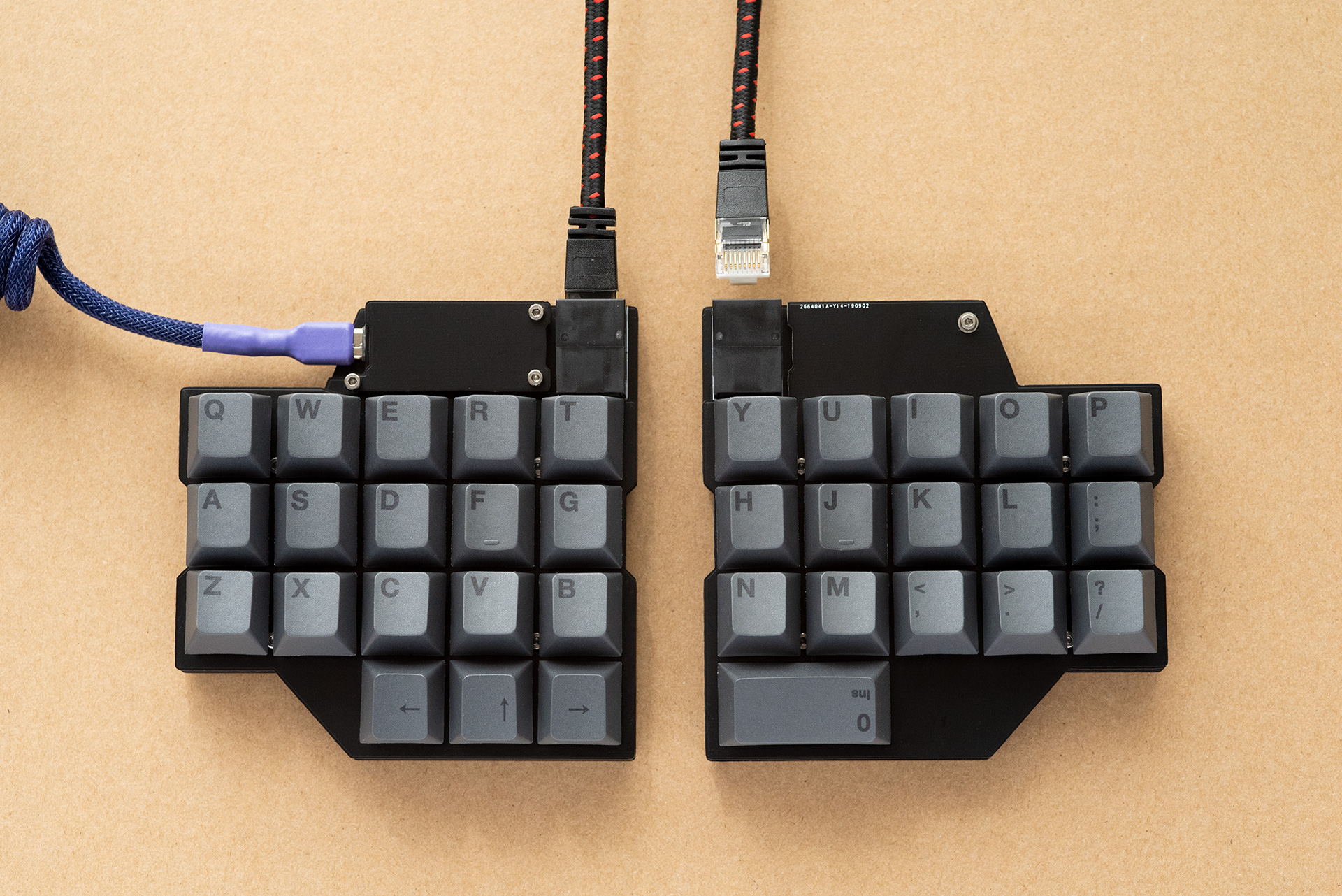
The REVIUNG34 SPLIT is 34-key split ortholinear keyboard. Use a LAN cable to connect the left and right keyboards.
Reviung34-split-R bill of materials (BOM)
33 components, 5 distinct parts — part numbers from the project's BOM.
| Qty | Part | Footprint | Refs |
|---|---|---|---|
| 1 | 8P8C | RJ45-DS1128-05-S8B8P | J1 |
| 15 | SW_PUSH | MXOnly-1U-Hotswap | SW19, SW20, SW21, SW22, SW23, SW24, SW25, SW26 +7 |
| 1 | SW_PUSH_2U | MXOnly-2U-Hotswap-ReversedStabilizers | SW34 |
| 15 | 1N4148 | D_DO-35_SOD27_P7.62mm_Horizontal | D19, D20, D21, D22, D23, D24, D25, D26 +7 |
| 1 | 1N4148 | D_DO-35_SOD27_P7.62mm_Horizontal | D34 |
Reviung34-split-R design files
The KiCad project lives in the gtips/reviung repository on GitHub; these links point at the commit this page was built from.
Reviung34-split-R: common questions
How big is the Reviung34-split-R PCB?
The Reviung34-split-R measures 100 × 100 mm, has 2 copper layers and is 1.6 mm thick.
How many components are on the Reviung34-split-R?
33 components, from 5 distinct parts, with part numbers taken from the project's own BOM. The full bill of materials is listed on this page.
Where can I download the Reviung34-split-R design files?
From the gtips/reviung repository on GitHub, which has the KiCad layout and the BOM; the links under Design files point to each one.
Can I use the Reviung34-split-R design in my own project?
Yes, under the terms of its MIT license, which gtips chose for the repository.
More boards in reviung
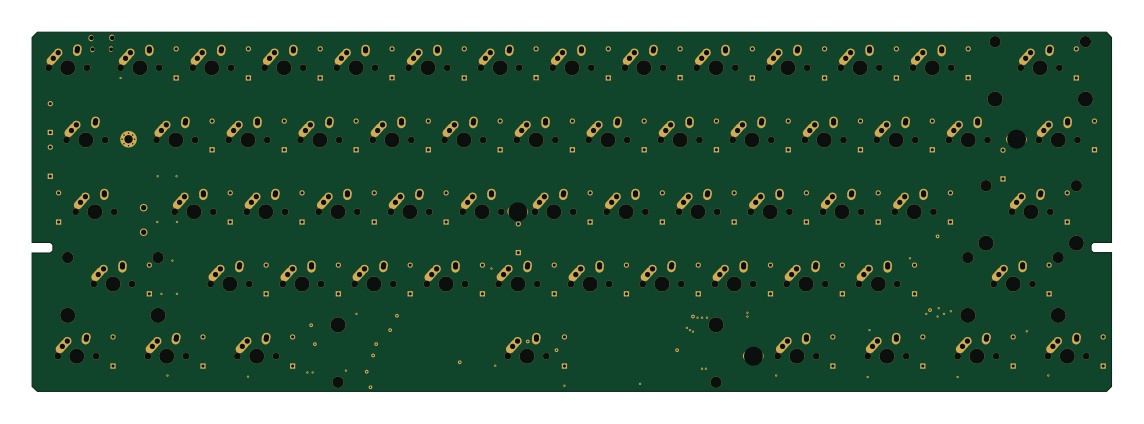 AVR/Arduino
REVIUNG61
285.5 × 95 mm142 parts2LMIT516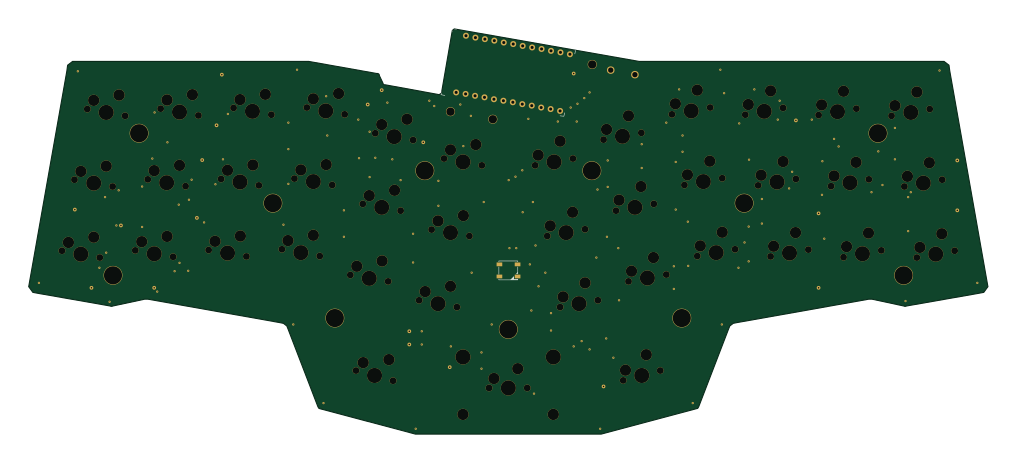 AVR/Arduino
REVIUNG39
253.8 × 107.2 mm91 parts2LMIT516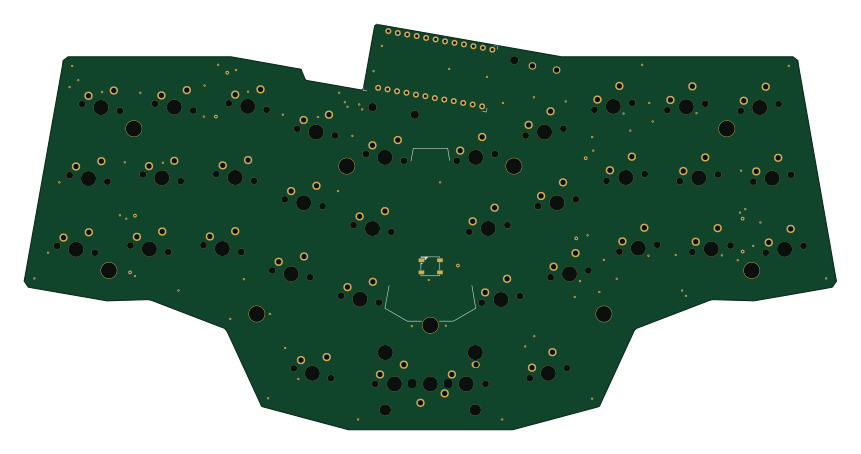 AVR/Arduino
REVIUNG34
214.8 × 107.2 mm89 parts2LMIT516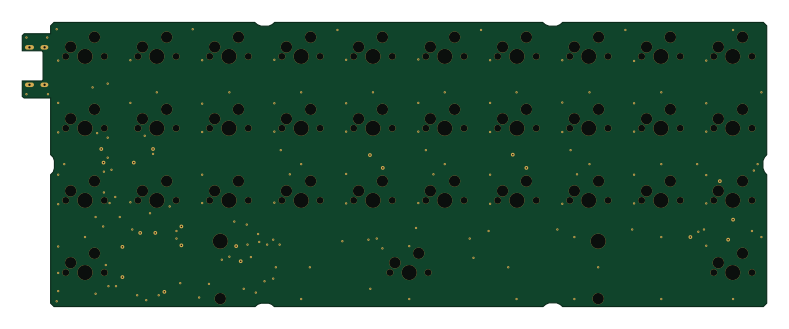 AVR/Arduino
REVIUNG33
197 × 75.2 mm86 parts2LMIT516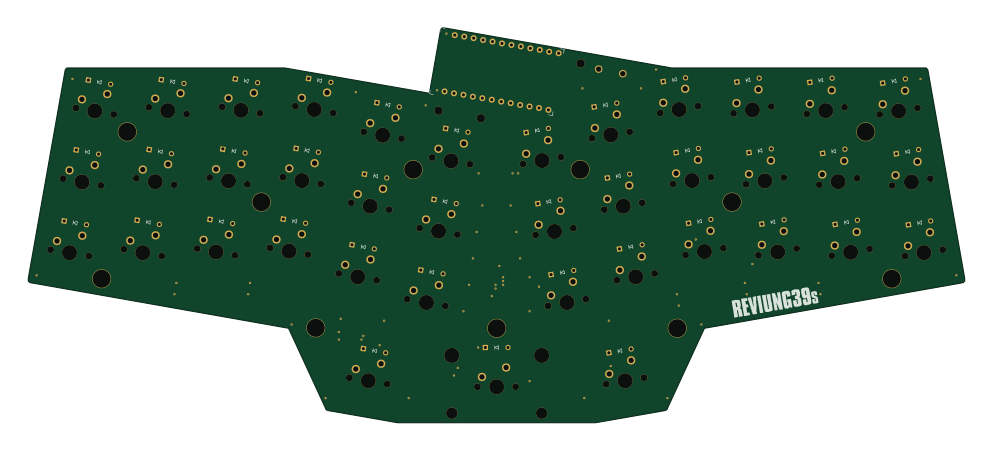 AVR/Arduino
Reviung39s
247.9 × 104.5 mm81 parts2LMIT516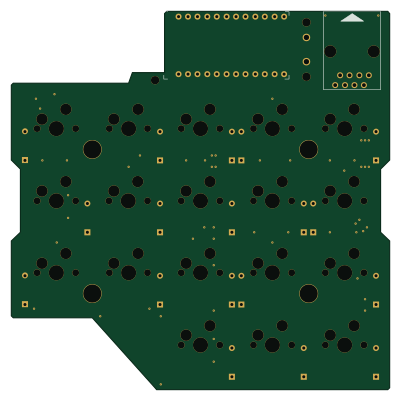 AVR/Arduino
REVIUNG34-SPLIT-LEFT
100 × 100 mm39 parts2LMIT516
Similar boards
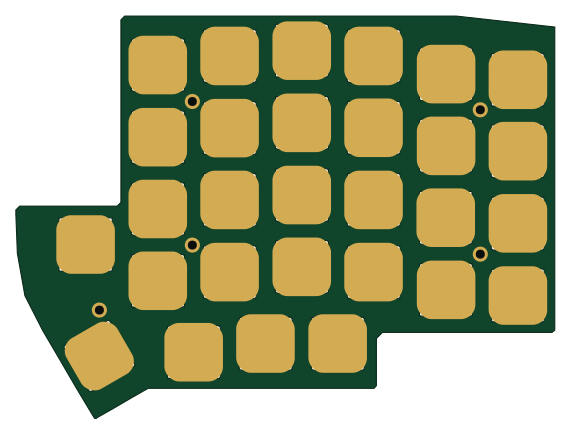
Lily58 Lite Rev3 TOP Case
kata0510
142.5 × 106.4 mm34 parts2LMIT2.3k
Lily58 Pro BOTTOM
142.5 × 106.3 mm5 parts2LMIT2.3k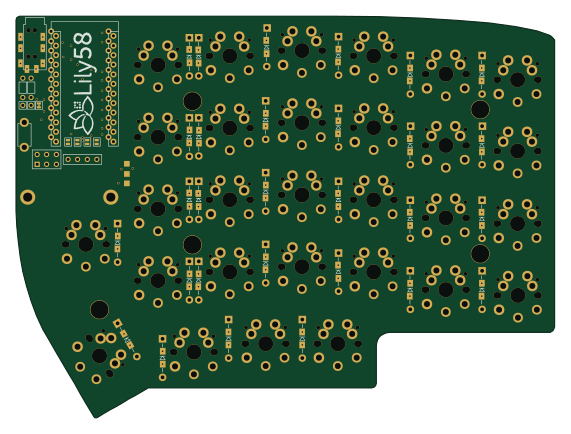
Lily58
142.5 × 106.3 mm83 parts2LMIT2.3k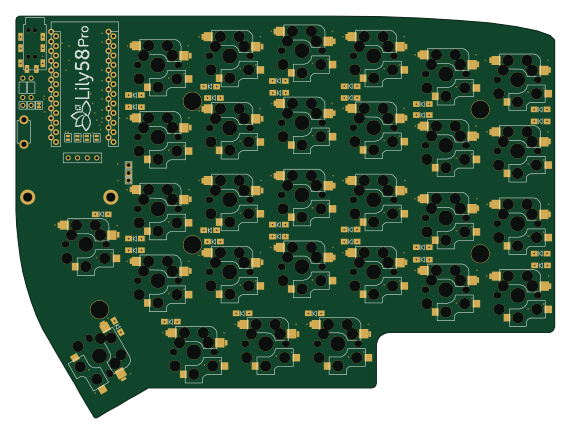
Lily58 Pro
142.5 × 106.3 mm83 parts2LMIT2.3k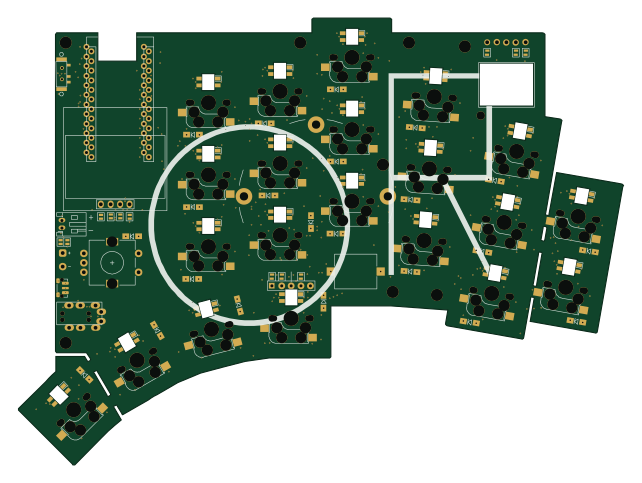
KLOR
GEIGEIGEIST
160.2 × 118.3 mm79 parts2LGPL-3.01.2k
Pcb top
tompi
132.5 × 95.1 mm18 parts2LCC-BY-4.01.2k