
Left

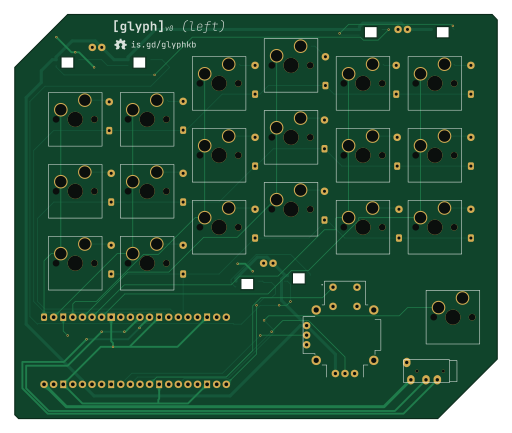
About the Left PCB
Left is an open source Raspberry Pi PCB design by Hex-4, published on GitHub under the MIT license. It is a 2-layer board measuring 127.8 × 107 mm, with 49 components from 8 distinct parts.
Its main chip is the RaspberryPi_Pico_W, from the Raspberry Pi family. Other key parts include the COM-09032 and TRRS. By type, the board carries 24 diodes, 19 switches, 3 capacitors, 2 ICs and 1 module.
It belongs with the keyboards designs in this gallery.
From the project
[ a custom split keyboard for portably and comfortably interfacing with computing systems ]
This folder stores Glyph's PCB and its libraries. Thanks to the scotto-kicad KiCad footprint and symbol library and SnapMagic for not having an up-to-date KiCad plugin and making me manually download the joystick footprint.
There are two KiCad projects, one for each side. I've tried my best to make sure they use relative paths, but please let me know if something fails to open for you.
Main components on the Left
Left bill of materials (BOM)
49 components, 8 distinct parts — part numbers from the project's BOM.
| Qty | Part | Footprint | Refs |
|---|---|---|---|
| 1 | COM-09032 | XDCR_COM-09032 | U1 |
| 1 | TRRS | TRRS_PJ-320A | U2 |
| 1 | RaspberryPi_Pico_W | RaspberryPi_Pico_Common_THT | A1 |
| 18 | SW_PUSH_45DEG SW_Push_45deg | Hotswap_MX_Plated | SW1, SW2, SW3, SW4, SW5, SW6, SW7, SW8 +10 |
| 1 | SW_Push | Hotswap_MX_Plated | SW19 |
| 18 | D_45DEG D_45deg | D_DO-35_SOD27_P7.62mm_Horizontal-bigpads | D1, D2, D3, D4, D5, D6, D7, D8 +10 |
| 6 | LED_SK6812MINI | LED_SK6812MINI | D19, D20, D21, D22, D23, D24 |
| 3 | 0.1UF 0.1uF | C_Disc_D3.0mm_W1.6mm_P2.50mm | C1, C2, C3 |
Left design files
The KiCad project lives in the Hex-4/glyph repository on GitHub; these links point at the commit this page was built from.
Left: common questions
What microcontroller does the Left use?
The Left is built around the RaspberryPi_Pico_W, from the Raspberry Pi family.
How big is the Left PCB?
The Left measures 127.8 × 107 mm, has 2 copper layers and is 1.6 mm thick.
How many components are on the Left?
49 components, from 8 distinct parts, with part numbers taken from the project's own BOM. The full bill of materials is listed on this page.
Where can I download the Left design files?
From the Hex-4/glyph repository on GitHub, which has the KiCad layout, the schematic and the BOM; the links under Design files point to each one.
Can I use the Left design in my own project?
Yes, under the terms of its MIT license, which Hex-4 chose for the repository.
Can I test firmware for the Left without the hardware?
Yes. HardLabs builds a simulation of the board from its netlist and BOM, so you can run and debug Raspberry Pi firmware against it before you order a PCB.
More boards in glyph
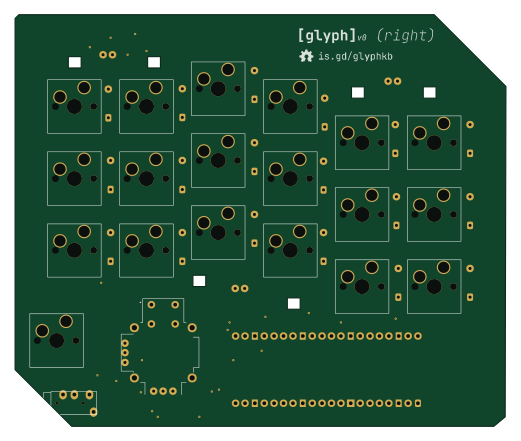
Similar boards
 Raspberry Pi
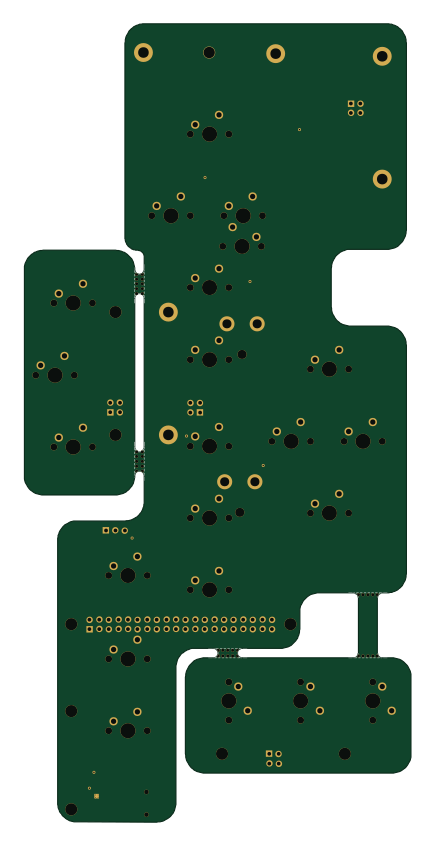
Haxo hw
cardonabits
102.4 × 211.3 mm38 parts2LCustom license672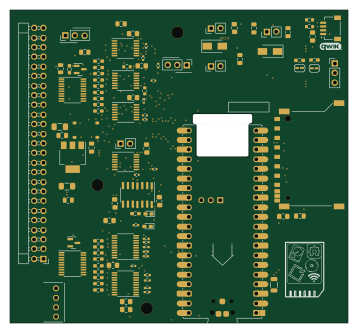 Raspberry Pi
Desktop 50 Pin TopConn
BlueSCSI
89.2 × 82.6 mm103 parts2LGPL-3.0449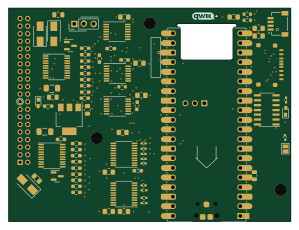 Raspberry Pi
PowerBook
74.5 × 56.3 mm78 parts2LGPL-3.0449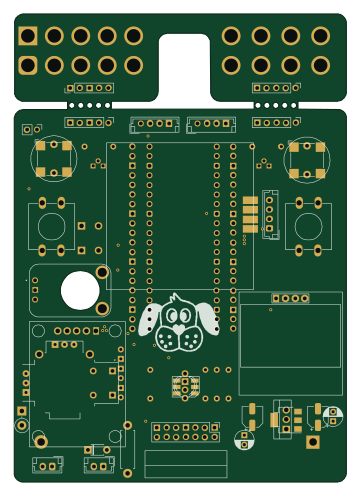 Raspberry Pi
BitDogLab 5.4
BitDogLab
87.9 × 123.9 mm56 parts2LCERN-OHL-S-2.0201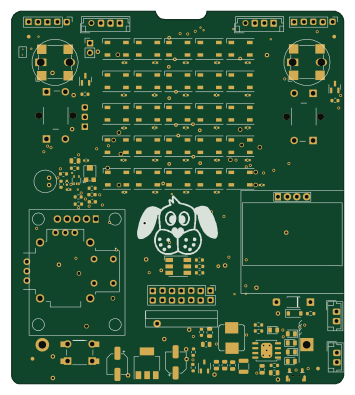 Raspberry Pi
BitDogLab Main SMD version
87.9 × 98.7 mm124 parts2LCERN-OHL-S-2.0201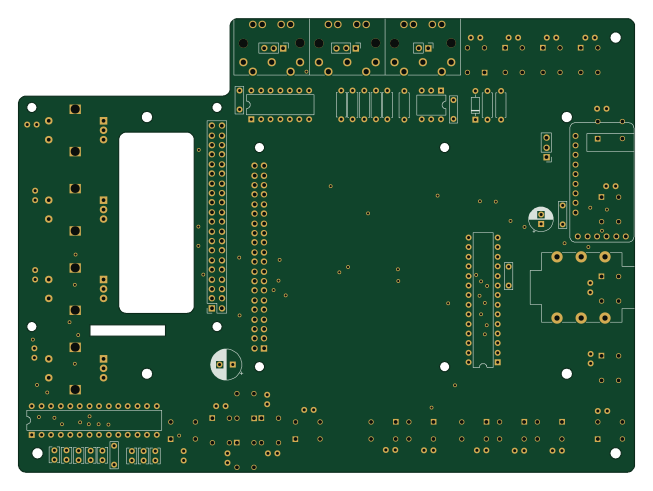 Raspberry Pi
Zynthian mini v2 20 buttons short
zynthian
163 × 120 mm87 parts2LNo license154