
Froggyboard

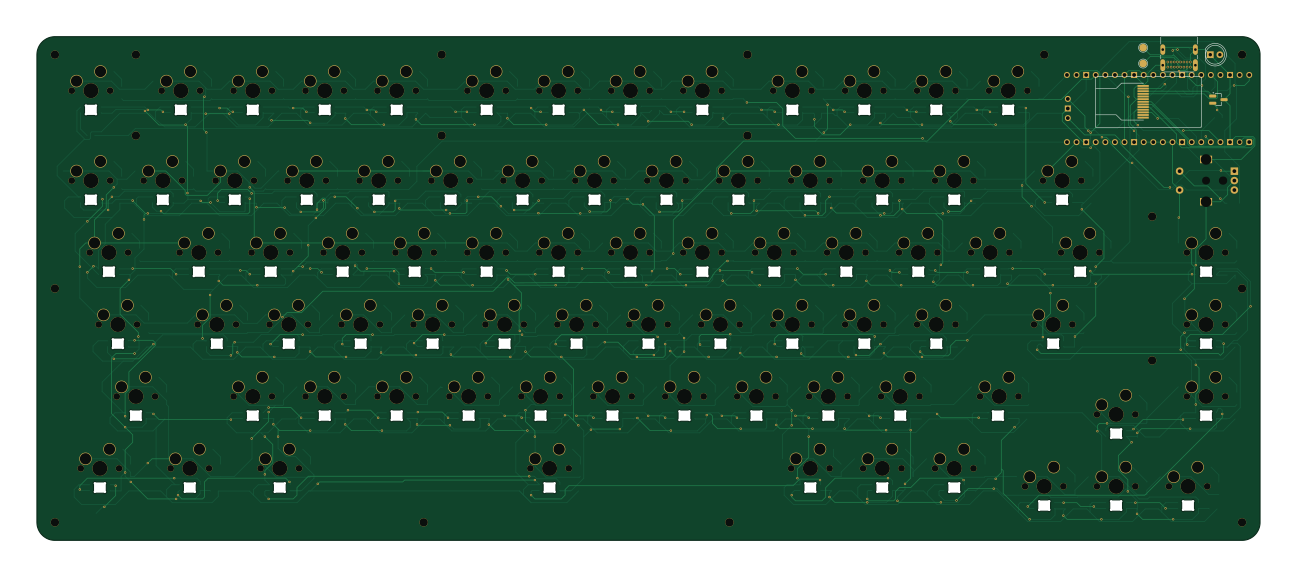
About the Froggyboard PCB
Froggyboard is an open source RP2040/RP2350 PCB design by Stwikey, published on GitHub. It is a 2-layer board measuring 323.9 × 133.4 mm, with 333 components from 29 distinct parts.
Its main chip is the RaspberryPi_Pico, from the RP2040/RP2350 family. Other key parts include the HS096T01H13. By type, the board carries 82 diodes, 80 LEDs, 13 fuses, 12 switches, 8 resistors and 3 modules.
It belongs with the displays & leds designs in this gallery.
From the project
A cozy keyboard with every add-on you can think of! Keroppi is a wired keyboard, powered by a Raspberry Pi Pico through a modern USB-C port. It resembles a 75% keyboard layout style with 79 keys and also features a rotary encoder that can be used to toggle many short cuts such as
A cozy keyboard with every add-on you can think of! Keroppi is a wired keyboard, powered by a Raspberry Pi Pico through a modern USB-C port. It resembles a 75% keyboard layout style with 79 keys and also features a rotary encoder that can be used to toggle many short cuts such as turning the volume up or down. It also acts as another switch! There is also a TFT LCD screen that can display all sorts of images as you type! Finally, Keroppi has per key RGB lighting, and plays cool lighting animations on the keyboard!
Main components on the Froggyboard
Froggyboard bill of materials (BOM)
333 components, 29 distinct parts — part numbers from the project's BOM.
| Qty | Part | Footprint | Refs |
|---|---|---|---|
| 1 | SW_Push | SW_MX_HS_CPG151101S11_1u | U4 |
| 1 | HS096T01H13 HS(汉昇) | LCD-SMD_HS096T01H13 | U5 |
| 2 | SW_Push | SW_MX_HS_CPG151101S11_1u | A1, M1 |
| 1 | RaspberryPi_Pico | RaspberryPi_Pico_SMD_HandSolder | A3 |
| 1 | SW_Push | SW_MX_HS_CPG151101S11_1u | Q1 |
| 1 | NMOS | SOT-23_Handsoldering | Q2 |
| 2 | SW_Push | SW_MX_HS_CPG151101S11_1u | X1, Y1 |
| 2 | SW_Push | SW_MX_HS_CPG151101S11_1u | J1, P1 |
| 35 | SW_Push | SW_MX_HS_CPG151101S11_1u | "1, +1, :1, <1, >1, B1, BACKSPACE1, COMMANDRIGHT1 +27 |
| 2 | SW_Push | SW_MX_HS_CPG151101S11_1.75u | CAPSLOCK1, SHIFT2 |
| 2 | SW_Push | SW_MX_HS_CPG151101S11_1.25u | COMMANDLEFT1, OPTION1 |
| 80 | CC0805KRX7R9BB104 YAGEO(国巨) | C_0805_2012Metric_Pad1.18x1.45mm_HandSolder | C_0, C_1, C_2, C_3, C_4, C_5, C_6, C_7 +72 |
| 13 | SW_Push | SW_MX_HS_CPG151101S11_1u | F1, F2, F3, F4, F5, F6, F7, F8 +5 |
| 1 | SW_Push | SW_MX_HS_CPG151101S11_1u | H1 |
| 1 | SW_Push | SW_MX_HS_CPG151101S11_1u | K1 |
| 2 | SW_Push | SW_MX_HS_CPG151101S11_1.5u | LEFTCONTROL1, TAB1 |
| 12 | SW_Push | SW_MX_HS_CPG151101S11_1u | S1, SW0, SW1, SW2, SW3, SW4, SW5, SW6 +4 |
| 1 | SW_Push | SW_MX_HS_CPG151101S11_1u | T1 |
| 1 | TYPEC-306DDW-ARP16 XUNPU(讯普) | USB-C-TH_TYPEC-306DDW-ARP16 | USB1 |
| 80 | SK6812MINI-E | LED_SK6812MINI-E_3.2x2.8mm_P1.5mm_ReverseMount | LED_0, LED_1, LED_2, LED_3, LED_4, LED_5, LED_6, LED_7 +72 |
Show 9 more
| Qty | Part | Footprint | Refs |
|---|---|---|---|
| 81 | D | D_SOD-123 | D1, D2, D3, D4, D5, D6, D7, D8 +73 |
| 1 | LED | LED_D5.0mm | D63 |
| 1 | SW_Push | SW_MX_HS_CPG151101S11_1u | L1 |
| 1 | SW_Push | SW_MX_HS_CPG151101S11_1u | C1 |
| 1 | SW_Push | SW_MX_HS_CPG151101S11_1u | R1 |
| 2 | 5.1k | R_0805_2012Metric_Pad1.20x1.40mm_HandSolder | R2, R3 |
| 3 | 500Ω | R_0805_2012Metric_Pad1.20x1.40mm_HandSolder | R4, R5, R8 |
| 1 | 133Ω | R_0805_2012Metric_Pad1.20x1.40mm_HandSolder | R6 |
| 1 | 1000Ω | R_0805_2012Metric_Pad1.20x1.40mm_HandSolder | R7 |
Froggyboard design files
The KiCad project lives in the Stwikey/froggyboard repository on GitHub; these links point at the commit this page was built from.
- LayoutPCB/Frogboard.kicad_pcb
- SchematicPCB/Frogboard.kicad_sch
- BOMBOM.csv
Froggyboard: common questions
What microcontroller does the Froggyboard use?
The Froggyboard is built around the RaspberryPi_Pico, from the RP2040/RP2350 family.
How big is the Froggyboard PCB?
The Froggyboard measures 323.9 × 133.4 mm, has 2 copper layers and is 1.6 mm thick.
How many components are on the Froggyboard?
333 components, from 29 distinct parts, with part numbers taken from the project's own BOM. The full bill of materials is listed on this page.
Where can I download the Froggyboard design files?
From the Stwikey/froggyboard repository on GitHub, which has the KiCad layout, the schematic and the BOM; the links under Design files point to each one.
Can I use the Froggyboard design in my own project?
The repository has no license, so all rights stay with Stwikey. Use it as a reference, and ask the author before reusing the design.
Can I test firmware for the Froggyboard without the hardware?
Yes. HardLabs builds a simulation of the board from its netlist and BOM, so you can run and debug RP2040/RP2350 firmware against it before you order a PCB.
Similar boards
 RP2040/RP2350
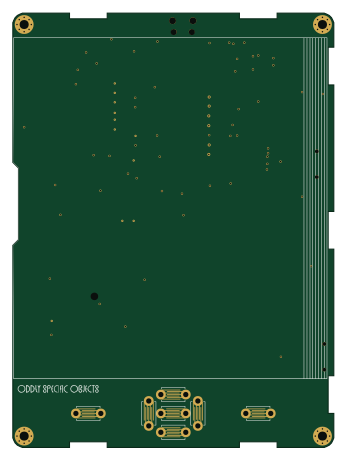
OSO-BOOK-C1
joeycastillo
85 × 115 mm29 parts2LCC-BY-SA-4.08.1k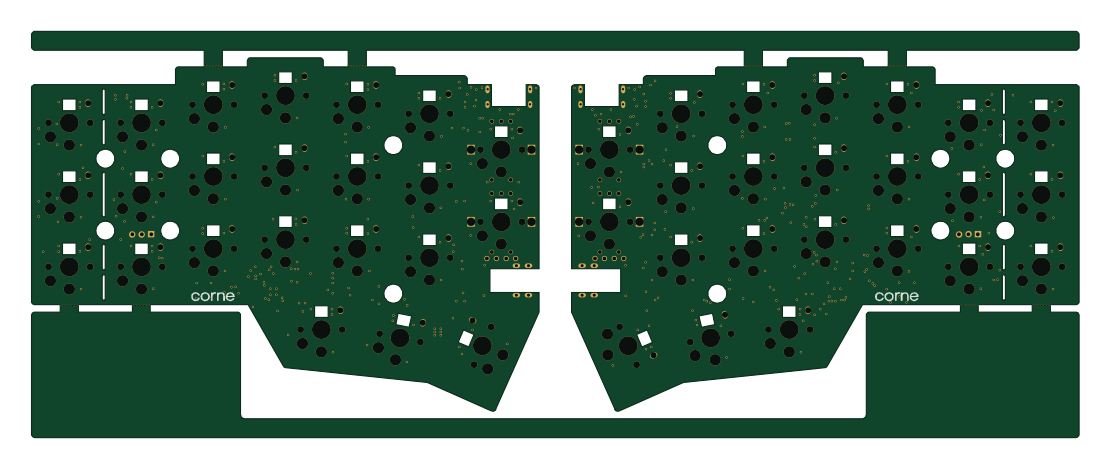 RP2040/RP2350
Corne chocolate
foostan
277.2 × 107.5 mm164 parts2LCC-BY-4.07.7k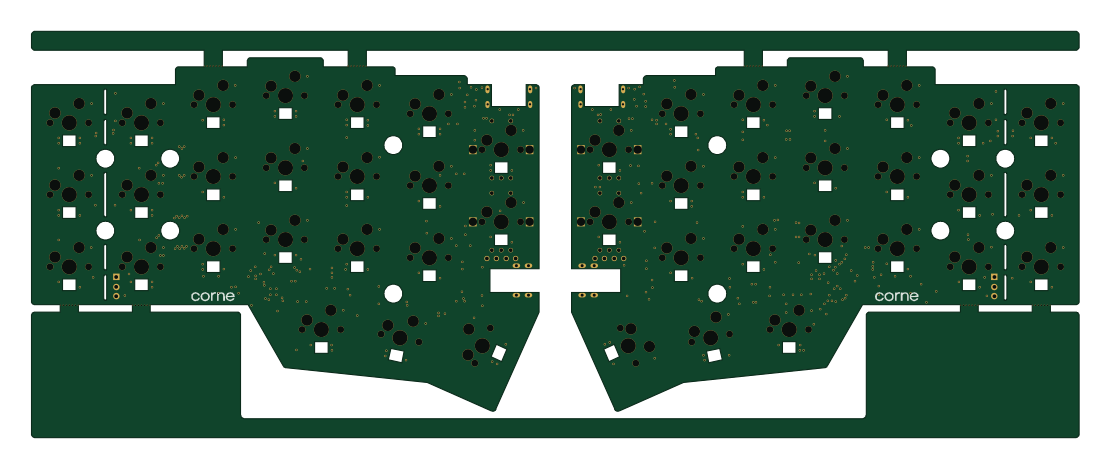 RP2040/RP2350
Corne cherry
277.2 × 107.5 mm164 parts2LCC-BY-4.07.7k RP2040/RP2350
LogicAnalyzer
gusmanb
57 × 55.2 mm6 parts2LGPL-3.05.0k RP2040/RP2350
Jitx design
55.5 × 65 mm26 parts4LGPL-3.05.0k RP2040/RP2350
Main
google
98 × 71 mm102 parts2LApache-2.02.9k