
Ups to esp32

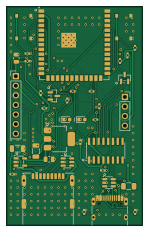
About the Ups to esp32 PCB
Ups to esp32 is an open source ESP32 PCB design by aronreid, published on GitHub under the GPL-3.0 license. It is a 2-layer board measuring 36 × 58 mm, with 38 components from 26 distinct parts.
Its main chip is the ESP32-S3-WROOM-1-N4, from the ESP32 family. Other key parts include the CH340C, AP2114H-3.3 and AP2171W. By type, the board carries 12 resistors, 9 capacitors, 4 ICs, 4 connectors, 4 diodes and 2 transistors.
It belongs with the iot & wireless and power & battery designs in this gallery.
From the project
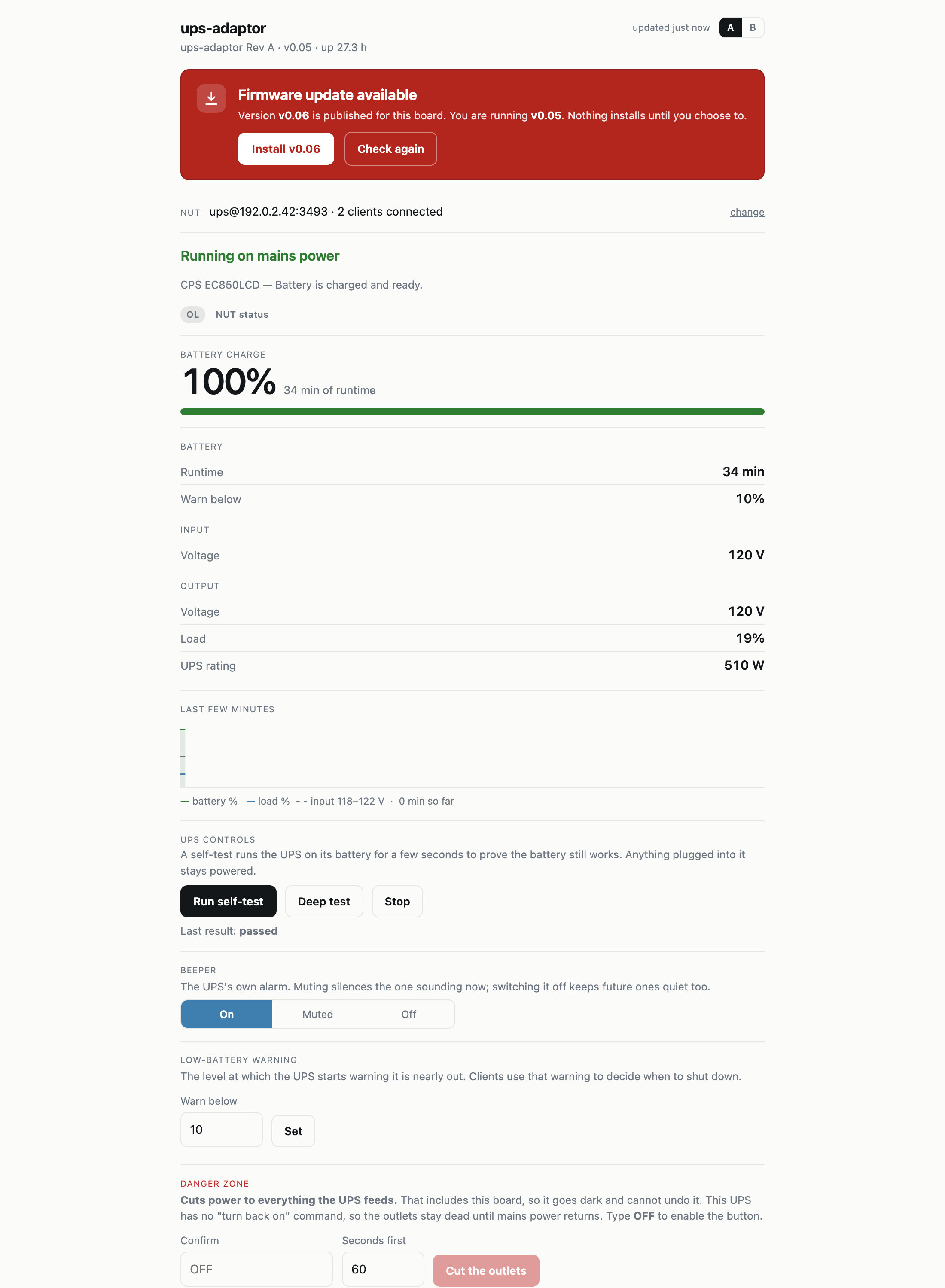
Put a USB-only UPS on the network: an ESP32-S3 board and firmware that serves NUT on TCP 3493, with a web UI. No host computer, no Raspberry Pi.
Put a USB-only UPS on your network, without leaving a computer next to it.
A small ESP32-S3 board that plugs into a UPS's USB port, speaks USB HID Power Device to it, and serves the readings over Wi-Fi as a NUT server on TCP 3493. Home Assistant, Synology, TrueNAS, unraid and upsmon connect to it exactly as they would to a real upsd — because it speaks the real protocol, not an approximation of one.
Main components on the Ups to esp32
Ups to esp32 bill of materials (BOM)
38 components, 26 distinct parts — part numbers from the project's BOM.
| Qty | Part | Footprint | Refs |
|---|---|---|---|
| 1 | ESP32-S3-WROOM-1-N4 | ESP32-S3-WROOM-1 | U1 |
| 1 | CH340C | SOIC-16_3.9x9.9mm_P1.27mm | U2 |
| 1 | AP2114H-3.3 | SOT-223-3_TabPin2 | U3 |
| 1 | AP2171W | SOT-23-5 | U4 |
| 2 | MMBT3904 | SOT-23 | Q1, Q2 |
| 1 | C165948 USB-C sink | USB_C_Receptacle_HRO_TYPE-C-31-M-12 | J1 |
| 1 | C2880618 USB-A host (right-angle) | USB_A_Receptacle_XKB_U231-091N-4BLRA00-S | J2 |
| 1 | OLED (optional) | PinSocket_1x04_P2.54mm_Vertical | J3 |
| 1 | expansion | PinHeader_1x07_P2.54mm_Vertical | J5 |
| 1 | C545216 2A hold | Fuse_1206_3216Metric | F1 |
| 1 | C318884 RESET | SW_Push_1P1T_XKB_TS-1187A | SW1 |
| 1 | C318884 BOOT | SW_Push_1P1T_XKB_TS-1187A | SW2 |
| 2 | USBLC6-2SC6 | SOT-23-6 | D1, D2 |
| 1 | C2287 yellow | LED_0603_1608Metric | D3 |
| 1 | C2286 red | LED_0603_1608Metric | D4 |
| 1 | C52923 1uF 16V | C_0402_1005Metric | C1 |
| 2 | C15008 100uF 6.3V | C_1206_3216Metric | C2, C7 |
| 3 | C1525 100nF 16V | C_0402_1005Metric | C3, C6, C9 |
| 1 | C45783 22uF 16V | C_0805_2012Metric | C4 |
| 1 | C45783 22uF 6.3V | C_0805_2012Metric | C5 |
Show 6 more
| Qty | Part | Footprint | Refs |
|---|---|---|---|
| 1 | C1525 100nF 25V | C_0402_1005Metric | C8 |
| 4 | 1k | R_0402_1005Metric | R1, R2, R7, R8 |
| 3 | 10K 10k | R_0402_1005Metric | R3, R4, R12 |
| 2 | 4.7K 4.7k | R_0402_1005Metric | R5, R6 |
| 2 | 5.1K 5.1k | R_0402_1005Metric | R9, R10 |
| 1 | 100K 100k | R_0402_1005Metric | R11 |
Ups to esp32 design files
The KiCad project lives in the aronreid/ups-to-esp32 repository on GitHub; these links point at the commit this page was built from.
Ups to esp32: common questions
What microcontroller does the Ups to esp32 use?
The Ups to esp32 is built around the ESP32-S3-WROOM-1-N4, from the ESP32 family.
How big is the Ups to esp32 PCB?
The Ups to esp32 measures 36 × 58 mm, has 2 copper layers and is 1.6 mm thick.
How many components are on the Ups to esp32?
38 components, from 26 distinct parts, with part numbers taken from the project's own BOM. The full bill of materials is listed on this page.
Where can I download the Ups to esp32 design files?
From the aronreid/ups-to-esp32 repository on GitHub, which has the KiCad layout, the schematic and the BOM; the links under Design files point to each one.
Can I use the Ups to esp32 design in my own project?
Yes, under the terms of its GPL-3.0 license, which aronreid chose for the repository.
Can I test firmware for the Ups to esp32 without the hardware?
Yes. HardLabs builds a simulation of the board from its netlist and BOM, so you can run and debug ESP32 firmware against it before you order a PCB.
Similar boards
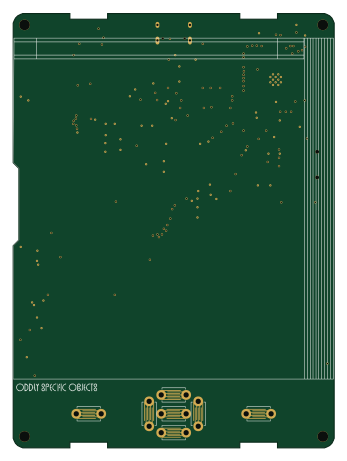 ESP32
OSO-BOOK-B1
joeycastillo
85 × 115 mm65 parts2LCC-BY-SA-4.08.1k ESP32
Powertrain
byrantech
64 × 45.4 mm171 parts4LMIT4.3k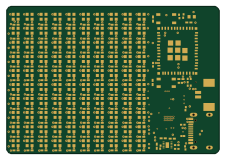 ESP32
Badge
atopile
56.3 × 39 mm239 parts4LMIT4.0k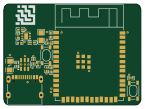 ESP32
Esp32 minimal
36.2 × 26.8 mm20 parts2LMIT4.0k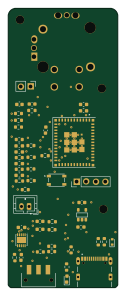 ESP32
Controller
StuckAtPrototype
29 × 74 mm58 parts4LApache-2.03.8k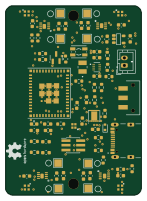 ESP32
Racer
36 × 50.2 mm70 parts4LApache-2.03.8k