
AZ80 RAM

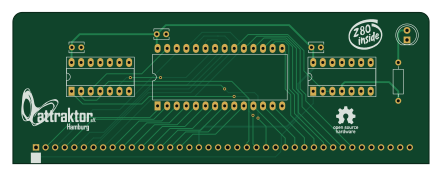
About the AZ80 RAM PCB
AZ80 RAM is an open source PCB design by attraktorhh, published on GitHub under the MIT license. It is a 2-layer board measuring 110.3 × 40 mm, with 9 components from 8 distinct parts.
Other key parts include the 74LS04, 74LS32 and RAM 62256 32KB. By type, the board carries 3 ICs, 3 capacitors, 1 connector, 1 diode and 1 resistor.
From the project
Die RAM Platine stellt den 32KB großen flüchtigen Arbeitsspeicher dem aZ80 Retro System zur Verfügung.
Die RAM Platine stellt den 32KB großen flüchtigen Arbeitsspeicher dem aZ80 Retro System zur Verfügung.
Das RAM wird im oberen Teil des Addressraums eingeblendet ($8000-$FFFF).
Die LED zeigt einen Zugriff auf den Arbeitsspeicher an.
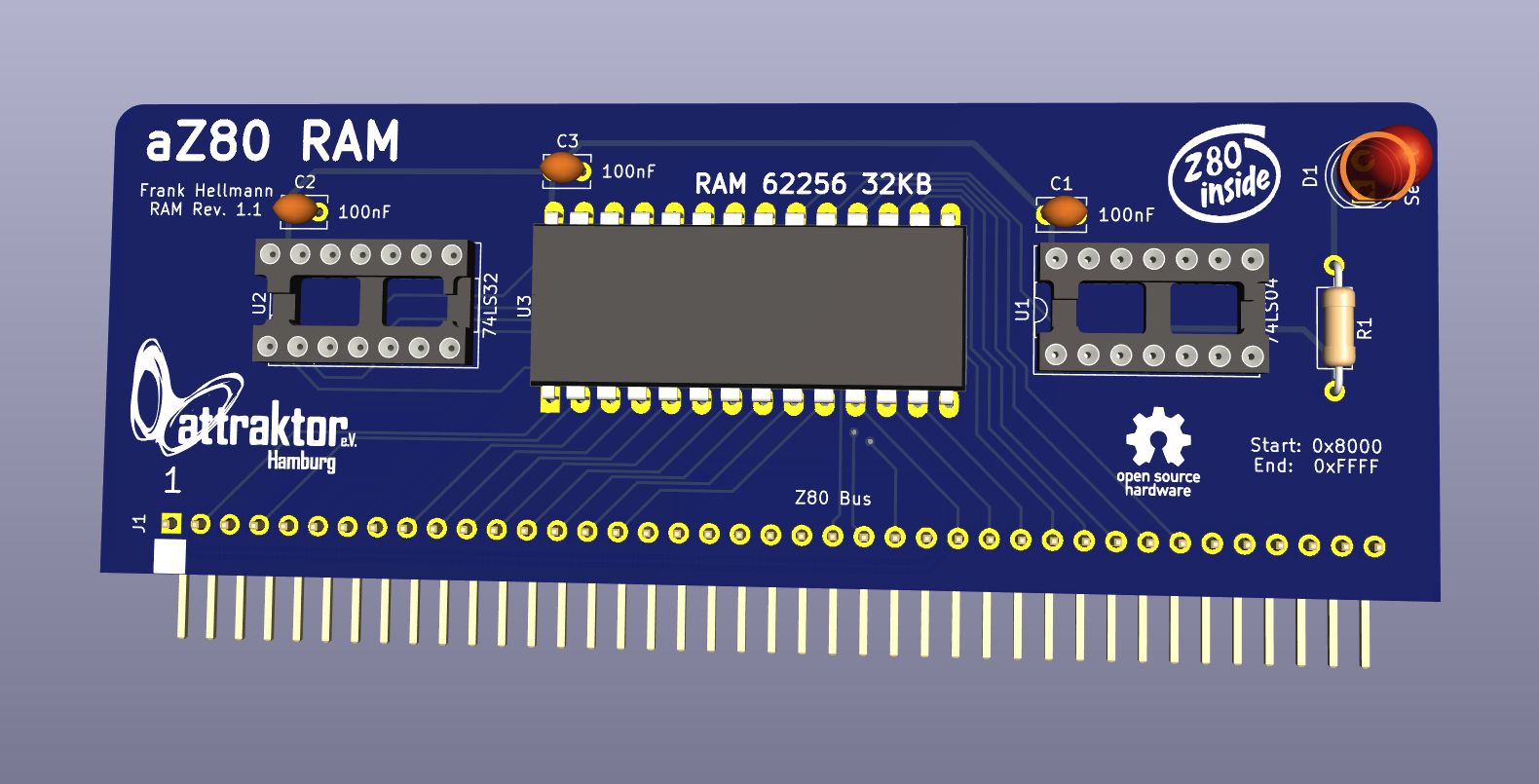
Main components on the AZ80 RAM
AZ80 RAM bill of materials (BOM)
9 components, 8 distinct parts — part numbers from the project's BOM.
| Qty | Part | Footprint | Refs |
|---|---|---|---|
| 1 | 74LS04 | DIP-14_W7.62mm_Socket_LongPads | U1 |
| 1 | 74LS32 | DIP-14_W7.62mm_Socket_LongPads | U2 |
| 1 | RAM 62256 32KB | DIP-28_W15.24mm_LongPads | U3 |
| 1 | Z80 Bus | PinHeader_1x40_P2.54mm_Horizontal | J1 |
| 1 | SS14 Select | LED_D5.0mm | D1 |
| 1 | 10UF 100nF | C_Disc_D3.8mm_W2.6mm_P2.50mm | C1 |
| 2 | 100nF | C_Disc_D3.8mm_W2.6mm_P2.50mm | C2, C3 |
| 1 | 10K 330 | R_Axial_DIN0207_L6.3mm_D2.5mm_P10.16mm_Horizontal | R1 |
AZ80 RAM design files
The KiCad project lives in the attraktorhh/aZ80_Computer repository on GitHub; these links point at the commit this page was built from.
AZ80 RAM: common questions
How big is the AZ80 RAM PCB?
The AZ80 RAM measures 110.3 × 40 mm, has 2 copper layers and is 1.6 mm thick.
How many components are on the AZ80 RAM?
9 components, from 8 distinct parts, with part numbers taken from the project's own BOM. The full bill of materials is listed on this page.
Where can I download the AZ80 RAM design files?
From the attraktorhh/aZ80_Computer repository on GitHub, which has the KiCad layout, the schematic and the BOM; the links under Design files point to each one.
Can I use the AZ80 RAM design in my own project?
Yes, under the terms of its MIT license, which attraktorhh chose for the repository.
More boards in aZ80_Computer
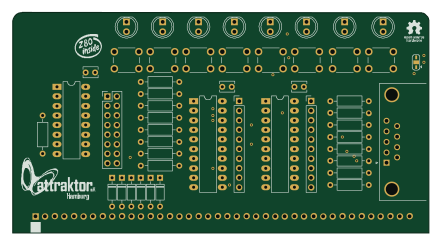
AZ80 DIO
110.3 × 58.3 mm49 parts2LMIT4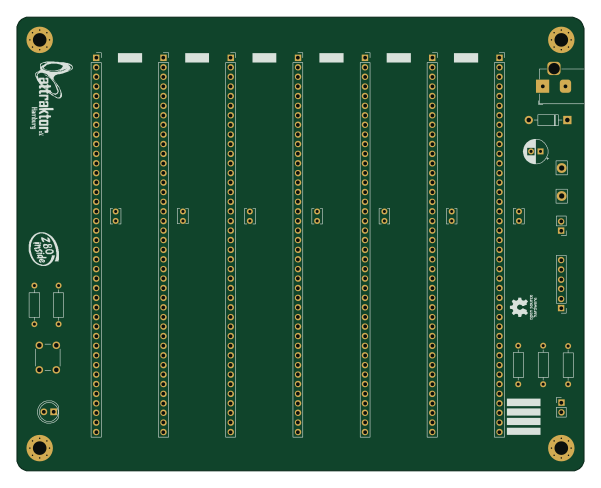
Backplane V1.1
150 × 120 mm29 parts2LMIT4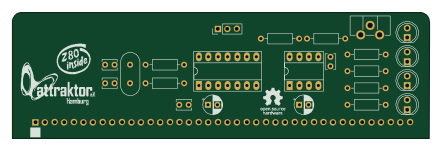
AZ80 Clock
110.3 × 33.3 mm24 parts2LMIT4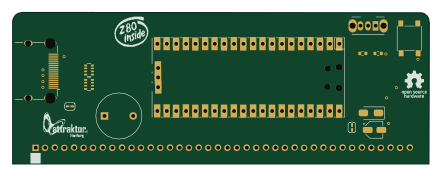 RP2040/RP2350
AZ80 VDP
110.3 × 40 mm12 parts2LMIT4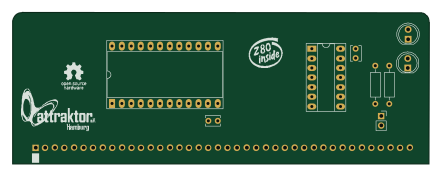
AZ80 SIO
110.3 × 40 mm10 parts2LMIT4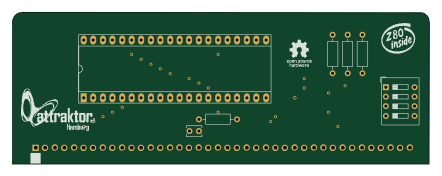
AZ80 CPU
110.3 × 40 mm7 parts2LMIT4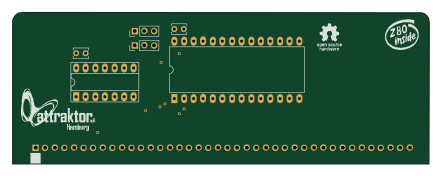
AZ80 ROM
110.3 × 40 mm7 parts2LMIT4