
Keyboard

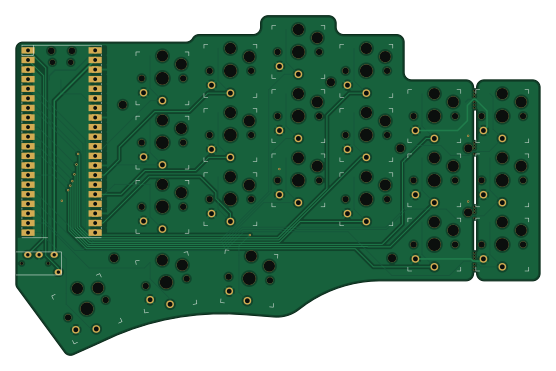
About the Keyboard PCB
Keyboard is an open source RP2040/RP2350 PCB design by BennetLeff, published on GitHub under the Custom license license. It is a 2-layer board measuring 138.8 × 89.9 mm, with 29 components from 7 distinct parts.
Its main chip is the Pico, from the RP2040/RP2350 family. By type, the board carries 21 relays, 2 resistors, 1 IC and 1 connector.
It belongs with the keyboards designs in this gallery.
From the project
a breville control freak ++
Temper is a consumer induction cooker built around three pillars: an ESP32-S3 firmware with an 8-state transition-table machine handling real-time power control and hardware-latched protection circuits; a KiCad PCB design optimized through a custom CP-SAT-based signal-integrity and thermal-aware placer pipeline; and a Python/Rust placer toolchain (CP-SAT solver, geometry/DRC/DSN/IPC crates, workflow DAG) that automates layout and checks placement against IPC standards. Protection — over-current, over-voltage, thermal shutdown, UVLO — is designed to be hardware-latched with firmware monitoring.
Main components on the Keyboard
Keyboard bill of materials (BOM)
29 components, 7 distinct parts — part numbers from the project's BOM.
| Qty | Part | Footprint | Refs |
|---|---|---|---|
| 1 | Pico | RPi_Pico_SMD_TH | U2 |
| 1 | TRRS | TRRS-PJ-320A | J1 |
| 21 | KEYSW | Kailh_socket_PG1350_optional | K00, K01, K02, K03, K04, K05, K10, K11 +13 |
| 2 | MountingHole | mousebites_2 | MB1, MB2 |
| 2 | MountingHole | mousebites_3 | MB3, MB4 |
| 1 | 5k6 | R_1206_3216Metric_Pad1.30x1.75mm_HandSolder | R1 |
| 1 | 10k | R_1206_3216Metric_Pad1.30x1.75mm_HandSolder | R2 |
Keyboard design files
The KiCad project lives in the BennetLeff/temper repository on GitHub; these links point at the commit this page was built from.
Keyboard: common questions
What microcontroller does the Keyboard use?
The Keyboard is built around the Pico, from the RP2040/RP2350 family.
How big is the Keyboard PCB?
The Keyboard measures 138.8 × 89.9 mm, has 2 copper layers and is 1.6 mm thick.
How many components are on the Keyboard?
29 components, from 7 distinct parts, with part numbers taken from the project's own BOM. The full bill of materials is listed on this page.
Where can I download the Keyboard design files?
From the BennetLeff/temper repository on GitHub, which has the KiCad layout and the BOM; the links under Design files point to each one.
Can I use the Keyboard design in my own project?
It is published under Custom license, which limits how it may be reused; read the license before building on it.
Can I test firmware for the Keyboard without the hardware?
Yes. HardLabs builds a simulation of the board from its netlist and BOM, so you can run and debug RP2040/RP2350 firmware against it before you order a PCB.
More boards in temper
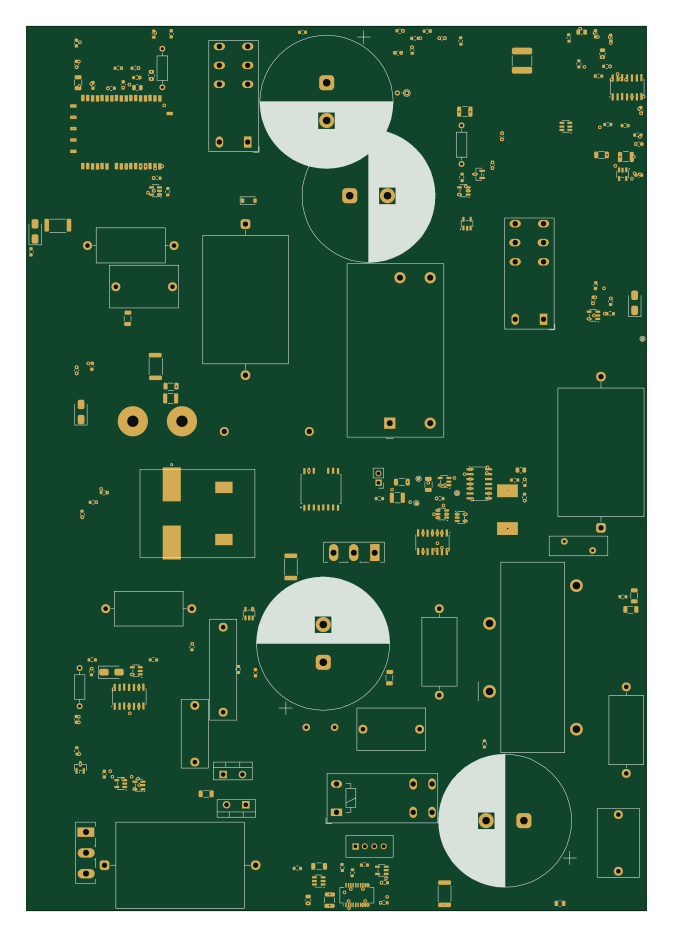 ESP32
ESP32Temper
164 × 234 mm164 parts6LCustom license1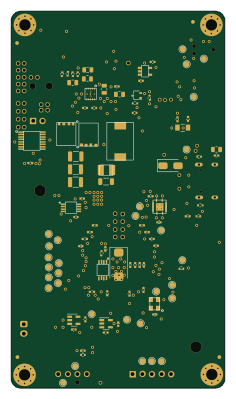 ESP32
ESP32BitaxeUltra
56.5 × 99.8 mm86 parts4LCustom license1
EXP02E BGA Escape input
12 × 12 mm60 parts2LCustom license1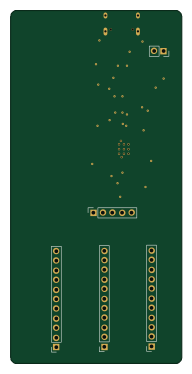 RP2040/RP2350
RP2040-Guide
45.2 × 93.4 mm31 parts2LCustom license1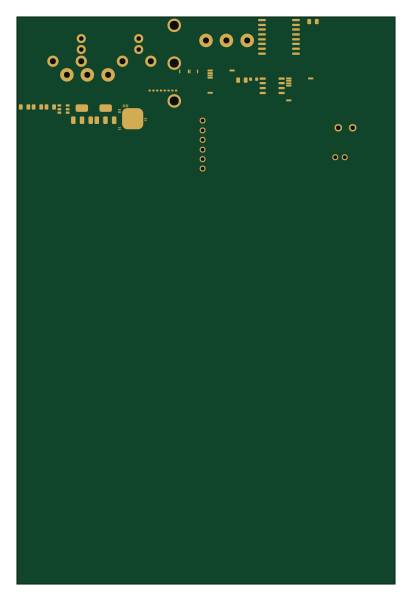
Temper fixture 33
100 × 150 mm13 parts4LCustom license1
Minimal board
50 × 30 mm4 parts2LCustom license1
Iso7741 gate drive fixture
100 × 80 mm4 parts2LCustom license1
Similar boards
 RP2040/RP2350
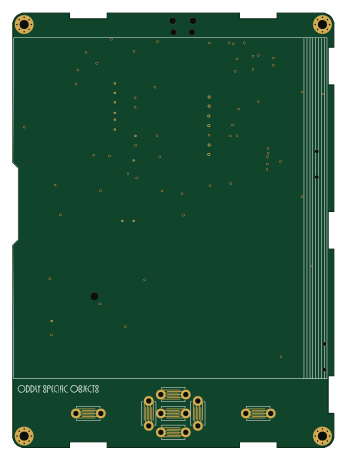
Open Book Abridged Edition
joeycastillo
85 × 115 mm29 parts2LCC-BY-SA-4.08.1k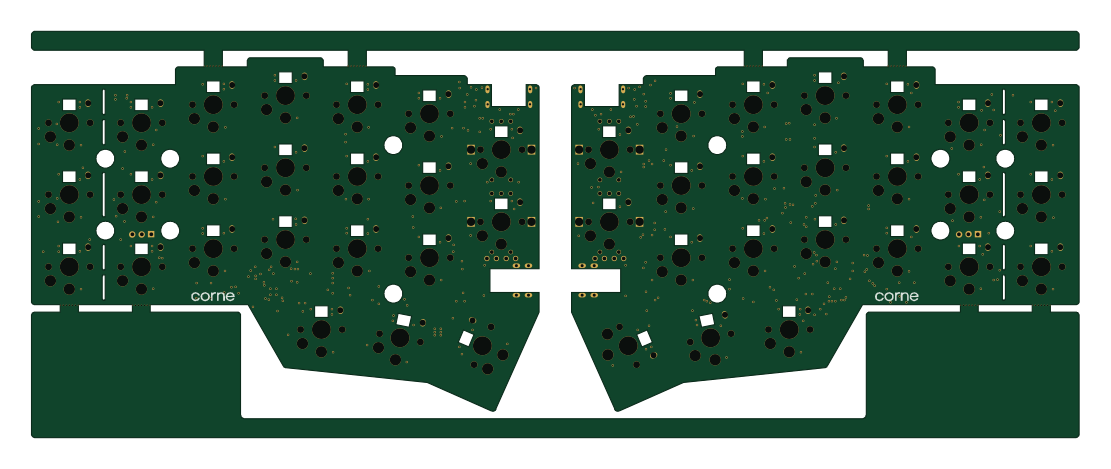 RP2040/RP2350
Corne
foostan
277.2 × 107.5 mm164 parts2LCC-BY-4.07.7k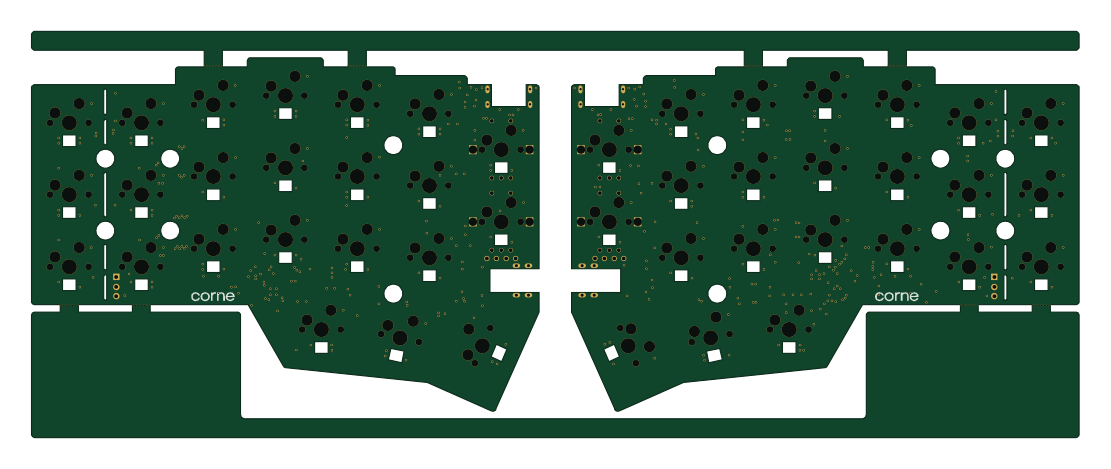 RP2040/RP2350
Corne
277.2 × 107.5 mm164 parts2LCC-BY-4.07.7k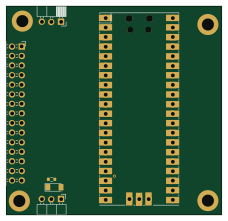 RP2040/RP2350
LogicAnalyzer
gusmanb
57 × 55.2 mm6 parts2LGPL-3.05.0k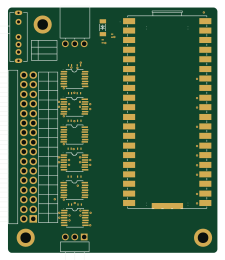 RP2040/RP2350
Jitx design
55.5 × 65 mm26 parts4LGPL-3.05.0k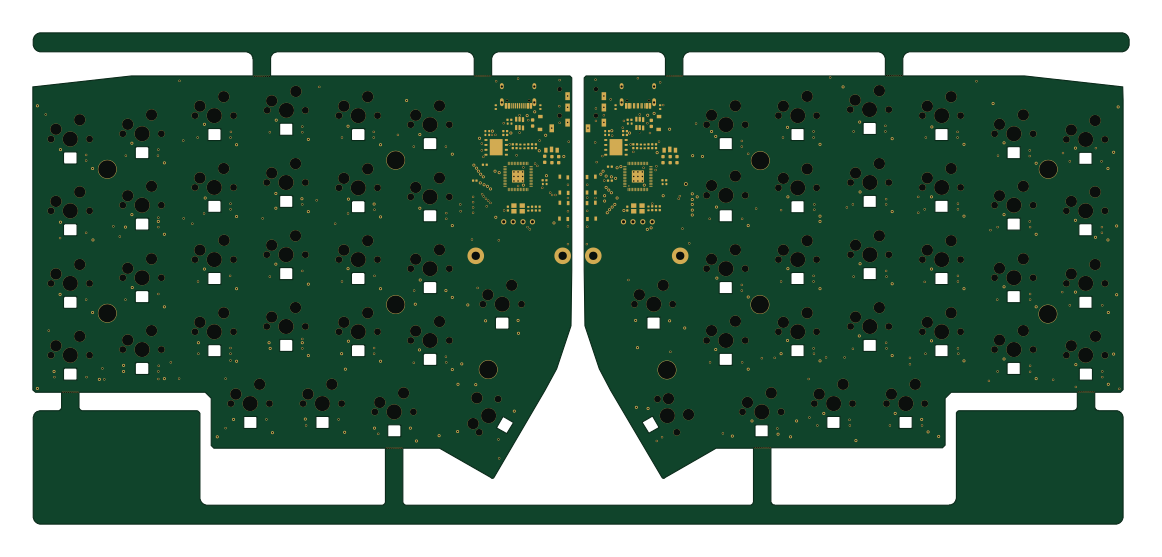 RP2040/RP2350
Pro V2
kata0510
290.1 × 130 mm270 parts2LMIT2.3k