
Devboard

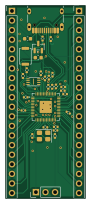
About the Devboard PCB
Devboard is an open source RP2040/RP2350 PCB design by Cosmin-Mare, published on GitHub under the MIT license. It is a 2-layer board measuring 21 × 51 mm, with 33 components from 16 distinct parts.
Its main chip is the RP2040, from the RP2040/RP2350 family. Other key parts include the MCP1700T-3302E/TT and W25Q16JVUXIQ. By type, the board carries 17 capacitors, 7 resistors, 4 connectors, 3 ICs, 1 crystal and 1 switch.
It belongs with the dev boards & breakouts designs in this gallery.
From the project
A small, Pico-style development board built around the RP2040, designed in KiCad 10. USB-C, 3.3 V LDO, 2 MB QSPI flash, a BOOTSEL button, SWD header, and every GPIO broken out to two 20-pin 2.54 mm headers. Made to be ordered fully assembled from JLCPCB.
A small, Pico-style development board built around the RP2040, designed in KiCad 10. USB-C, 3.3 V LDO, 2 MB QSPI flash, a BOOTSEL button, SWD header, and every GPIO broken out to two 20-pin 2.54 mm headers. Made to be ordered fully assembled from JLCPCB.
1. Order – follow docs/ORDERING.md. Upload fabrication/jlcpcb/devboard-gerbers.zip, then bom.csv and cpl.csv. 2. Solder the two 20-pin headers (and optionally the SWD header) – see docs/ASSEMBLY.md. 3. Bring up – hold BOOTSEL, plug in USB-C, copy a .uf2 onto the RPI-RP2 drive. See docs/BRINGUP.md.
Main components on the Devboard
Devboard bill of materials (BOM)
33 components, 16 distinct parts — part numbers from the project's BOM.
| Qty | Part | Footprint | Refs |
|---|---|---|---|
| 1 | RP2040 Raspberry Pi | QFN-56-1EP_7x7mm_P0.4mm_EP3.2x3.2mm | U1 |
| 1 | MCP1700T-3302E/TT MCP1700x-330xxTT Microchip Tech | SOT-23 | U2 |
| 1 | W25Q16JVUXIQ W25Q16JVZPIQ TR Winbond Elec | Winbond_USON-8-1EP_3x2mm_P0.5mm_EP0.2x1.6mm | U3 |
| 1 | X322512MSB4SI 12MHz YXC Crystal Oscillators | Crystal_SMD_3225-4Pin_3.2x2.5mm | Y1 |
| 1 | TYPE-C-31-M-12 USB_C_Receptacle_USB2.0_14P Korean Hroparts Elec | USB_C_Receptacle_HRO_TYPE-C-31-M-12 | J1 |
| 2 | CONN_01X20 Conn_01x20 BOOMELE(Boom Precision Elec) | PinHeader_1x20_P2.54mm_Vertical | J2, J3 |
| 1 | CONN_01X03 Conn_01x03 BOOMELE(Boom Precision Elec) | PinHeader_1x03_P2.54mm_Vertical | J4 |
| 1 | TS-1088-AR02016 SW_Push XUNPU | SW_Push_SPST_NO_Alps_SKRK | SW1 |
| 2 | CL05A105KA5NQNC 1uF Samsung Electro-Mechanics | C_0402_1005Metric | C1, C10 |
| 11 | CL05B104KO5NNNC 0.1uF Samsung Electro-Mechanics | C_0402_1005Metric | C2, C3, C4, C5, C6, C7, C8, C9 +3 |
| 2 | CL10A106KP8NNNC 10uF Samsung Electro-Mechanics | C_0603_1608Metric | C13, C14 |
| 2 | 0402CG330J500NT 33pF FH (Guangdong Fenghua Advanced Tech) | C_0402_1005Metric | C15, C16 |
| 2 | 0402WGF5101TCE 5.1k UNI-ROYAL(Uniroyal Elec) | R_0402_1005Metric | R1, R2 |
| 2 | 0402WGF270JTCE 27 UNI-ROYAL(Uniroyal Elec) | R_0402_1005Metric | R3, R4 |
| 2 | 0402WGF1001TCE 1k UNI-ROYAL(Uniroyal Elec) | R_0402_1005Metric | R5, R7 |
| 1 | 0402WGF1002TCE 10k UNI-ROYAL(Uniroyal Elec) | R_0402_1005Metric | R6 |
Devboard design files
The KiCad project lives in the Cosmin-Mare/devboard repository on GitHub; these links point at the commit this page was built from.
Devboard: common questions
What microcontroller does the Devboard use?
The Devboard is built around the RP2040, from the RP2040/RP2350 family.
How big is the Devboard PCB?
The Devboard measures 21 × 51 mm, has 2 copper layers and is 1.6 mm thick.
How many components are on the Devboard?
33 components, from 16 distinct parts, with part numbers taken from the project's own BOM. The full bill of materials is listed on this page.
Where can I download the Devboard design files?
From the Cosmin-Mare/devboard repository on GitHub, which has the KiCad layout, the schematic and the BOM; the links under Design files point to each one.
Can I use the Devboard design in my own project?
Yes, under the terms of its MIT license, which Cosmin-Mare chose for the repository.
Can I test firmware for the Devboard without the hardware?
Yes. HardLabs builds a simulation of the board from its netlist and BOM, so you can run and debug RP2040/RP2350 firmware against it before you order a PCB.
Similar boards
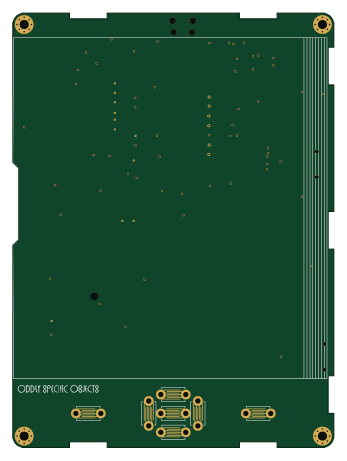 RP2040/RP2350
Open Book Abridged Edition
joeycastillo
85 × 115 mm29 parts2LCC-BY-SA-4.08.1k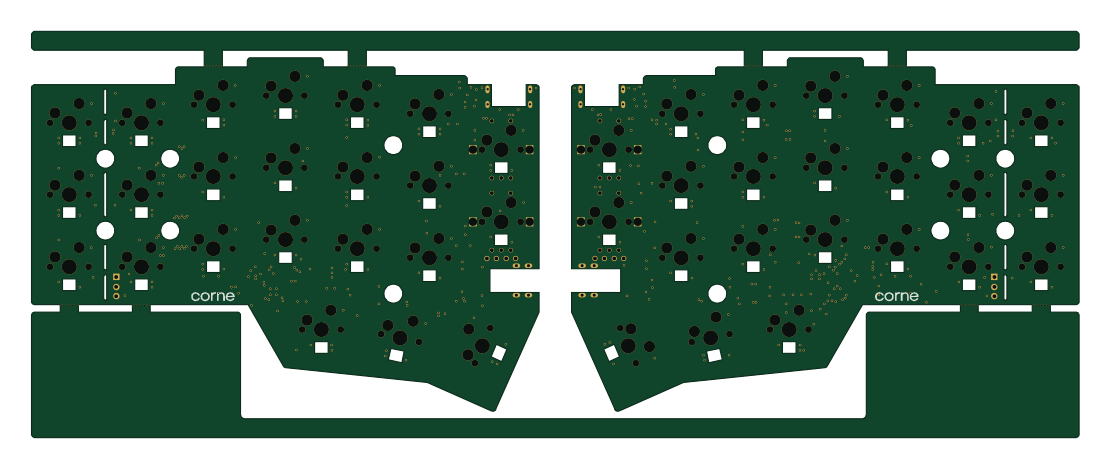 RP2040/RP2350
Corne
foostan
277.2 × 107.5 mm164 parts2LCC-BY-4.07.7k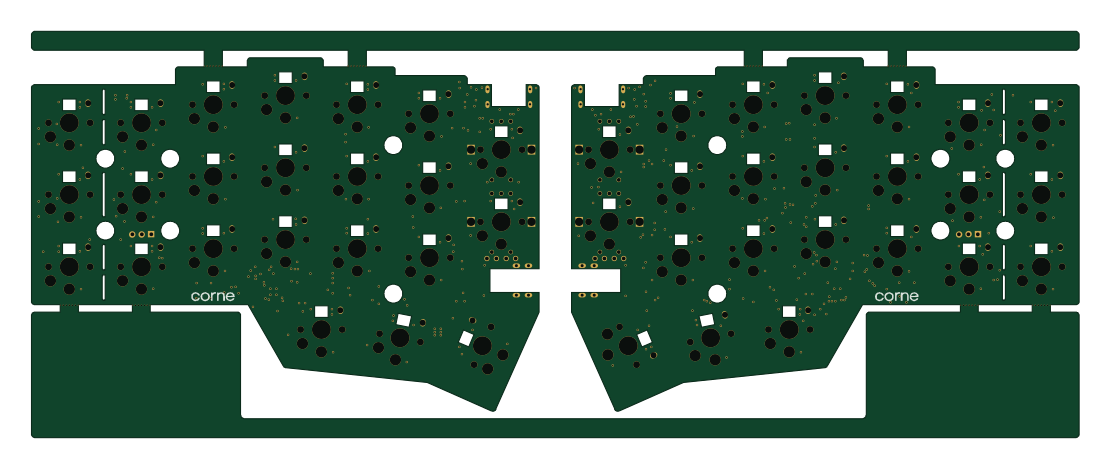 RP2040/RP2350
Corne
277.2 × 107.5 mm164 parts2LCC-BY-4.07.7k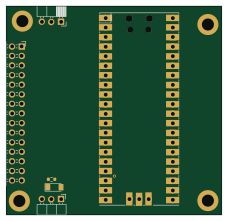 RP2040/RP2350
LogicAnalyzer
gusmanb
57 × 55.2 mm6 parts2LGPL-3.05.0k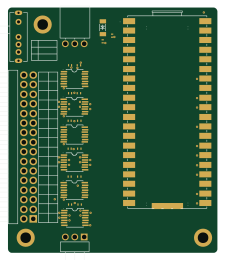 RP2040/RP2350
Jitx design
55.5 × 65 mm26 parts4LGPL-3.05.0k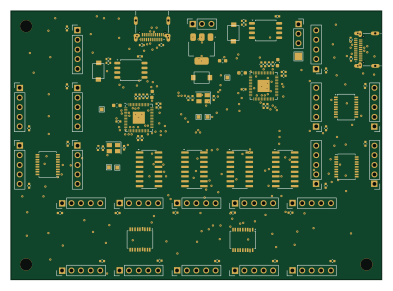 RP2040/RP2350
Main
google
98 × 71 mm102 parts2LApache-2.02.9k