
ZORO

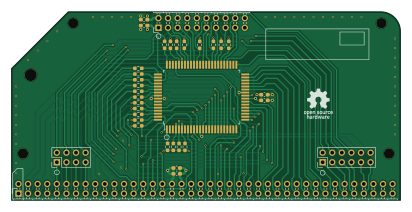
About the ZORO PCB
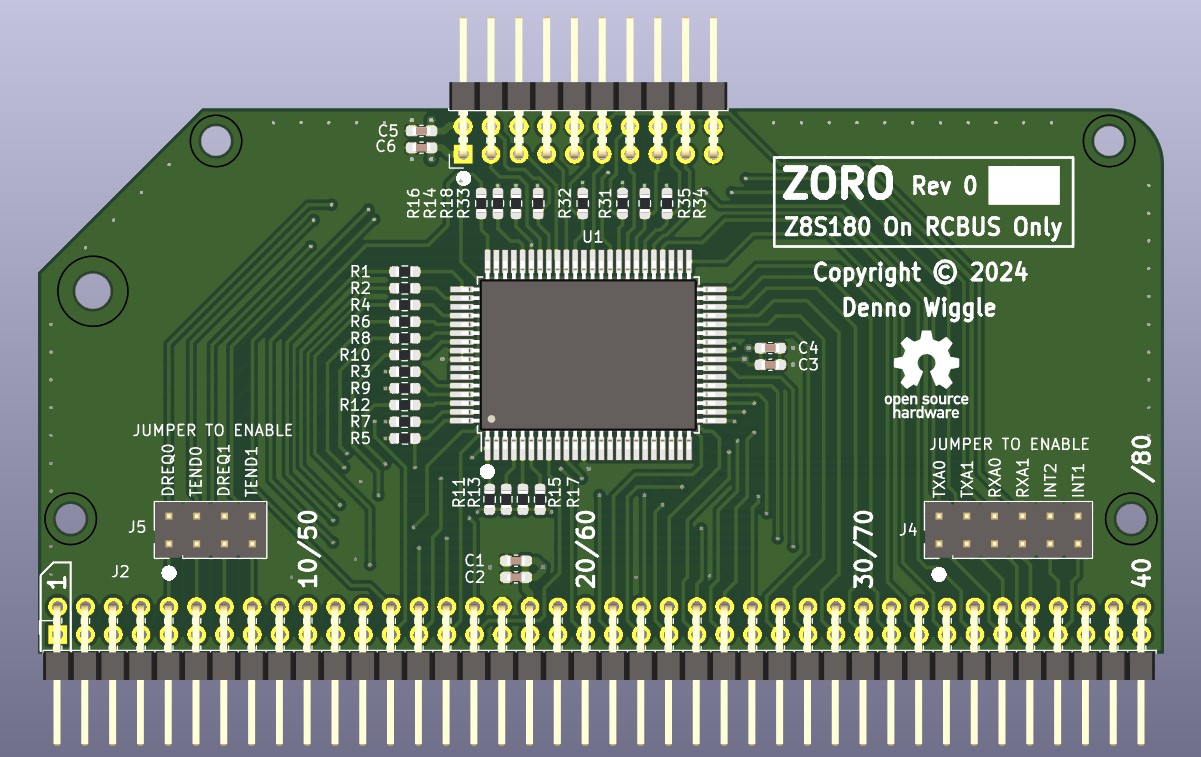
ZORO is an open source PCB design by dennowiggle, published on GitHub under the LGPL-2.1 license. It is a 4-layer board measuring 102.9 × 49.9 mm, with 29 components from 4 distinct parts.
By type, the board carries 23 resistors and 6 capacitors.
It belongs with the retro computing designs in this gallery.
From the project
3.3V Retro computer project => FPGA + RCBUS + CPU boards making a custom system.
1. The 'output' directory contains the BOM, netlist, and PDF schematic.
3. Change J2 to Adam Tech part number PH2RA-80-UA to reduce insertion force.
ZORO bill of materials (BOM)
29 components, 4 distinct parts — part numbers from the project's BOM.
| Qty | Part | Footprint | Refs |
|---|---|---|---|
| 3 | CL10A475KO8NNNC 4.7uF Yaego | C_0603_1608Metric_Pad1.08x0.95mm_HandSolder | C1, C3, C5 |
| 3 | CC0603KRX7R9BB104 100nF YAGEO | C_0603_1608Metric_Pad1.08x0.95mm_HandSolder | C2, C4, C6 |
| 9 | RC0603FR-0733RL 33R Yaego | R_0603_1608Metric_Pad0.98x0.95mm_HandSolder | R1, R2, R4, R6, R8, R10, R12, R14 +1 |
| 14 | RC0603FR-0710KL 10K Yaego | R_0603_1608Metric_Pad0.98x0.95mm_HandSolder | R3, R5, R7, R9, R11, R13, R15, R17 +6 |
ZORO design files
The KiCad project lives in the dennowiggle/Retro-PETER repository on GitHub; these links point at the commit this page was built from.
ZORO: common questions
How big is the ZORO PCB?
The ZORO measures 102.9 × 49.9 mm, has 4 copper layers and is 1.60484 mm thick.
How many components are on the ZORO?
29 components, from 4 distinct parts, with part numbers taken from the project's own BOM. The full bill of materials is listed on this page.
Where can I download the ZORO design files?
From the dennowiggle/Retro-PETER repository on GitHub, which has the KiCad layout, the schematic and the BOM; the links under Design files point to each one.
Can I use the ZORO design in my own project?
Yes, under the terms of its LGPL-2.1 license, which dennowiggle chose for the repository.
More boards in Retro-PETER
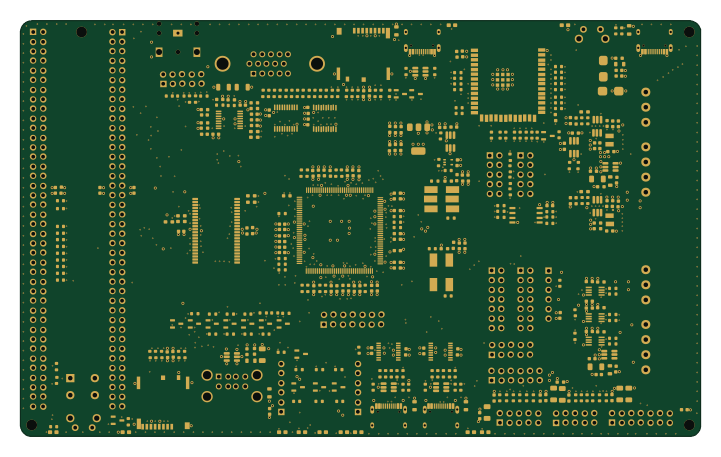 ESP32
ESP32PETER
180 × 110 mm371 parts4LLGPL-2.14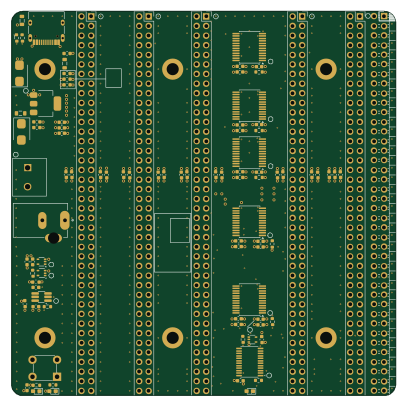
BUTLER
101.6 × 101.6 mm89 parts4LLGPL-2.14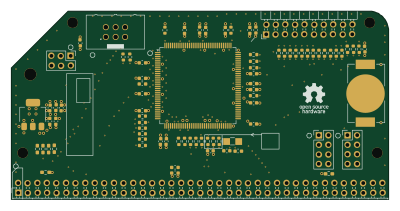
SEWER
99.9 × 49.9 mm69 parts4LLGPL-2.14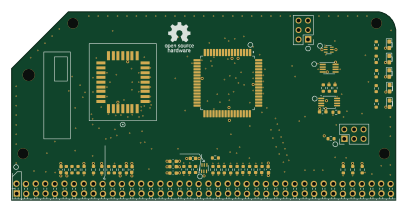
SPIFEE
101.6 × 49.9 mm67 parts4LLGPL-2.14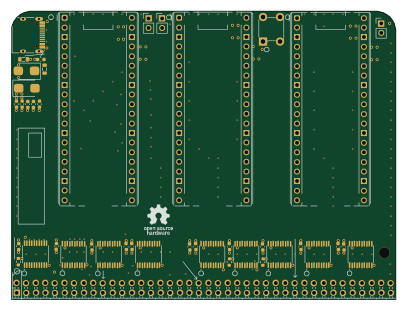 Raspberry Pi
Analyzer
101.6 × 76.2 mm59 parts4LLGPL-2.14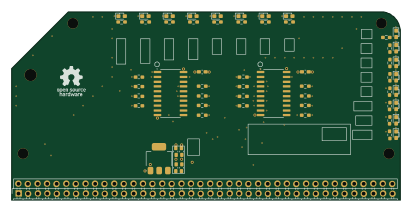
BALD
102.9 × 49.9 mm55 parts4LLGPL-2.14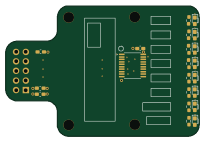
GOLD
51.2 × 34.5 mm21 parts4LLGPL-2.14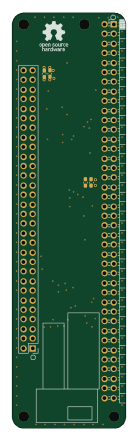
RANDY
30 × 110 mm6 parts4LLGPL-2.14
Similar boards
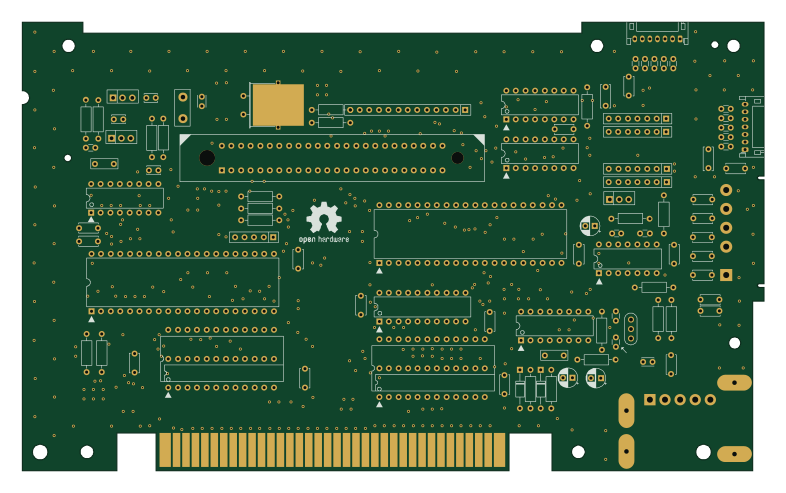
OpenTendo
Redherring32
196.3 × 118.7 mm93 parts2LTAPR-OHL-1.0850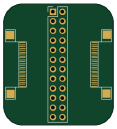
24pin flex interposer
Wren6991
29 × 32 mm3 parts2LNo license508
Sram dev board
50 × 50 mm12 parts2LNo license508
GB-BRK-SLOT-A
Gekkio
81 × 80 mm20 parts2LCC-BY-4.0376
GB-BRK-SLOT-B
81 × 80 mm20 parts2LCC-BY-4.0376
GB-BRK-CPU-G2
80 × 80 mm12 parts2LCC-BY-4.0376