
Blast

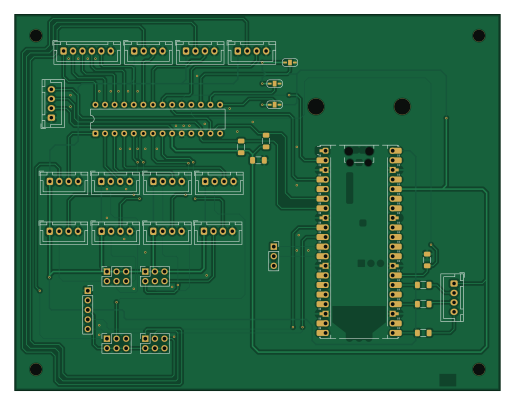
About the Blast PCB
Blast is an open source RP2040/RP2350 PCB design by tbreckle, published on GitHub under the MIT license. It is a 2-layer board measuring 128.5 × 99.6 mm, with 29 components from 26 distinct parts.
Its main chip is the RaspberryPi_Pico, from the RP2040/RP2350 family. Other key parts include the MCP23017_SP. By type, the board carries 20 connectors, 6 resistors, 1 IC, 1 module and 1 capacitor.
It belongs with the keyboards, displays & leds and retro computing designs in this gallery.
From the project
Open-source arcade button box for lightgun and cabinet setups: 16 buttons, 11 game-driven LEDs and an OLED menu on a Raspberry Pi Pico. It shows up as a plain USB keyboard, holds a key profile per game, and comes with a Rust desktop app for configuration and a KiCad PCB.
An open-source arcade control panel: 16 buttons, 11 dimmable LEDs, an OLED menu, and a desktop app to configure all of it.
Download · Features · Quick start · BLAST protocol · Building · Contributing
B.L.A.S.T. is the button box that sits next to your lightgun or arcade cabinet. It presents itself to the PC as a plain USB keyboard, so every game and emulator understands it without drivers. Each game gets its own profile of key bindings, which you pick on the built-in OLED or let your frontend switch automatically. The button LEDs can be driven live by the game (blink the coin button…
Main components on the Blast
Blast bill of materials (BOM)
29 components, 26 distinct parts — part numbers from the project's BOM.
| Qty | Part | Footprint | Refs |
|---|---|---|---|
| 1 | MCP23017_SP | DIP-28_W7.62mm | U1 |
| 1 | RaspberryPi_Pico | RaspberryPi_Pico_Common_Unspecified | A2 |
| 1 | STARTP1 StartP1 | JST_XH_B4B-XH-A_1x04_P2.50mm_Vertical | J1 |
| 1 | STARTP2 StartP2 | JST_XH_B4B-XH-A_1x04_P2.50mm_Vertical | J2 |
| 1 | COINP1 CoinP1 | JST_XH_B4B-XH-A_1x04_P2.50mm_Vertical | J3 |
| 1 | COINP2 CoinP2 | JST_XH_B4B-XH-A_1x04_P2.50mm_Vertical | J4 |
| 1 | ACTIONP1_1 ActionP1_1 | JST_XH_B4B-XH-A_1x04_P2.50mm_Vertical | J5 |
| 1 | ACTIONP1_2 ActionP1_2 | JST_XH_B4B-XH-A_1x04_P2.50mm_Vertical | J6 |
| 1 | ACTIONP2_1 ActionP2_1 | JST_XH_B4B-XH-A_1x04_P2.50mm_Vertical | J7 |
| 1 | ACTIONP2_2 ActionP2_2 | JST_XH_B4B-XH-A_1x04_P2.50mm_Vertical | J8 |
| 1 | Pause | JST_XH_B4B-XH-A_1x04_P2.50mm_Vertical | J9 |
| 1 | DEBUG | PinSocket_1x03_P2.54mm_Vertical | J10 |
| 1 | OLED | JST_XH_B4B-XH-A_1x04_P2.50mm_Vertical | J11 |
| 1 | Save | JST_XH_B4B-XH-A_1x04_P2.50mm_Vertical | J12 |
| 1 | RGB LED | JST_XH_B4B-XH-A_1x04_P2.50mm_Vertical | J13 |
| 1 | Load | JST_XH_B4B-XH-A_1x04_P2.50mm_Vertical | J14 |
| 1 | RGB2 | PinSocket_2x03_P2.54mm_Vertical | J16 |
| 1 | Joystick | JST_XH_B6B-XH-A_1x06_P2.50mm_Vertical | J17 |
| 1 | RGB3 | PinSocket_2x03_P2.54mm_Vertical | J18 |
| 1 | RGB4 | PinSocket_2x03_P2.54mm_Vertical | J19 |
Show 6 more
| Qty | Part | Footprint | Refs |
|---|---|---|---|
| 1 | RGB_CON | PinSocket_1x05_P2.54mm_Vertical | J20 |
| 1 | RGB1 | PinSocket_2x03_P2.54mm_Vertical | J21 |
| 1 | 100NF 100nF | C_1206_3216Metric_Pad1.33x1.80mm_HandSolder | C1 |
| 1 | 10K 10k | R_1206_3216Metric_Pad1.30x1.75mm_HandSolder | R1 |
| 3 | 150 | R_1206_3216Metric_Pad1.30x1.75mm_HandSolder | R2, R3, R4 |
| 2 | 4.7K 4.7k | R_1206_3216Metric_Pad1.30x1.75mm_HandSolder | R5, R6 |
Blast design files
The KiCad project lives in the tbreckle/blast repository on GitHub; these links point at the commit this page was built from.
Blast: common questions
What microcontroller does the Blast use?
The Blast is built around the RaspberryPi_Pico, from the RP2040/RP2350 family.
How big is the Blast PCB?
The Blast measures 128.5 × 99.6 mm, has 2 copper layers and is 1.6 mm thick.
How many components are on the Blast?
29 components, from 26 distinct parts, with part numbers taken from the project's own BOM. The full bill of materials is listed on this page.
Where can I download the Blast design files?
From the tbreckle/blast repository on GitHub, which has the KiCad layout, the schematic and the BOM; the links under Design files point to each one.
Can I use the Blast design in my own project?
Yes, under the terms of its MIT license, which tbreckle chose for the repository.
Can I test firmware for the Blast without the hardware?
Yes. HardLabs builds a simulation of the board from its netlist and BOM, so you can run and debug RP2040/RP2350 firmware against it before you order a PCB.
Similar boards
 RP2040/RP2350
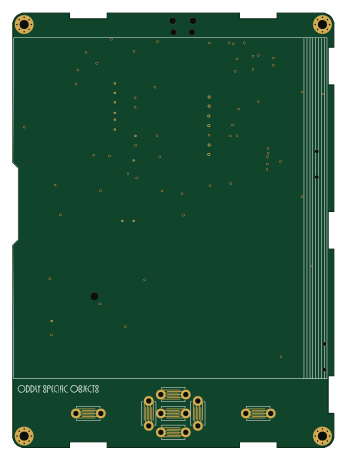
Open Book Abridged Edition
joeycastillo
85 × 115 mm29 parts2LCC-BY-SA-4.08.1k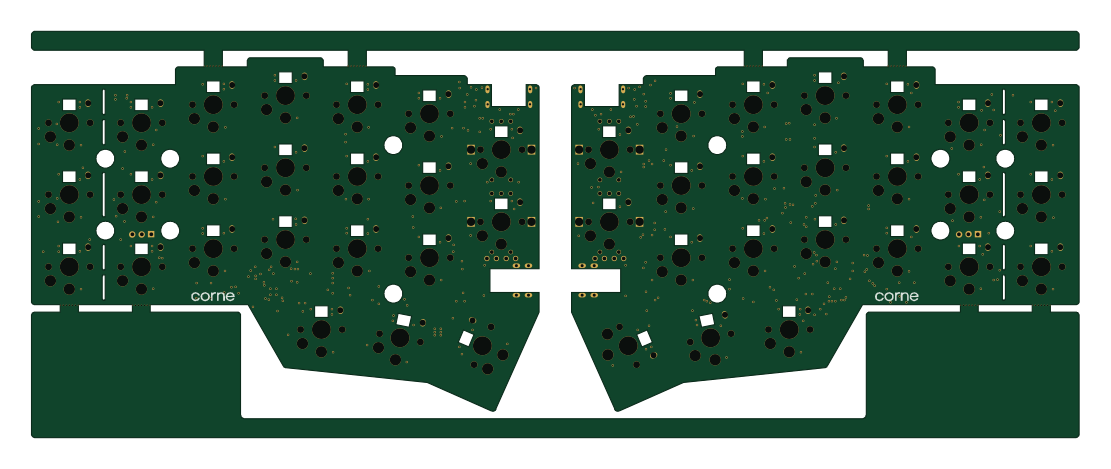 RP2040/RP2350
Corne
foostan
277.2 × 107.5 mm164 parts2LCC-BY-4.07.7k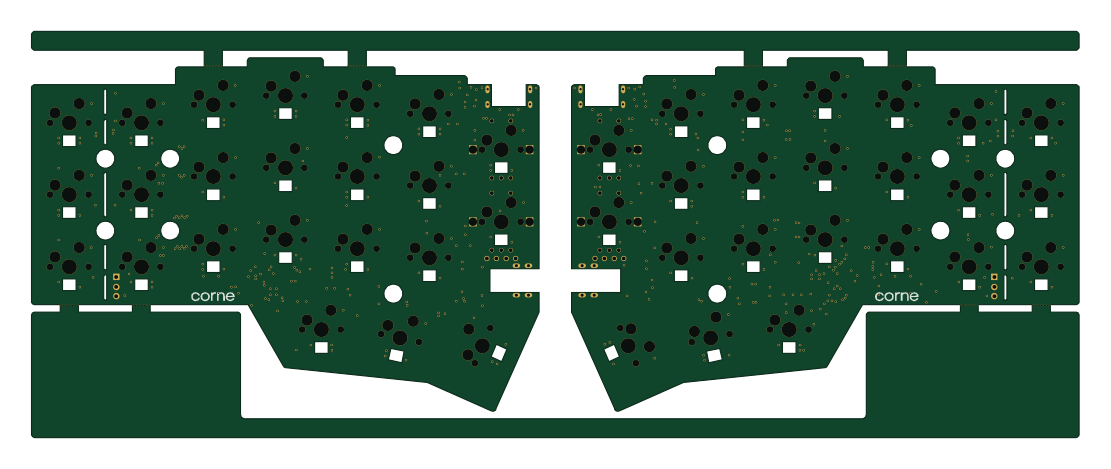 RP2040/RP2350
Corne
277.2 × 107.5 mm164 parts2LCC-BY-4.07.7k RP2040/RP2350
LogicAnalyzer
gusmanb
57 × 55.2 mm6 parts2LGPL-3.05.0k RP2040/RP2350
Jitx design
55.5 × 65 mm26 parts4LGPL-3.05.0k RP2040/RP2350
Pro V2
kata0510
290.1 × 130 mm270 parts2LMIT2.3k