
Inki

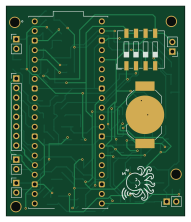
About the Inki PCB
Inki is an open source Raspberry Pi PCB design by c0de111, published on GitHub under the Apache-2.0 license. It is a 2-layer board measuring 47.2 × 55.5 mm, with 54 components from 22 distinct parts.
Its main chip is the SC0918, from the Raspberry Pi family. Other key parts include the DS3231M, BMP581 and RV-3028-C7. By type, the board carries 22 resistors, 8 diodes, 8 capacitors, 6 connectors, 4 transistors and 3 ICs.
It belongs with the iot & wireless, displays & leds and power & battery designs in this gallery.
From the project
Battery-powered e-paper sign: room signage, sensor graphs, home automation, or anything over Wi-Fi. Wakes by real-time clock, NFC tap, or button. Raspberry Pi Pico W firmware, custom PCB, and 3D-printed case included.
This repository contains the electronic schematic and hardware documentation for the inki project — a battery-powered, low-power circuit employing a Raspberry Pi Pico W and a DS3231 RTC module for wireless ePaper display - as for instance for room signage.
In the default state of the circuit, Q1 is in the off-state and the Pico does not get any supply voltage. Two events can switch Q1 on via its gate and thus power the Pico: An alarm from the RTC DS3231 via its INT pin, or a manual trigger via pushbutton #0. If this happens, the Pico will start, and as a first action in its program pull down…
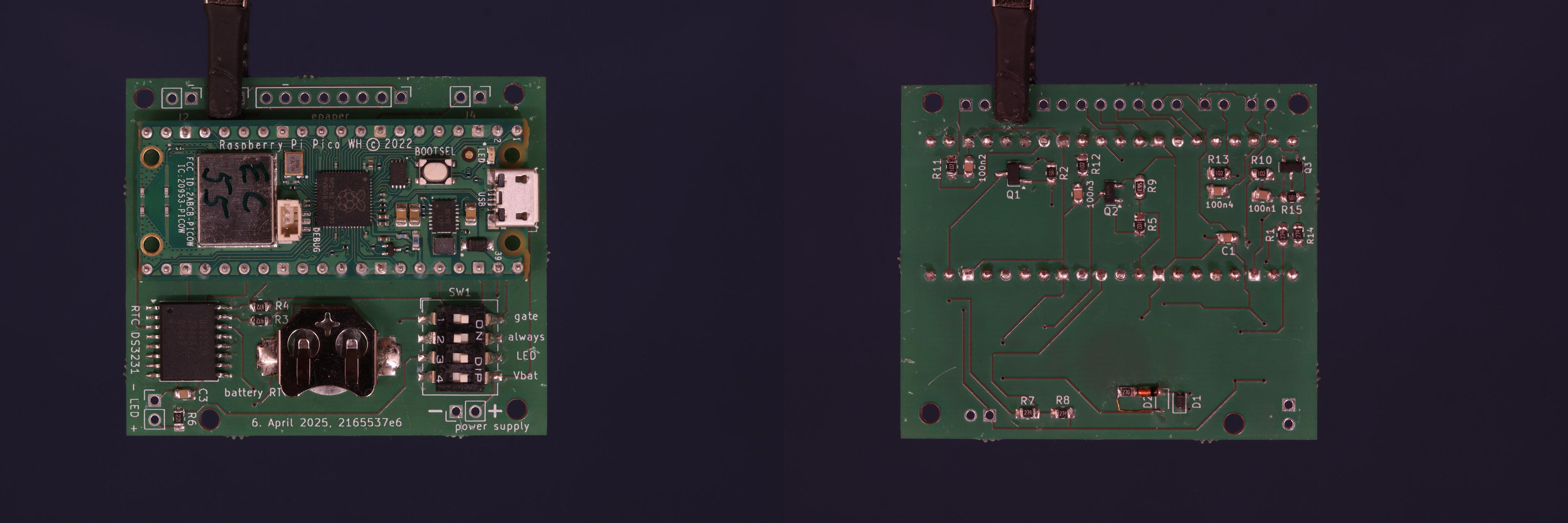
Main components on the Inki
Inki bill of materials (BOM)
54 components, 22 distinct parts — part numbers from the project's BOM.
| Qty | Part | Footprint | Refs |
|---|---|---|---|
| 1 | DS3231M | SOIC-16W_7.5x10.3mm_P1.27mm | U1 |
| 1 | BMP581 | BMP581 | U2 |
| 1 | RV-3028-C7 | MicroCrystal_C7_SON-8_1.5x3.2mm_P0.9mm | U3 |
| 2 | TSM260P02CX | SOT-23_Handsoldering | Q1, Q3 |
| 2 | MMBT3904 | SOT-23 | Q2, Q4 |
| 1 | connector epaper | PinHeader_1x08_P2.54mm_Vertical | J1 |
| 5 | CONN_01X02_SOCKET Conn_01x02_Socket | PinHeader_1x02_P2.54mm_Vertical | J2, J3, J4, J5, J7 |
| 1 | SW_DIP_X04 SW_DIP_x04 | SW_DIP_SPSTx04_Slide_9.78x12.34mm_W8.61mm_P2.54mm | SW1 |
| 1 | Battery 3,7V | BatteryHolder_LINX_BAT-HLD-012-SMT | battery_RTC1 |
| 1 | SC0918 | MODULE_SC0918 | pico1 |
| 7 | BAT54J | D_SOD-323_HandSoldering | D1, D3, D4, D5, D6, D7, D8 |
| 1 | 1N4148WS | D_SOD-323_HandSoldering | D2 |
| 8 | 100NF 100nF | C_0805_2012Metric | C1, C2, C3, C4, C5, C6, C7, C8 |
| 4 | 200K 200k | R_0805_2012Metric_Pad1.20x1.40mm_HandSolder | R1, R7, R8, R14 |
| 1 | 1M | R_0805_2012Metric_Pad1.20x1.40mm_HandSolder | R2 |
| 2 | 4K7 4k7 | R_0805_2012Metric_Pad1.20x1.40mm_HandSolder | R3, R4 |
| 6 | 1k | R_0805_2012Metric_Pad1.20x1.40mm_HandSolder | R5, R10, R11, R12, R13, R21 |
| 1 | 220R | R_0805_2012Metric_Pad1.20x1.40mm_HandSolder | R6 |
| 2 | 50K 50k | R_0805_2012Metric_Pad1.20x1.40mm_HandSolder | R9, R22 |
| 1 | 2M2 | R_0805_2012Metric_Pad1.20x1.40mm_HandSolder | R15 |
Show 2 more
| Qty | Part | Footprint | Refs |
|---|---|---|---|
| 1 | 22R | R_0805_2012Metric_Pad1.20x1.40mm_HandSolder | R16 |
| 4 | 10K 10k | R_0805_2012Metric_Pad1.20x1.40mm_HandSolder | R17, R18, R19, R20 |
Inki design files
The KiCad project lives in the c0de111/tinta repository on GitHub; these links point at the commit this page was built from.
Inki: common questions
What microcontroller does the Inki use?
The Inki is built around the SC0918, from the Raspberry Pi family.
How big is the Inki PCB?
The Inki measures 47.2 × 55.5 mm, has 2 copper layers and is 1.6 mm thick.
How many components are on the Inki?
54 components, from 22 distinct parts, with part numbers taken from the project's own BOM. The full bill of materials is listed on this page.
Where can I download the Inki design files?
From the c0de111/tinta repository on GitHub, which has the KiCad layout, the schematic and the BOM; the links under Design files point to each one.
Can I use the Inki design in my own project?
Yes, under the terms of its Apache-2.0 license, which c0de111 chose for the repository.
Can I test firmware for the Inki without the hardware?
Yes. HardLabs builds a simulation of the board from its netlist and BOM, so you can run and debug Raspberry Pi firmware against it before you order a PCB.
More boards in tinta
Similar boards
 Raspberry Pi
Open source rover
nasa-jpl
220 × 178 mm144 parts2LApache-2.09.7k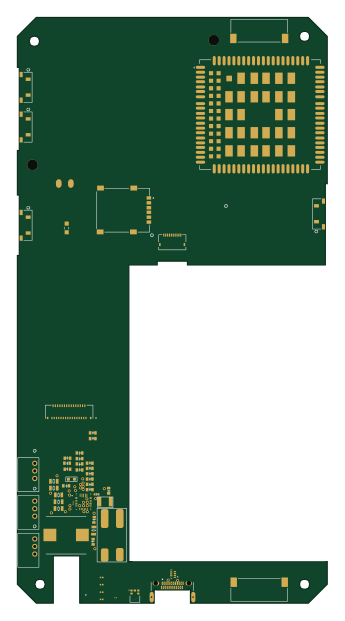 Raspberry Pi
SPIRIT
SPIRIT-org
82 × 155 mm130 parts6LCERN-OHL-S-2.01.3k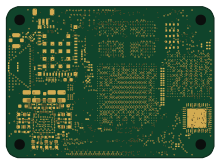 Raspberry Pi
CM5RevEng
schlae
55 × 40 mm417 parts10LNo license1.0k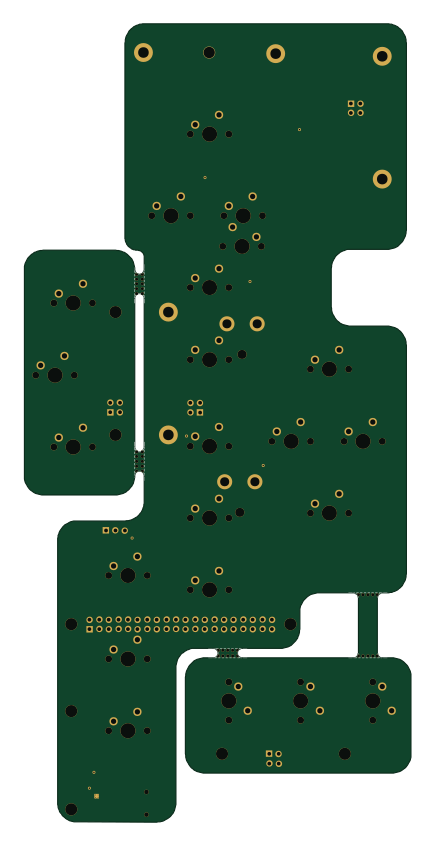 Raspberry Pi
Haxo hw
cardonabits
102.4 × 211.3 mm38 parts2LCustom license672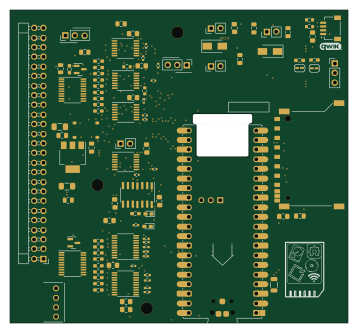 Raspberry Pi
Desktop 50 Pin TopConn
BlueSCSI
89.2 × 82.6 mm103 parts2LGPL-3.0449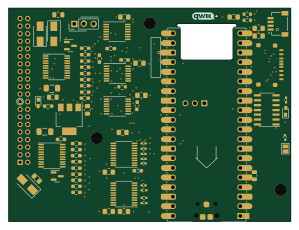 Raspberry Pi
PowerBook
74.5 × 56.3 mm78 parts2LGPL-3.0449