
Pcb z80

About the Pcb z80
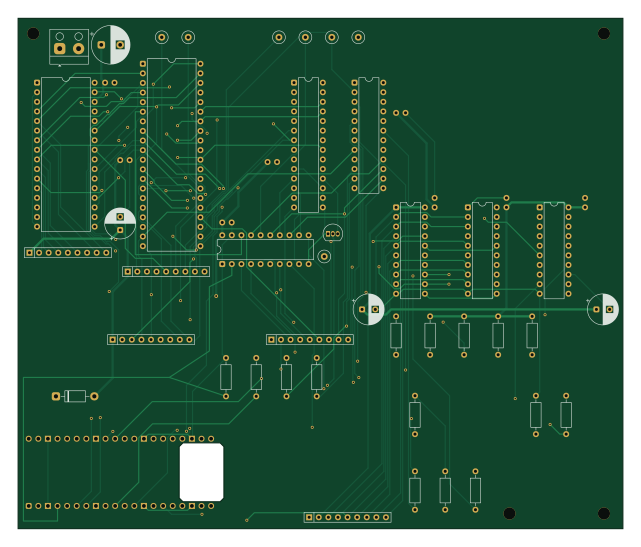
Pcb z80 is an open source RP2040/RP2350 PCB design by gloveboxes, published on GitHub under the MIT license. It is a 4-layer board measuring 160 × 135 mm, with 51 components from 26 distinct parts.
Its main chip is the Raspberry Pi Pico 2 W, from the RP2040/RP2350 family. Other key parts include the Z84C0020PEC, AS6C1008-55PCN, ATF22V10B/C, SN74AHCT244N and SN74LVC244AN. By type, the board carries 20 resistors, 12 capacitors, 8 ICs, 7 test points, 1 module and 1 transistor.
It belongs with the retro computing designs in this gallery.
From the project
pcb-z80 is a container-only, repeatable build of the four-layer Z80 ROMless SBC PCB engineering design. It regenerates the KiCad schematic, places the four-layer board, routes a fresh Specctra session, imports and fills the board, runs strict ERC/DRC and net-parity checks, measur
pcb-z80 is a container-only, repeatable build of the four-layer Z80 ROMless SBC PCB engineering design. It regenerates the KiCad schematic, places the four-layer board, routes a fresh Specctra session, imports and fills the board, runs strict ERC/DRC and net-parity checks, measures timing-sensitive buses, and exports a fabrication package.
The design is derived from the deterministic generators in gloveboxes/Z80ROMlessSBC at the revision recorded in SOURCE.md. The board uses F.Cu, In2.Cu, and B.Cu for signals while In1.Cu remains a continuous GND reference plane. The self-contained image…
Main components on the Pcb z80
Pcb z80 bill of materials (BOM)
51 components, 26 distinct parts — part numbers from the project's BOM.
| Qty | Part | Footprint | Refs |
|---|---|---|---|
| 1 | Z84C0020PEC | DIP-40_W15.24mm | U1 |
| 1 | AS6C1008-55PCN | DIP-32_W15.24mm | U2 |
| 1 | ATF22V10B/C | DIP-24_W7.62mm | U3 |
| 1 | SN74AHCT244N | DIP-20_W7.62mm | U4 |
| 1 | SN74LVC244AN | DIP-20_W7.62mm | U7 |
| 1 | MCP23S17-E/SP | DIP-28_W7.62mm | U8 |
| 1 | SN74AHCT245N Pico-to-bus | DIP-20_W7.62mm | U9 |
| 1 | SN74LVC245AN bus-to-Pico | DIP-20_W7.62mm | U10 |
| 1 | Raspberry Pi Pico 2 W | RaspberryPi_Pico_Common_THT | A1 |
| 1 | 2N3904 MCP RESET | TO-92_Inline | Q1 |
| 1 | REGULATED 5V INPUT | Altech_AK100_1x02_P5.00mm | J1 |
| 1 | M1# TEST | TestPoint_Loop_D2.60mm_Drill0.9mm_Beaded | TP1 |
| 1 | CLK TEST | TestPoint_Loop_D2.60mm_Drill0.9mm_Beaded | TP2 |
| 1 | RESET# TEST | TestPoint_Loop_D2.60mm_Drill0.9mm_Beaded | TP3 |
| 1 | WAIT# TEST | TestPoint_Loop_D2.60mm_Drill0.9mm_Beaded | TP4 |
| 1 | BUSREQ# TEST | TestPoint_Loop_D2.60mm_Drill0.9mm_Beaded | TP5 |
| 1 | BUSACK# TEST | TestPoint_Loop_D2.60mm_Drill0.9mm_Beaded | TP6 |
| 1 | GND TEST | TestPoint_Loop_D2.60mm_Drill0.9mm_Beaded | TP7 |
| 1 | 1N5819 | D_DO-41_SOD81_P10.16mm_Horizontal | D1 |
| 8 | 100n | C_Disc_D5.0mm_W2.5mm_P2.50mm | C1, C2, C3, C4, C5, C6, C7, C8 |
Show 6 more
| Qty | Part | Footprint | Refs |
|---|---|---|---|
| 3 | 22u | CP_Radial_D8.0mm_P3.50mm | C9, C10, C11 |
| 1 | 100u | CP_Radial_D10.0mm_P5.00mm | C12 |
| 9 | 10k | R_Axial_DIN0207_L6.3mm_D2.5mm_P10.16mm_Horizontal | R17, R18, R19, R20, R21, R22, R27, R28 +1 |
| 5 | 4.7k | R_Axial_DIN0207_L6.3mm_D2.5mm_P10.16mm_Horizontal | R23, R24, R25, R26, R29 |
| 1 | 47k | R_Axial_DIN0207_L6.3mm_D2.5mm_P10.16mm_Horizontal | R30 |
| 5 | 8x10k bussed | R_Array_SIP9 | RN1, RN2, RN3, RN4, RN5 |
Pcb z80 design files
The KiCad project lives in the gloveboxes/pcb-z80 repository on GitHub; these links point at the commit this page was built from.
Pcb z80: common questions
What microcontroller does the Pcb z80 use?
The Pcb z80 is built around the Raspberry Pi Pico 2 W, from the RP2040/RP2350 family.
How big is the Pcb z80?
The Pcb z80 measures 160 × 135 mm, has 4 copper layers and is 1.6 mm thick.
How many components are on the Pcb z80?
51 components, from 26 distinct parts, with part numbers taken from the project's own BOM. The full bill of materials is listed on this page.
Where can I download the Pcb z80 design files?
From the gloveboxes/pcb-z80 repository on GitHub, which has the KiCad layout, the schematic and the BOM; the links under Design files point to each one.
Can I use the Pcb z80 design in my own project?
Yes, under the terms of its MIT license, which gloveboxes chose for the repository.
Can I test firmware for the Pcb z80 without the hardware?
Yes. HardLabs builds a simulation of the board from its netlist and BOM, so you can run and debug RP2040/RP2350 firmware against it before you order a PCB.
Similar boards
 RP2040/RP2350
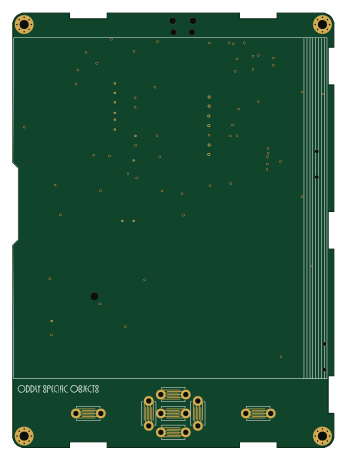
Open Book Abridged Edition
joeycastillo
85 × 115 mm29 parts2LCC-BY-SA-4.08.1k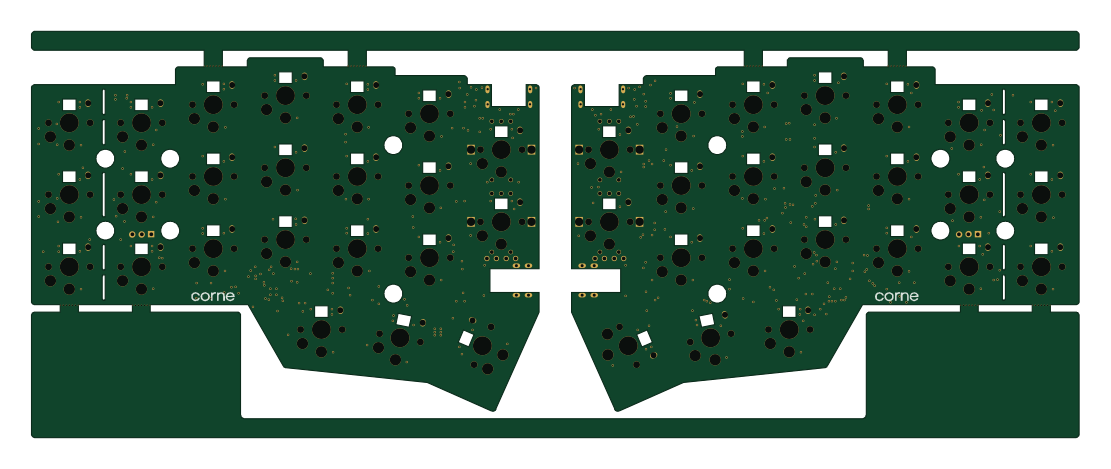 RP2040/RP2350
Corne
foostan
277.2 × 107.5 mm164 parts2LCC-BY-4.07.7k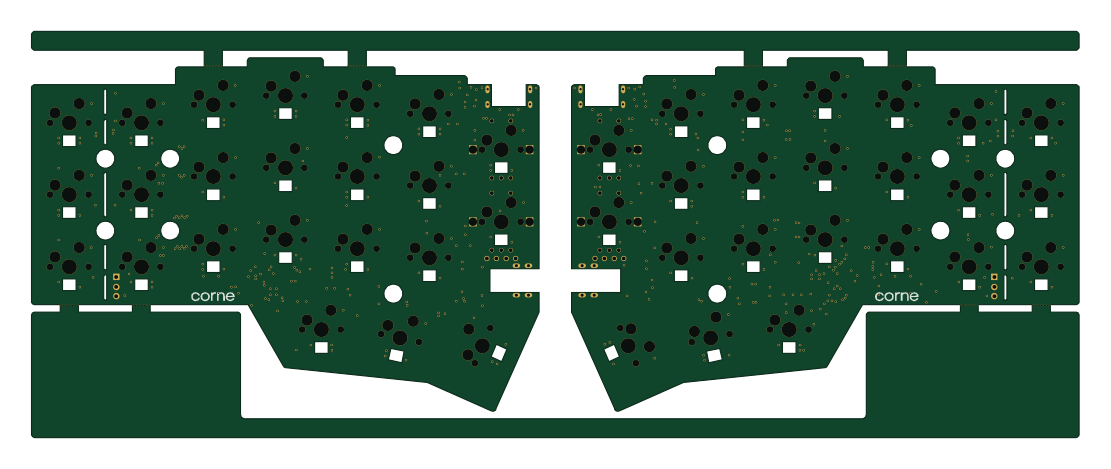 RP2040/RP2350
Corne
277.2 × 107.5 mm164 parts2LCC-BY-4.07.7k RP2040/RP2350
Msa
Mentra-Community
47.8 × 9.4 mm53 parts2LMIT1.2k RP2040/RP2350
Open Source Smart Glasses
93 × 10.5 mm80 parts4LMIT1.2k RP2040/RP2350
MSA
30.5 × 138 mm61 parts2LMIT1.2k