
Arduinos Compute Unit

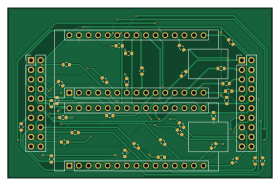
About the Arduinos Compute Unit PCB
Arduinos Compute Unit is an open source AVR/Arduino PCB design by Tim4769, published on GitHub under the Custom license license. It is a 4-layer board measuring 70 × 45 mm, with 37 components from 11 distinct parts.
Its main chip is the Main_Arduino_Nano_Every, from the AVR/Arduino family. Other key parts include the Sub_Arduino_Nano_Every. By type, the board carries 33 resistors, 2 modules and 2 connectors.
From the project
Swiss Rover Challenge rover project with final electronics, mechanical handoff files, PCB validation firmware, and shared project assets.
- Owner / Contact: Tim Wang - timwang007@outlook.com - Revision: Rev A - Project: Project CK
Use this board with the PCB testing pin maps documented in ../../../pcbtestingfirmware/2026/docs/board-validation-software-handoff.md.
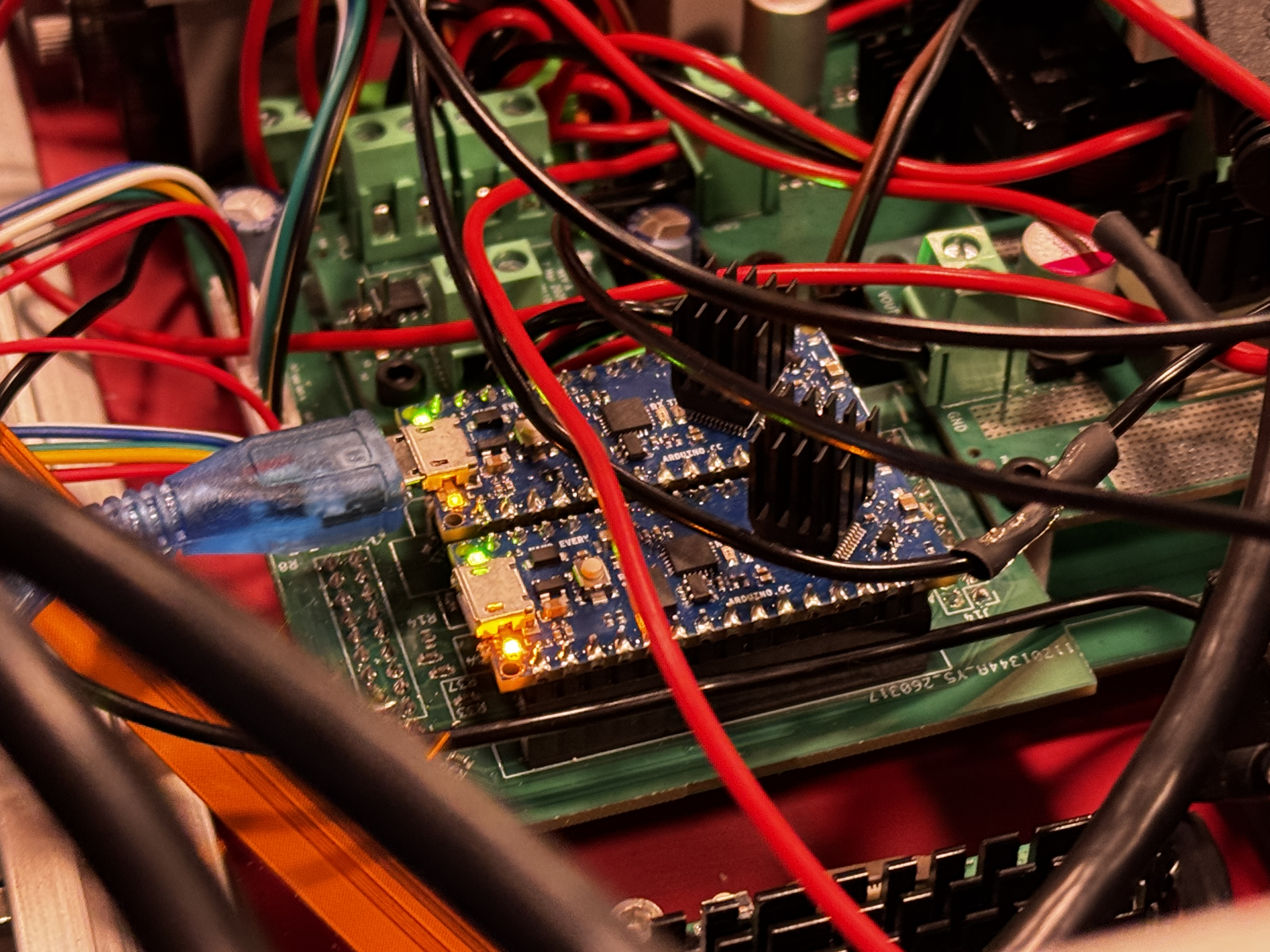
Main components on the Arduinos Compute Unit
Arduinos Compute Unit bill of materials (BOM)
37 components, 11 distinct parts — part numbers from the project's BOM.
| Qty | Part | Footprint | Refs |
|---|---|---|---|
| 1 | Main_Arduino_Nano_Every | Arduino_Nano | A1 |
| 1 | Sub_Arduino_Nano_Every | Arduino_Nano | A2 |
| 1 | C492427 Left | PinHeader_2x10_P2.54mm_Vertical | J14 |
| 1 | C492427 Right | PinHeader_2x10_P2.54mm_Vertical | J15 |
| 1 | C23138 10kΩ | R_0603_1608Metric | R1 |
| 1 | C22765 1kΩ | R_0603_1608Metric | R2 |
| 1 | C23212 1kΩ | R_0603_1608Metric | R3 |
| 7 | 1kΩ | R_0603_1608Metric | R4, R5, R6, R8, R10, R16, R18 |
| 4 | 3.3kΩ | R_0603_1608Metric | R7, R14, R23, R24 |
| 17 | 100Ω | R_0603_1608Metric | R11, R12, R19, R20, R25, R26, R27, R29 +9 |
| 2 | 4.7kΩ | R_0603_1608Metric | R21, R22 |
Arduinos Compute Unit design files
The KiCad project lives in the Tim4769/Microver repository on GitHub; these links point at the commit this page was built from.
Arduinos Compute Unit: common questions
What microcontroller does the Arduinos Compute Unit use?
The Arduinos Compute Unit is built around the Main_Arduino_Nano_Every, from the AVR/Arduino family.
How big is the Arduinos Compute Unit PCB?
The Arduinos Compute Unit measures 70 × 45 mm, has 4 copper layers and is 1.599 mm thick.
How many components are on the Arduinos Compute Unit?
37 components, from 11 distinct parts, with part numbers taken from the project's own BOM. The full bill of materials is listed on this page.
Where can I download the Arduinos Compute Unit design files?
From the Tim4769/Microver repository on GitHub, which has the KiCad layout, the schematic and the BOM; the links under Design files point to each one.
Can I use the Arduinos Compute Unit design in my own project?
It is published under Custom license, which limits how it may be reused; read the license before building on it.
Can I test firmware for the Arduinos Compute Unit without the hardware?
Yes. HardLabs builds a simulation of the board from its netlist and BOM, so you can run and debug AVR/Arduino firmware against it before you order a PCB.
More boards in Microver
 STM32
Compute unit STM32G4RCT6
63 × 28 mm54 parts4LCustom license0
18V to 5V 15A buck converter
45 × 62 mm49 parts4LCustom license0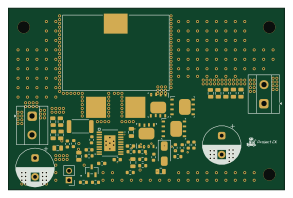
15-22V to 36V Boost converter
73 × 48 mm49 parts4LCustom license0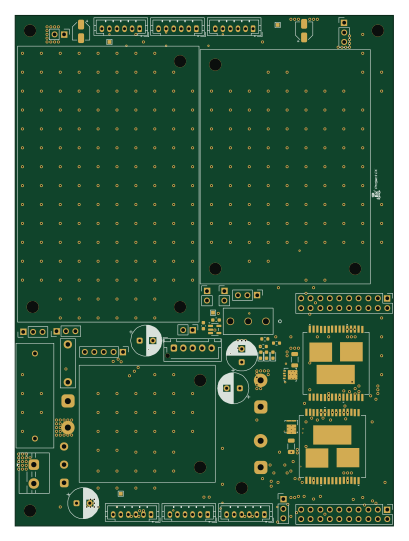
Microver2026 Modular Final
100 × 135 mm47 parts4LCustom license0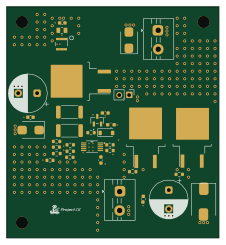
Reverse and surge current protection
56 × 61 mm36 parts4LCustom license0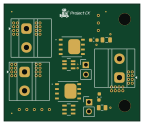 NXP
High side or ing power selection
36 × 31 mm13 parts4LCustom license0
Similar boards
 AVR/Arduino
Magspoof
samyk
35 × 29 mm11 parts2LNo license4.2k AVR/Arduino
Redox keyboard
mattdibi
162.2 × 126.5 mm77 parts2LMIT2.0k AVR/Arduino
Labrador
espotek-org
36.8 × 34.7 mm75 parts2LNo license1.2k AVR/Arduino
ModuleV450
stuartpittaway
30 × 61.4 mm39 parts2LCC-BY-NC-4.01.1k AVR/Arduino
V4
30 × 50 mm38 parts2LCC-BY-NC-4.01.1k AVR/Arduino
Discipline
coseyfannitutti
304.9 × 122.8 mm170 parts2LCC-BY-NC-4.01.0k