
TORICAberry Pi Bico(3rd Edition)

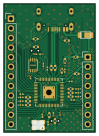
About the TORICAberry Pi Bico(3rd Edition) PCB
TORICAberry Pi Bico(3rd Edition) is an open source RP2040/RP2350 PCB design by torica-org, published on GitHub. It is a 2-layer board measuring 24.2 × 33.9 mm, with 46 components from 18 distinct parts.
Its main chip is the RP2040, from the RP2040/RP2350 family. Other key parts include the NCP1117-3.3_TO252. By type, the board carries 18 capacitors, 12 resistors, 7 diodes, 3 ICs, 3 connectors and 2 switches.
From the project
メイン兼エアデータセンサー部(今後、エアデータと言います)のリポジトリです。
- 同一レイヤー上で配線する(front面とback面を行き来しない) - できるだけ配線を曲げず,一直線に配線する - 電源線(5V,3.3Vなど)を近くに置かない - Type-Cに接続するときに配線幅を変える必要がある場合,ティアドロップ(フィレット的な機能,以下「ティアドロップの使用」参照)を使用して滑らかに幅を変化させる
例えば2層基板なら1層目と2層目の間の絶縁体を誘電体としたコンデンサにならないようにする. 1つ目の目的でビアを使うのは一般的ですが,2つ目のコンデンサになるのを防ぐ目的でビアを使用しているか確認してください.置く位置はfrontとbackのベタGNDが重なっているところで,角になっている部分や近くにビアがないところです.定期的に配置することでコンデンサ化を防ぐ効果が高まります.
Main components on the TORICAberry Pi Bico(3rd Edition)
TORICAberry Pi Bico(3rd Edition) bill of materials (BOM)
46 components, 18 distinct parts — part numbers from the project's BOM.
| Qty | Part | Footprint | Refs |
|---|---|---|---|
| 1 | RP2040 | QFN-56-1EP_7x7mm_P0.4mm_EP3.2x3.2mm | U1 |
| 1 | ~ | Winbond_USON-8-1EP_3x2mm_P0.5mm_EP0.2x1.6mm | U2 |
| 1 | NCP1117-3.3_TO252 | 3pin regulator | U3 |
| 1 | CRYSTAL_GND24 Crystal_GND24 | 12MHz | Y1 |
| 1 | USB_C_Receptacle | Type-C | J1 |
| 1 | CONN_01X08_SOCKET Conn_01x08_Socket | PinHeader_1x08_P2.54mm_Vertical | J2 |
| 1 | CONN_01X12_SOCKET Conn_01x12_Socket | PinHeader_1x12_P2.54mm_Vertical | J3 |
| 2 | SW_Push | Tactil Switch | SW1, SW2 |
| 6 | LED | LED_0201_0603Metric | D1, D2, D3, D4, D5, D6 |
| 1 | D_Schottky | Schottly new SBR2U30P1 | D7 |
| 11 | 100N 100n | C_0201_0603Metric | C1, C2, C4, C6, C7, C8, C9, C10 +3 |
| 2 | 1u | C_0402_1005Metric | C3, C5 |
| 2 | 15P 15p | C_0201_0603Metric | C14, C15 |
| 3 | 10U 10u | C_0402_1005Metric | C16, C17, C18 |
| 2 | 27 | R_0402_1005Metric | R1, R2 |
| 2 | 1k | R_0402_1005Metric | R3, R4 |
| 6 | 470 | R_0402_1005Metric | R5, R6, R7, R8, R9, R10 |
| 2 | 5.1K 5.1k | R_0402_1005Metric | R11, R12 |
TORICAberry Pi Bico(3rd Edition) design files
The KiCad project lives in the torica-org/26th_PCB_AirData repository on GitHub; these links point at the commit this page was built from.
TORICAberry Pi Bico(3rd Edition): common questions
What microcontroller does the TORICAberry Pi Bico(3rd Edition) use?
The TORICAberry Pi Bico(3rd Edition) is built around the RP2040, from the RP2040/RP2350 family.
How big is the TORICAberry Pi Bico(3rd Edition) PCB?
The TORICAberry Pi Bico(3rd Edition) measures 24.2 × 33.9 mm, has 2 copper layers and is 1.6 mm thick.
How many components are on the TORICAberry Pi Bico(3rd Edition)?
46 components, from 18 distinct parts, with part numbers taken from the project's own BOM. The full bill of materials is listed on this page.
Where can I download the TORICAberry Pi Bico(3rd Edition) design files?
From the torica-org/26th_PCB_AirData repository on GitHub, which has the KiCad layout, the schematic and the BOM; the links under Design files point to each one.
Can I use the TORICAberry Pi Bico(3rd Edition) design in my own project?
The repository has no license, so all rights stay with torica-org. Use it as a reference, and ask the author before reusing the design.
Can I test firmware for the TORICAberry Pi Bico(3rd Edition) without the hardware?
Yes. HardLabs builds a simulation of the board from its netlist and BOM, so you can run and debug RP2040/RP2350 firmware against it before you order a PCB.
More boards in 26th_PCB_AirData

BNO055
17.2 × 17.1 mm20 parts2LNo license0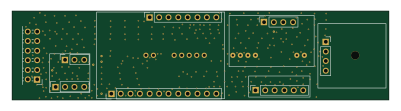
ブレッドボード 3
100 × 23.5 mm12 parts2LNo license0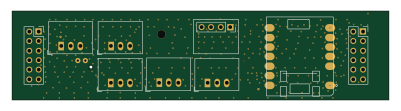 ESP32
ブレッドボード 2
100 × 23.5 mm10 parts2LNo license0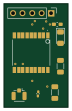
Teseo-LIV3FL(GNSS module)
17 × 27.5 mm8 parts2LNo license0
ICS
10.3 × 10.7 mm6 parts2LNo license0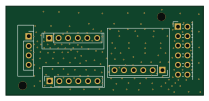
ブレッドボード 1
52.2 × 23.5 mm5 parts2LNo license0
Similar boards
 RP2040/RP2350
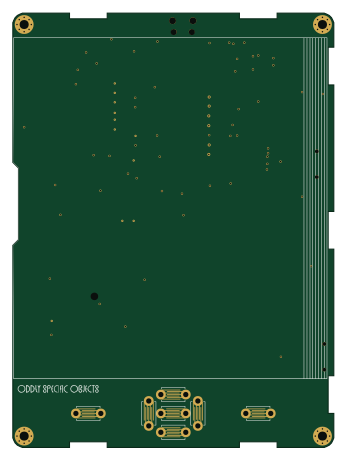
OSO-BOOK-C1
joeycastillo
85 × 115 mm29 parts2LCC-BY-SA-4.08.1k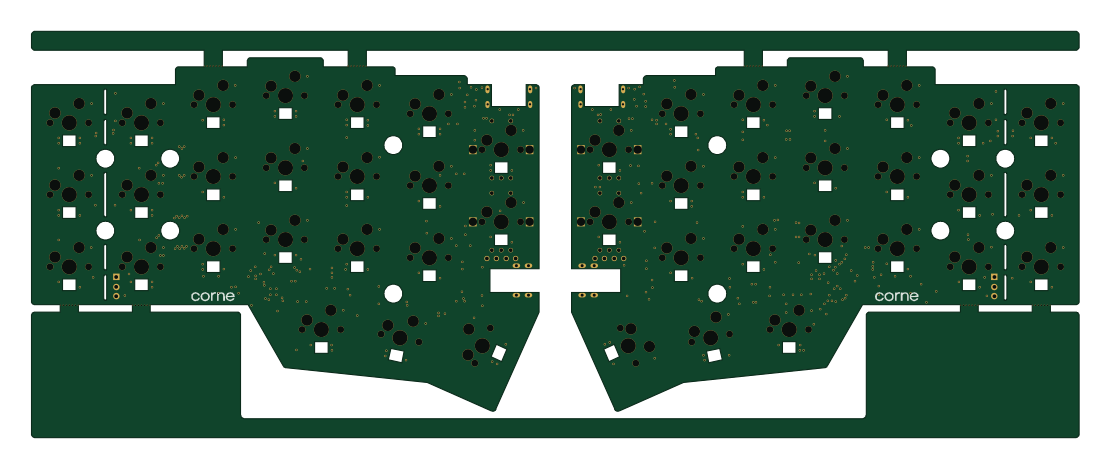 RP2040/RP2350
Corne cherry
foostan
277.2 × 107.5 mm164 parts2LCC-BY-4.07.7k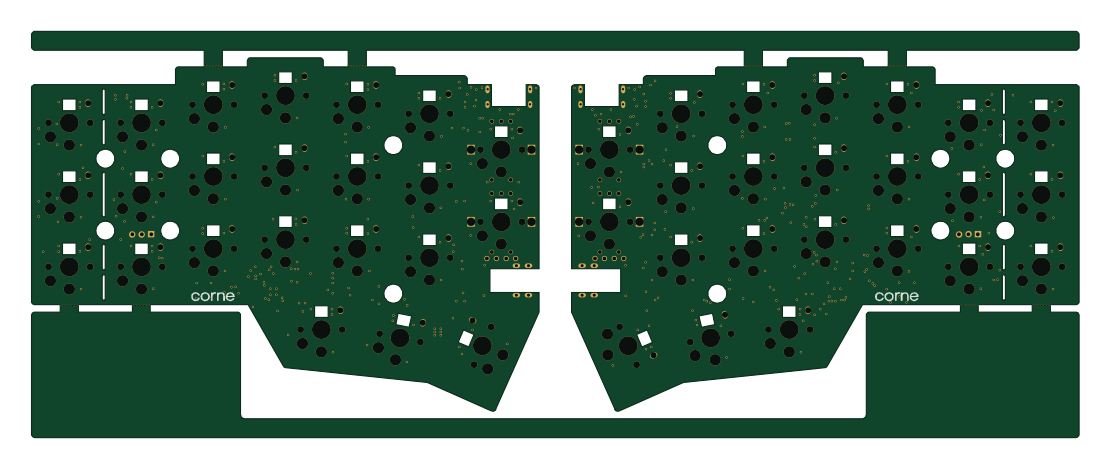 RP2040/RP2350
Corne chocolate
277.2 × 107.5 mm164 parts2LCC-BY-4.07.7k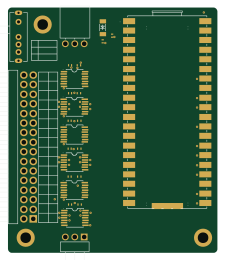 RP2040/RP2350
Jitx design
gusmanb
55.5 × 65 mm26 parts4LGPL-3.05.0k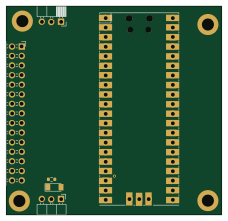 RP2040/RP2350
LogicAnalyzer
57 × 55.2 mm6 parts2LGPL-3.05.0k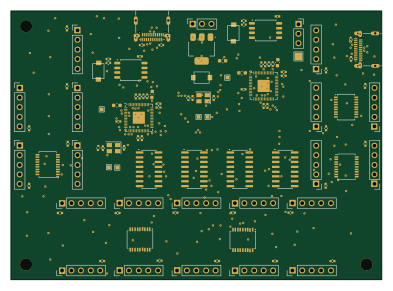 RP2040/RP2350
Main
google
98 × 71 mm102 parts2LApache-2.02.9k