
CAN Click

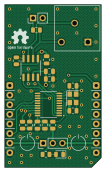
About the CAN Click PCB
CAN Click is an open source PCB design by michpro, published on GitHub under the CERN-OHL-P-2.0 license. It is a 2-layer board measuring 25.4 × 42.9 mm, with 20 components from 14 distinct parts.
Other key parts include the MCP2515-XST and COS1042T/3. By type, the board carries 7 capacitors, 6 resistors, 2 ICs, 2 jumpers, 1 crystal and 1 connector.
From the project
Collection of add-on boards in mikroBUS™ standard
- CAN Click - Overview - Features - Schematic diagram - Module visualisation - Assembly - Production files - Testing out the hardware - 1. Hardware Setup - MikroBUS™ Slot Configuration - CAN Bus Connection - Additional Notes - 2. Software Setup - Prerequisites - Library Installation - Code Upload - Serial Monitor - Additional Notes - 3. Operation - CAN Initialization - Message Transmission - Message Reception - 4. Additional Notes - CAN Configuration - Troubleshooting - Reporting bugs - License - Hardware - Software - Support
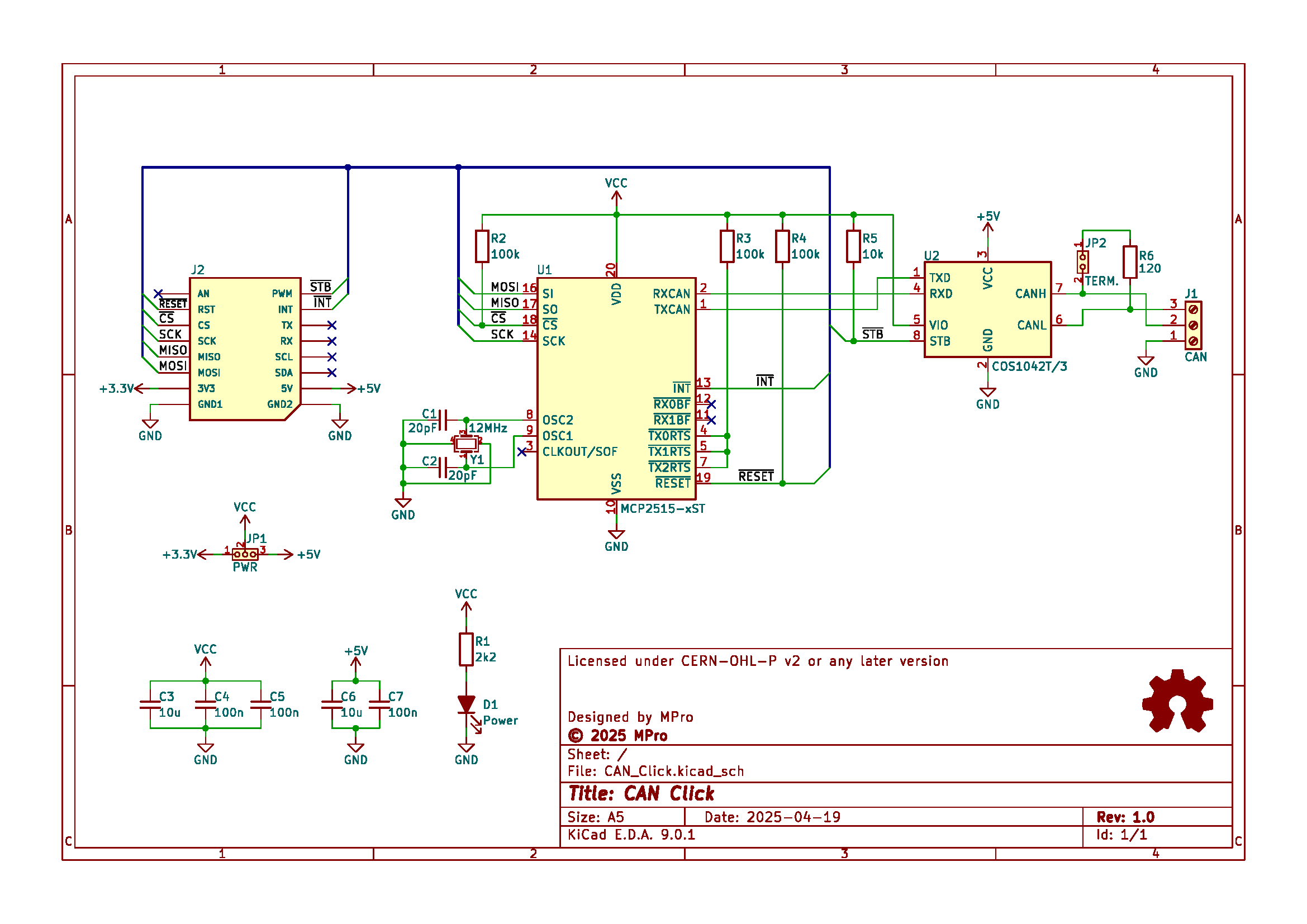
Main components on the CAN Click
CAN Click bill of materials (BOM)
20 components, 14 distinct parts — part numbers from the project's BOM.
| Qty | Part | Footprint | Refs |
|---|---|---|---|
| 1 | MCP2515-XST MCP2515-xST | TSSOP-20_4.4x6.5mm_P0.65mm | U1 |
| 1 | COS1042T/3 | SOIC-8_3.9x4.9mm_P1.27mm | U2 |
| 1 | 12MHZ 12MHz | Crystal_SMD_3225-4Pin_3.2x2.5mm | Y1 |
| 1 | ----- CAN | DG250-3.5-03P-11-00AH | J1 |
| 1 | C5383112 PWR | PinHeader_1x03_P2.54mm_Vertical | JP1 |
| 1 | C5383111 TERM. | PinHeader_1x02_P2.54mm_Vertical | JP2 |
| 1 | C2296 Power | LED_0805_2012Metric | D1 |
| 2 | 20PF 20pF | C_0805_2012Metric | C1, C2 |
| 2 | 10U 10u | C_0805_2012Metric | C3, C6 |
| 3 | 100N 100n | C_0805_2012Metric | C4, C5, C7 |
| 1 | 2K2 2k2 | R_0805_2012Metric | R1 |
| 3 | 100K 100k | R_0805_2012Metric | R2, R3, R4 |
| 1 | 10K 10k | R_0805_2012Metric | R5 |
| 1 | 120 | R_0805_2012Metric | R6 |
CAN Click design files
The KiCad project lives in the michpro/mikroBUS repository on GitHub; these links point at the commit this page was built from.
CAN Click: common questions
How big is the CAN Click PCB?
The CAN Click measures 25.4 × 42.9 mm, has 2 copper layers and is 1.6 mm thick.
How many components are on the CAN Click?
20 components, from 14 distinct parts, with part numbers taken from the project's own BOM. The full bill of materials is listed on this page.
Where can I download the CAN Click design files?
From the michpro/mikroBUS repository on GitHub, which has the KiCad layout, the schematic and the BOM; the links under Design files point to each one.
Can I use the CAN Click design in my own project?
Yes, under the terms of its CERN-OHL-P-2.0 license, which michpro chose for the repository.
More boards in mikroBUS
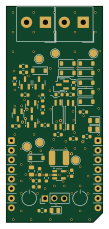
OpenTherm Click
25.4 × 57.2 mm47 parts2LCERN-OHL-P-2.03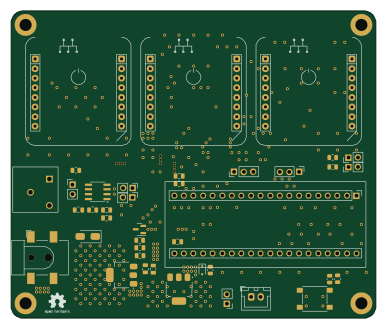
BluePill base board with 3 MikroBUS sockets
96.5 × 81.3 mm40 parts2LCERN-OHL-P-2.03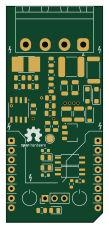
HLW8032 Click
25.4 × 57.2 mm37 parts2LCERN-OHL-P-2.03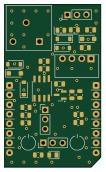
LIN Click
25.4 × 42.9 mm29 parts2LCERN-OHL-P-2.03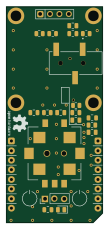
SCT-013 & UI Click
25.4 × 57.2 mm20 parts2LCERN-OHL-P-2.03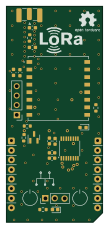
LoRa Click
25.4 × 57.2 mm19 parts2LCERN-OHL-P-2.03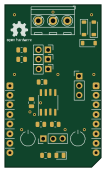
RS485 Click
25.4 × 42.9 mm18 parts2LCERN-OHL-P-2.03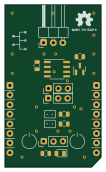
I2C to 1-Wire Click
25.4 × 42.9 mm12 parts2LCERN-OHL-P-2.03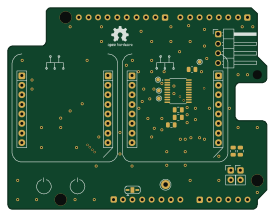
Arduino UNO Click shield
68.6 × 53.3 mm12 parts2LCERN-OHL-P-2.03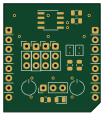
I^{2}C EEPROM Click
25.4 × 28.6 mm12 parts2LCERN-OHL-P-2.03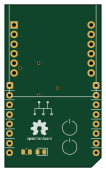
Ethernet W5500 mini Click
25.4 × 42.9 mm3 parts2LCERN-OHL-P-2.03