
Easyduino RP2040

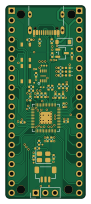
About the Easyduino RP2040 PCB
Easyduino RP2040 is an open source RP2040/RP2350 PCB design by Hanqaqa, published on GitHub under the CERN-OHL-P-2.0 license. It is a 4-layer board measuring 21 × 51 mm, with 44 components from 17 distinct parts.
Its main chip is the RP2040, from the RP2040/RP2350 family. Other key parts include the XC6206P332MR and W25Q16JVUXIQ. By type, the board carries 17 capacitors, 12 resistors, 5 connectors, 4 diodes, 3 ICs and 2 switches.
It belongs with the dev boards & breakouts designs in this gallery.
From the project
Easily dive into different PCB KiCad designs of the most popular microcontroller devboards
The new and easy to use Microcontroller from the Raspberry Pi Foundation. Now with a Reset button. Connect via USB, hold BOOTSEL (BT), press and release RESET(RST), then release BOOTSEL. You are now in Bootloader mode.
The mounting holes are not exactly in the same position as the original Pi Pico due to the size of USBC
KiCad's "Net classes" have been used in this schematic (The squares and romboids in the schematic). Net classes are useful for organising different nets on the circuit. For example, you can change all tracks widths for that net in just one menu.
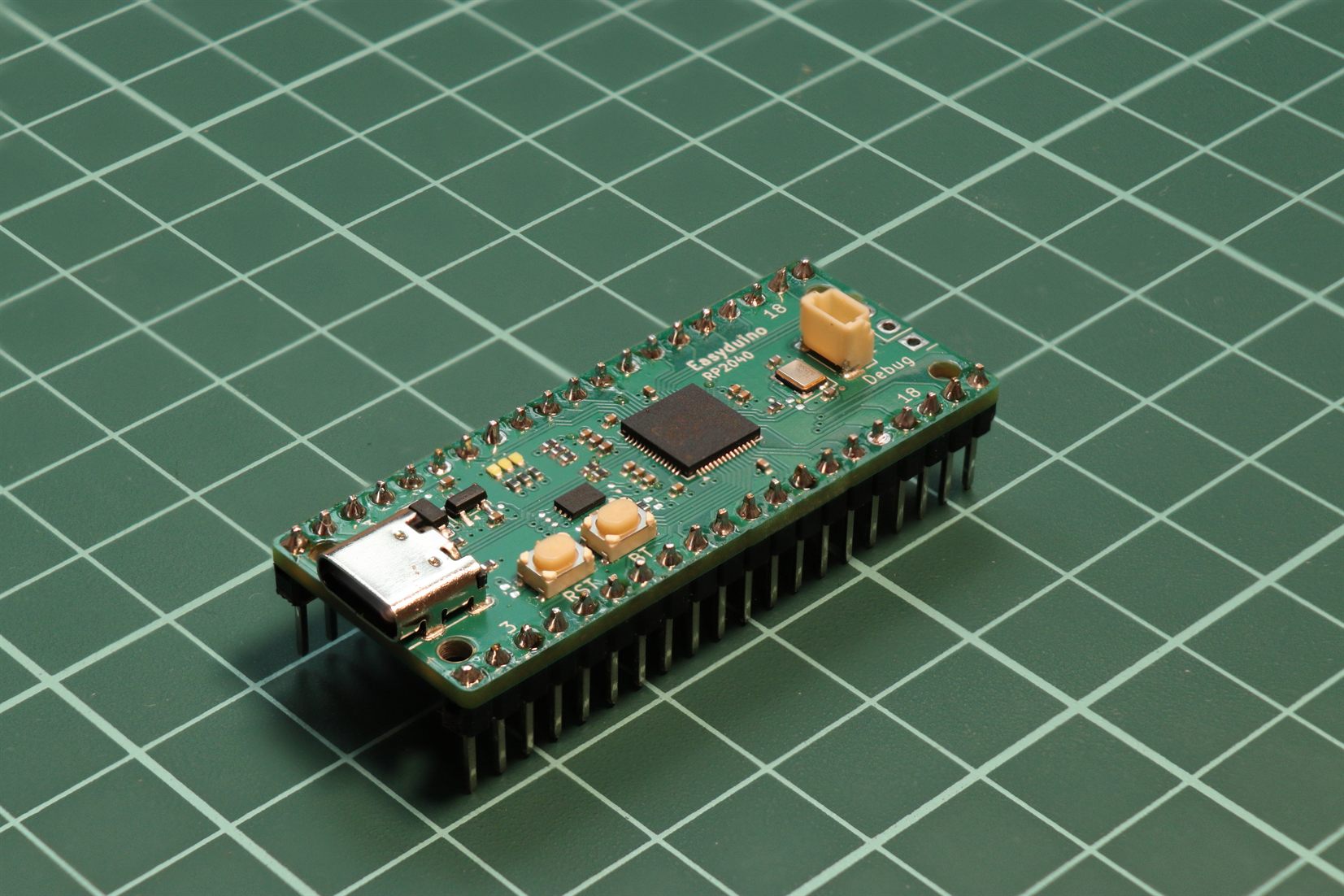
Main components on the Easyduino RP2040
Easyduino RP2040 bill of materials (BOM)
44 components, 17 distinct parts — part numbers from the project's BOM.
| Qty | Part | Footprint | Refs |
|---|---|---|---|
| 1 | XC6206P332MR | SOT-23-3 | U1 |
| 1 | RP2040 | QFN-56-1EP_7x7mm_P0.4mm_EP3.2x3.2mm | U2 |
| 1 | W25Q16JVUXIQ | W25Q16JVUXIQ | U3 |
| 1 | 12MHZ 12MHz | Crystal_SMD_3225-4Pin_3.2x2.5mm | Y1 |
| 1 | USB_C_RECEPTACLE_USB2.0 USB_C_Receptacle_USB2.0 | USB_C_Receptacle_G-Switch_GT-USB-7010ASV | J1 |
| 2 | CONN_01X20 Conn_01x20 | PinHeader_1x20_P2.54mm_Vertical | J3, J4 |
| 1 | CONN_01X03 Conn_01x03 | PinHeader_1x03_P2.54mm_Vertical | J5 |
| 1 | CONN_01X03_MOUNTINGPIN Conn_01x03_MountingPin | JST_SH_BM03B-SRSS-TB_1x03-1MP_P1.00mm_Vertical | J6 |
| 2 | SW_Push | ALPSALPINE_SKRPACE010 | SW1, SW2 |
| 1 | C8598 D_Schottky | D_SOD-123 | D1 |
| 3 | LED | LED_0402_1005Metric | D2, D3, D4 |
| 11 | 100NF 100nF | C_0402_1005Metric | C1, C2, C5, C6, C7, C8, C9, C10 +3 |
| 4 | 1UF 1uF | C_0402_1005Metric | C3, C4, C13, C14 |
| 2 | 27P 27p | C_0402_1005Metric | C16, C17 |
| 5 | 5.1K 5.1k | R_0402_1005Metric | R1, R2, R3, R6, R7 |
| 2 | 27R | R_0402_1005Metric | R4, R5 |
| 5 | 1k | R_0402_1005Metric | R9, R12, R13, R14, R15 |
Easyduino RP2040 design files
The KiCad project lives in the Hanqaqa/Easyduino repository on GitHub; these links point at the commit this page was built from.
Easyduino RP2040: common questions
What microcontroller does the Easyduino RP2040 use?
The Easyduino RP2040 is built around the RP2040, from the RP2040/RP2350 family.
How big is the Easyduino RP2040 PCB?
The Easyduino RP2040 measures 21 × 51 mm, has 4 copper layers and is 1.6 mm thick.
How many components are on the Easyduino RP2040?
44 components, from 17 distinct parts, with part numbers taken from the project's own BOM. The full bill of materials is listed on this page.
Where can I download the Easyduino RP2040 design files?
From the Hanqaqa/Easyduino repository on GitHub, which has the KiCad layout, the schematic and the BOM; the links under Design files point to each one.
Can I use the Easyduino RP2040 design in my own project?
Yes, under the terms of its CERN-OHL-P-2.0 license, which Hanqaqa chose for the repository.
Can I test firmware for the Easyduino RP2040 without the hardware?
Yes. HardLabs builds a simulation of the board from its netlist and BOM, so you can run and debug RP2040/RP2350 firmware against it before you order a PCB.
More boards in Easyduino
 ESP32
ESP32Easyduino ESP32S3
25.9 × 63.9 mm35 parts4LCERN-OHL-P-2.0746 AVR/Arduino
Easyduino Atmega
68.8 × 53.6 mm35 parts4LCERN-OHL-P-2.0746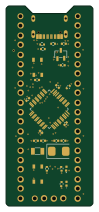 STM32
STM32Easyduino STM32F103
23 × 53 mm30 parts4LCERN-OHL-P-2.0746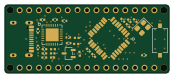 AVR/Arduino
Easyduino Atmega Nano
43.4 × 18 mm30 parts4LCERN-OHL-P-2.0746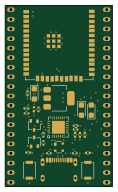 ESP32
ESP32Easyduino ESP32
28.4 × 47.9 mm29 parts4LCERN-OHL-P-2.0746
Similar boards
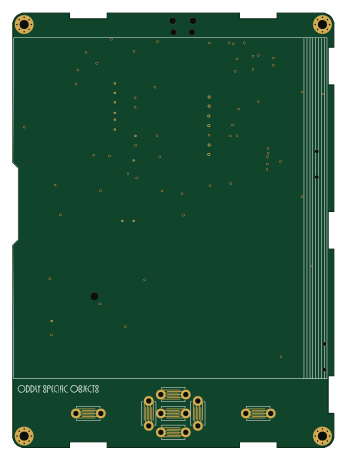 RP2040/RP2350
Open Book Abridged Edition
joeycastillo
85 × 115 mm29 parts2LCC-BY-SA-4.08.1k RP2040/RP2350
Corne
foostan
277.2 × 107.5 mm164 parts2LCC-BY-4.07.7k RP2040/RP2350
Corne
277.2 × 107.5 mm164 parts2LCC-BY-4.07.7k RP2040/RP2350
Msa
Mentra-Community
47.8 × 9.4 mm53 parts2LMIT1.2k RP2040/RP2350
Open Source Smart Glasses
93 × 10.5 mm80 parts4LMIT1.2k RP2040/RP2350
MSA
30.5 × 138 mm61 parts2LMIT1.2k